/ Masking
Change one detail.Not the whole image.
Mark an area, describe the change. Perspective, architecture and lighting stay exactly as they are — no new render.
We don't train models with your images or projects.
You decide what changes.
Only the marked area ever changes. Four examples from practice.
Replace furniture
Armchair, table or lamp — the rest of the room stays untouched.
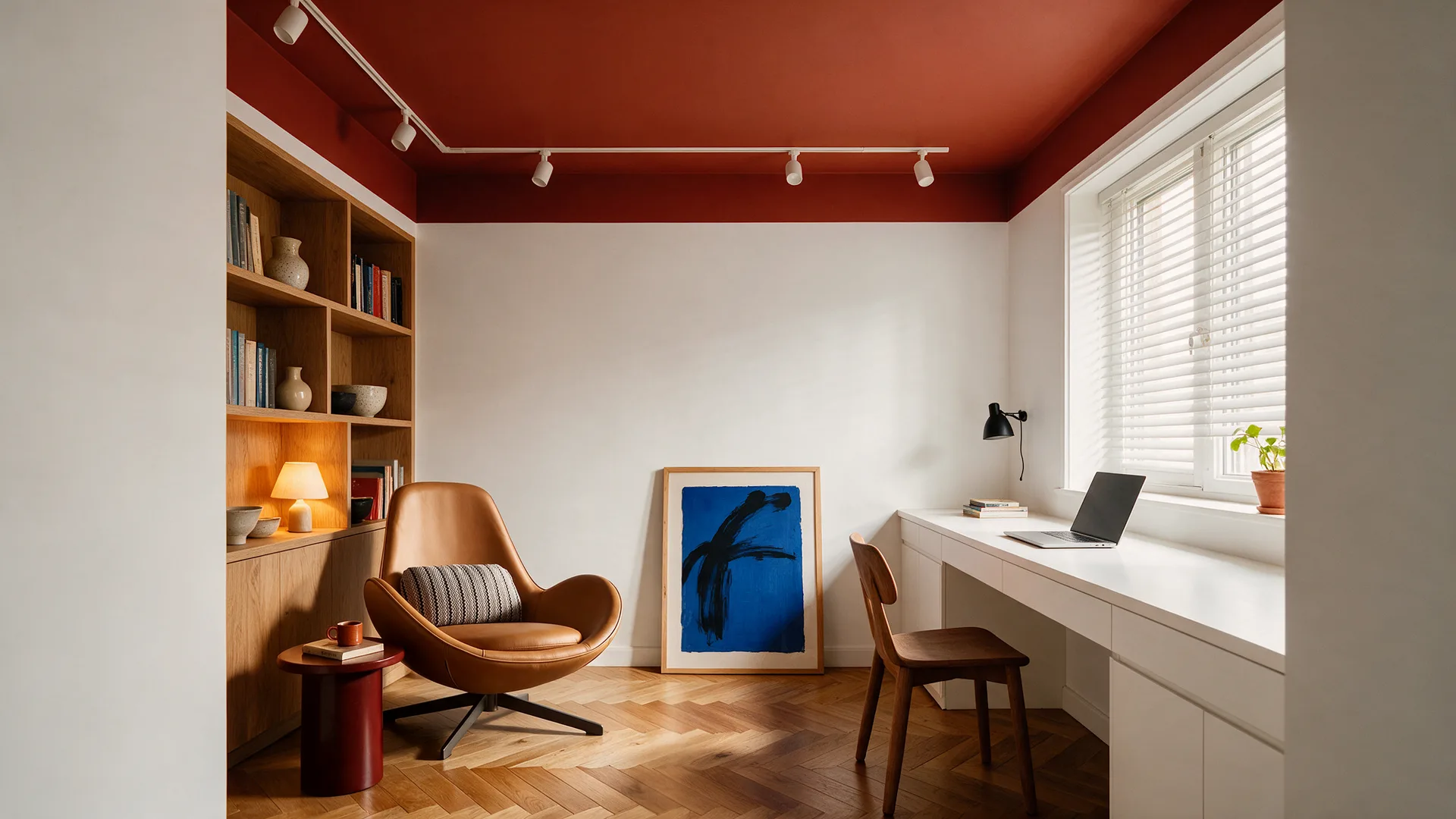
Swap materials
Wood instead of concrete, stone instead of plaster — the geometry stays exactly the same.
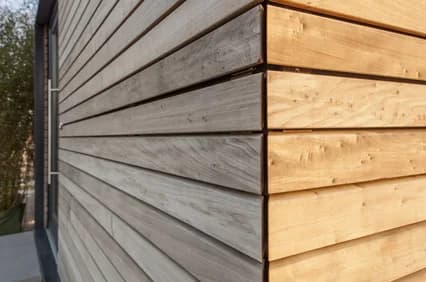
Add elements
A plant, a lamp, a picture — exactly where it is missing.
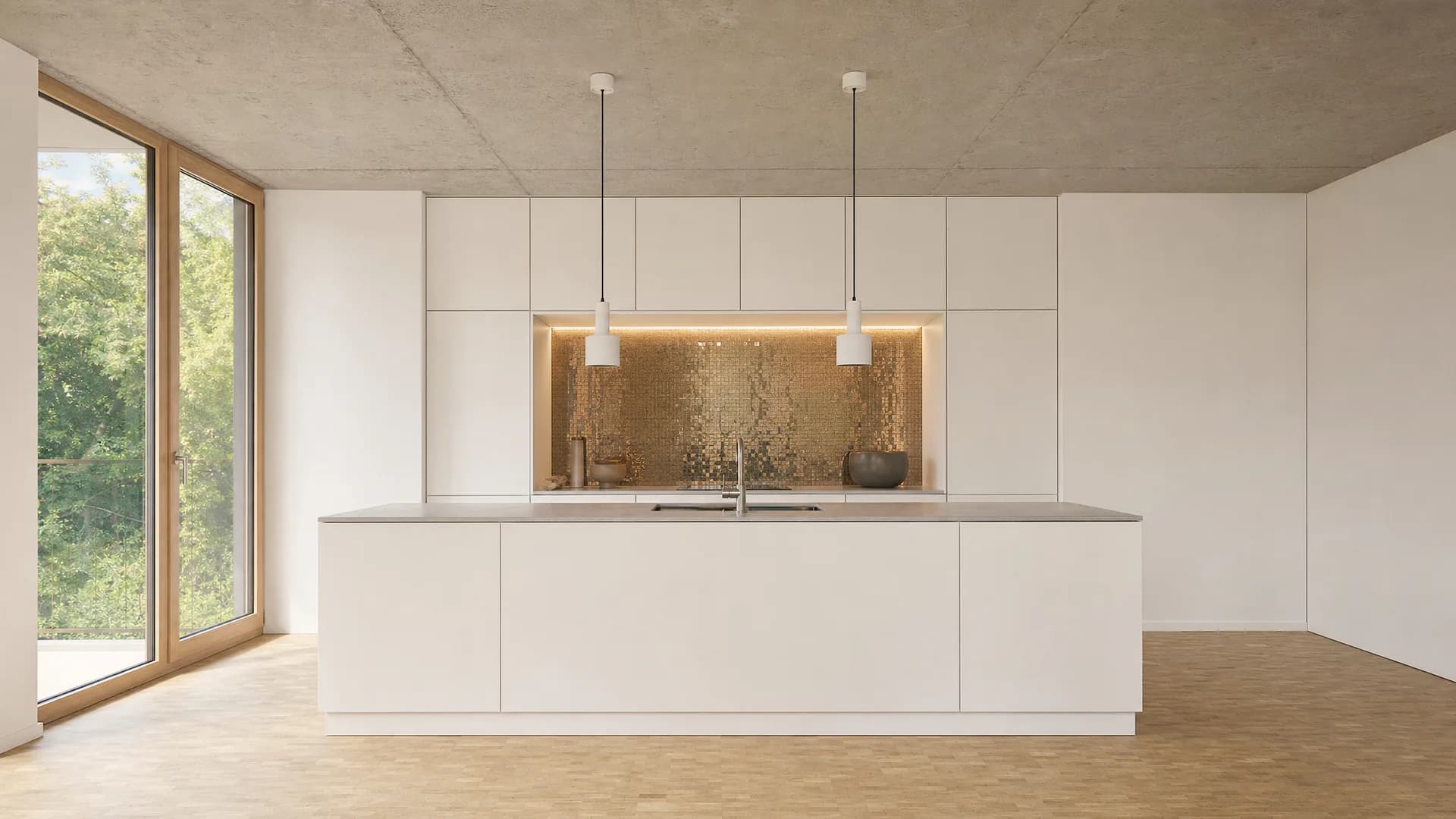
Add people
People for scale and life — at exactly the marked spot.
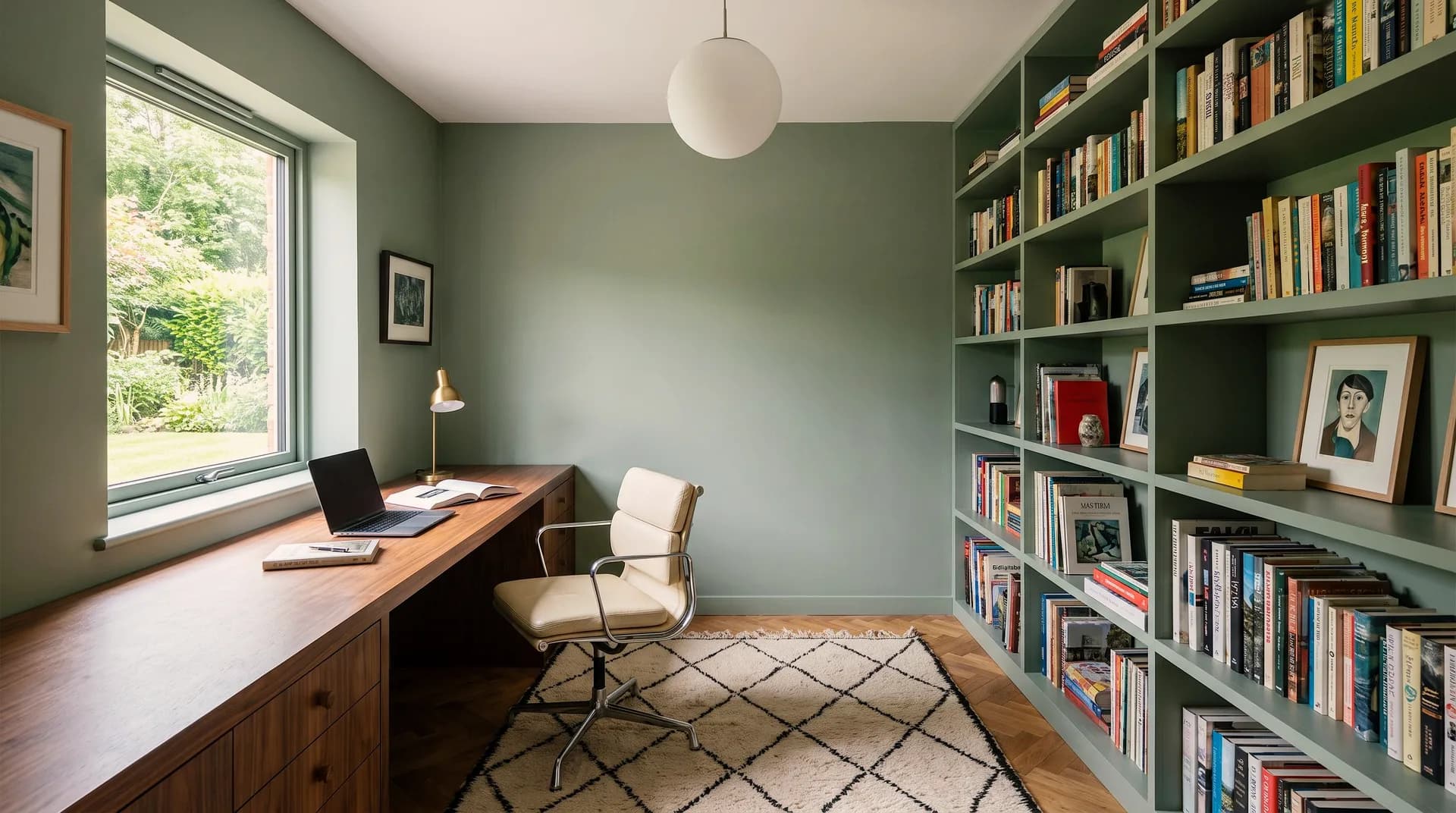
/ Gallery
What Professionals Create with Vizera
Real projects visualized with Vizera – from concept studies and material variants to presentation-ready images.
3
Frequently asked questions
Everything you need to know about masking.
Nothing. Only the marked area is changed — perspective, architecture, lighting and all other parts of the image remain untouched. That is why image quality holds up even after several consecutive edits.
Roughly is enough. You trace the area with the mouse; the edges are blended automatically when the change is applied. Pixel-perfect cutouts like in Photoshop are not needed.
Very small details, highly reflective surfaces and transparent materials such as glass are demanding — especially when the change would have to repeat in a reflection. In those cases a fresh generation gets you there faster.
No. Masking works on the finished image — a render, a photo or a screenshot. Your model stays untouched.
A few seconds per pass. You see the result directly in the image and can immediately re-describe the area if it is not right yet.
No — neither now nor later. Your uploads and results are processed exclusively for your visualizations. Hosted in Europe, Swiss hosting in preparation.
