Your image is the starting point
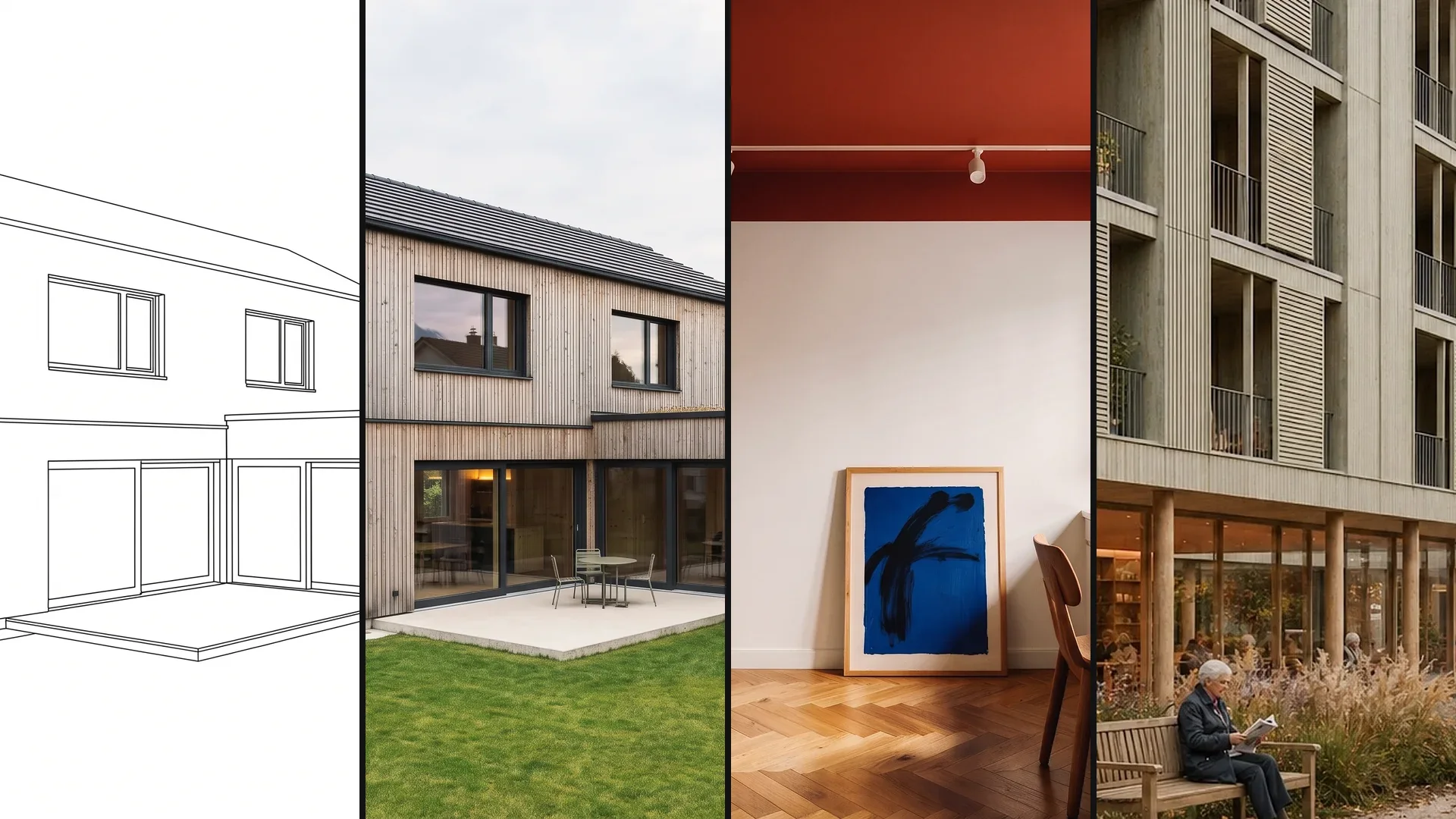
Your 3D model, a photo of the existing building, a sketch or an image export from CAD: Vizera works with what your project already has – images as JPG or PNG up to 5 MB.
Vizera accompanies a project through its phases: from the first massing through the competition and the facade to the client presentation. Pick a use case – or your profession.
Competition, facade or kitchen: working with Vizera follows the same principles in every use case.
Your 3D model, a photo of the existing building, a sketch or an image export from CAD: Vizera works with what your project already has – images as JPG or PNG up to 5 MB.
You create several variants, place them side by side in Boards and choose. You decide what goes into the meeting and what gets decided.
With masking, you change only the marked area; with up to six reference images, you set material or style. The rest of the image stays as it is.
Test massing on site, find an atmosphere for the jury, turn the model view into an image: use cases for the early phases, where a design's stance takes shape.
01
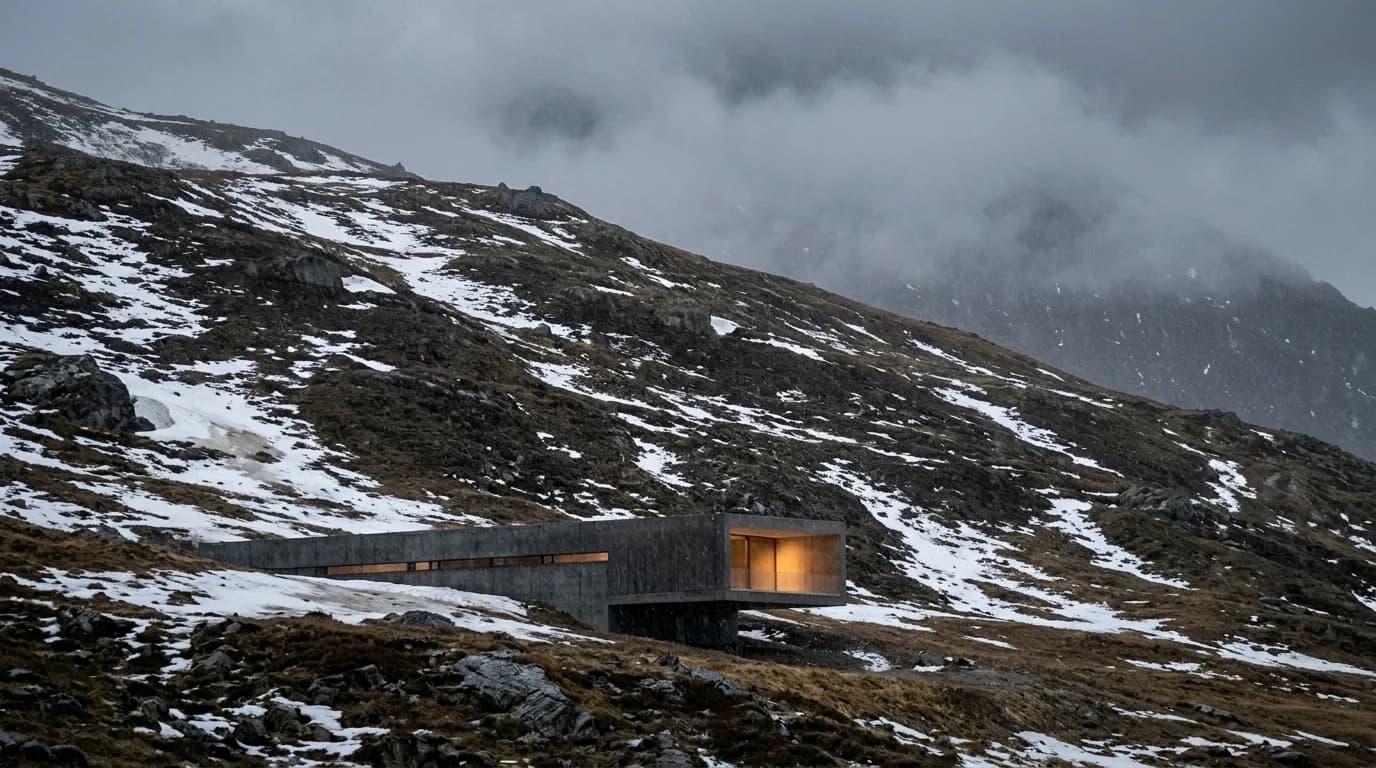
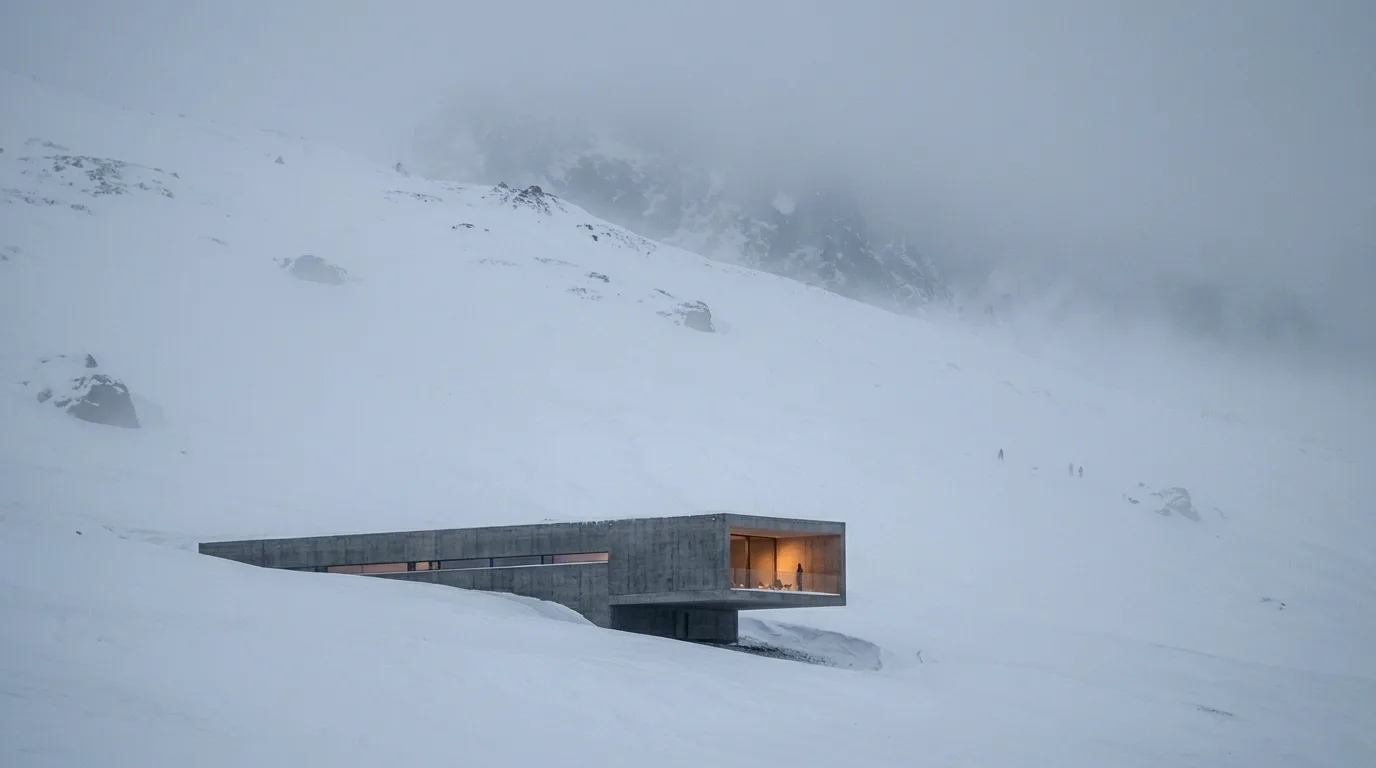
From the first massing to the images for the boards: atmosphere, light and fog for the jury – with a consistent mood across all images of an entry.
02
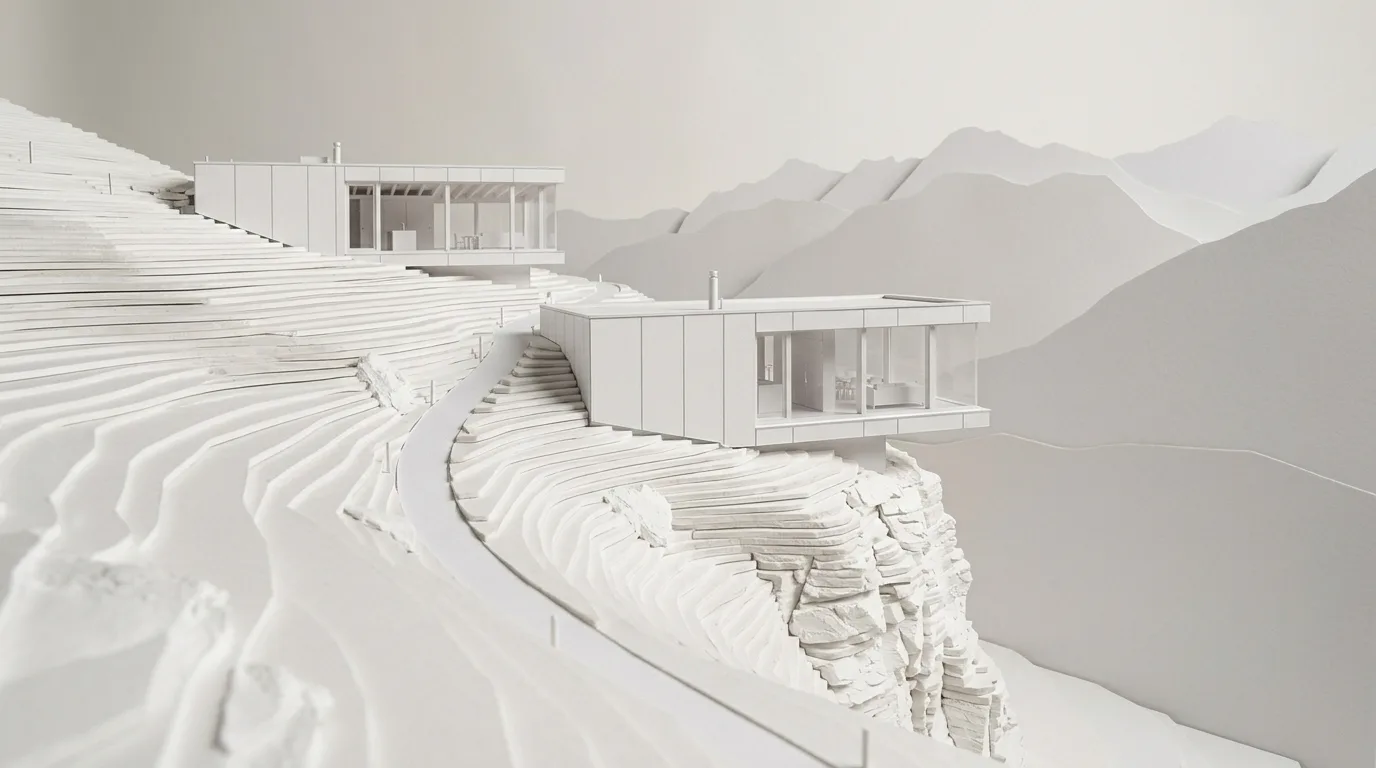
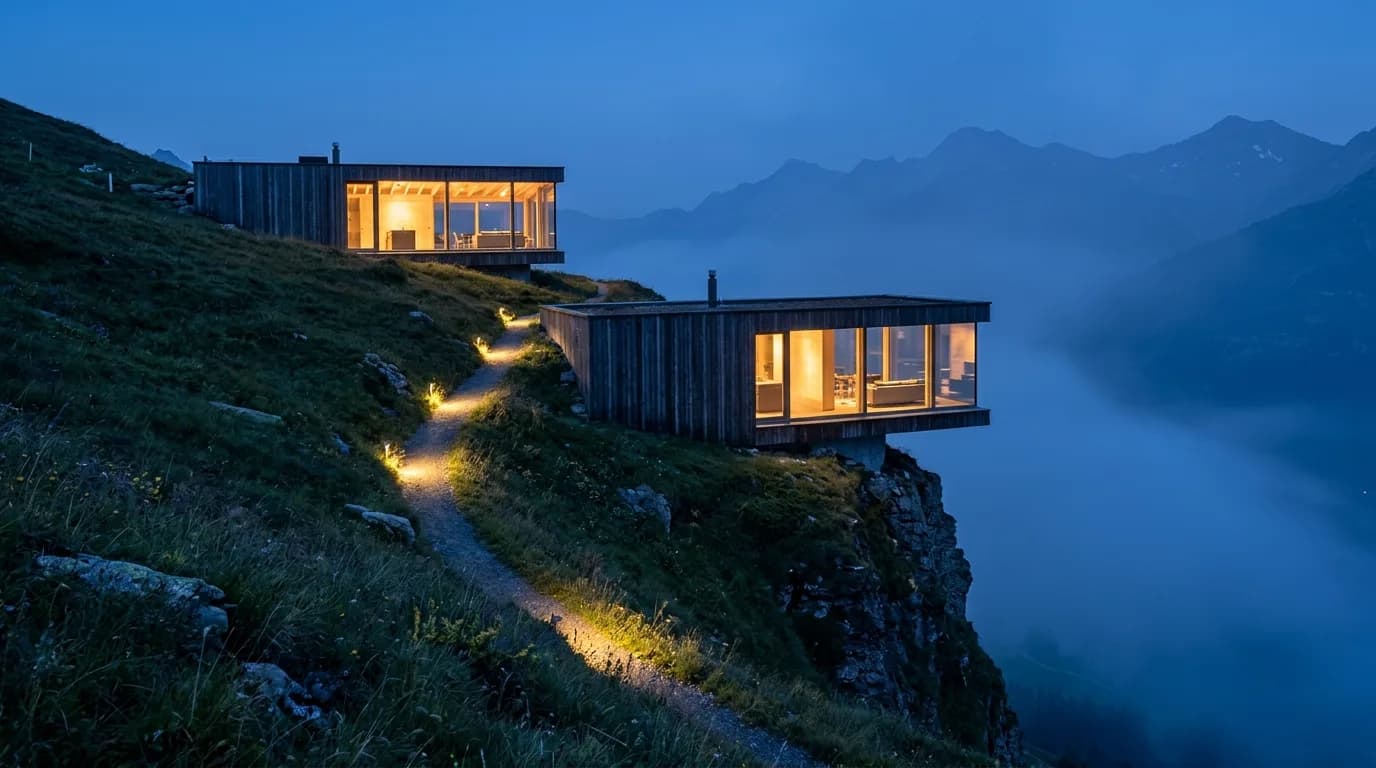
The view of your 3D model becomes an image with material, light and surroundings – without your own rendering setup and without waiting for the render farm.
03
Contrast, colored light, fog or night: show the same design in the presentation that suits the project phase and the audience.
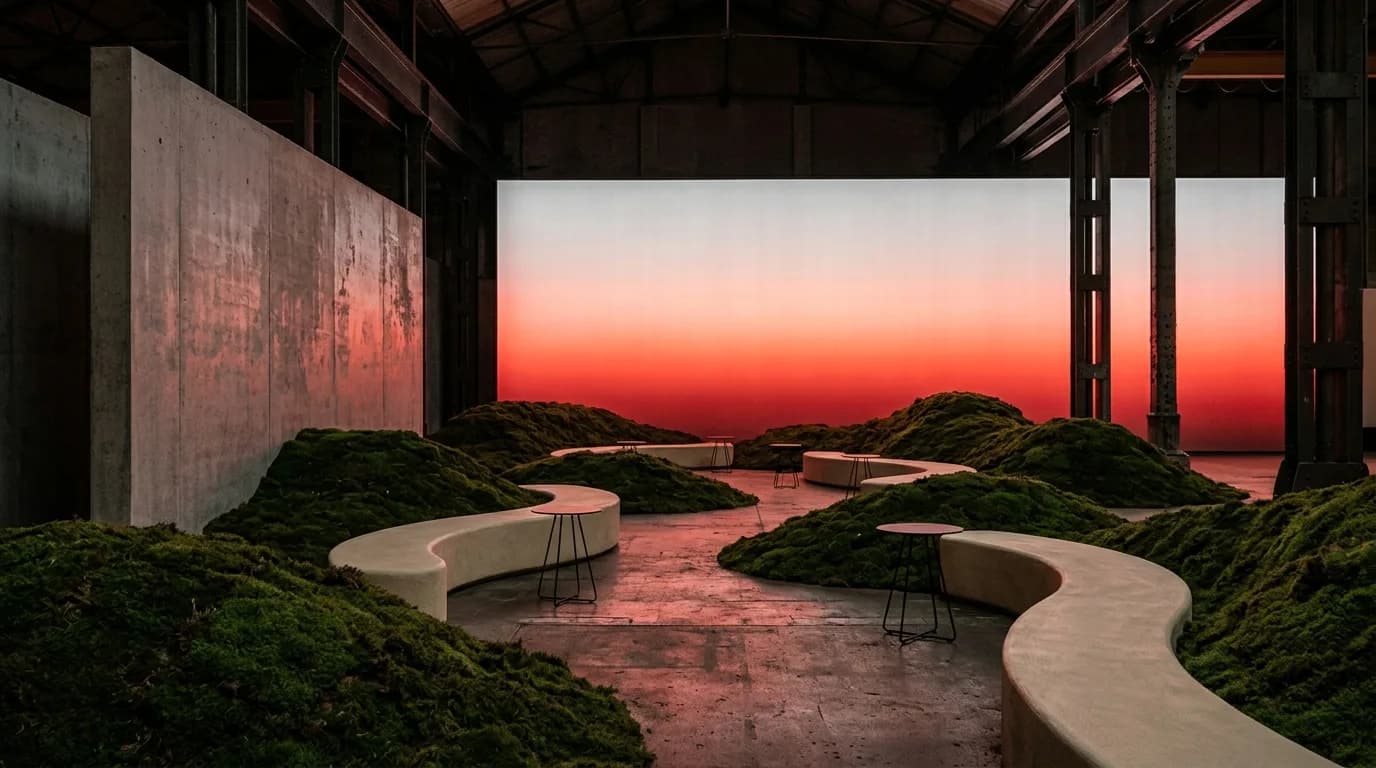
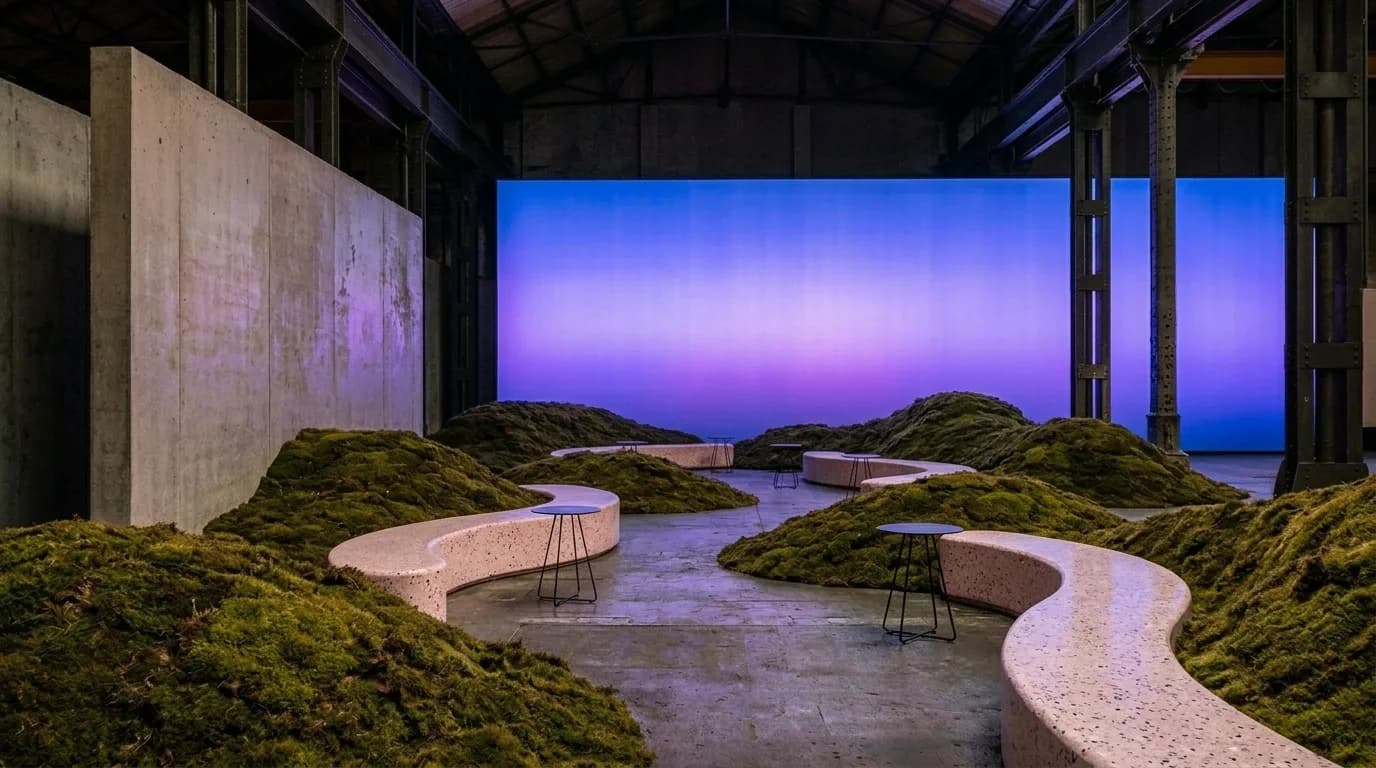
Compare material, color and articulation of the building envelope, on new builds and existing houses alike. For clients, owners and property managers, before samples and scaffolding are ordered.
01
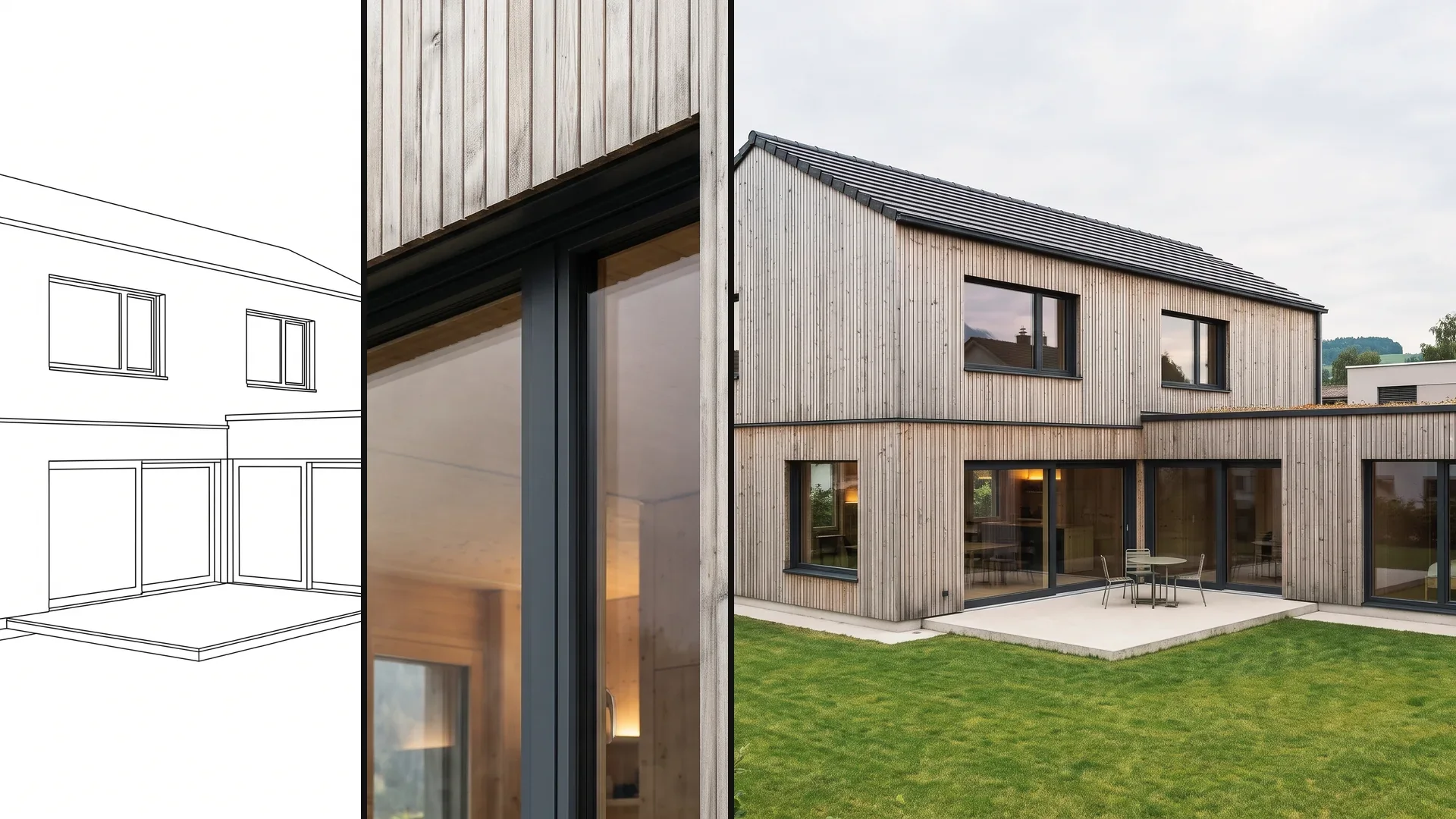
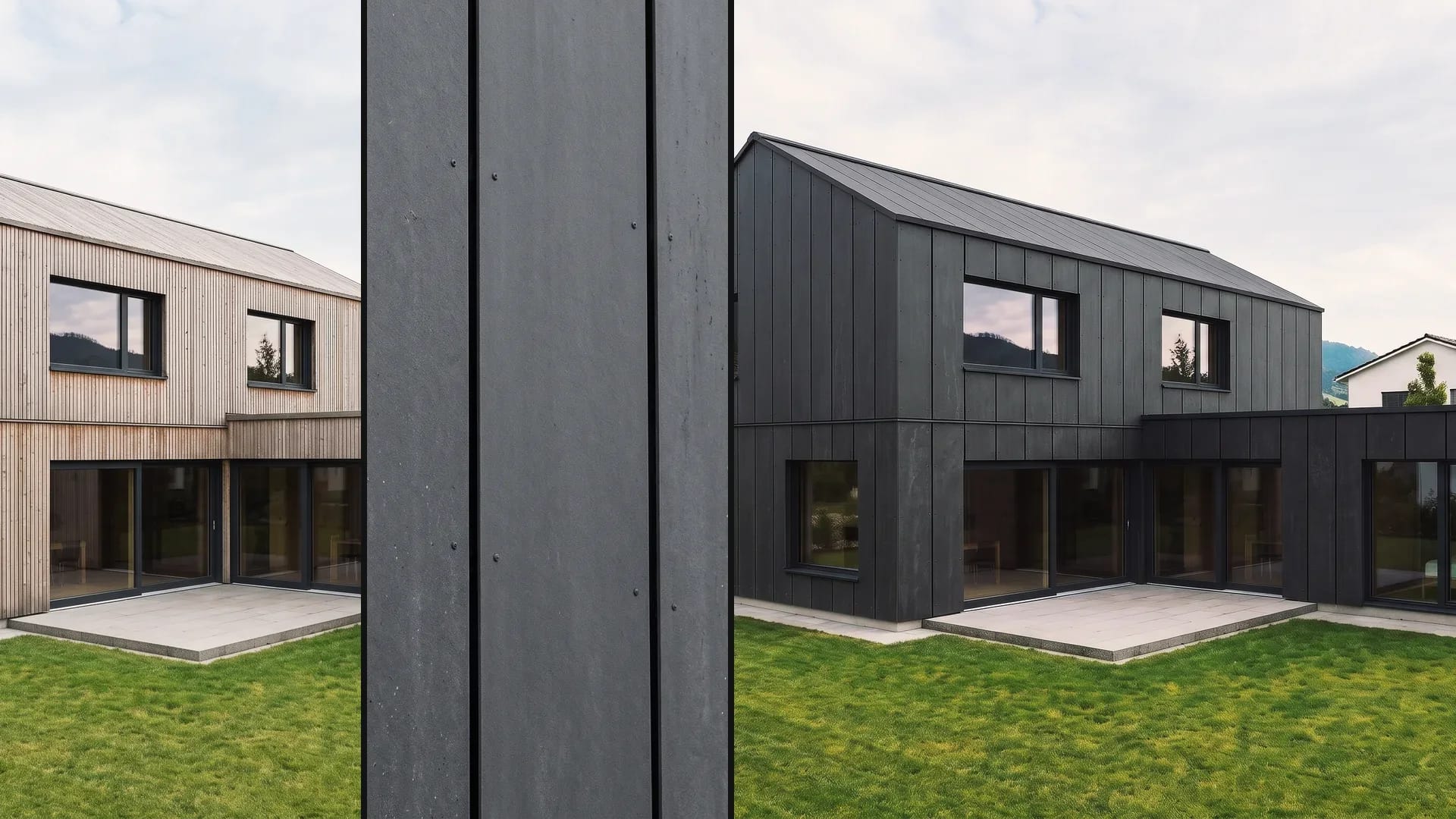
Wood, plaster or facade panels on the same volume: compare material, color and articulation before the building envelope is fixed.

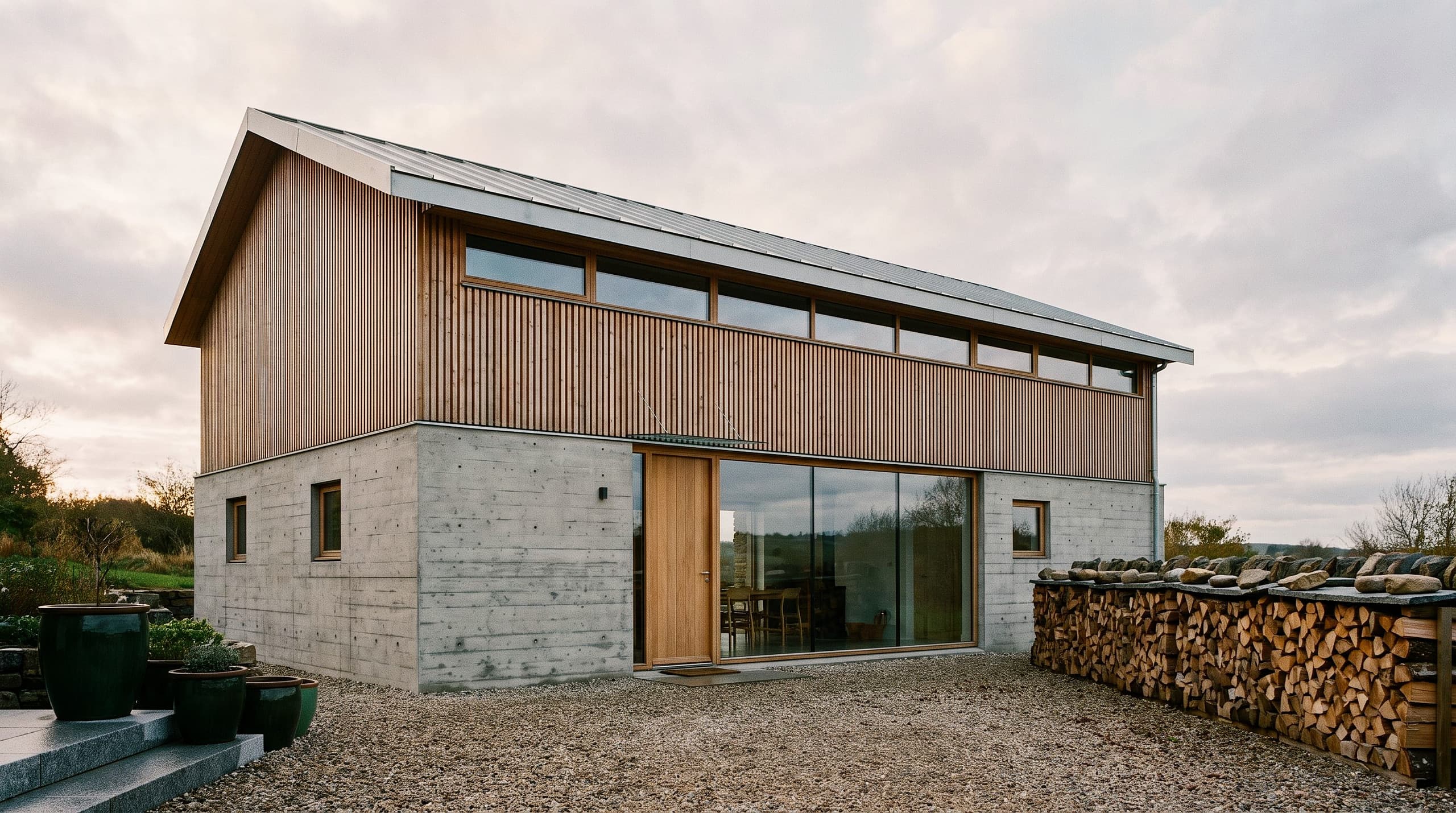
02
On the image of the existing house, you show the color concept, plaster and the renewal of kitchen and bathroom – before quotes are requested.
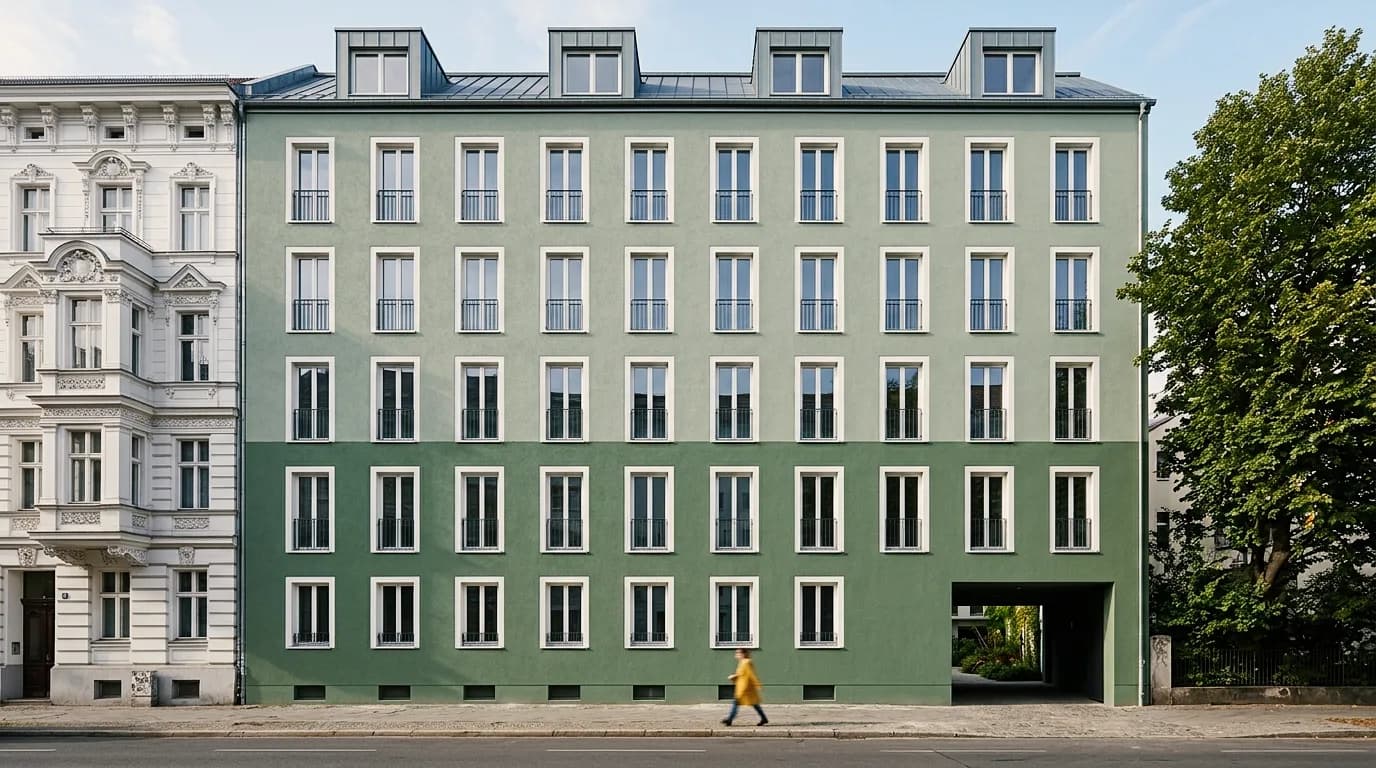
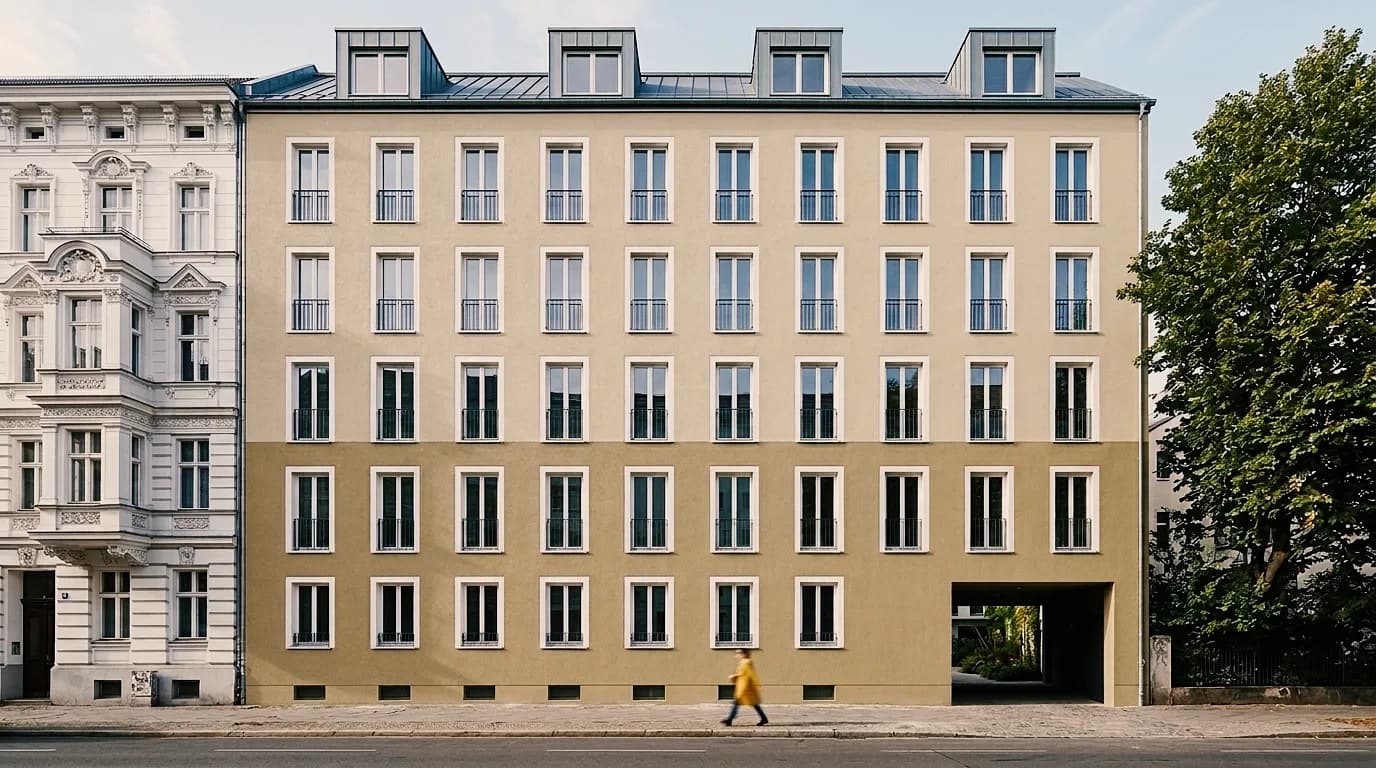
03
On the photo of the existing house, you show new plaster, new color and texture – owners and property managers decide before scaffolding and samples are ordered.
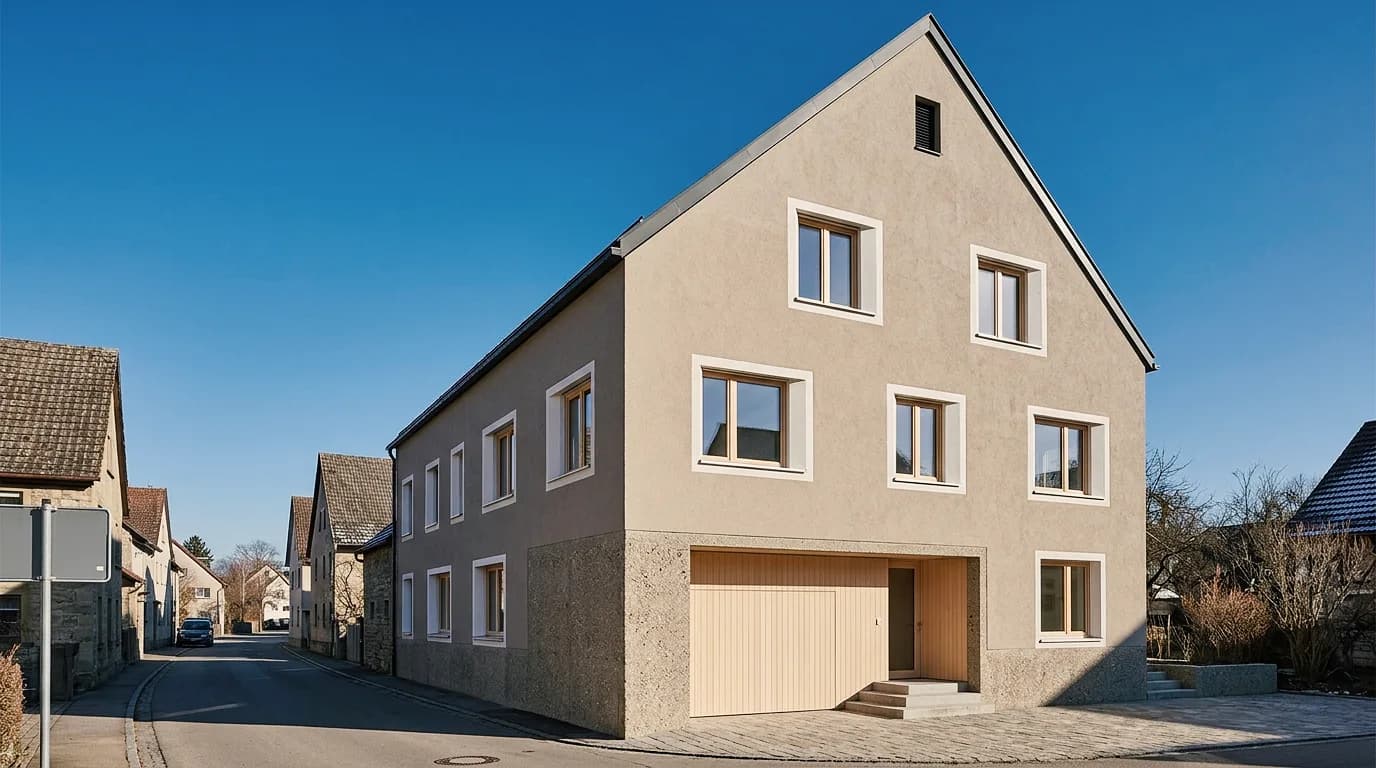
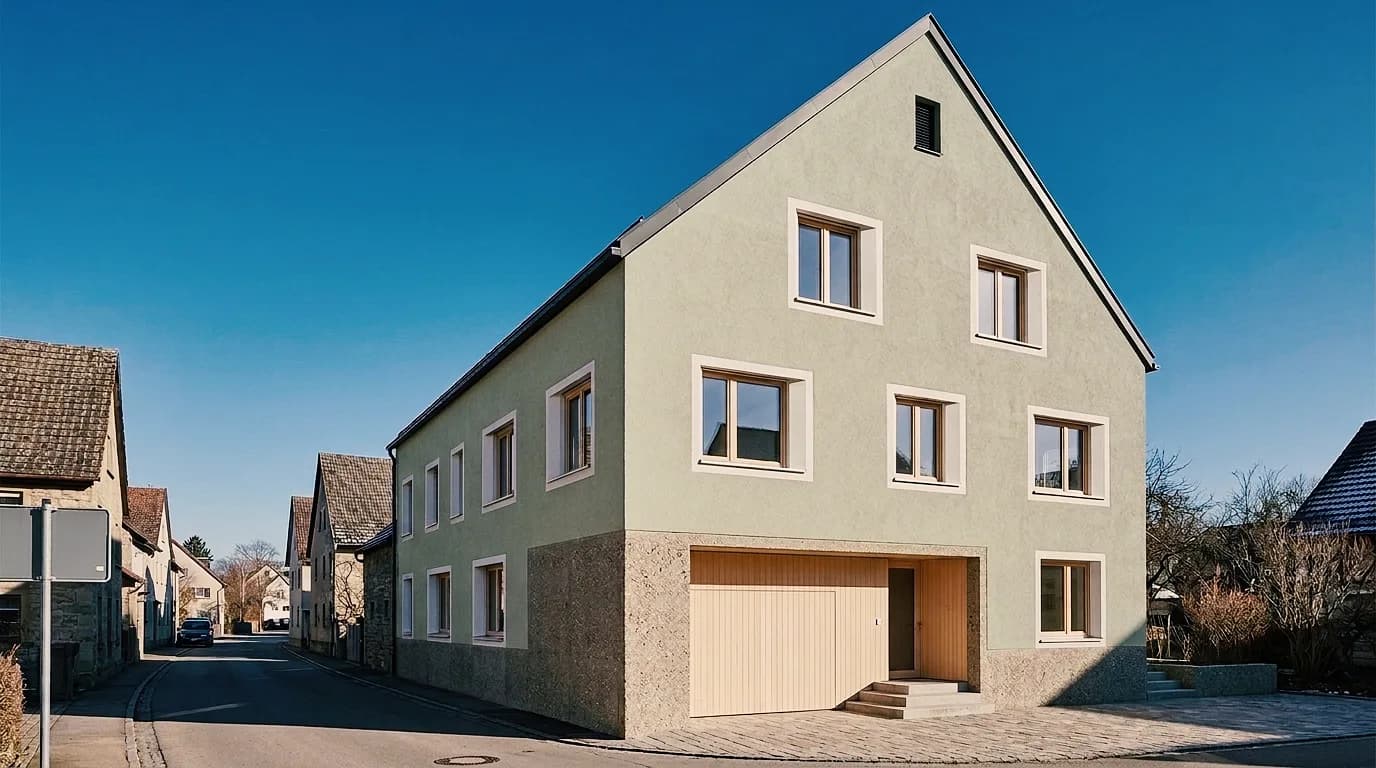
Show material concept, furniture and light in the room – from moodboard to client presentation. For interior designers, planning firms and marketing.
01
The same apartment with different furnishings: settle style, materials and furniture early in the concept, together with your clients.
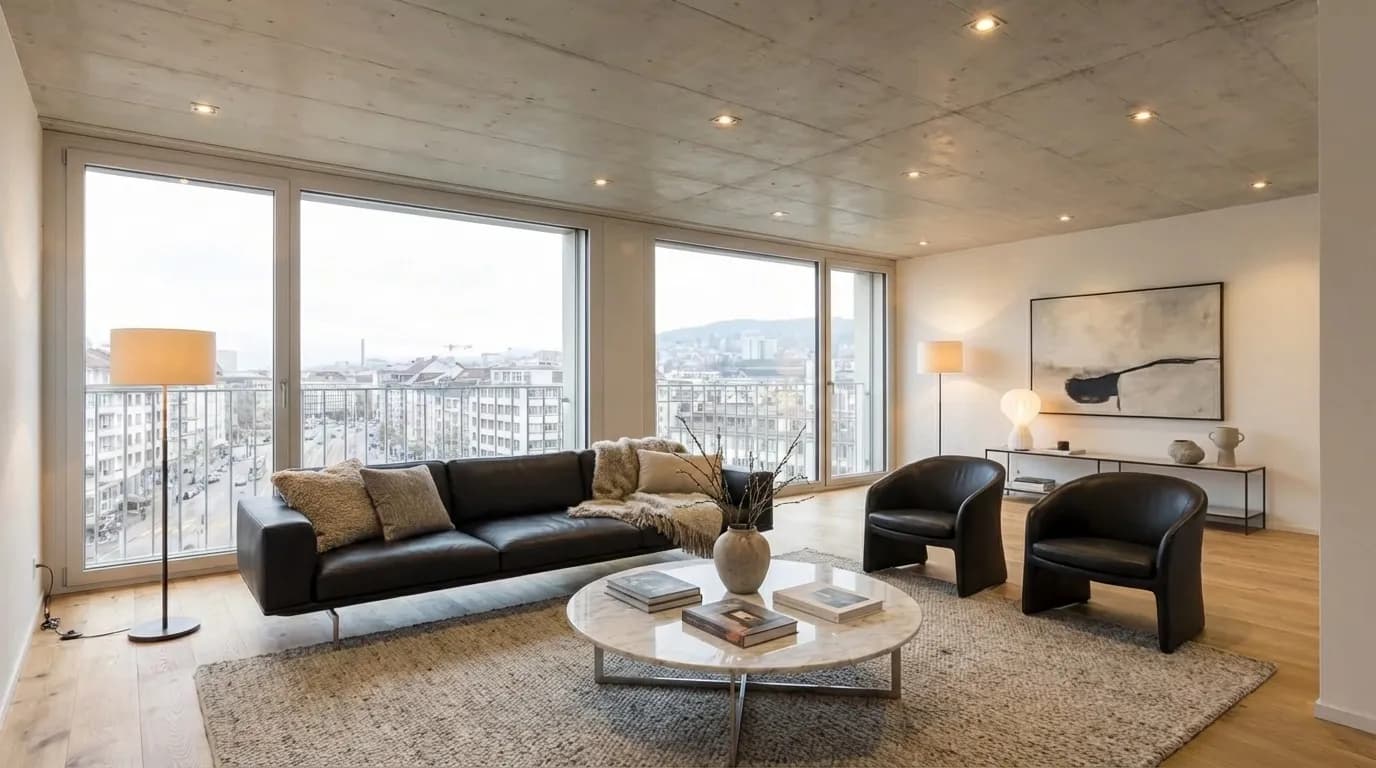

02
Furnish rooms for marketing: prospects see an apartment's scale and use before the first piece of furniture is delivered.
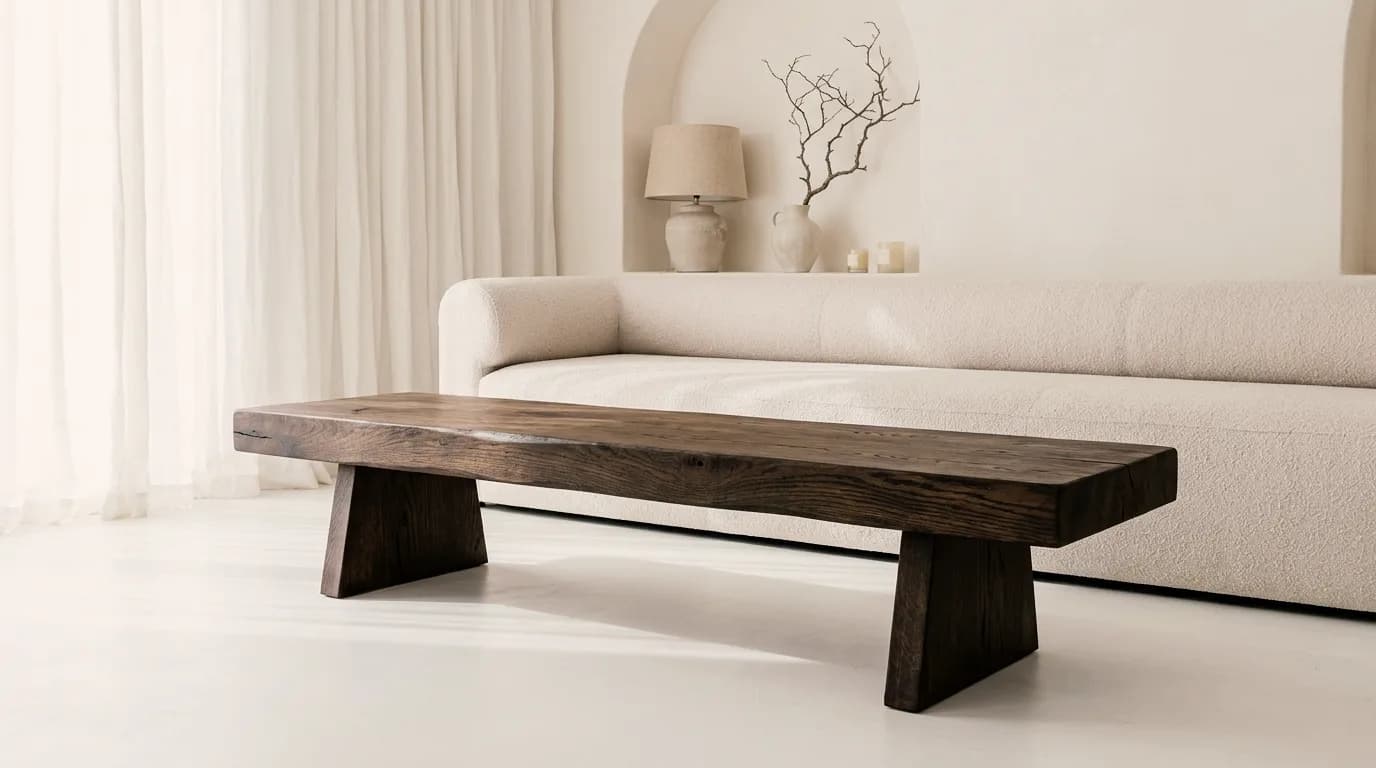
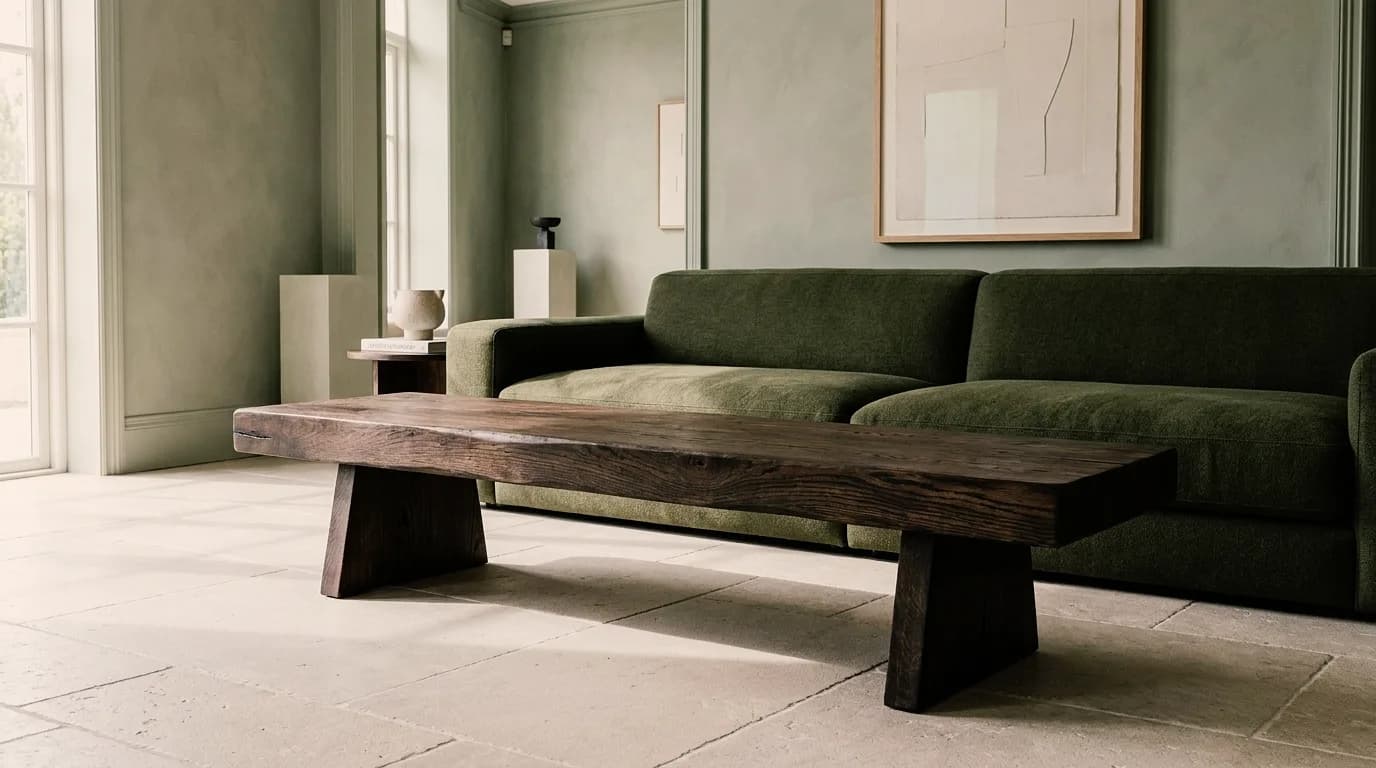
03
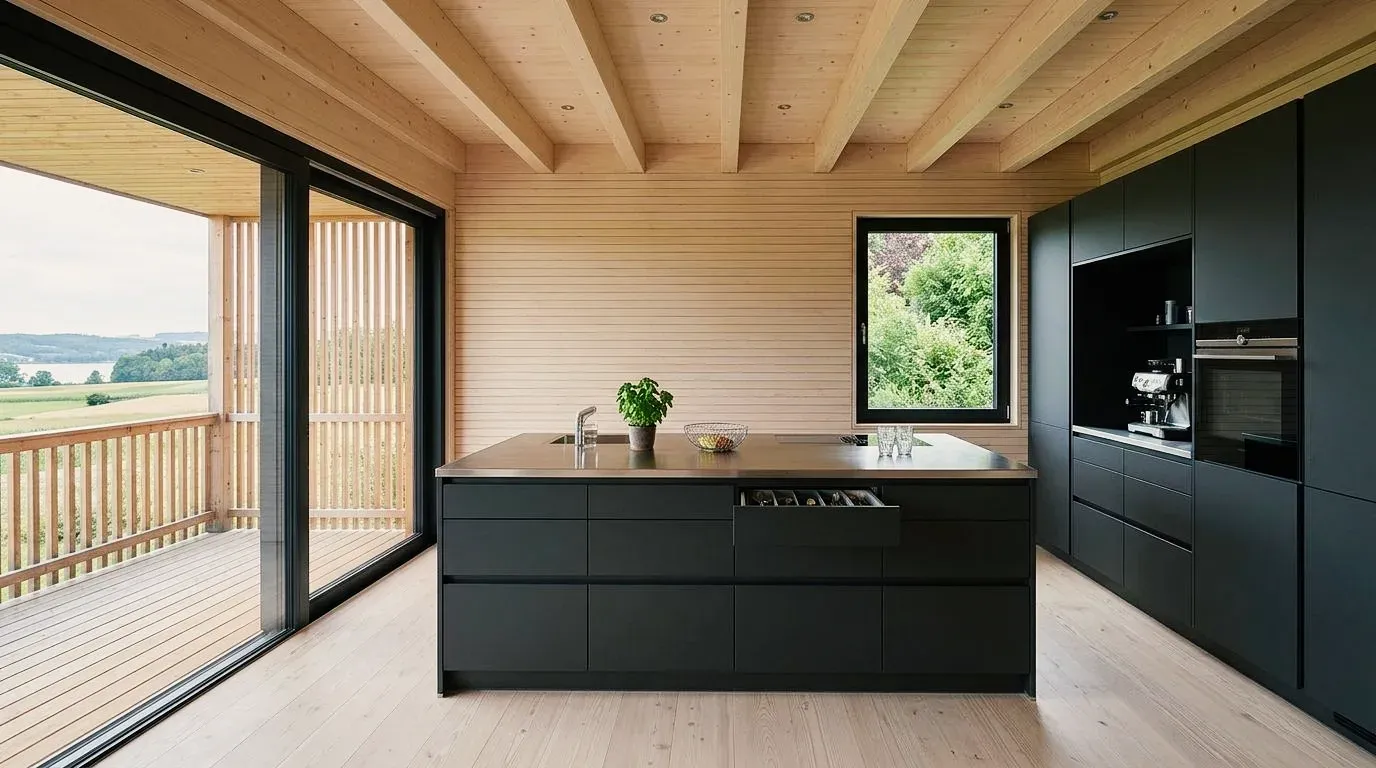
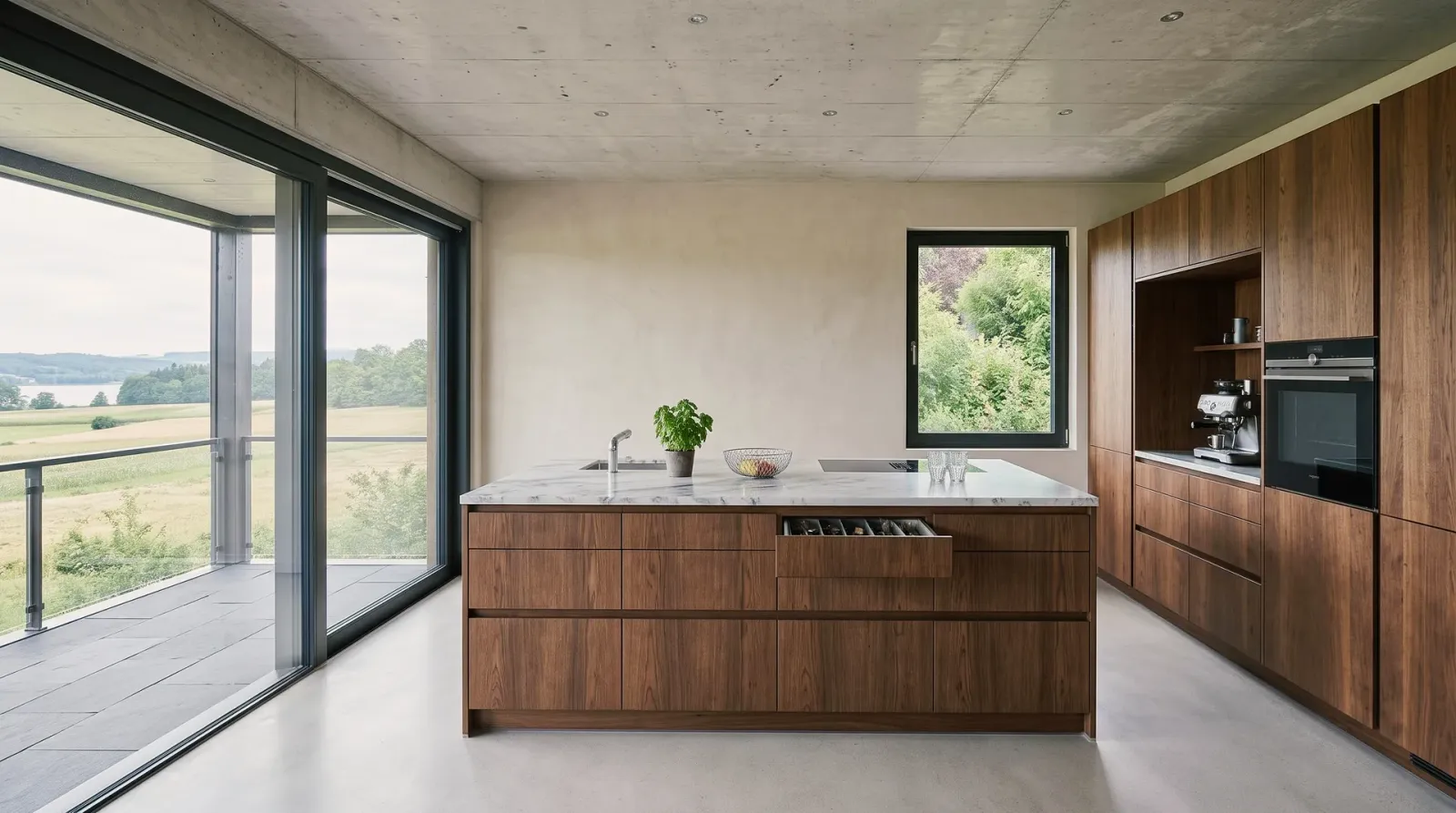
Kitchen plan, sketch or photo becomes the image of the kitchen – fronts, worktop and light changed before it's ordered.
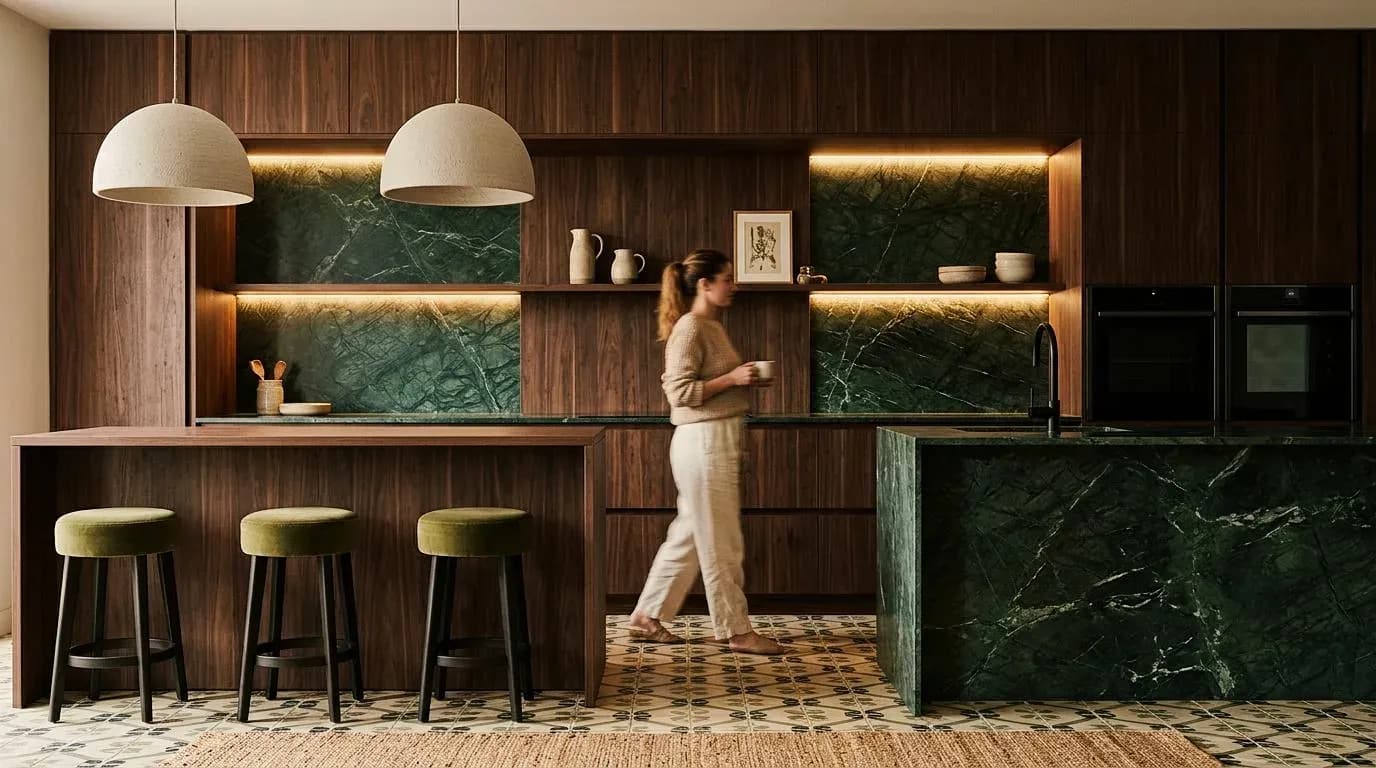
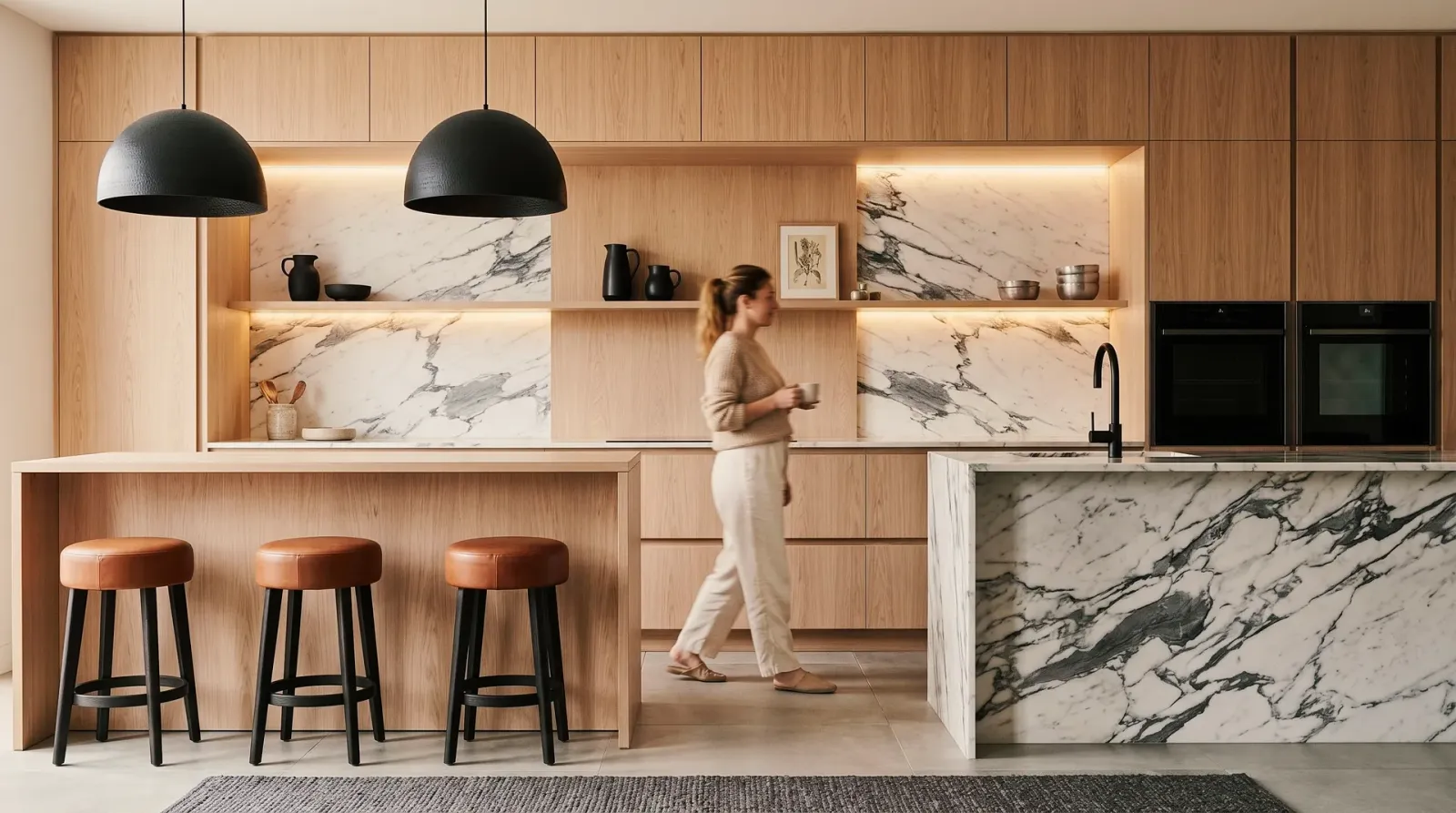
Prepare options for the client meeting and show projects before construction starts. Images that make a decision easier instead of anticipating it.
01
A project's variants, materials and moods, prepared for the meeting. Your clients decide on the image, not from a sample catalog.
02
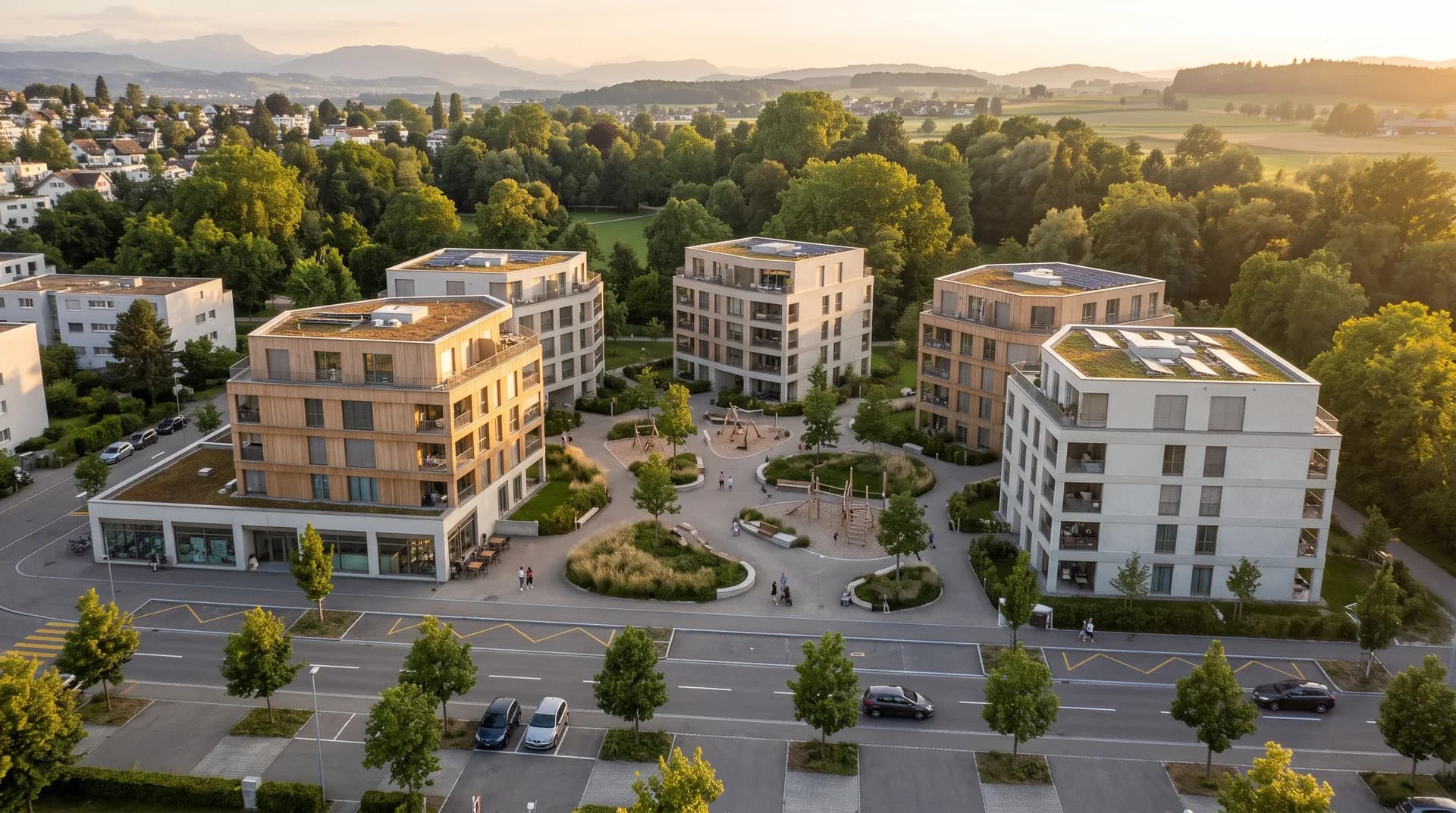
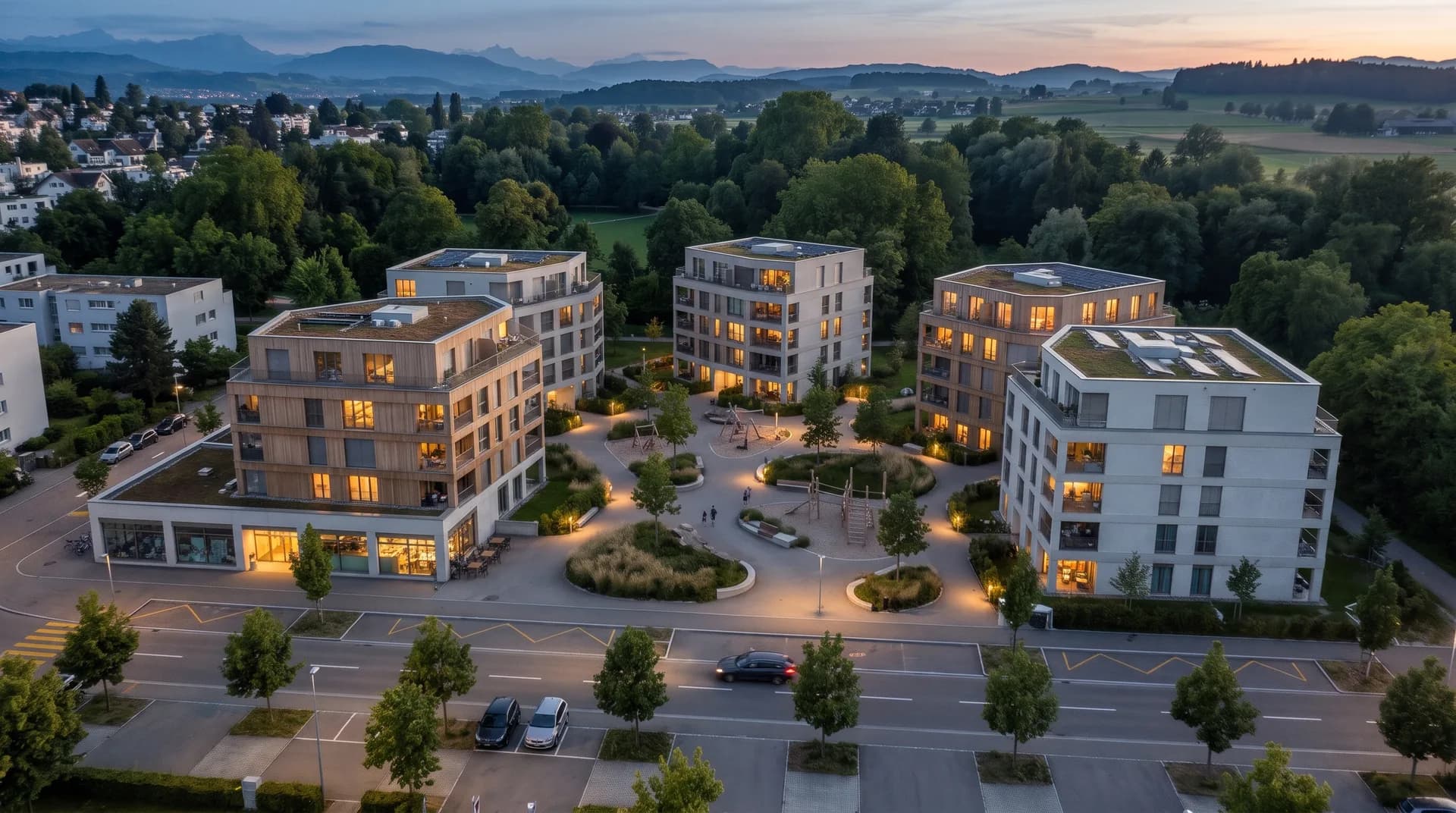
Market projects before construction starts and show existing properties in the best light – from the ensemble in the evening to the furnished apartment.
03
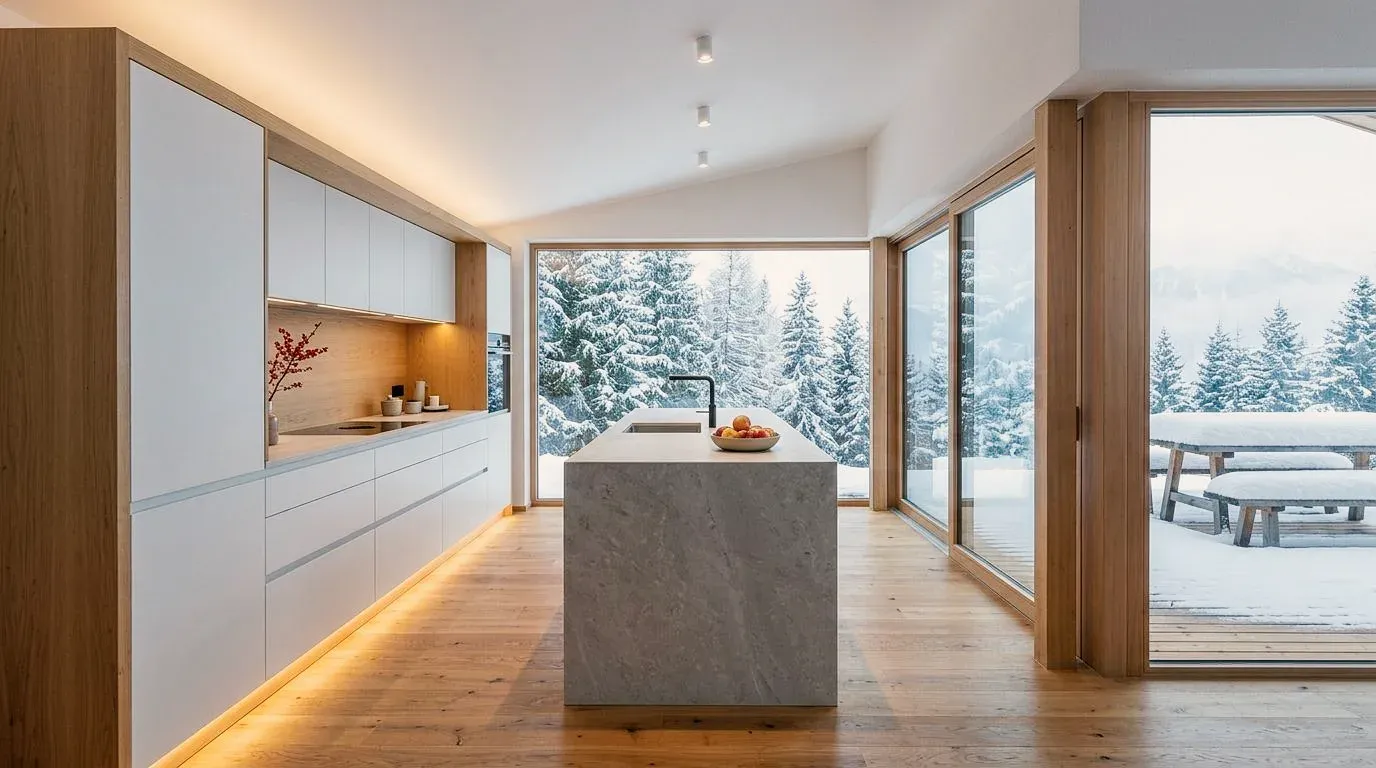
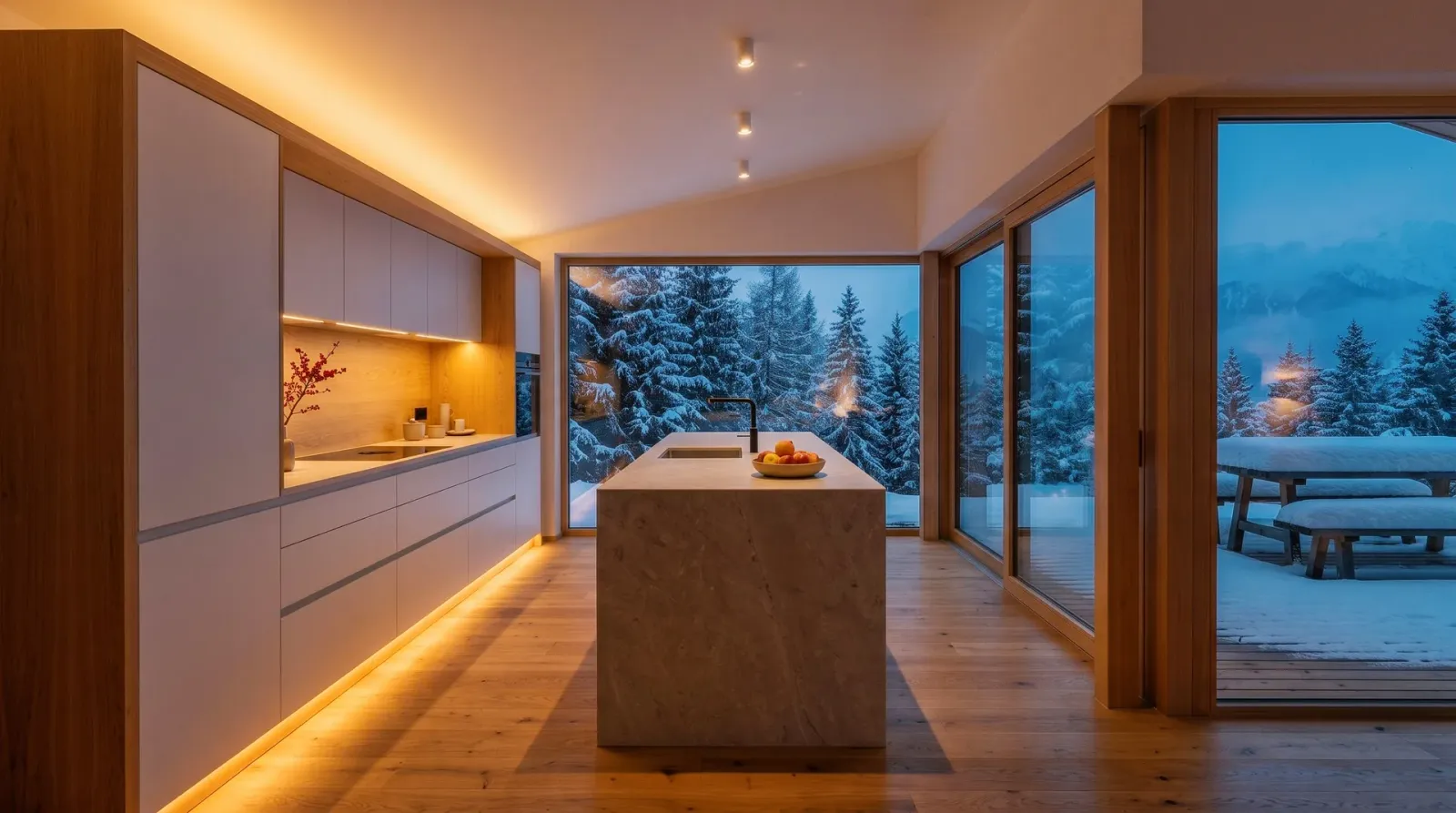
The same kitchen or house by day and in the evening: light sells atmosphere – for marketing and presentation.
What else Vizera is used for – from floor plans to phone photos.
Upload floor plans as images and make rooms, furniture and materials visible. Vizera does not check dimensions or scale.
A hand sketch becomes an image that deliberately stays sketchy or shows material and light – your lines remain the basis.
A photo of the existing space is enough: show a conversion, new materials or different furnishings on the image of your own room.
Every profession uses Vizera differently. On these pages, you'll find examples, workflows and answers for your work.
Massing, facades and atmosphere for competitions, clients and municipalities.
Show material concept, color and furnishing in the room – from concept to presentation.
Market projects before construction starts and show existing properties with variants.
See how a house, kitchen or bathroom will look after the renovation – before contracts are awarded.
Images for crits, submissions and portfolios, with little time between deadlines.
Show fronts, worktops and light during consultation – in the client's own room.
Compare tiles, fittings and light in the existing bathroom before ordering.
Show furniture and built-ins in different woods and finishes before cutting.
Compare color shades and plaster textures on the client's photo.
How the individual tools work and what firms and businesses use them for.
Features
Facade variants
Compare facades in different materials and colors.
Masking
Change only the marked area – a facade, a piece of furniture or a floor, for example.
Material variants
Change material and color in your image – facade, front or floor.
Change season
Show the same scene in summer or in winter.
Short videos on this topic: follow along step by step in your account.
Answers on choosing a use case, the source image and the limits.
That depends on the phase. In design and competition, it's about massing and atmosphere; for facades and existing buildings, material and color; for interiors, furnishing and light; in presentation, comparable options. All use cases rely on the same features in Vizera.
200 Credits free, once at sign-up. No credit card, no installation.
