In progress
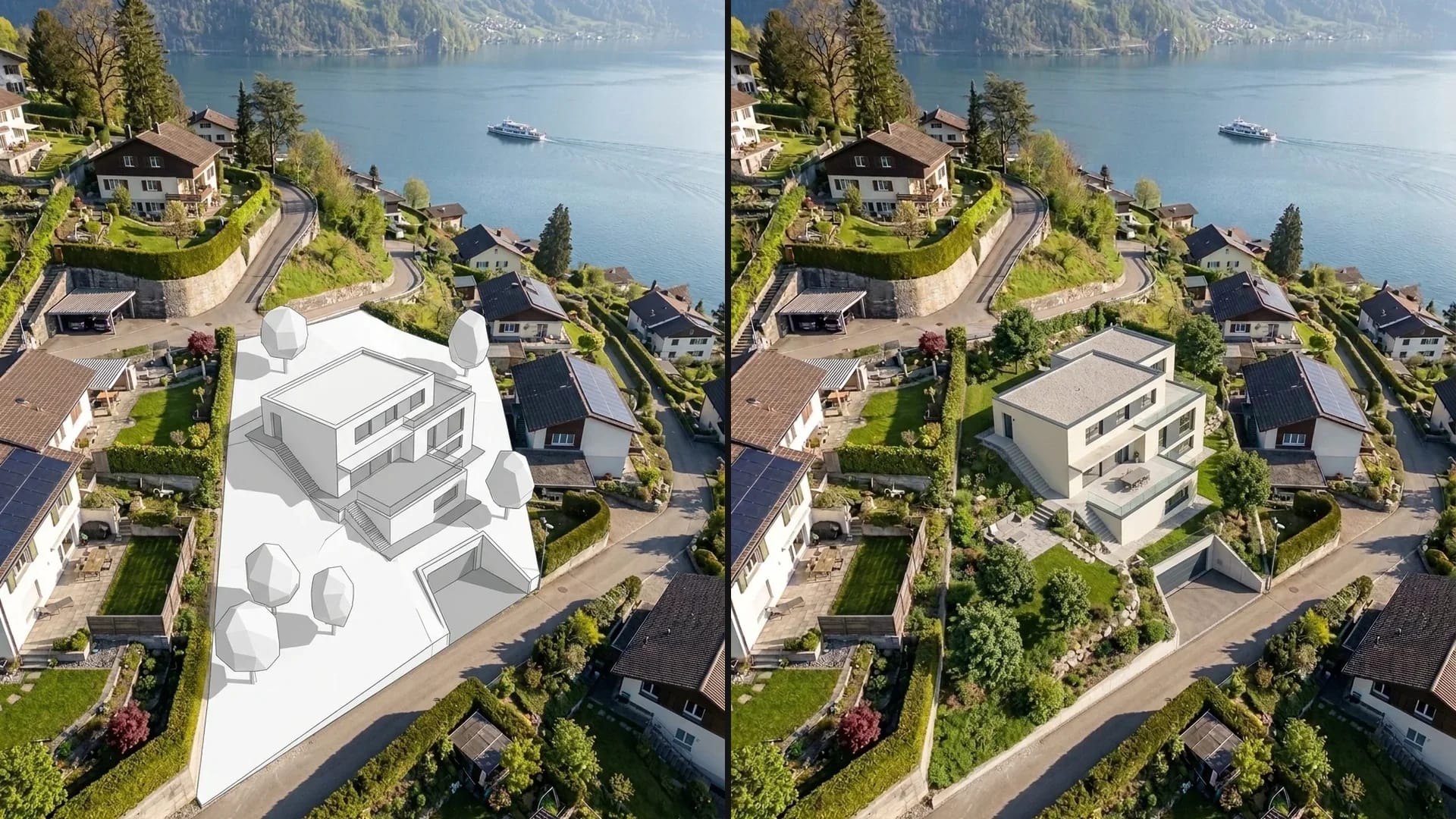
Archicad plugin with Photo Match
Connect Archicad directly to Vizera and render 3D models — including model import and matching the scene to real photos
Turn sketches and CAD views into visualizations. Compare materials, facades and lighting moods – and make your design ideas visible to your clients.
6,500+ registered users in CH, DE and AT.Over 100,000 visualizations in the first year.


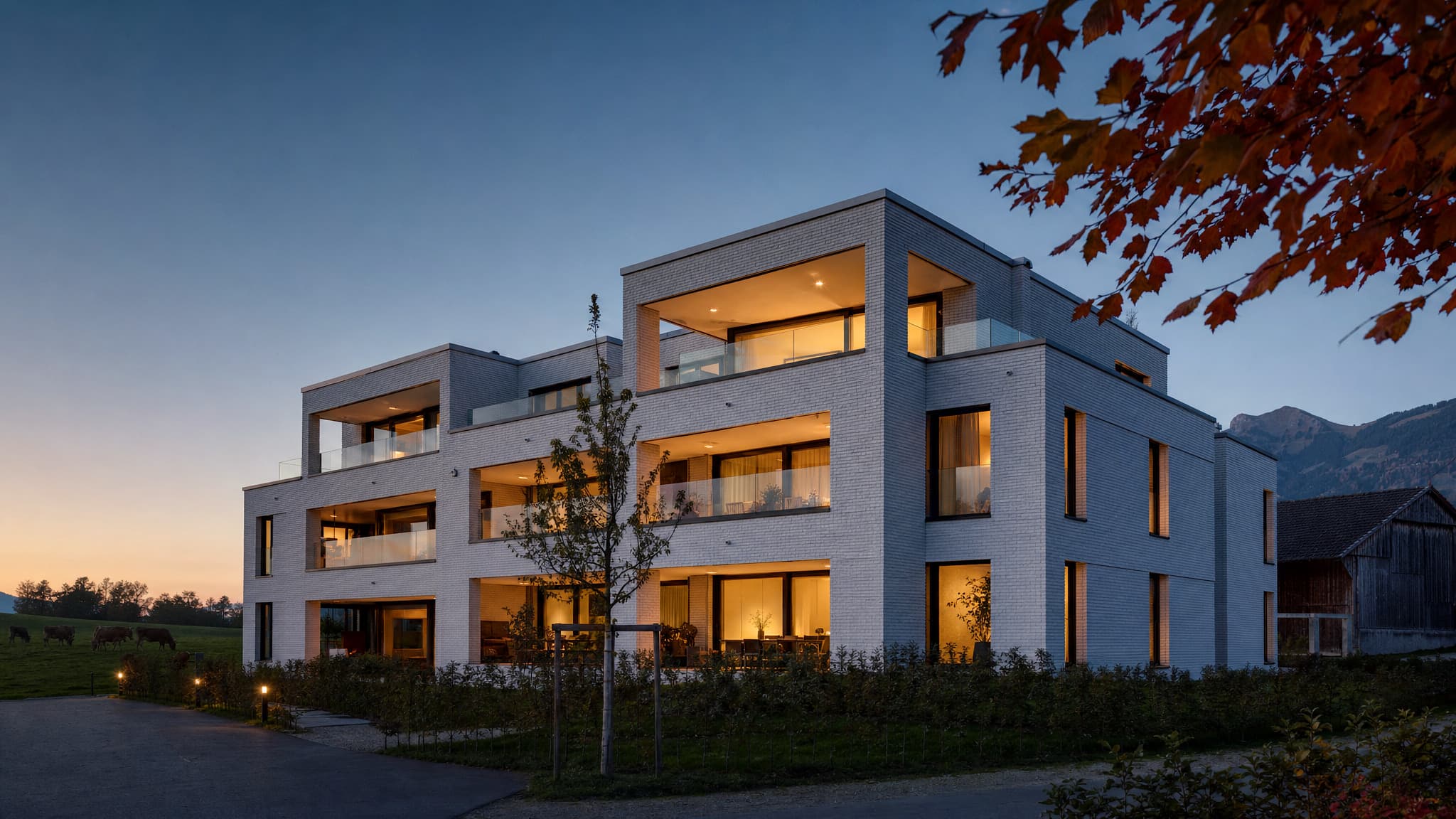
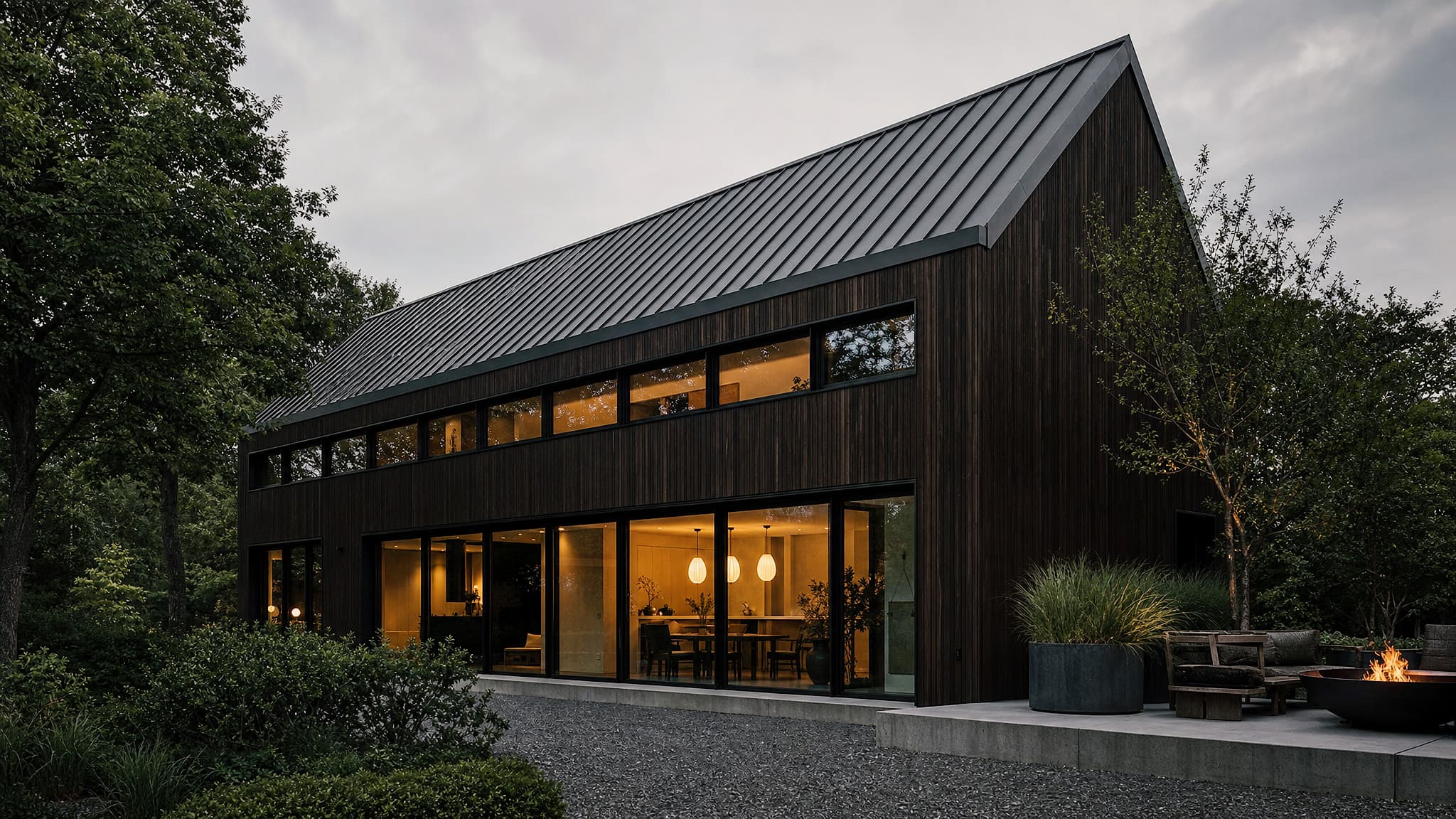
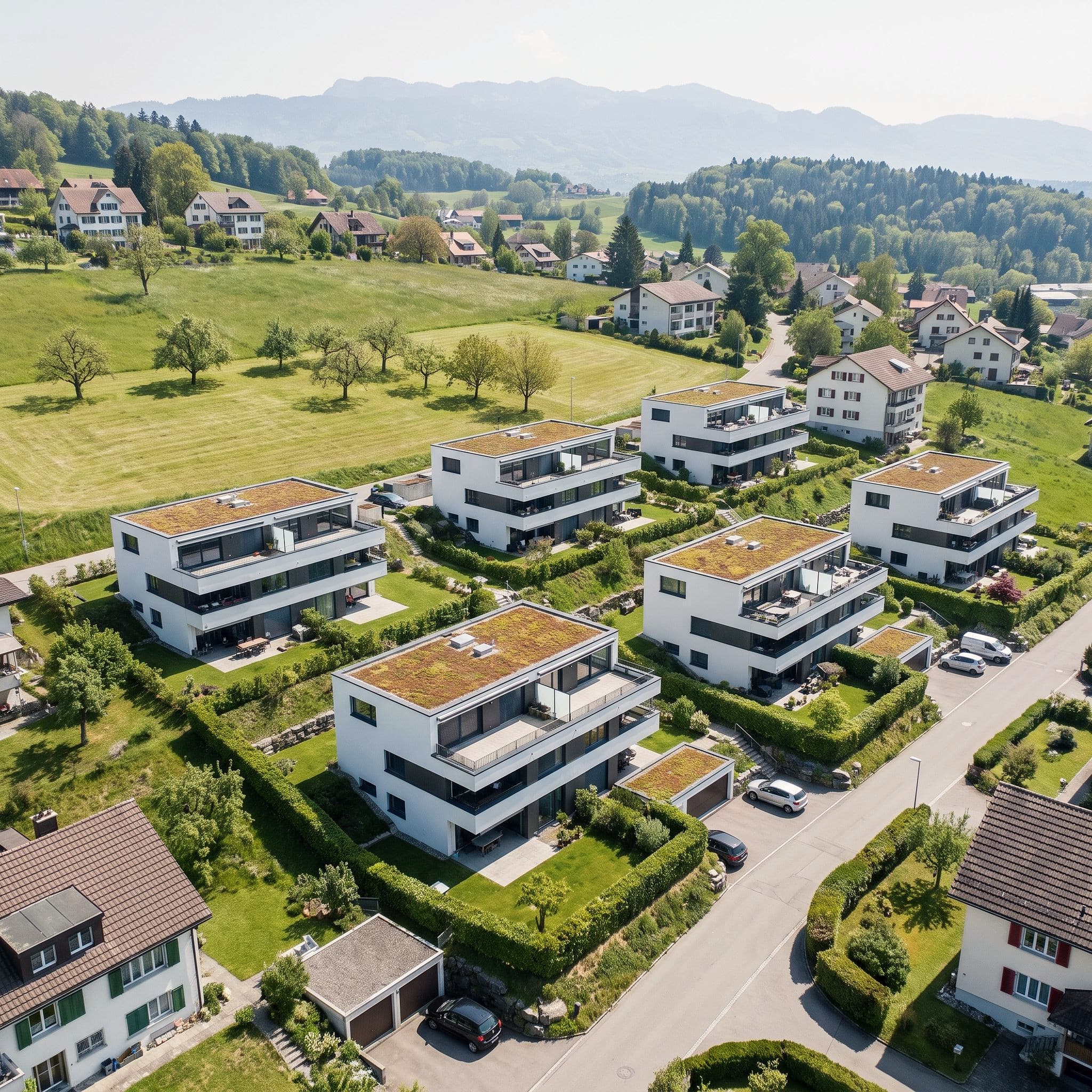
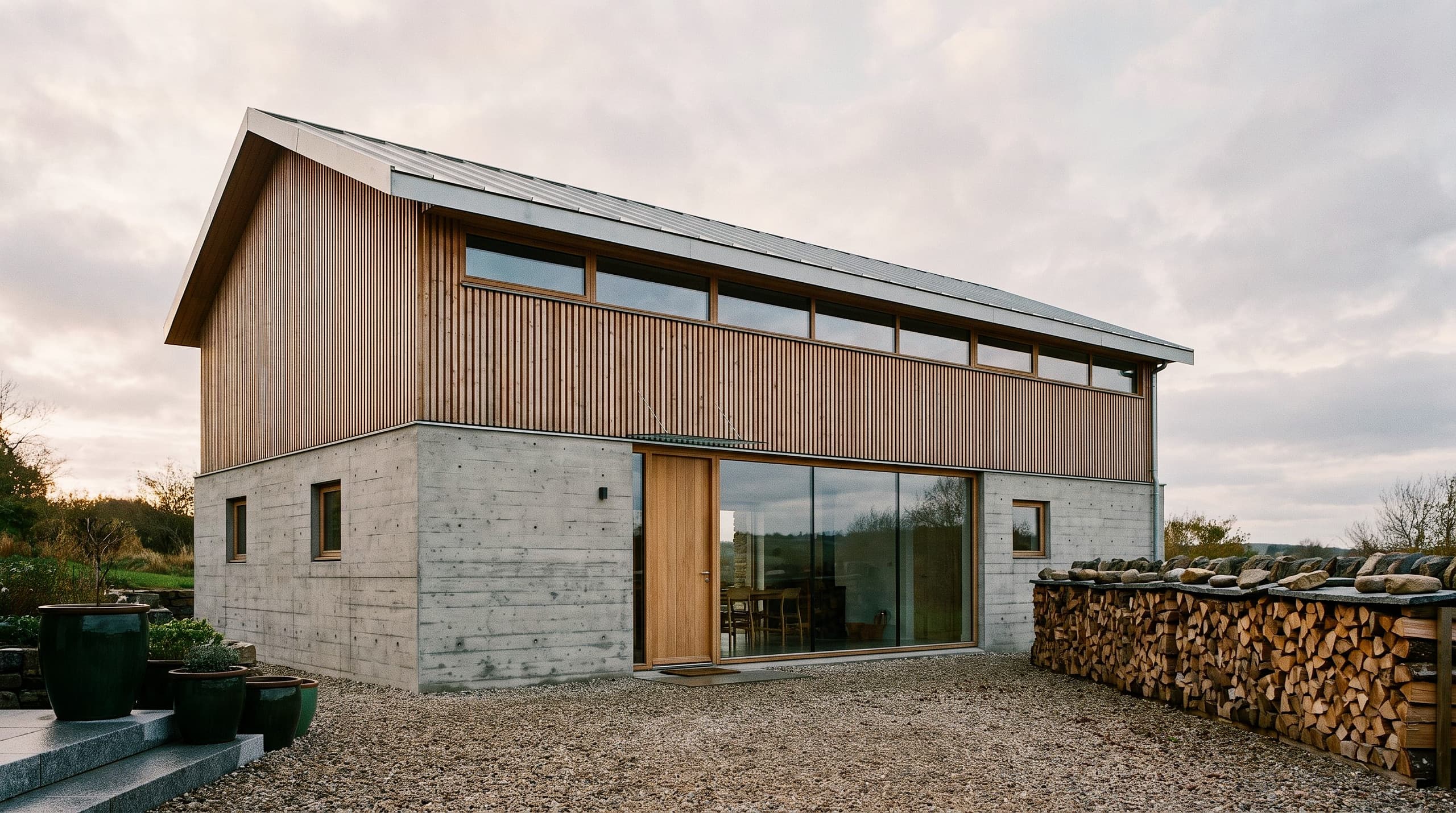
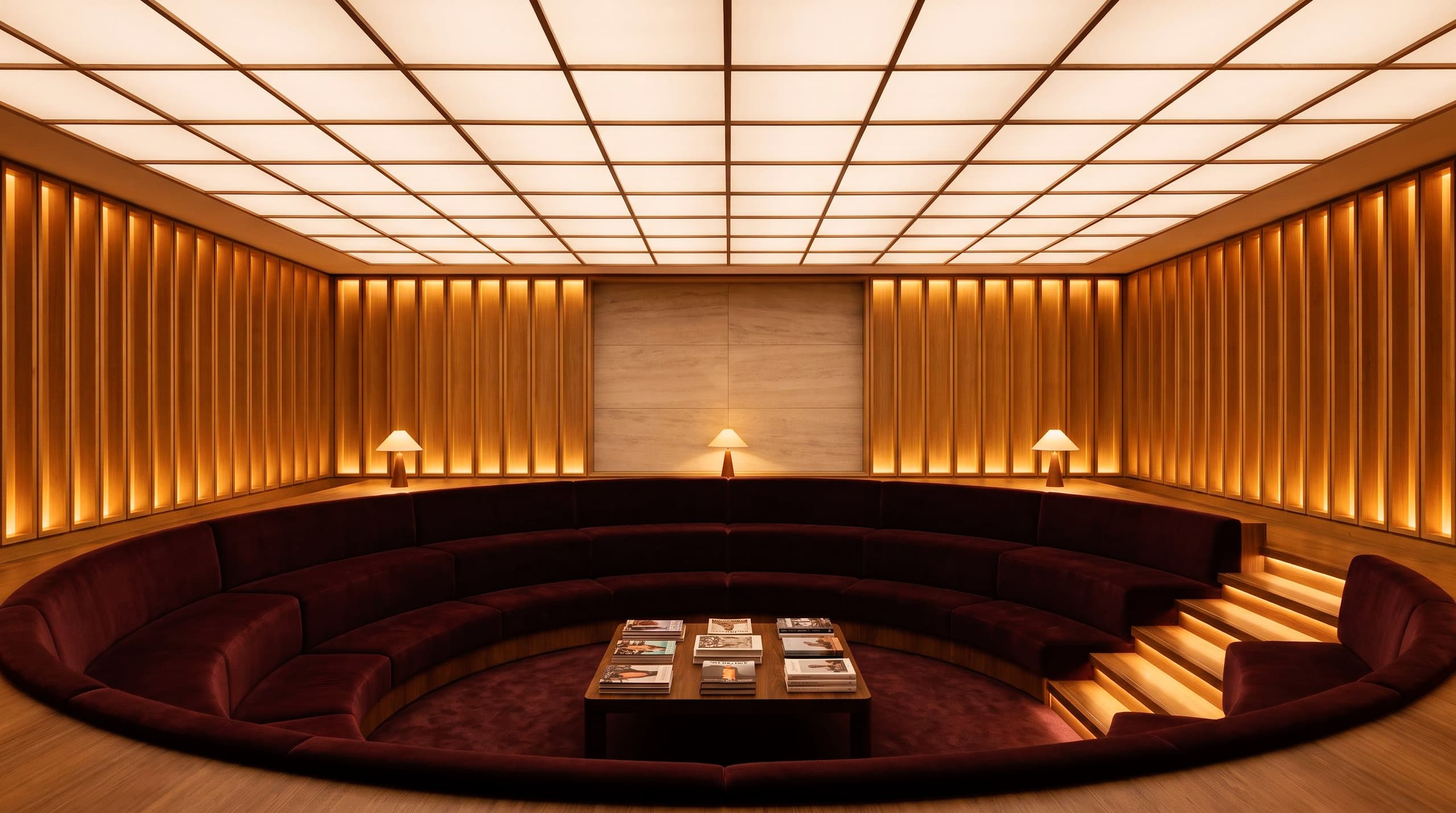
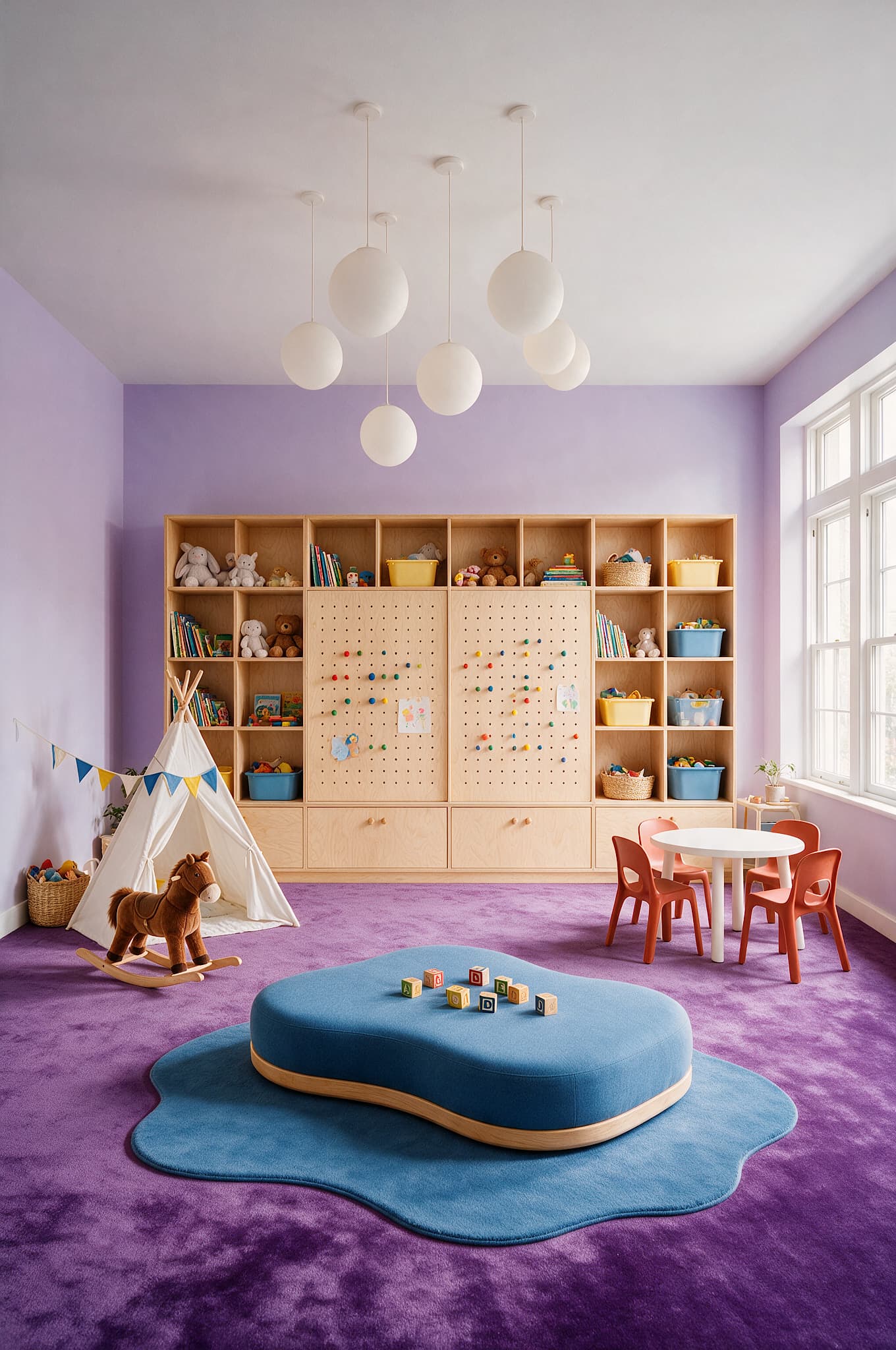
Visualize your ideas and compare variants for your project. Click an example to see the change.
01
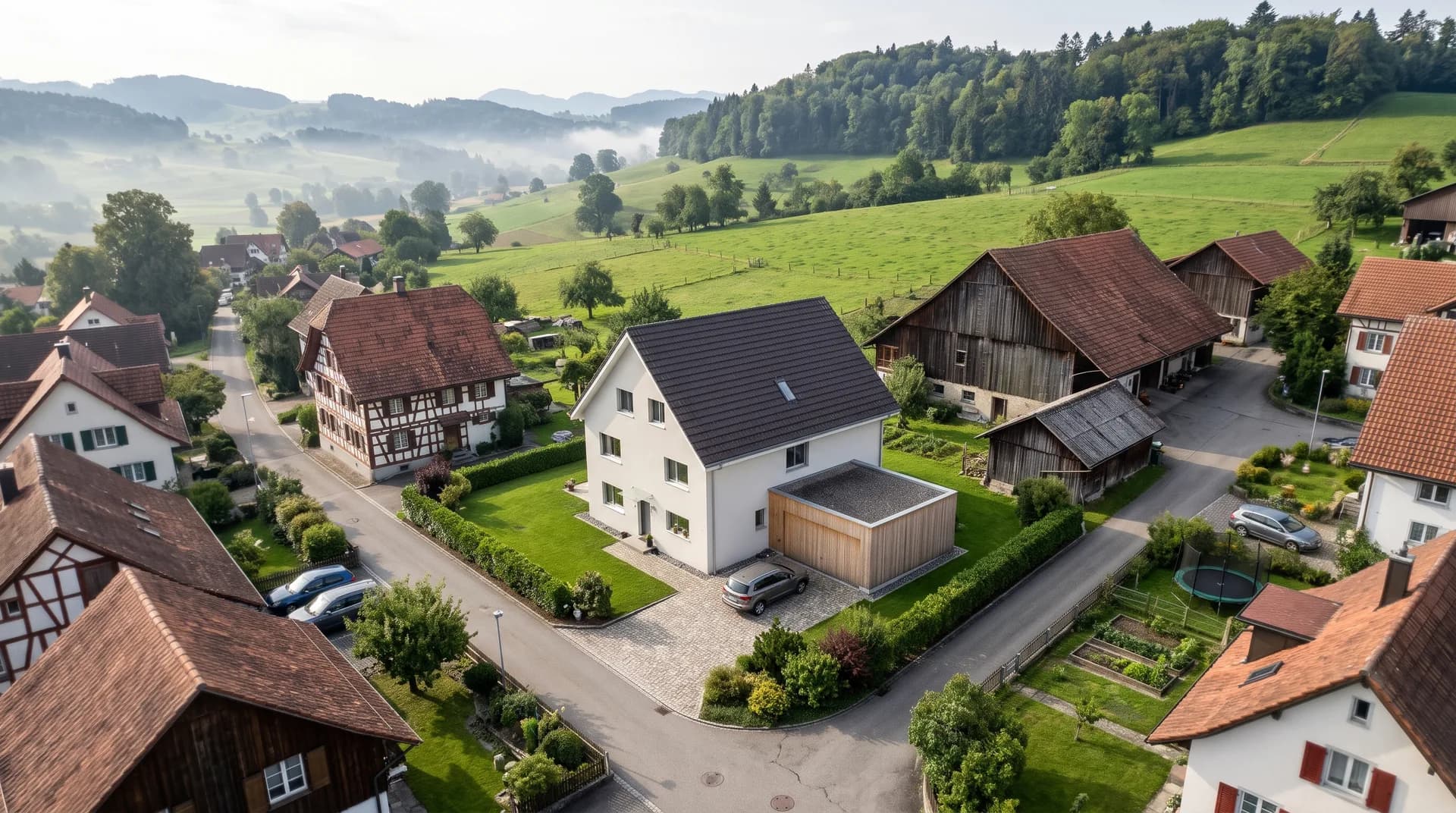
Turn an exported CAD view into an exterior visualization. Make facades, materials and lighting moods visible to your clients.
02
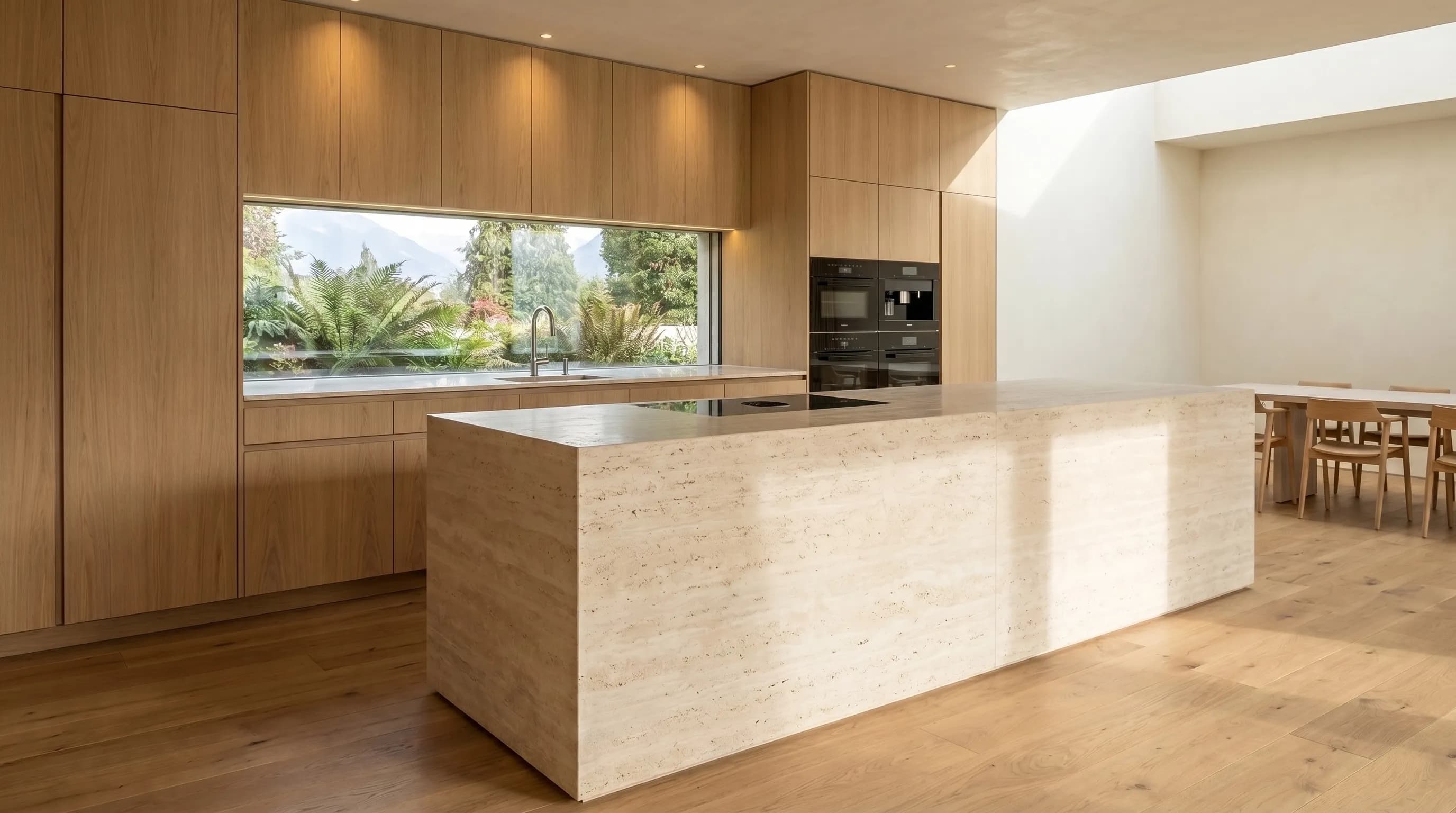
Turn an exported CAD interior view into a room visualization. Show how materials, furnishings and light work together.
03
Give early ideas a concrete image. Develop your sketch into a visualization that makes your design easy to understand.
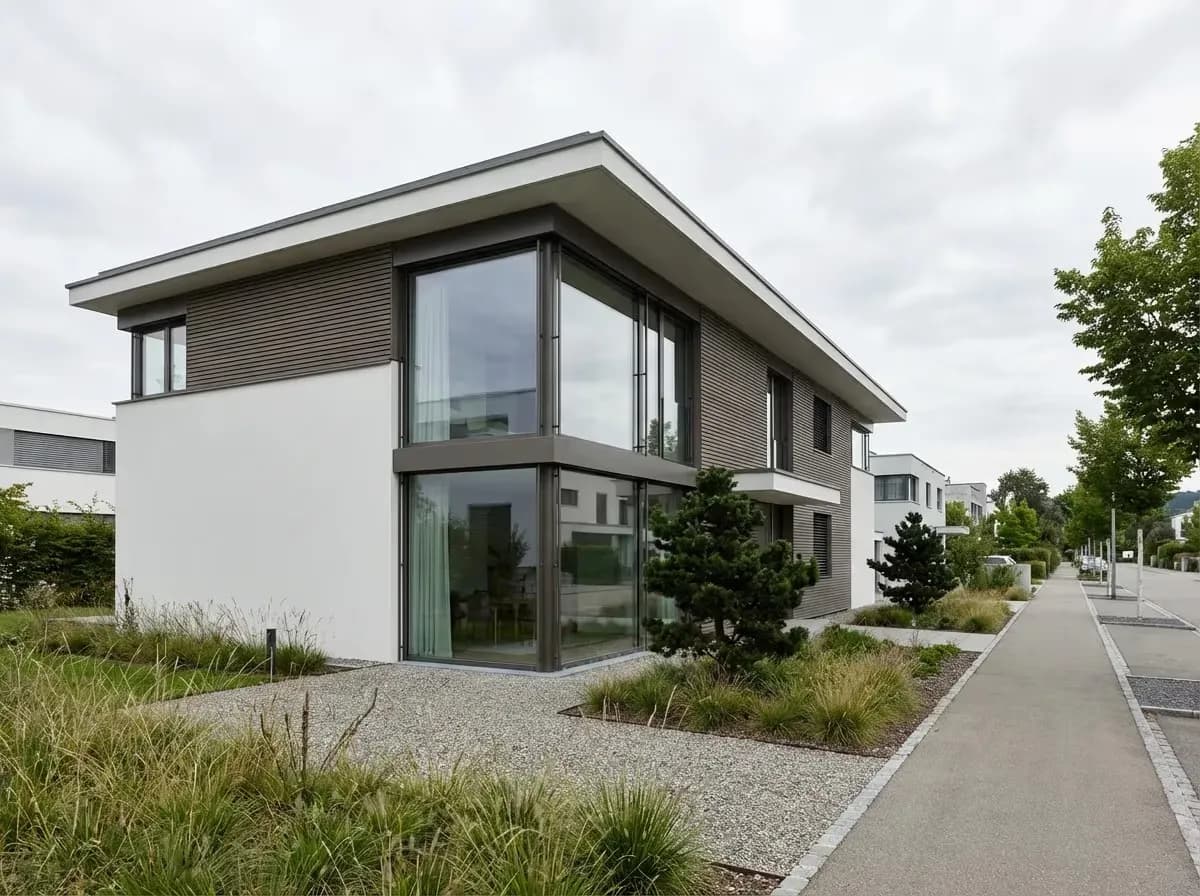
04
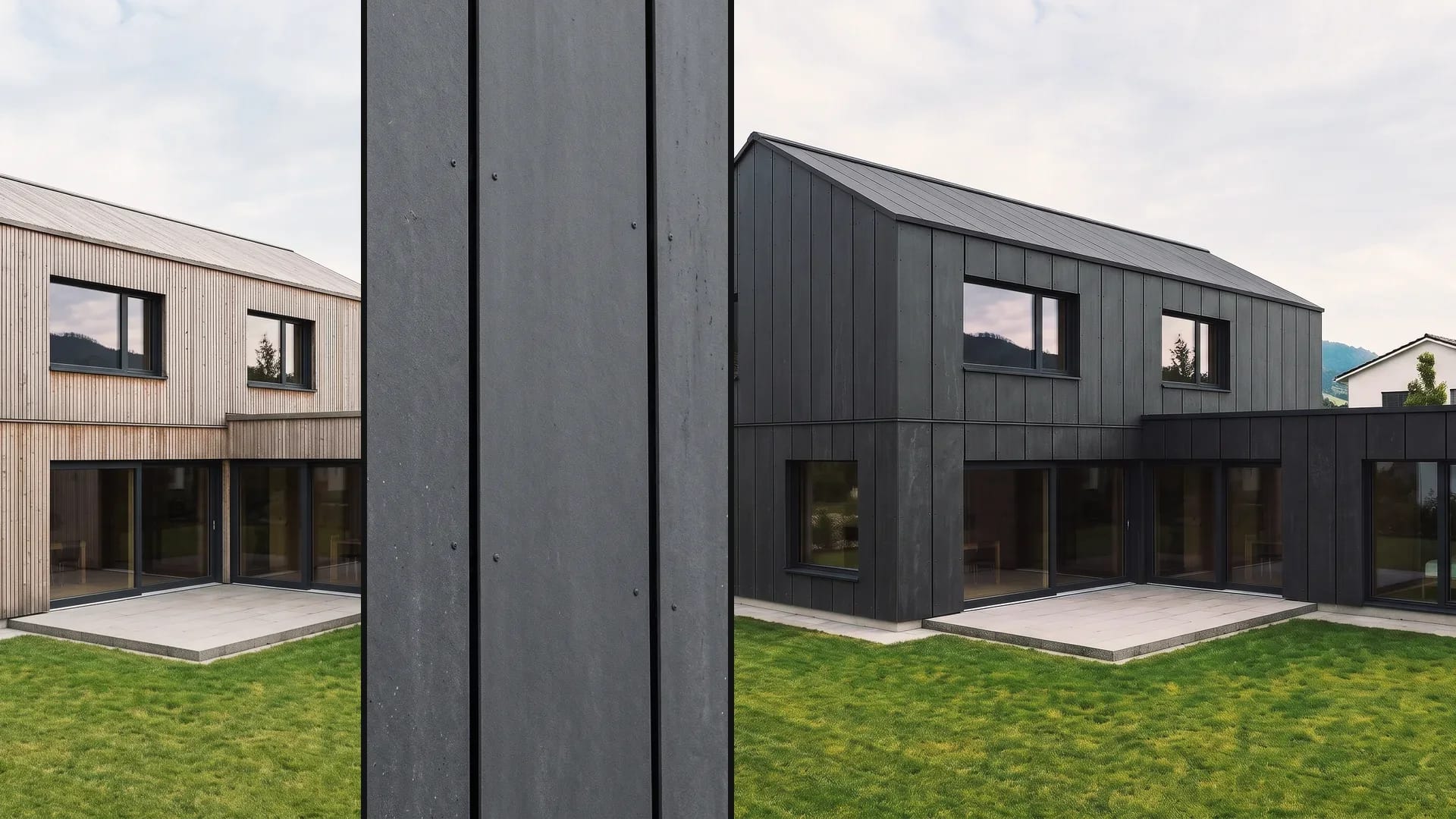
Wood, plaster or exposed concrete? Compare materials and colors on your facade – as a basis for the next design meeting.
05
Terracotta, walnut or light gray? Explore different materials and shades and show how the feel of a room changes.
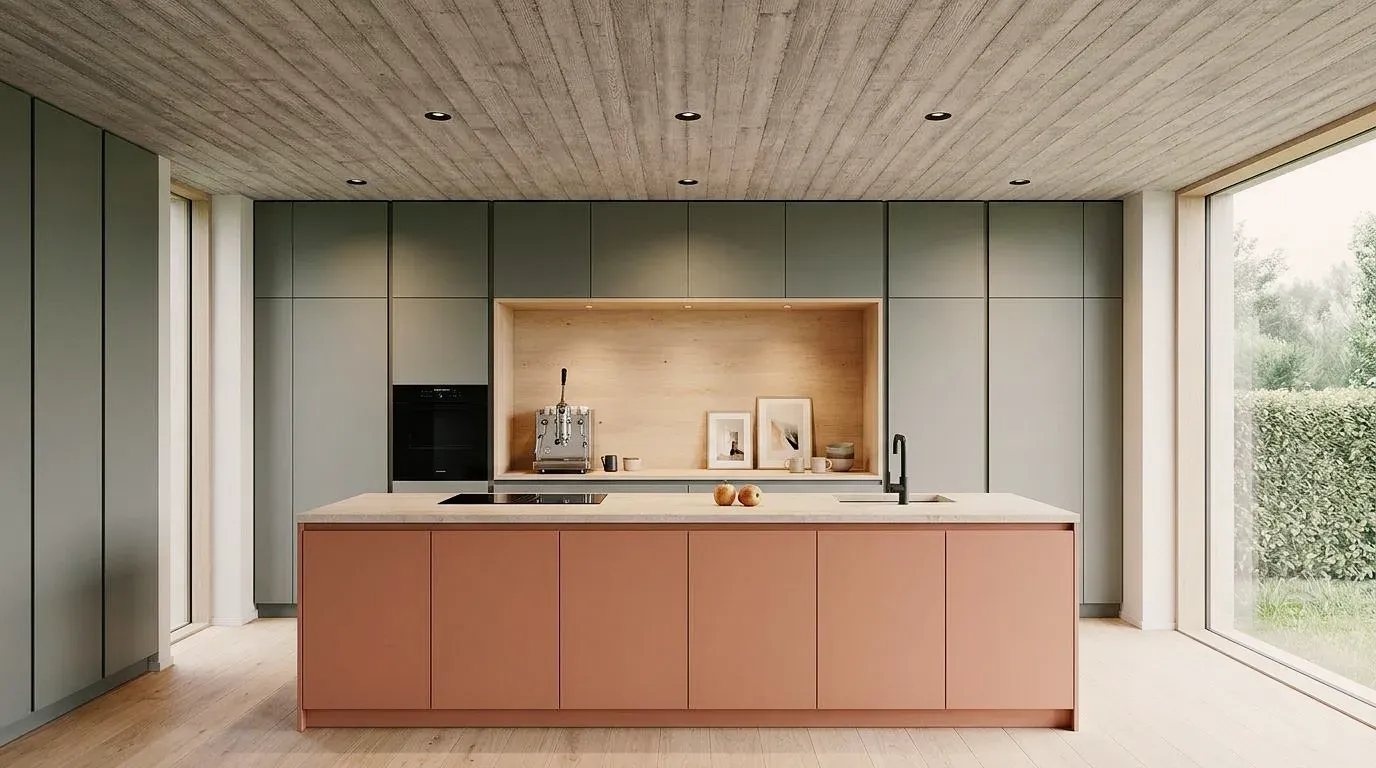
06
The same villa in a thaw, in competition fog or as a white model: show the design in the style that fits the project phase and the audience.
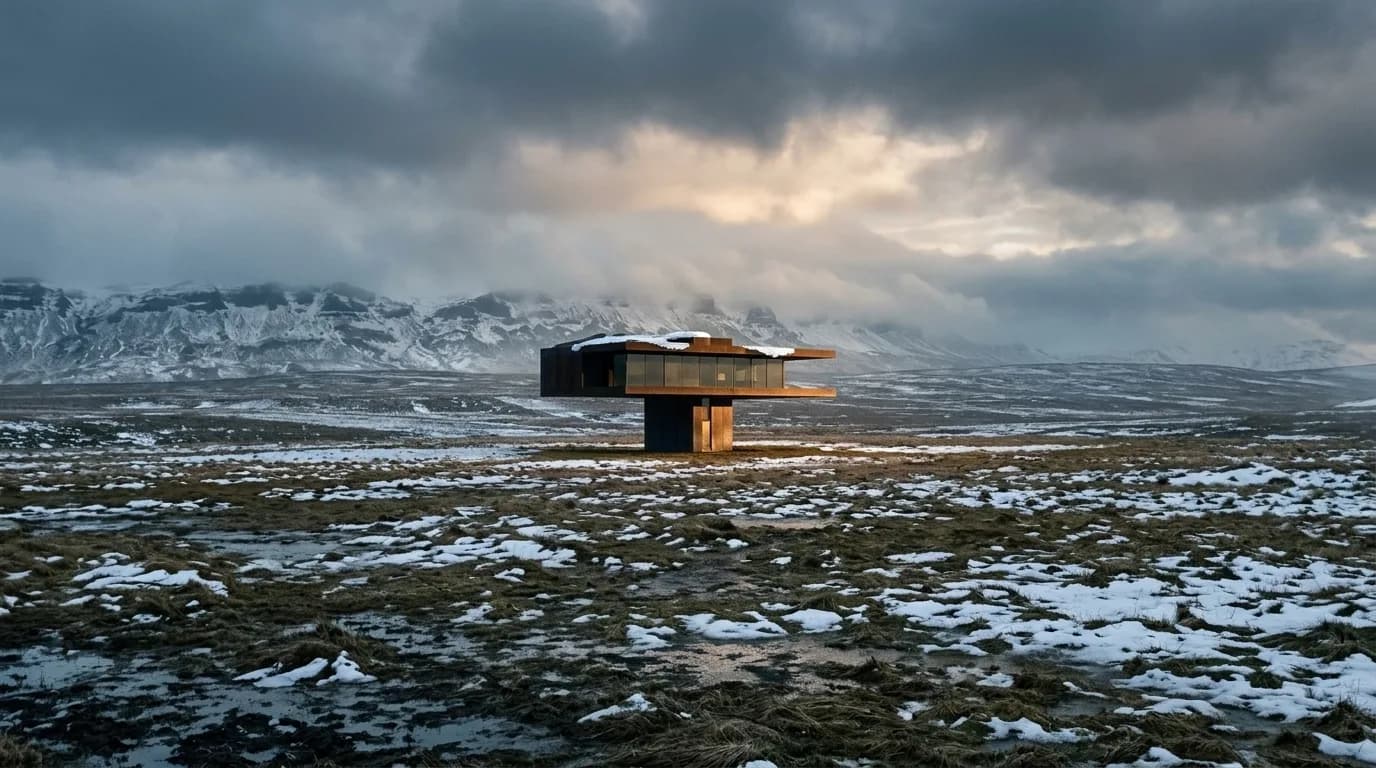
Discover AI-generated architectural visualizations created with Vizera AI – from early concepts to competition-ready presentation images.
Mark an area, show material or style with a reference image, and collect the variants in Boards. Here's how it looks in the app.
01
Mark an area and describe the change – for a piece of furniture or a facade, for example.
02
Show material or style with a reference image. The result interprets the sample.
03
Collect variants by project in Boards – for your next meeting with the client.
Test the workflow with one of your own designs first. Free is for non-commercial testing. For client projects, choose a paid plan.
Annual payment: 12-month term.
For Testing
Free of charge
200 Credits
up to 40 images, depending on model and resolution
Costs less than one external visualization
CHF 120/ mo
With monthly billing: CHF 150/ mo
Save CHF 360 per year
4'000 Credits
160–800 images or 10–13 videos, depending on model and resolution
excl. VAT · Annual payment: 12-month term
Native 4K and enough credits to never count
CHF 264/ mo
With monthly billing: CHF 330/ mo
Save CHF 792 per year
10'000 Credits
400–2'000 images or 25–33 videos, depending on model and resolution
excl. VAT · Annual payment: 12-month term
Depending on model and resolution. Subscription credits reset monthly and are used first; purchased credit packs do not expire.
A convincing image also has to hold up in everyday design work. In Vizera Labs, we test AI models and editing methods on architecture and interior images – with documented comparisons, measurable criteria and human evaluation.
How do perspective, windows and building forms change? We compare AI visualizations with the source image and check which architectural details are preserved or altered.
A new facade shouldn't quietly change the house next door. We measure what happens inside and outside the marked area during local edits.
How close does the result come to your material sample? We compare reference image and visualization and assess how color, surface and material character carry over.
First the facade, then the light, then the furnishings: we examine how image structure, sharpness and colors change across several editing steps.
More pixels don't automatically mean better detail. We compare upscaled images in close-up and check for convincing structures, smoothing and unwanted textures.
Which model suits which task? We compare models on shared test tasks and evaluate image quality, processing time and cost as the basis for our product choices.
Internal Vizera tests. Results apply to the documented tasks, models and settings. You'll find the test scope and limitations with each study.
How the individual tools work and what firms and businesses use them for.
Short videos on this topic: follow along step by step in your account.
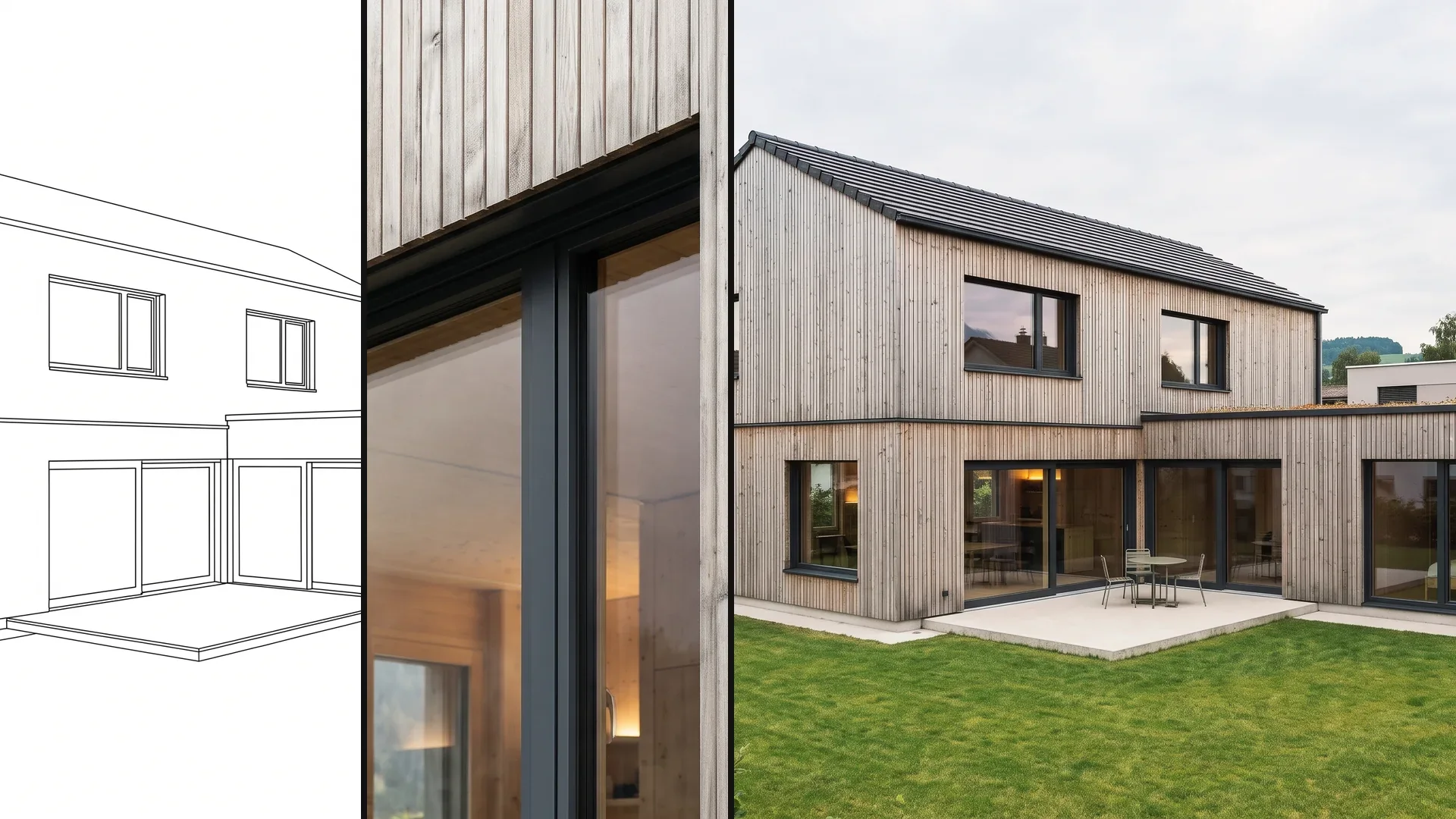
Answers to questions about CAD image exports, editing, Credits and commercial use.
For the image workflow, you currently use a JPG or PNG export from your design software. For Archicad, we are also developing a direct connection: transfer the model and cameras to Vizera, visualize there and place the resulting image in Archicad. This connection is not yet generally available. It does not transfer generated changes into the BIM geometry.
These features are in progress or planned and not yet generally available. Timing and scope may change.
In progress
Connect Archicad directly to Vizera and render 3D models — including model import and matching the scene to real photos
In progress
More control when moving, removing and replacing elements in an image
In progress
More consistent results, less rework
In progress
Share credits, projects and history across the office
