Upload model or export view
Upload the 3D model and pick the camera in the viewer – or set perspective and framing in the program and export the view as JPG or PNG. In Archicad, the plugin sends both directly.
For Archicad, there's a plugin that sends view and model to Vizera. From any other program, you upload the 3D model as a file or export a view as an image. That way you work with the model you already have – in the program you know.
The Vizera plugin for Archicad sends the current view to editing or transfers model and cameras to the 3D viewer – for Mac and Windows.
01
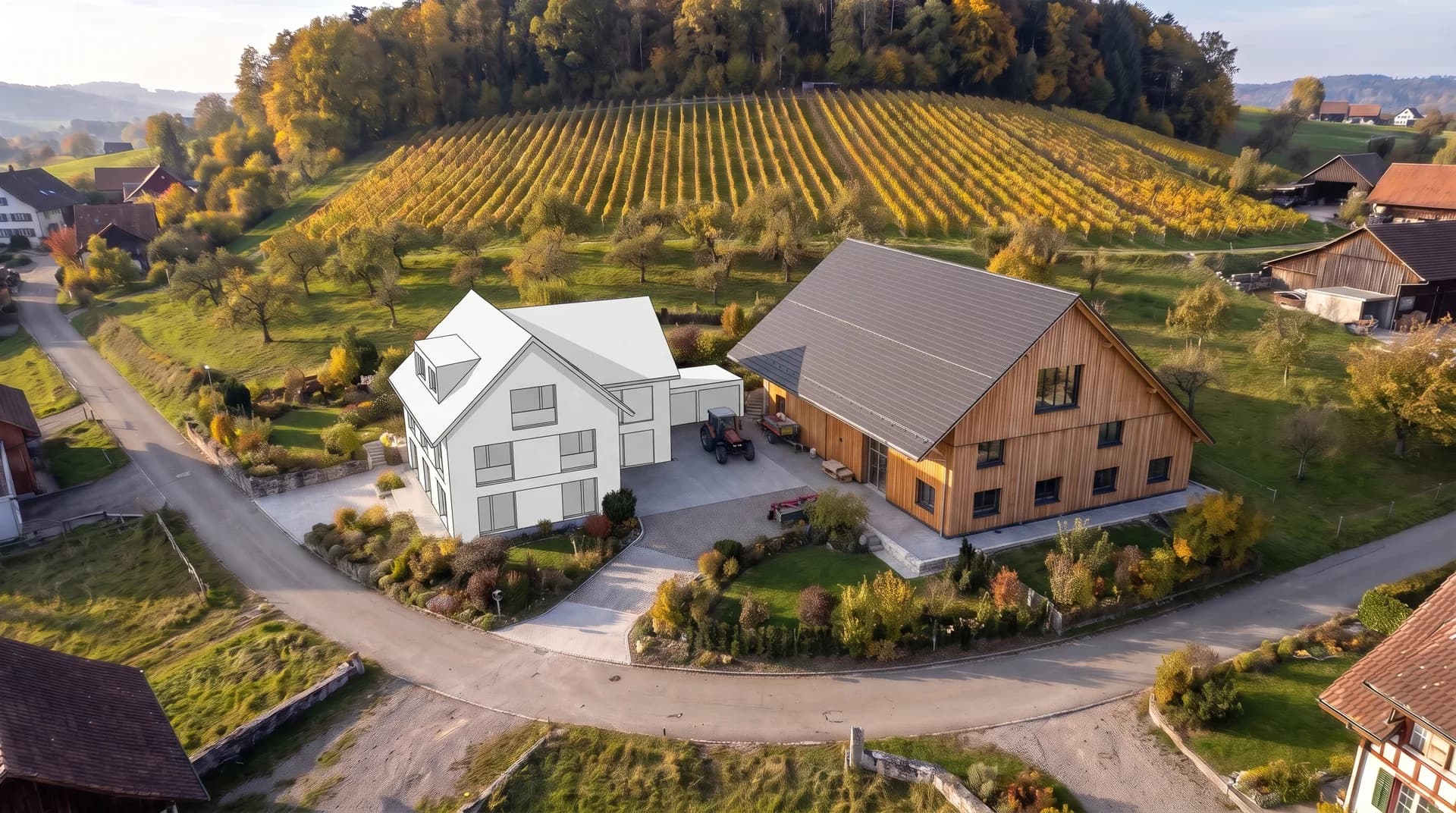
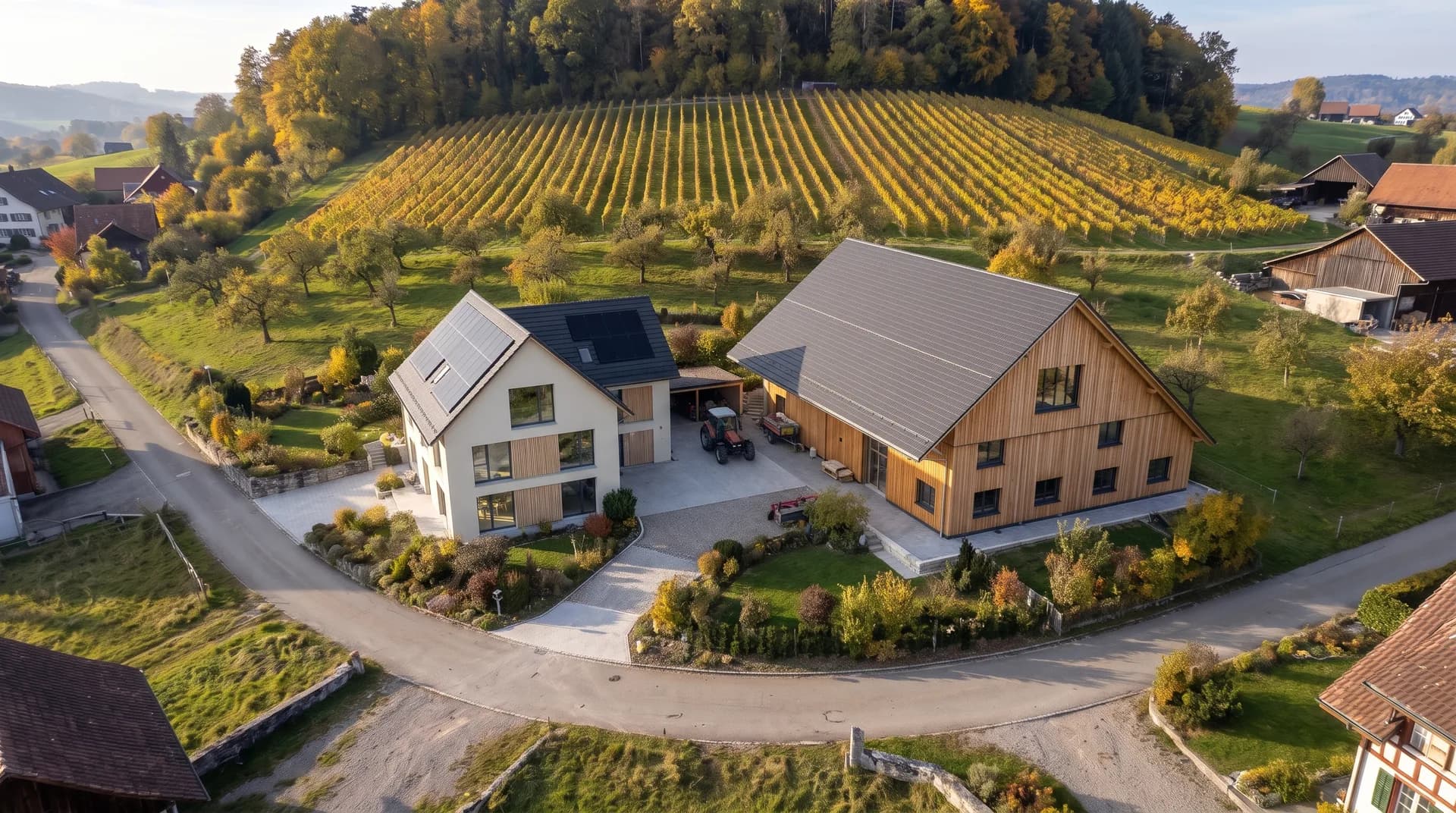
Send the current view directly to Vizera, or transfer model and cameras to the 3D viewer and place the model on site.
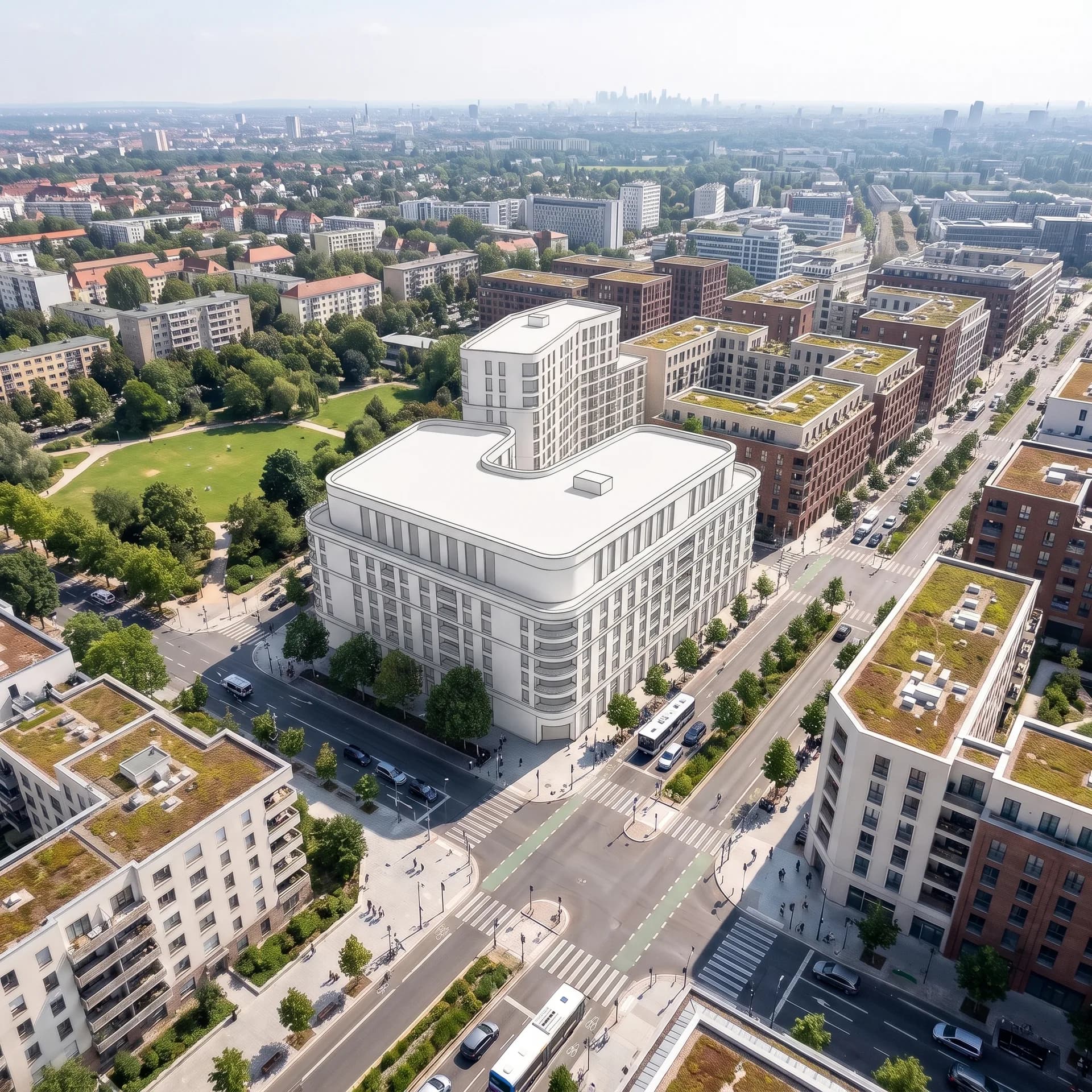
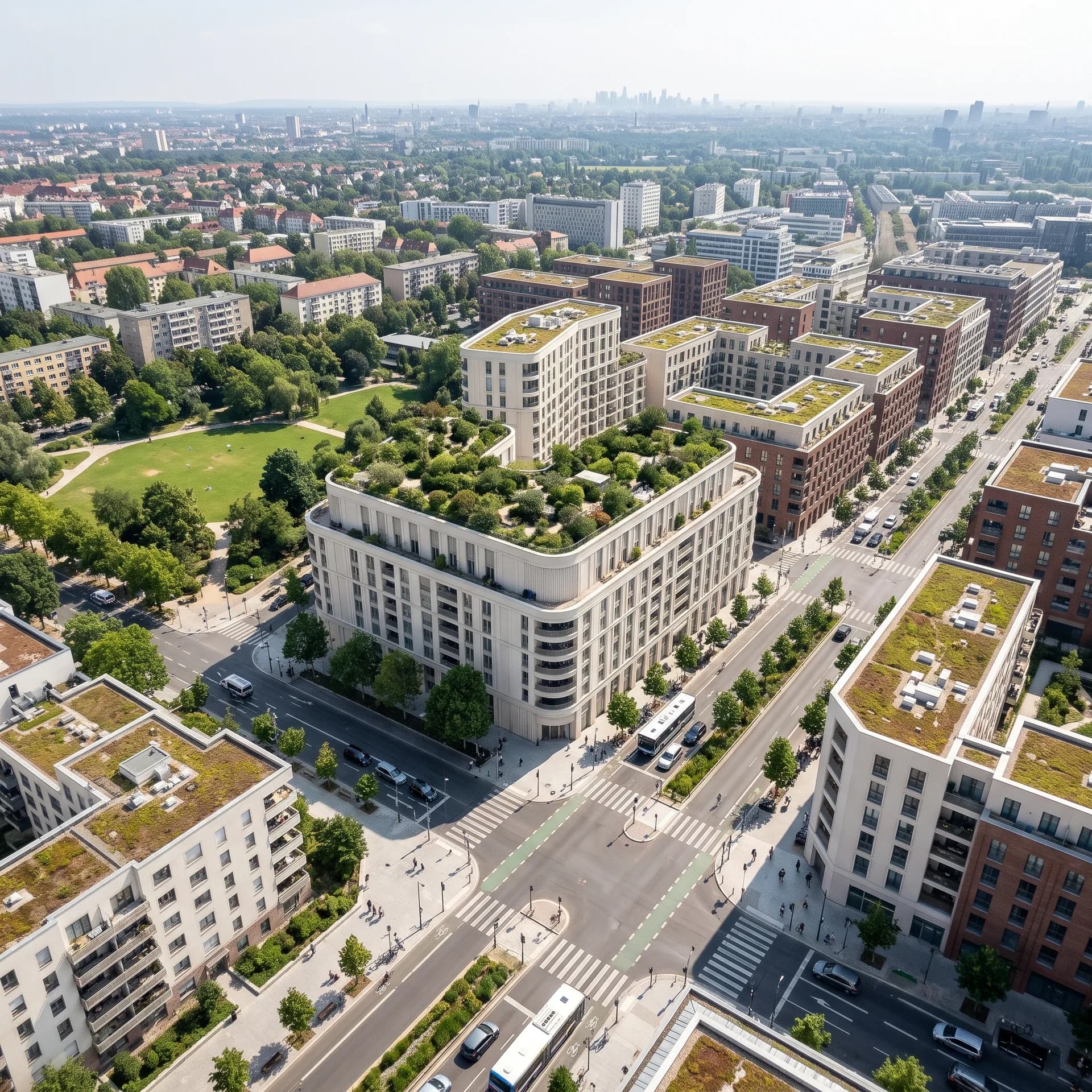
02
In the 3D viewer, you place the Archicad model on site and match it to a photo. The result is an image in a real context. Terrain, parcels and neighboring buildings from swisstopo are available for sites in Switzerland.
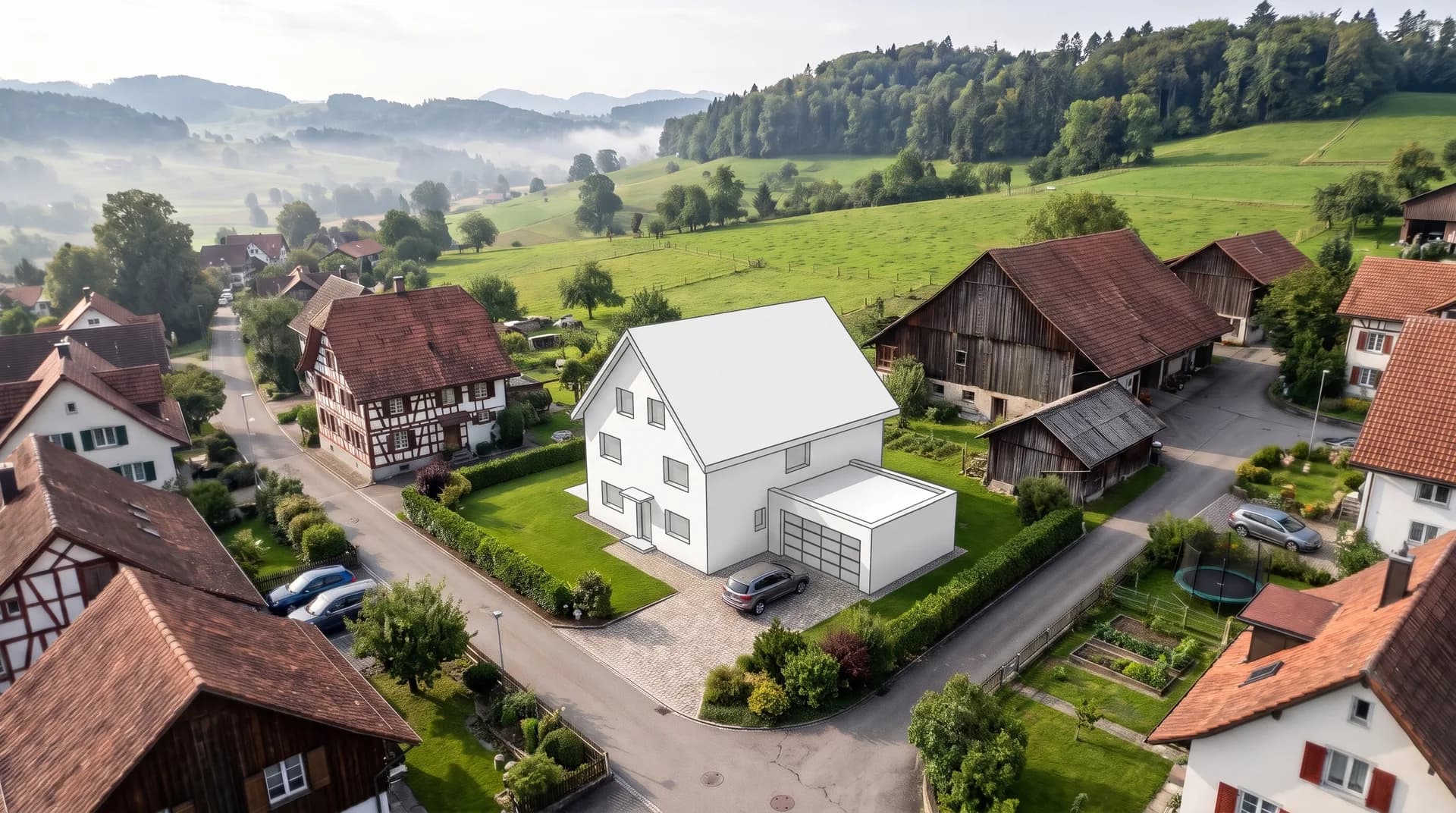
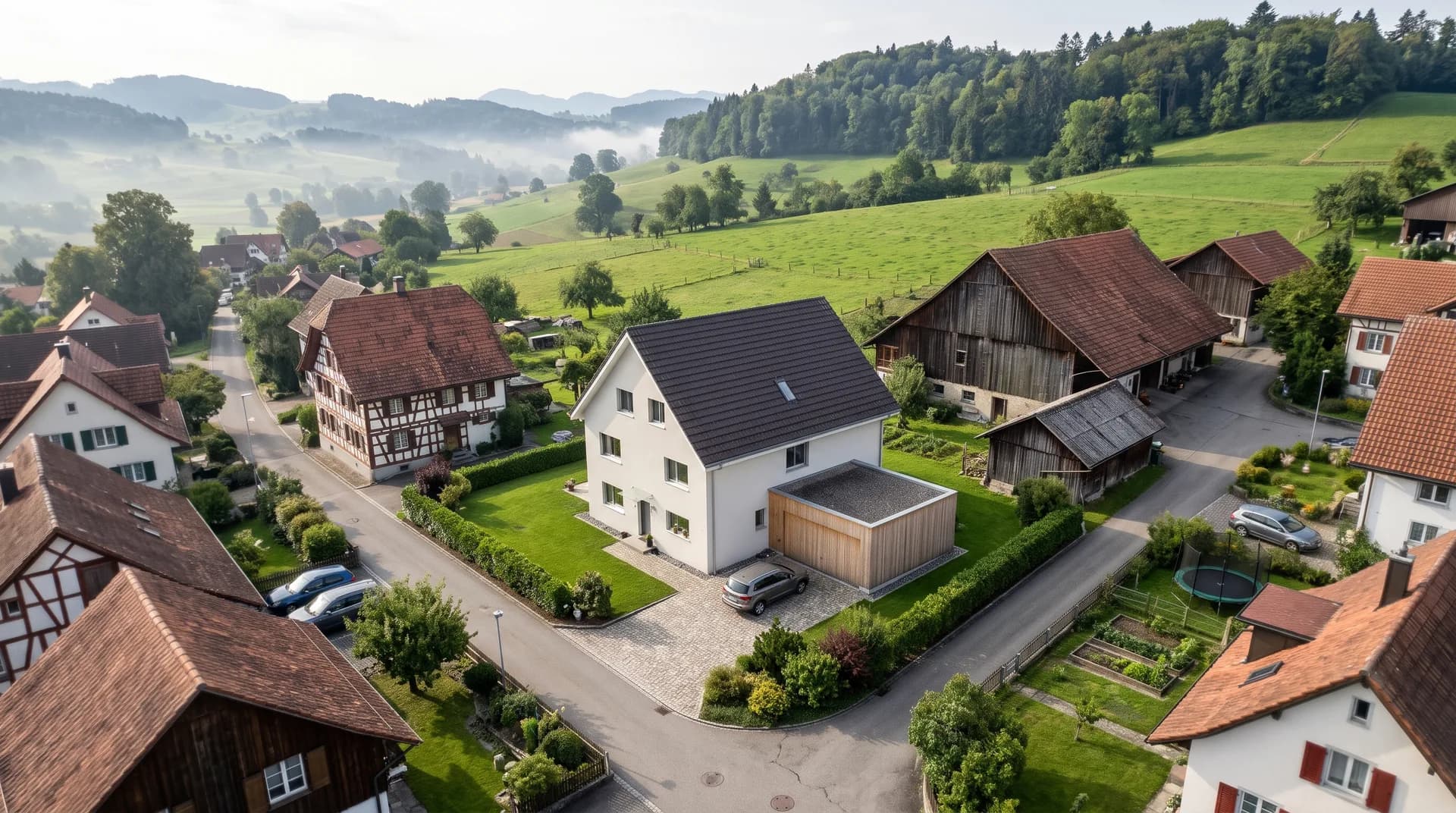
There's no plugin yet for AutoCAD, Revit, Rhino, SketchUp and Blender. Upload the 3D model as GLB or in the program's common export format – the geometry stays as modeled – or export a view as JPG or PNG, up to 5 MB.
01
Export with PNGOUT or as a screenshot: 3D perspectives and views from AutoCAD become images with material and surroundings.
02
3D views from the BIM model via File → Export → Image: buildings and districts with light, weather and context.
03
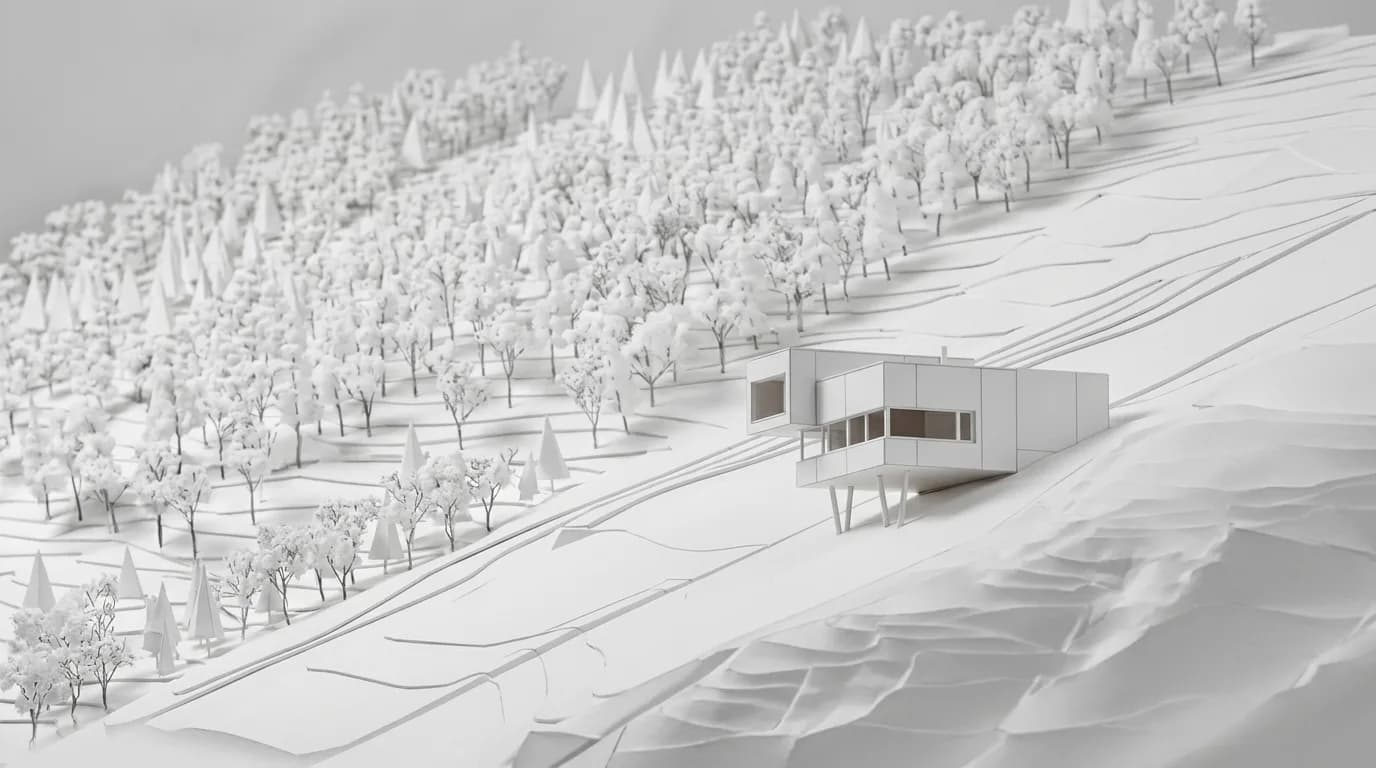
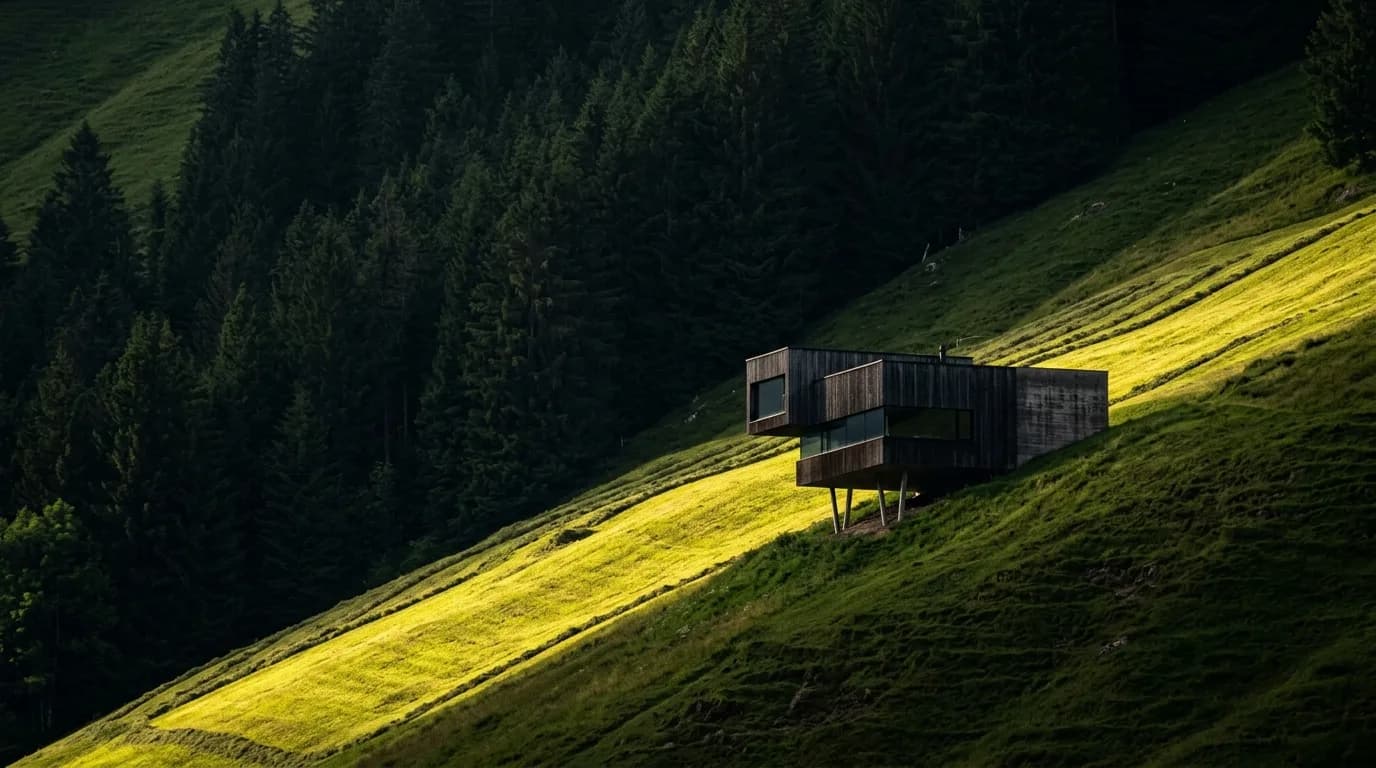
Views with ViewCaptureToFile, also from Grasshopper: free forms and sculptural work with material and light.
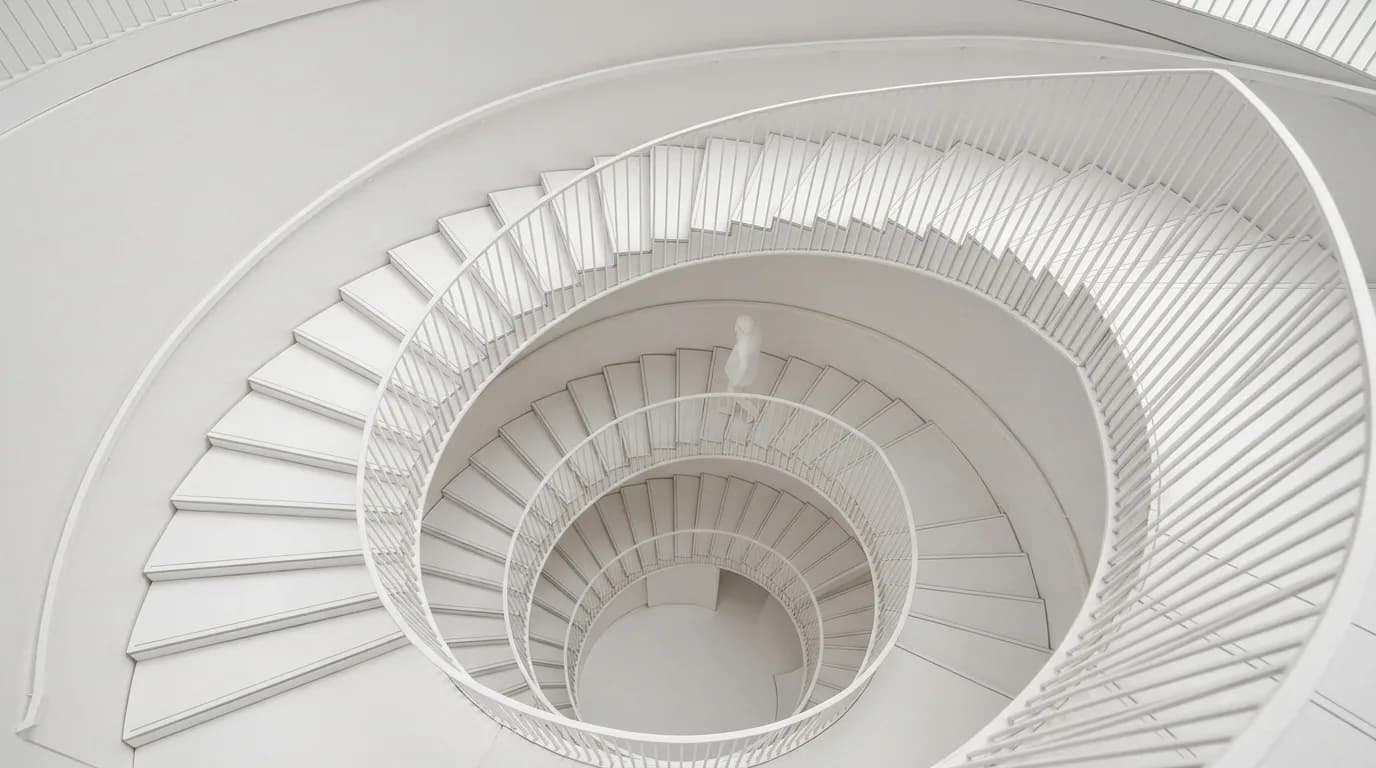
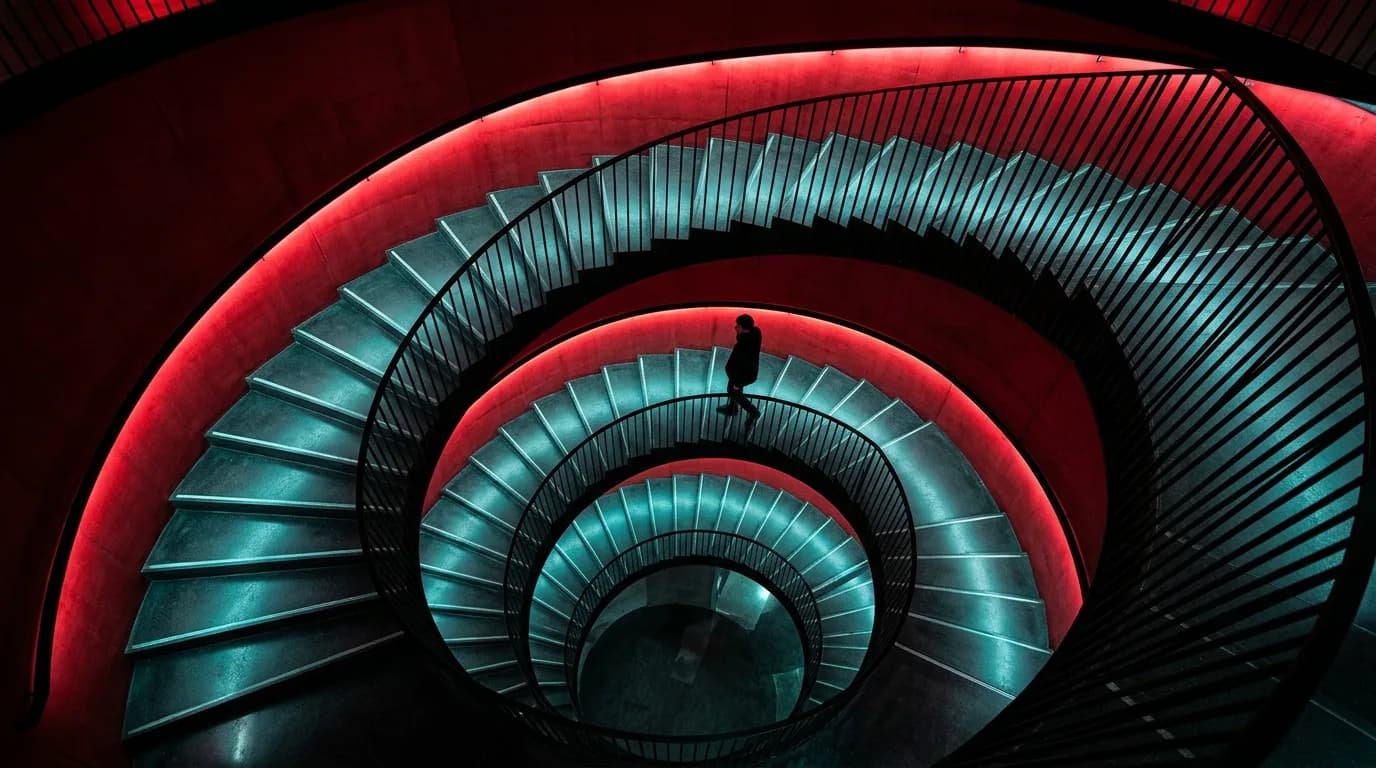
04
Via File → Export → 2D Graphic: houses, interiors and built-ins without a render plugin and without a GPU.
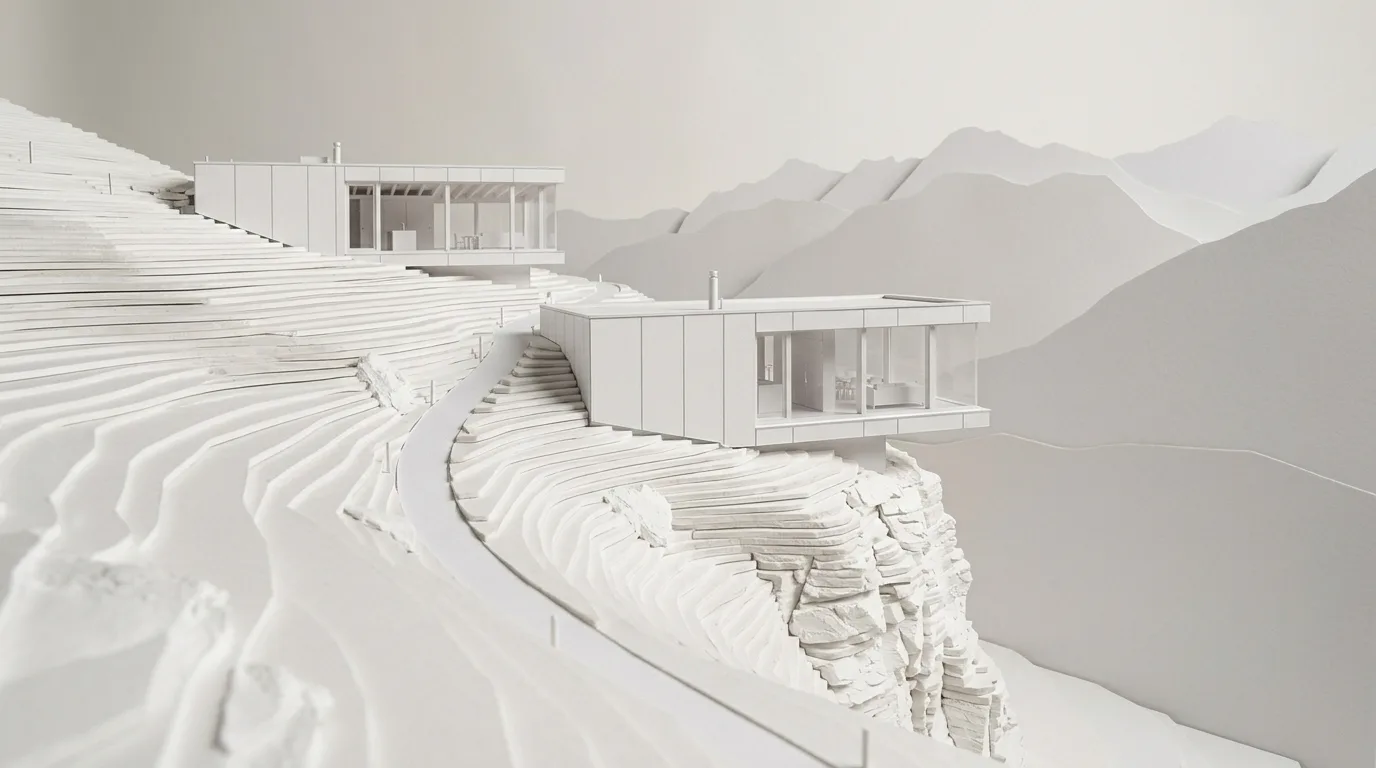
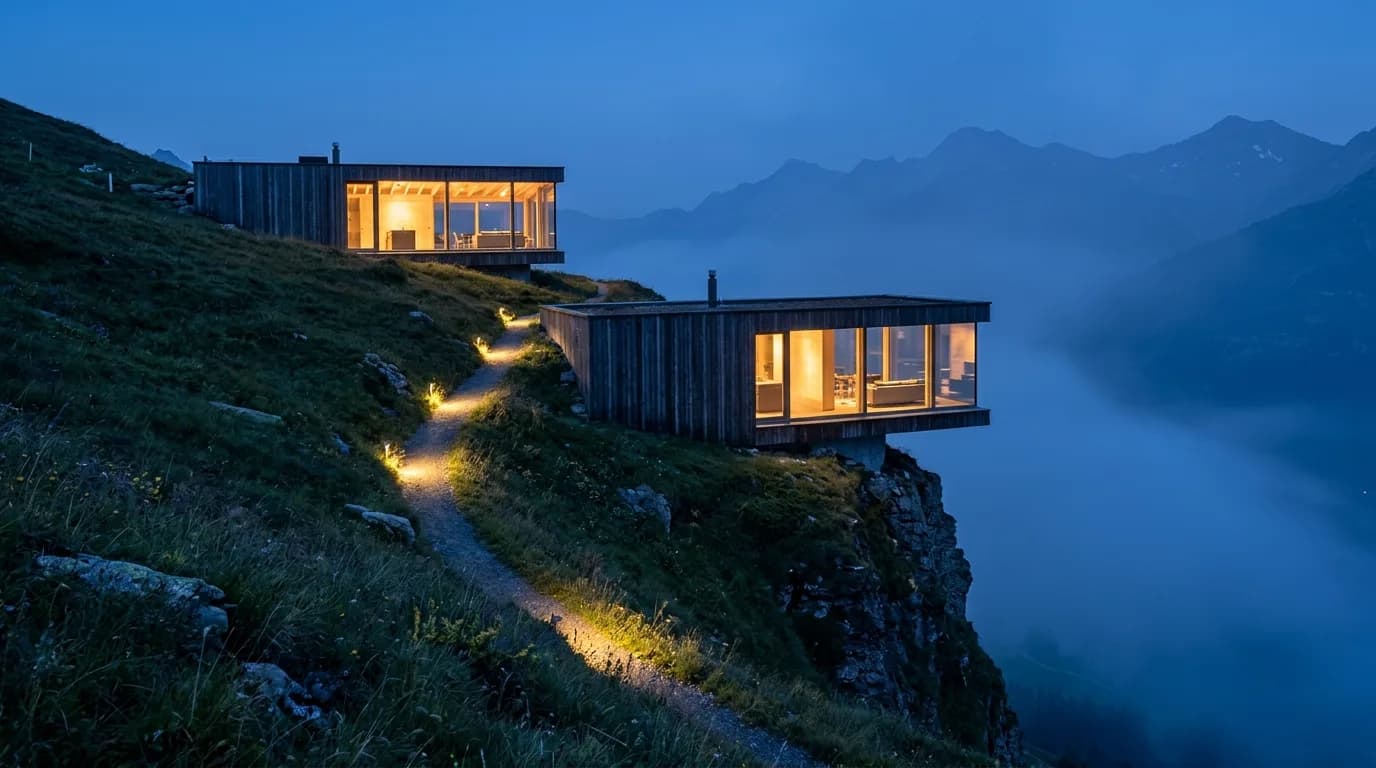
05
With "Viewport Render Image" from the viewport: furniture and scenes with material and mood, without long render times.
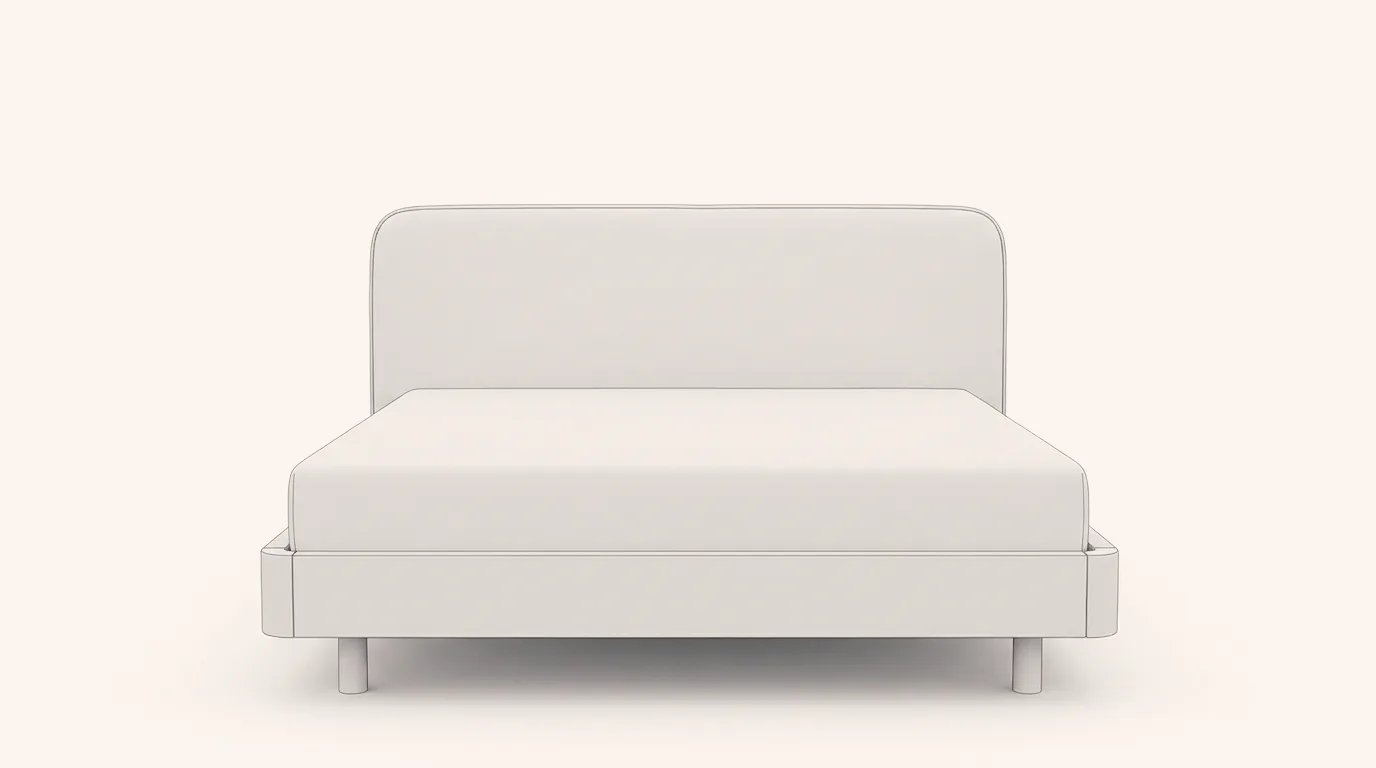
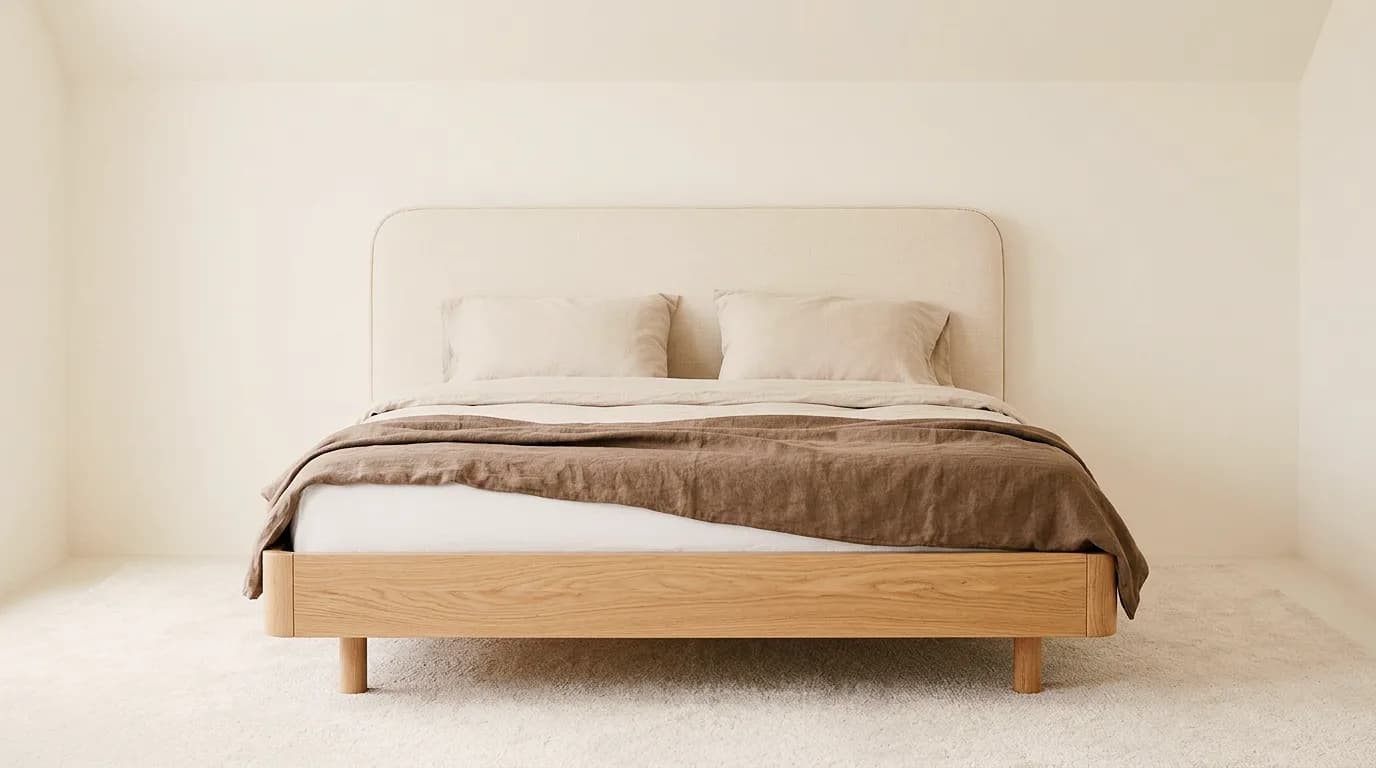
06
Vectorworks, Allplan, Cinema 4D or a kitchen planner: anything that exports a 3D model or saves a view as an image works with Vizera.
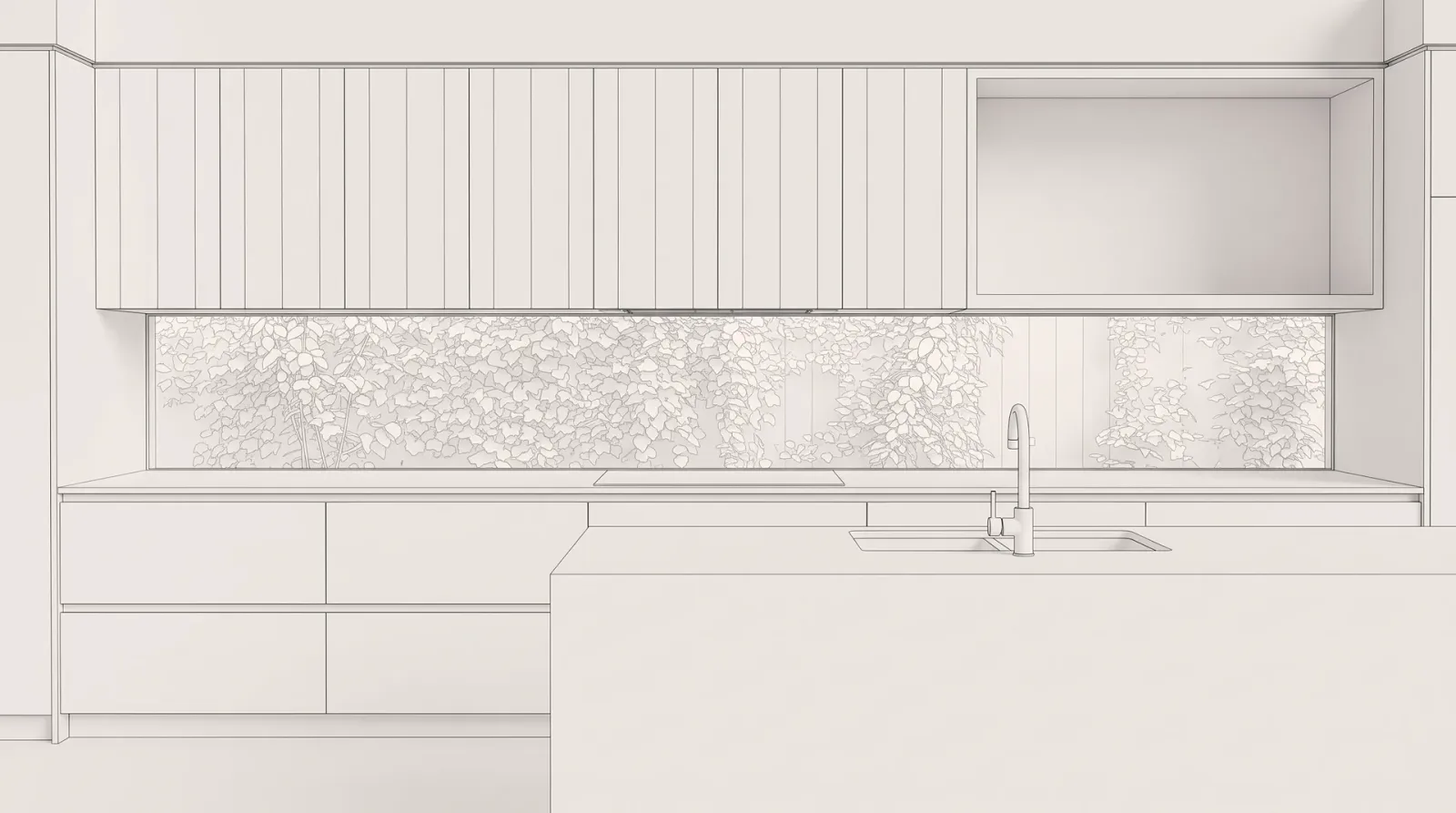
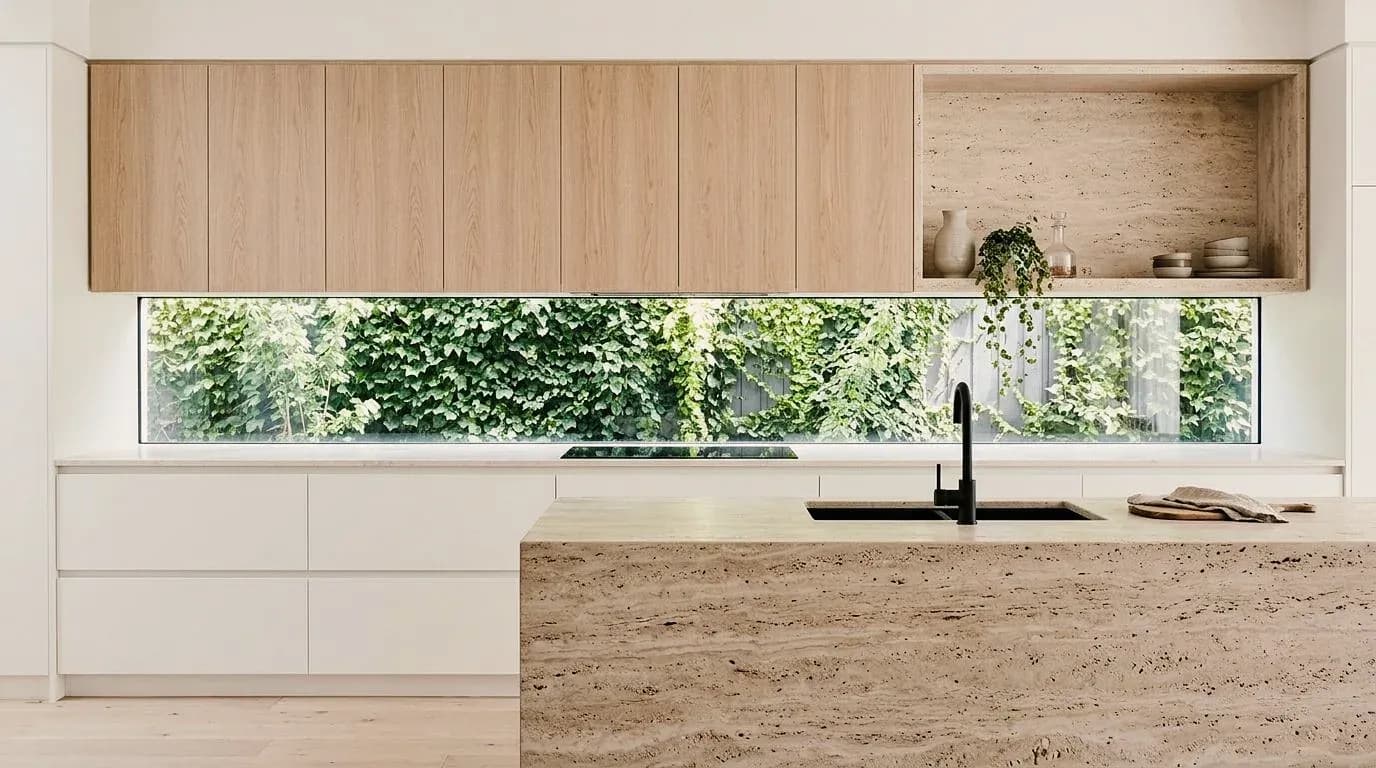
With plugin, model upload or image export: you set the view, changes and selection.
Upload the 3D model and pick the camera in the viewer – or set perspective and framing in the program and export the view as JPG or PNG. In Archicad, the plugin sends both directly.
Describe materials, surroundings and light in plain language, mark surfaces with masking or provide up to six reference images.
Place the variants side by side in Boards and download the chosen image as PNG.
On each program page, you can sign up for early access. Demand decides which plugin we build next.
How the individual tools work and what firms and businesses use them for.
Features
3D to visualization
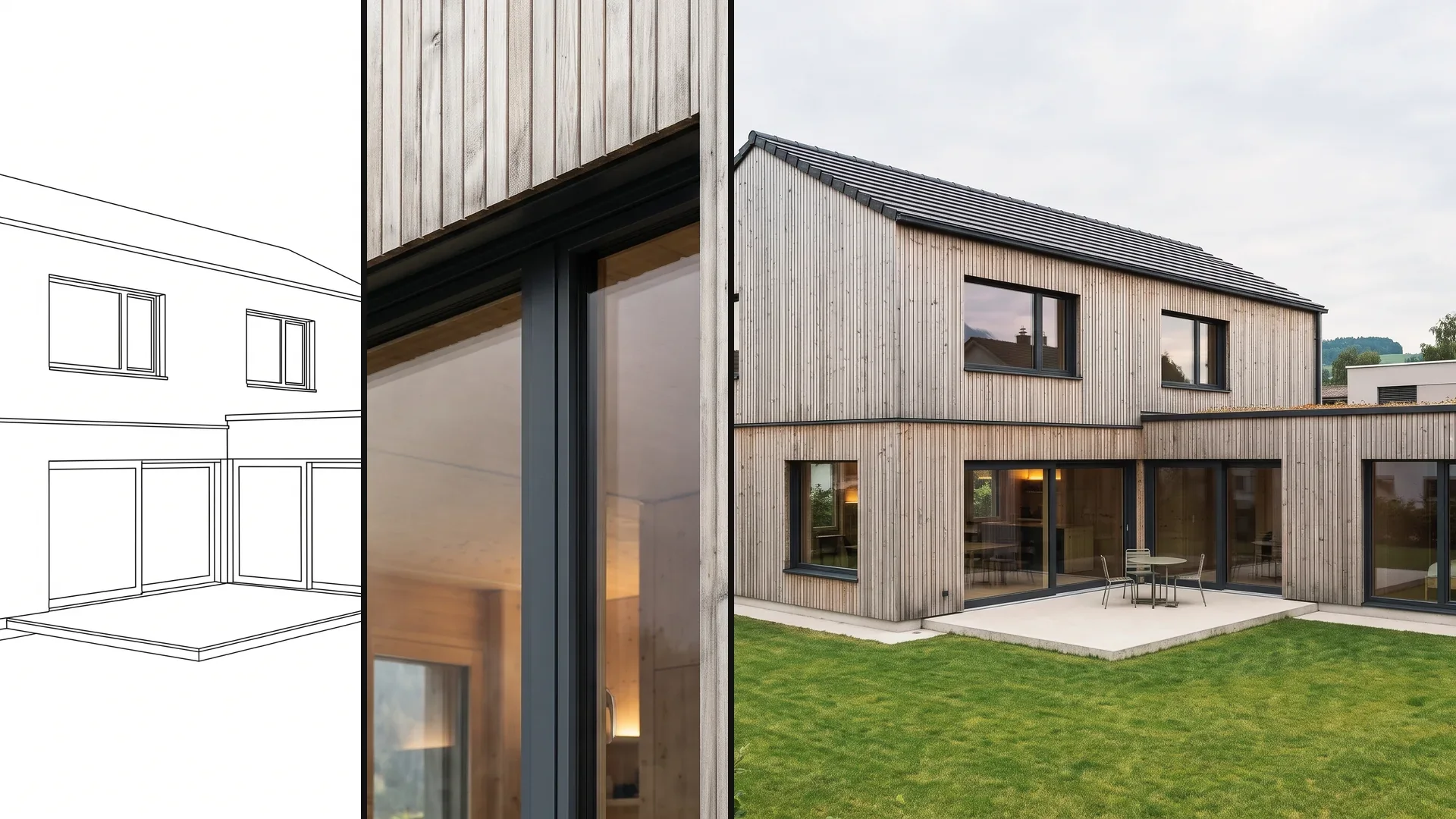
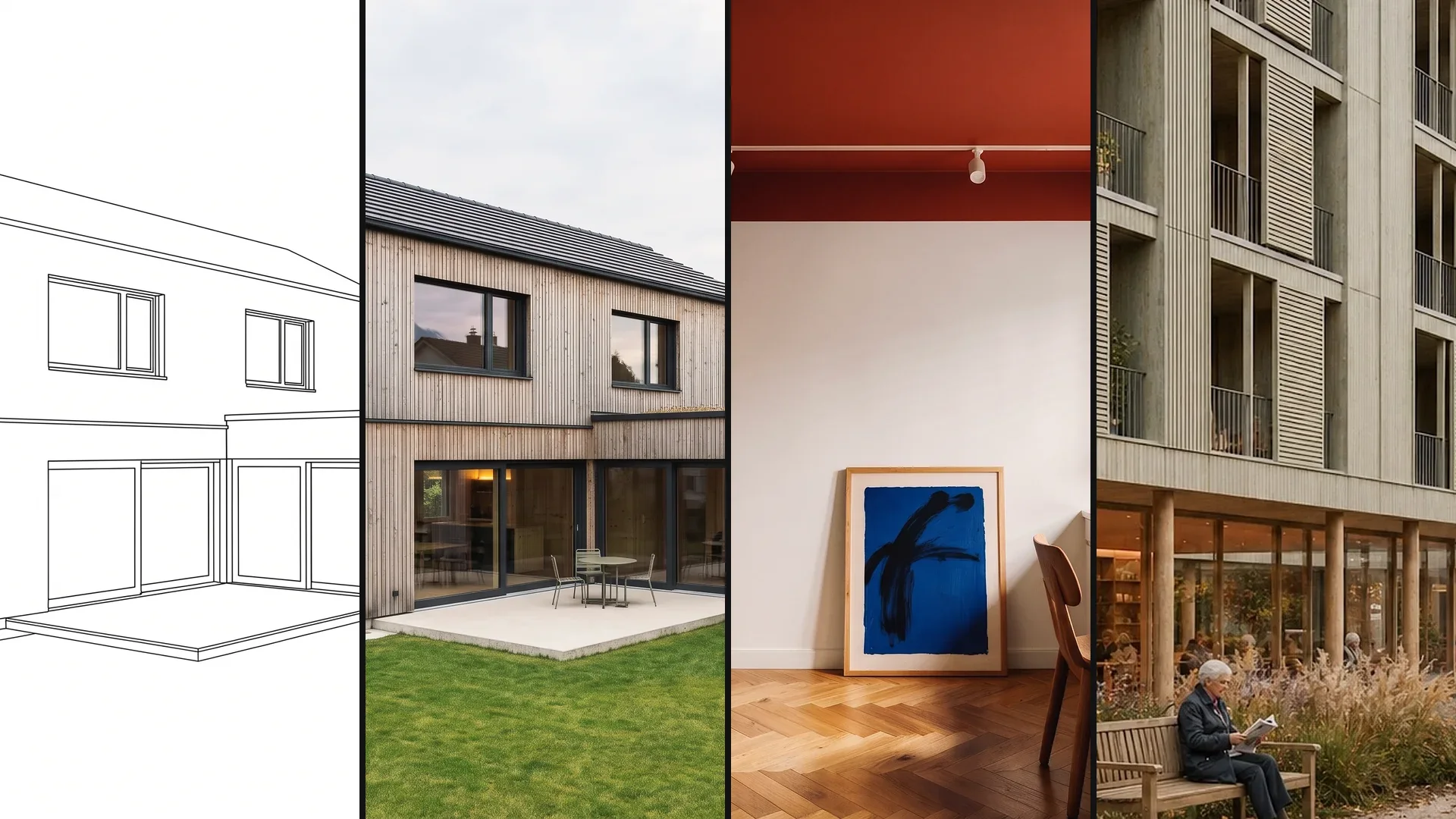
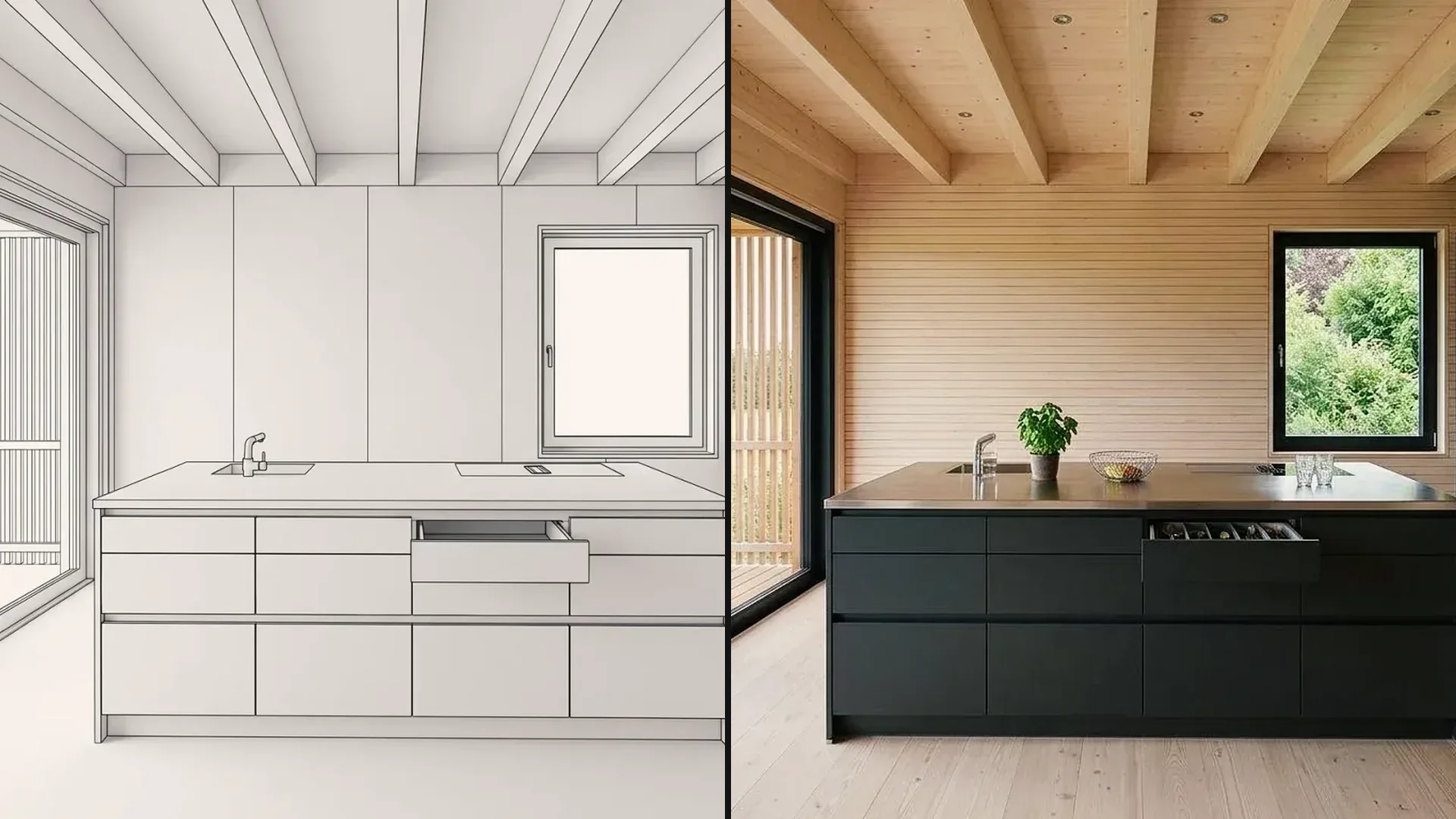
Show screenshots from the 3D model with material, light and surroundings.
CAD to visualization
Turn an exported CAD view into a visualization.
Material variants
Change material and color in your image – facade, front or floor.
Masking
Change only the marked area – a facade, a piece of furniture or a floor, for example.
So you know what comes back into your program and what doesn't.
Vizera delivers images. A changed material or a new facade doesn't come back as a component into Archicad, Revit or SketchUp.
The plugin is available for Archicad 28 and 29. From AutoCAD, Revit, Rhino, SketchUp and Blender, you upload the 3D model or an image view.
Vizera doesn't load 2D plans as DWG, DXF or PDF directly – export the view as JPG or PNG. Vizera doesn't draw plans or dimensions.
Short videos on this topic: follow along step by step in your account.
Answers on programs, plugin, file formats and form fidelity.
With any program that exports a 3D model or saves a view as an image – such as Archicad, AutoCAD, Revit, Rhino, SketchUp, Blender or Vectorworks. For Archicad, there's also a plugin that sends model and cameras directly.
200 Credits free, once at sign-up. No credit card, no installation.
