Input
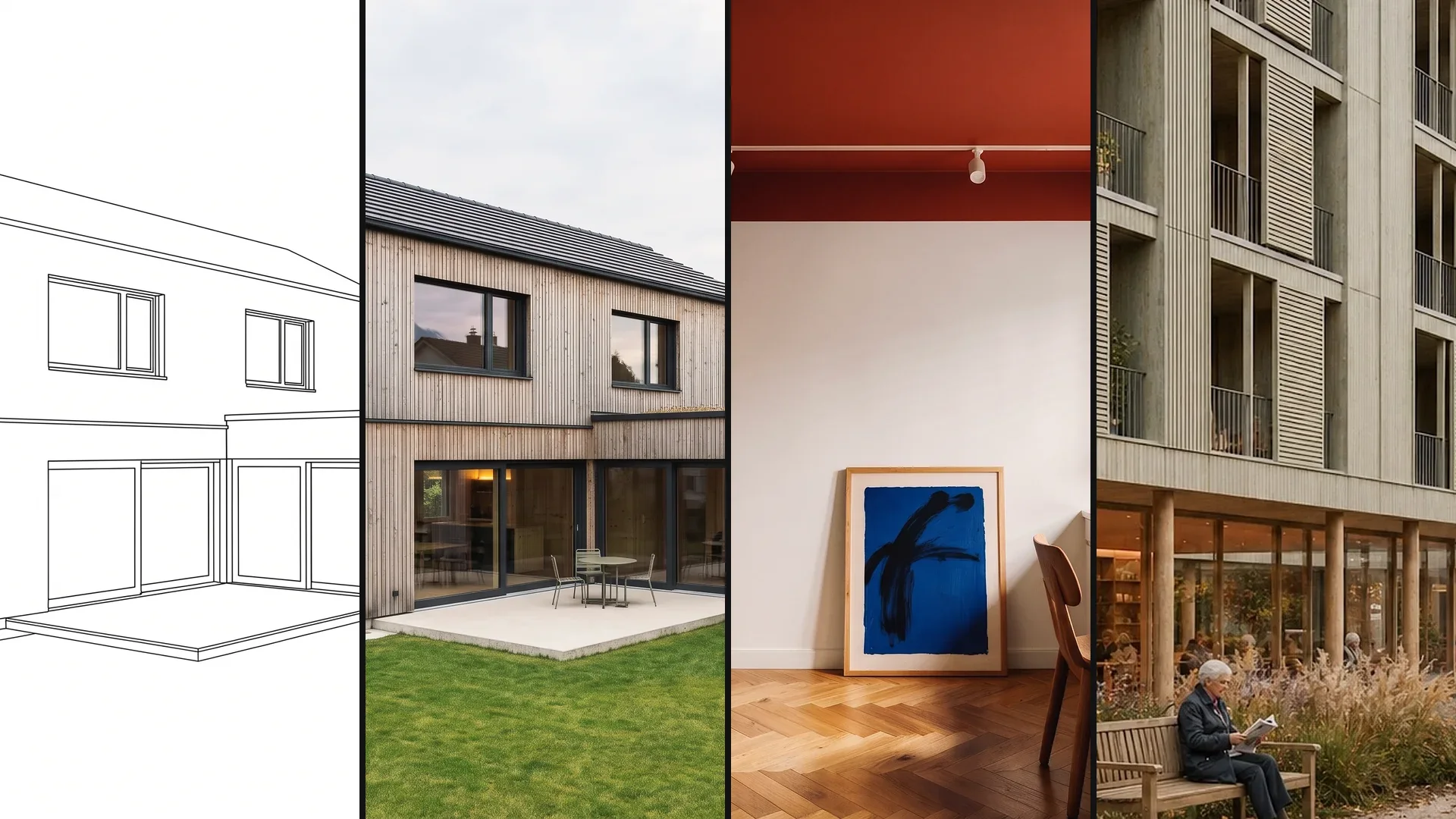
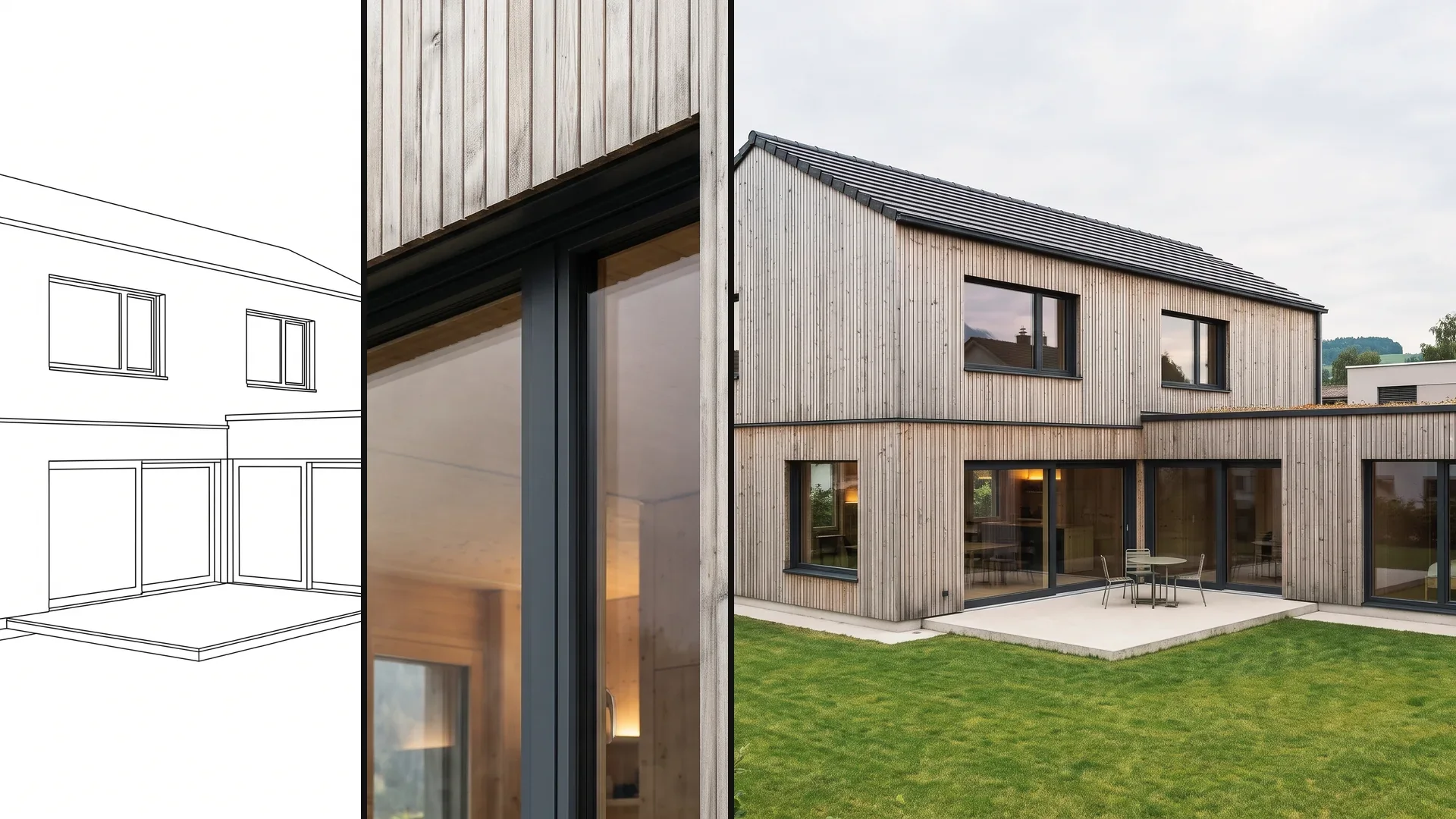
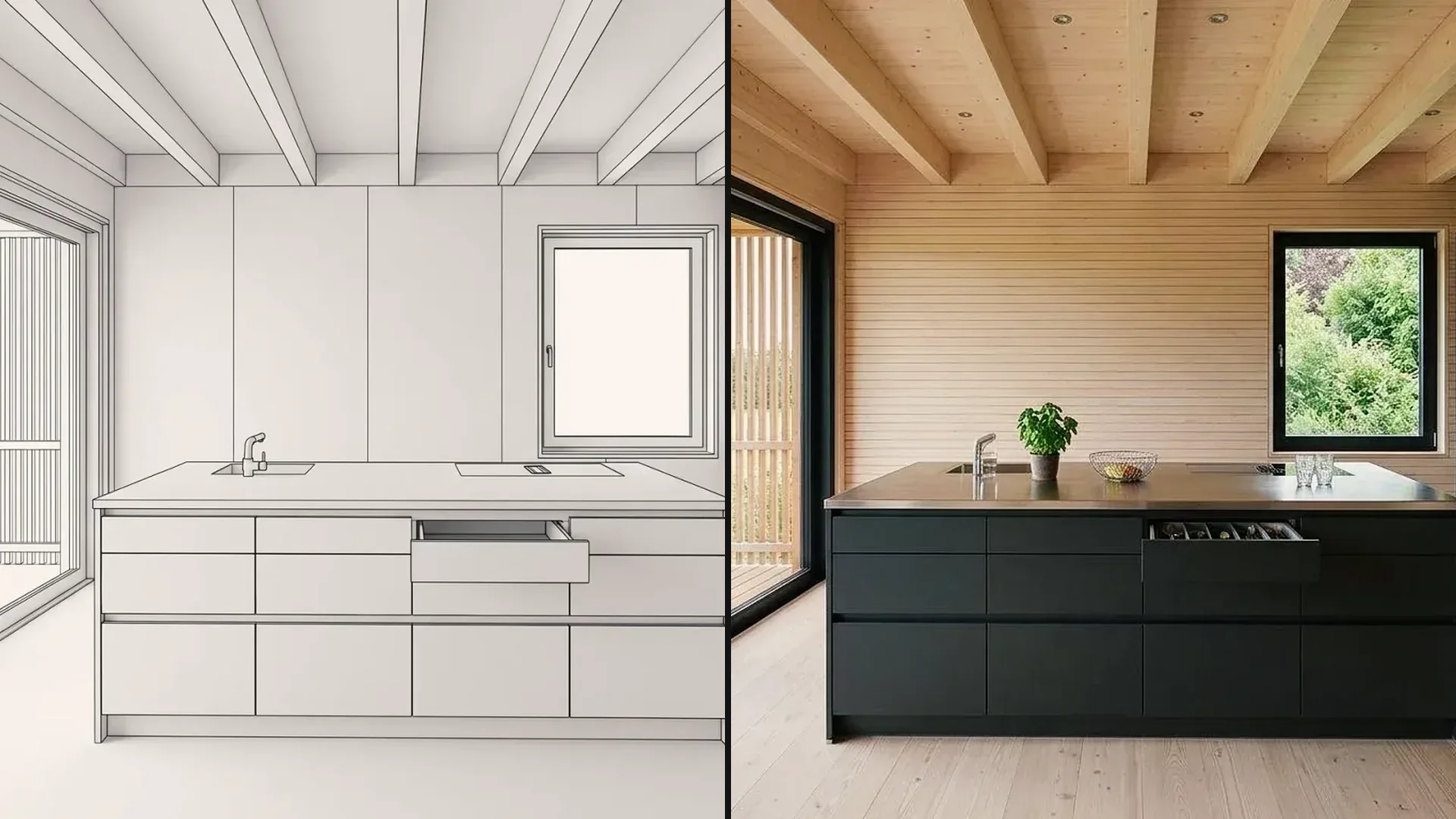
Vizera: your 3D model as a file or from Archicad via the plugin, plus any image – photo, sketch, export as JPG or PNG up to 5 MB – and up to six reference images. Enscape: the model in the respective software, with its materials and objects.
CAD integration
Vizera: plugin for Archicad 28 and 29 on Mac and Windows – send views, sync the model with cameras; from Revit, SketchUp, Rhino, AutoCAD and Blender you upload the model as a file, plugins are on the waitlist. Enscape: plugins for Revit, SketchUp, Rhino, Archicad and Vectorworks, on Mac without Revit – inside the software itself, Enscape has broader coverage.
Geometry and fidelity
Enscape: shows exactly what is in the model – every camera, every edge, in real time. Vizera: with the model in the 3D viewer, geometry and details also stay as modeled; light and material are plausible, not calculated. From a sketch or photo Vizera interprets, with Masking as a safeguard. How shape-accurate that is, we disclose in the Labs.
Output
Vizera: still images as PNG, organized in Boards, upscalable for print. Enscape: still images, walkthroughs, panoramas, videos and VR – for walking through the model, Enscape is the tool.
Editing
Vizera: you change material, light, season and environment on the image in plain language or with reference images; Masking changes only the marked area. Enscape: you edit materials and objects in the model; according to the manufacturer, there are also AI features that touch up people and vegetation in the rendering.
Price and trial
Vizera: 200 Credits free at sign-up, no credit card; Basic from CHF 120 per month on the annual plan, Pro with 10'000 Credits. Enscape: Solo from USD 47.90 per month on the annual plan (USD 574.80 per year), 14-day trial (manufacturer's information, as of October 2026) – plus the license for the modeling software.