Not a binding sample
Screen, light and substrate change how color and render look. Confirm color and texture on a sample on the facade on site.
Upload a photo of the existing house and show how the facade will look after renovation: color, render texture, plinth and shutters change; windows, roof and neighborhood stay. For painters, owners and property managers – the decision is made on an image of their own house.
6,500+ registered users in CH, DE and AT.Over 100,000 visualizations in the first year.


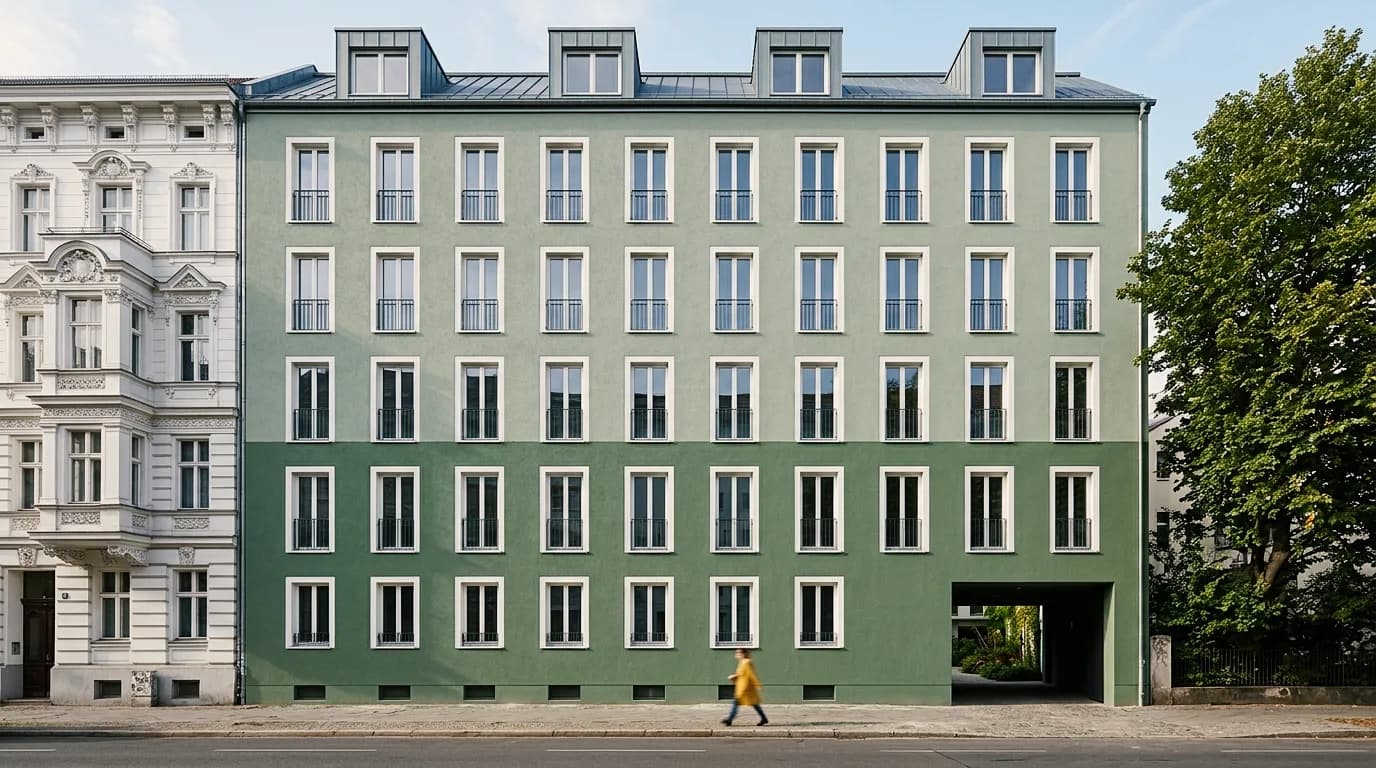
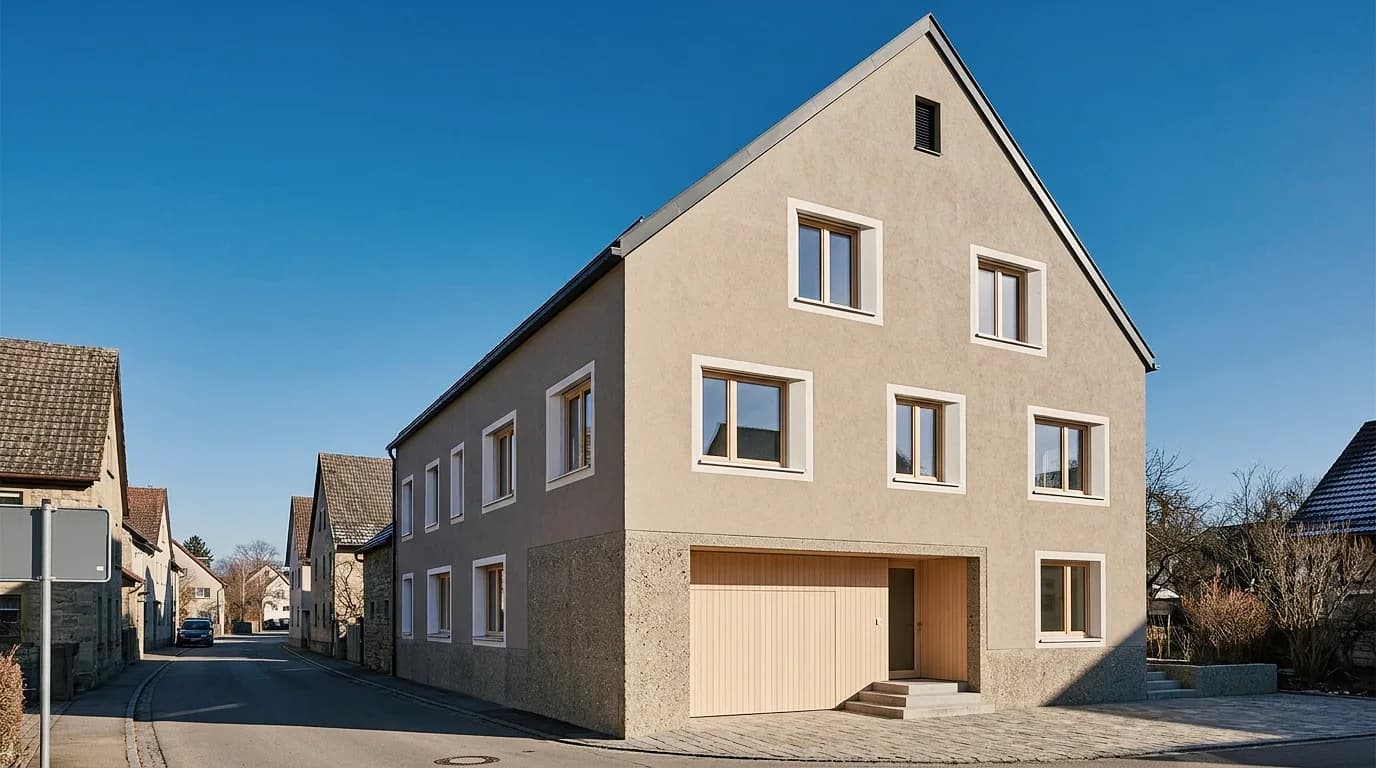
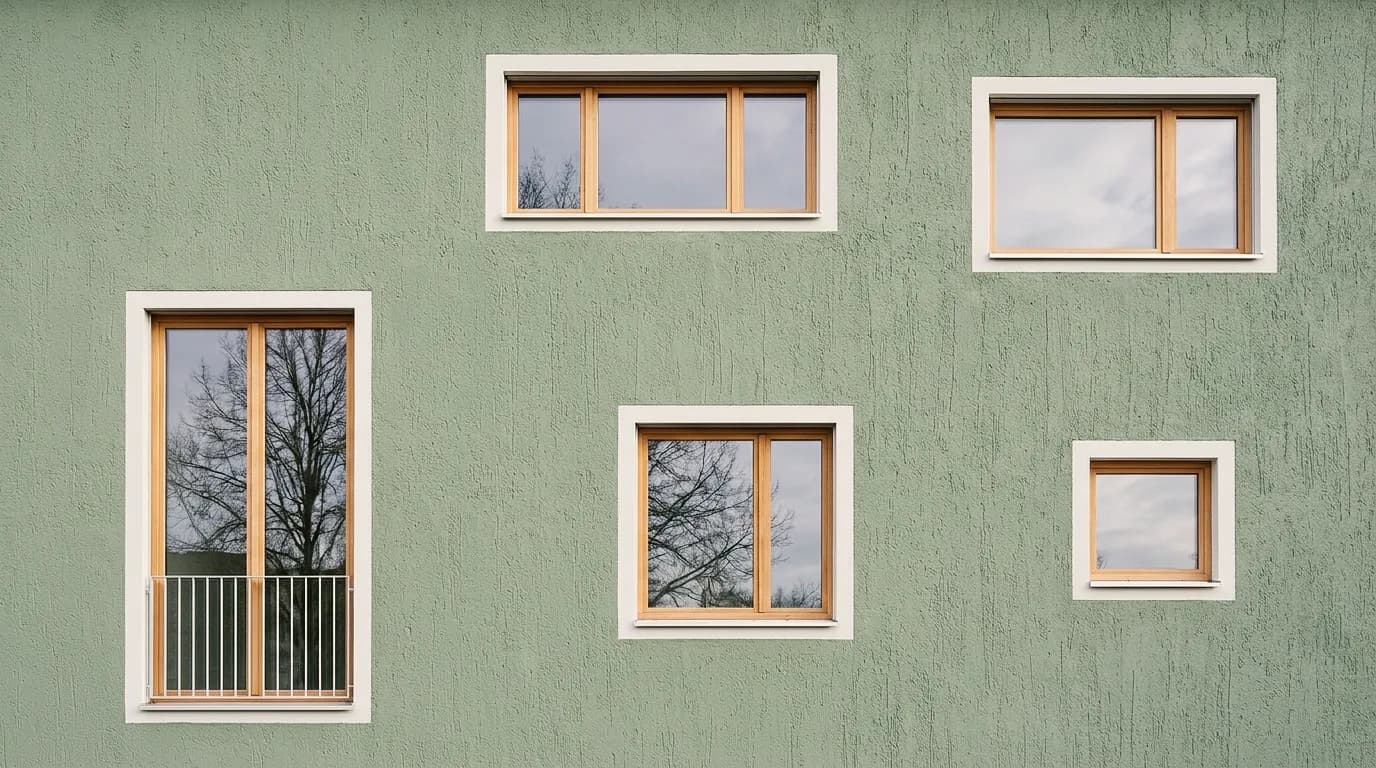
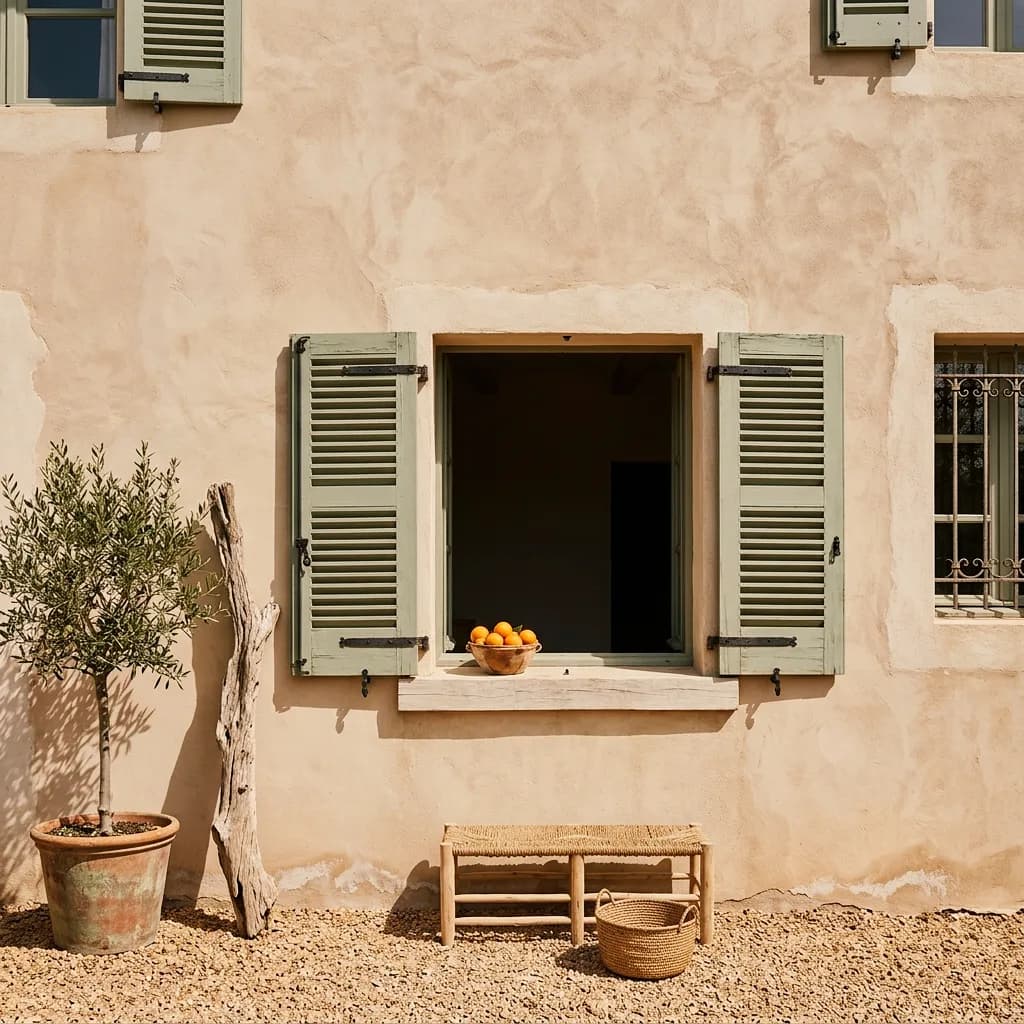
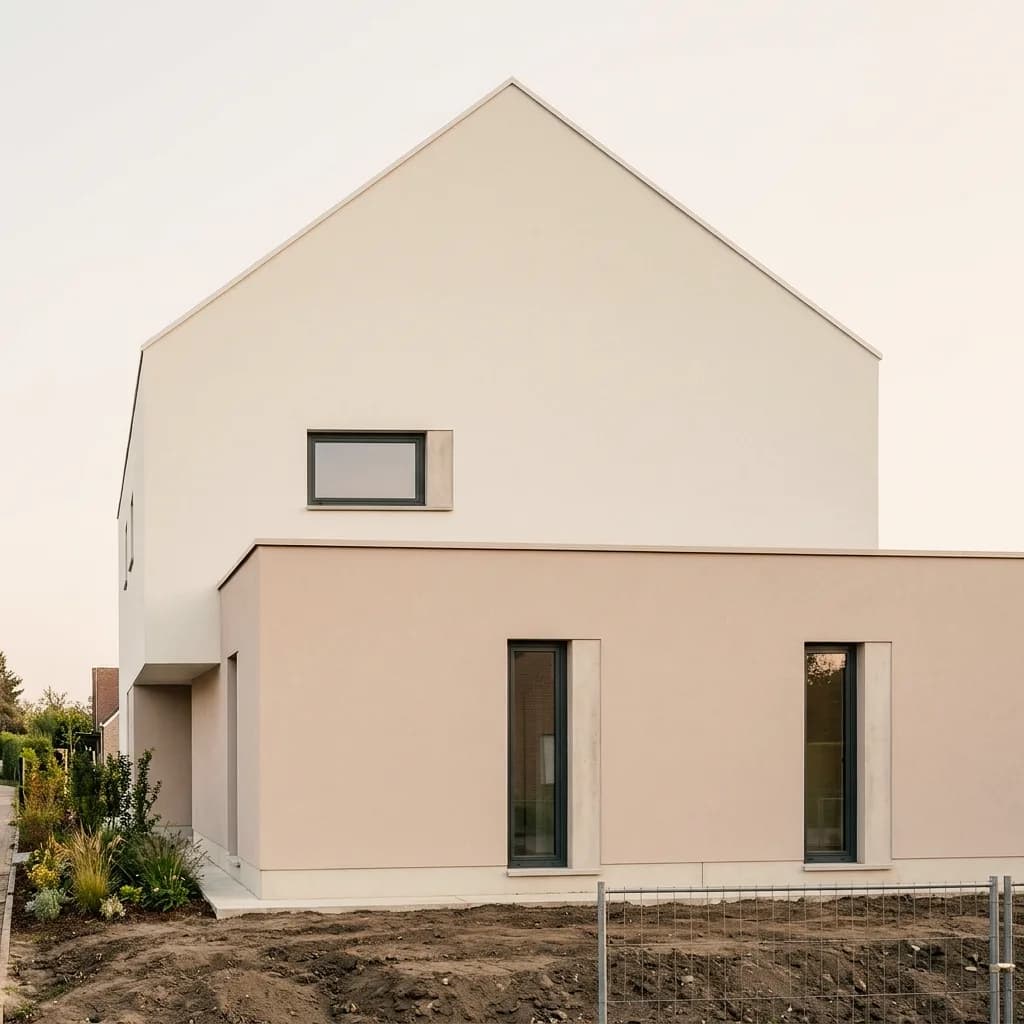
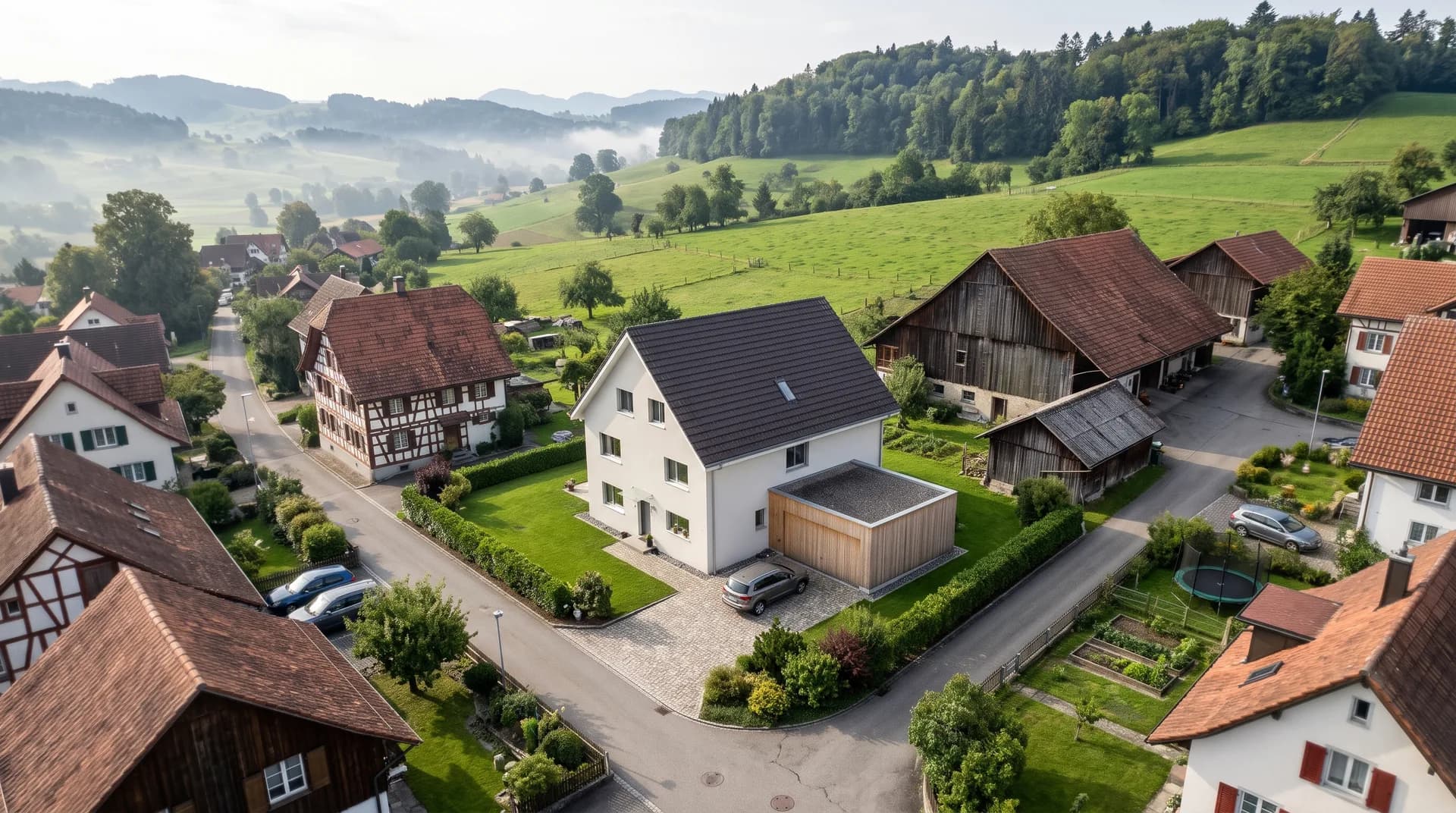
Each example is an existing building where only color, render or material was changed in Vizera. Click an example to see the existing building and the proposal one after the other.
01
Two-tone sage green or two sand tones next to the 19th-century building: the owners' meeting sees both proposals on their own street.
02
Beige-gray float finish or light sage – the color on the whole house instead of on a color fan.
03
Sage-green scraped render, sand beige or fine textured render: color and grain on the same facade; window surrounds and windows stay.
04
Mediterranean lime render facade with green shutters, in ivory or as a fine float finish – shutters and cornices are preserved.
05
Two-tone smooth render, sage-green porch or float finish on the gable: compare color and texture on the whole house.
06
The single-family house in the village with white render and tile roof, then with gray render and metal roof – a full renovation, seen from the air.
Rendered facades, color concepts and building envelopes before and after renewal. Click an image to see the versions.
How Vizera supports a facade renovation – from the photo of the existing building to approval by the owners.
Capture
A straight-on photo of the house in daylight is enough as a source image – from your phone or from the site visit. The calmer the framing, the clearer the comparison.
Proposals
On the photo you show two or three proposals: a different color, a finer grain, a contrasting plinth. Each version stays the same house; only the facade has changed.
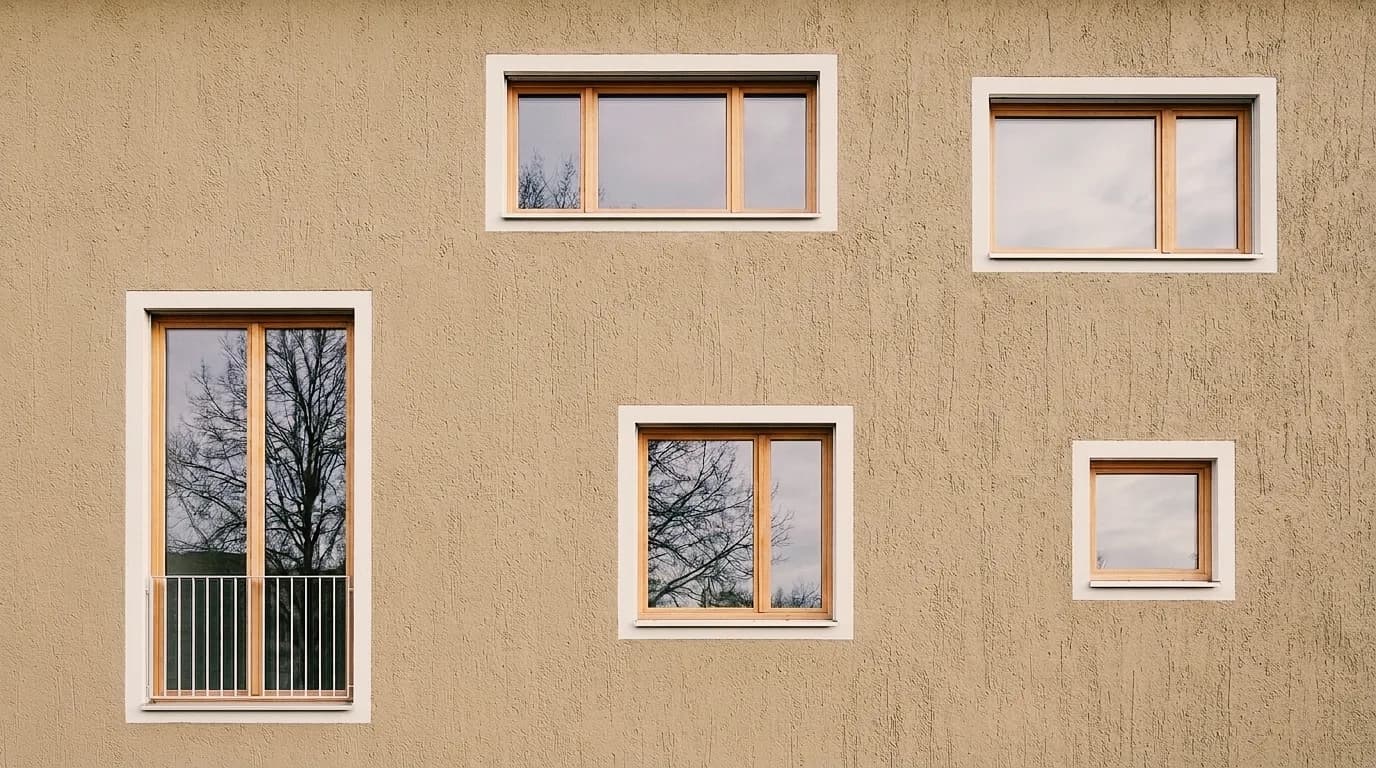
Decision
The proposals go to the meeting or to property management as a board. Feedback – such as lighter window surrounds – you apply precisely with Masking, without rebuilding the image.
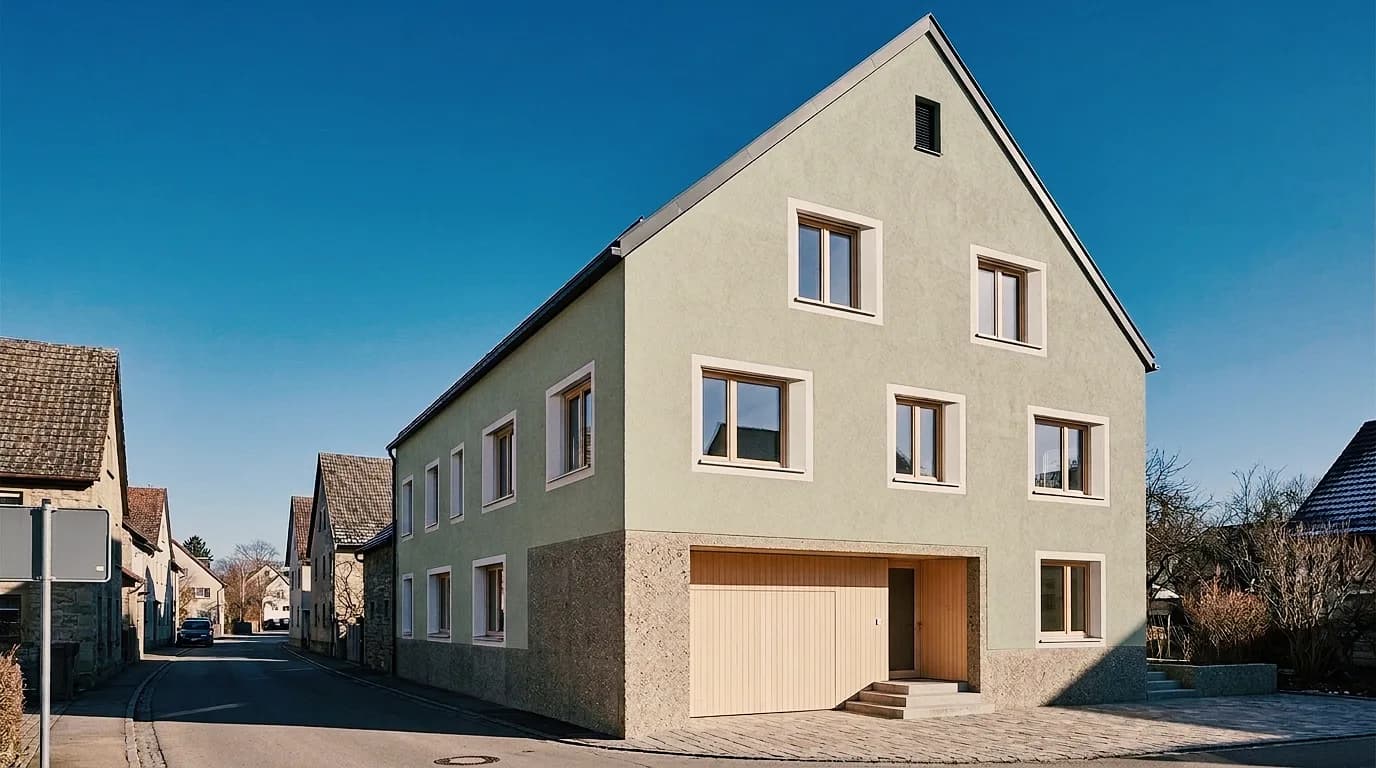
Execution
The chosen proposal goes as a PNG to the quote and to the supplier. You confirm color and texture on the physical sample on the wall – the image shows the effect, the sample shows the product.
Mark an area, show material or style with a reference image, and collect the variants in Boards. Here's how it looks in the app.
01
Mark the area being renovated – a facade panel, the plinth, the shutters – and the rest of the house stays as it is. The marked area is recalculated; outside the mask the image may lose a little sharpness.
02
Show material or style with a reference image. The result interprets the sample.
03
Place the existing building and proposals side by side – for the owners' meeting or for approval by property management.
For those who show the renovated facade on the actual house before scaffolding and materials are ordered.
Show the color concept and render texture on a photo of the property and agree on them with the client before the quote is written.
Compare the painter's or planner's proposals on an image of your own house and set the direction.
Prepare renovation proposals for the owners' meeting – on a photo of the property instead of a color fan.
Show the renewal of the building envelope on the existing building before details and tendering follow.
Test the workflow first with one of your own properties. Free is for non-commercial testing. For use in client projects, choose a paid plan.
Annual payment: 12-month term.
For Testing
Free of charge
200 Credits
up to 40 images, depending on model and resolution
Costs less than one external visualization
CHF 120/ mo
With monthly billing: CHF 150/ mo
Save CHF 360 per year
4'000 Credits
160–800 images or 10–13 videos, depending on model and resolution
excl. VAT · Annual payment: 12-month term
Native 4K and enough credits to never count
CHF 264/ mo
With monthly billing: CHF 330/ mo
Save CHF 792 per year
10'000 Credits
400–2'000 images or 25–33 videos, depending on model and resolution
excl. VAT · Annual payment: 12-month term
Depending on model and resolution. Subscription credits reset monthly and are used first; purchased credit packs do not expire.
A convincing image also has to hold up in everyday design work. In Vizera Labs, we test AI models and editing methods on architecture and interior images – with documented comparisons, measurable criteria and human evaluation.
Do windows, roof and proportions stay when only the facade is renovated? We compare proposals with the photo of the existing building and check which details are preserved.
A new plinth must not change the windows along the way. We measure what happens inside and outside the marked area during local edits.
How close does the result come to your material sample? We compare reference image and visualization and assess how color, surface and material character carry over.
First the facade, then the light, then the furnishings: we examine how image structure, sharpness and colors change across several editing steps.
More pixels don't automatically mean better detail. We compare upscaled images in close-up and check for convincing structures, smoothing and unwanted textures.
Which model suits which task? We compare models on shared test tasks and evaluate image quality, processing time and cost as the basis for our product choices.
Internal Vizera tests. Results apply to the documented tasks, models and settings. You'll find the test scope and limitations with each study.
The visualization supports the renovation decision. For the quote, permit and execution, samples, plans and professionals remain authoritative.
Screen, light and substrate change how color and render look. Confirm color and texture on a sample on the facade on site.
The image shows the effect of the renovation, not the condition of the substrate. Cracks, moisture and wall build-up are assessed by a professional on site.
During generation, windows, shutters or cornices may change slightly, even if only the facade is meant to change. Correct such spots with Masking or compare with the source photo.
How the individual tools work and what firms and businesses use them for.
Answers on photos, colors, render textures, neighborhood, permits, partial areas and the free trial.
A straight-on photo of the house in daylight, as JPG or PNG up to 5 MB. Phone photos are fine. The fewer cars, branches and shadows in front of the facade, the cleaner the new surface can be shown.
200 Credits free, once at sign-up. No credit card, no installation.
