Your image is the starting point
Your 3D model, a photo of the existing building, a sketch or an image export from CAD: Vizera works with what your project already has – images as JPG or PNG up to 5 MB.
Every profession brings something different: the CAD export, the hand sketch, the photo of the kitchen, the facade color sample. Vizera turns it into the image the next decision needs. Pick your profession – the page shows examples, workflow and answers from your work.
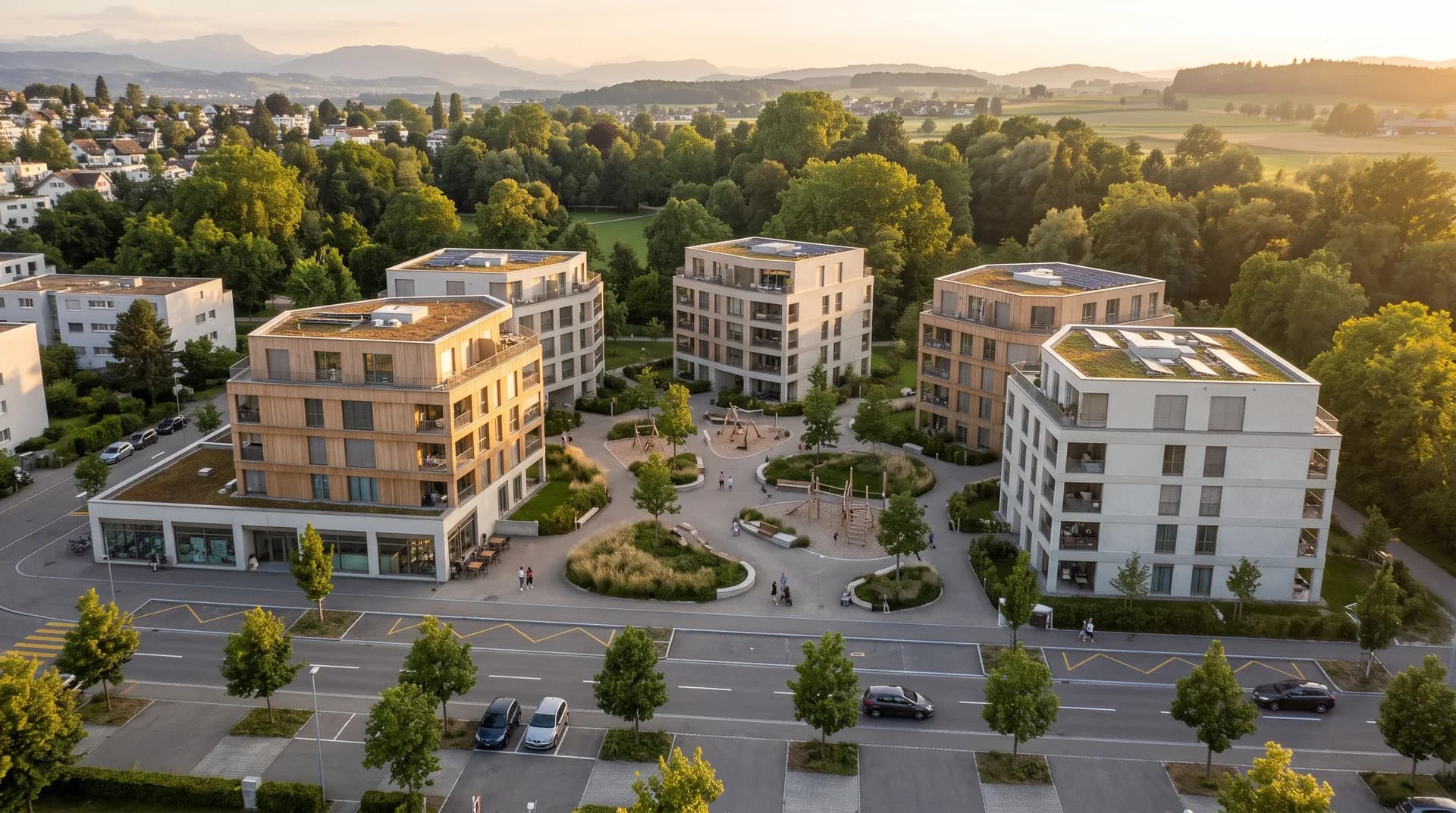
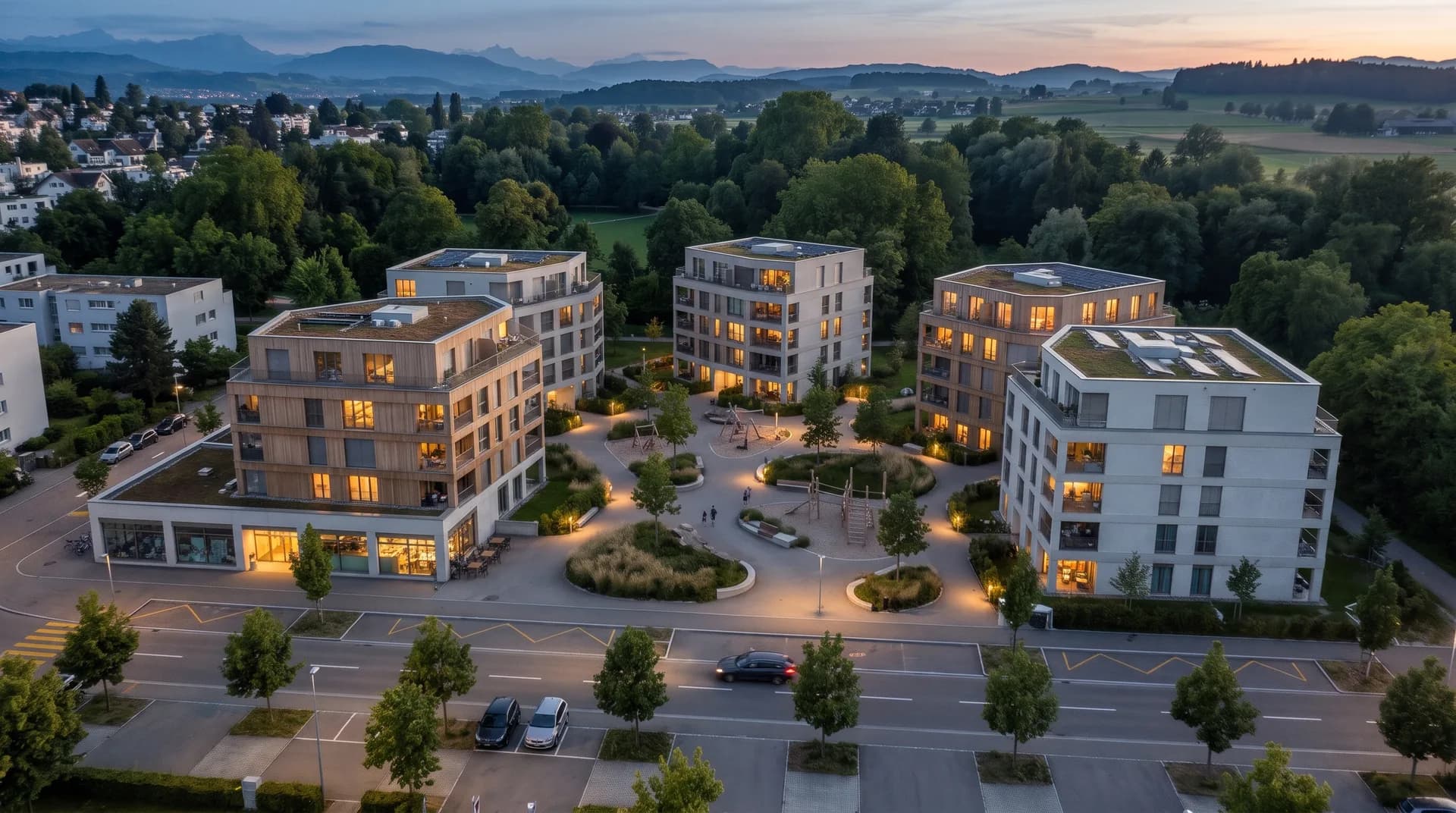
Architects, interior designers and real estate work with models, plans and photos – and show competitions, rooms and projects before anything is built.
01
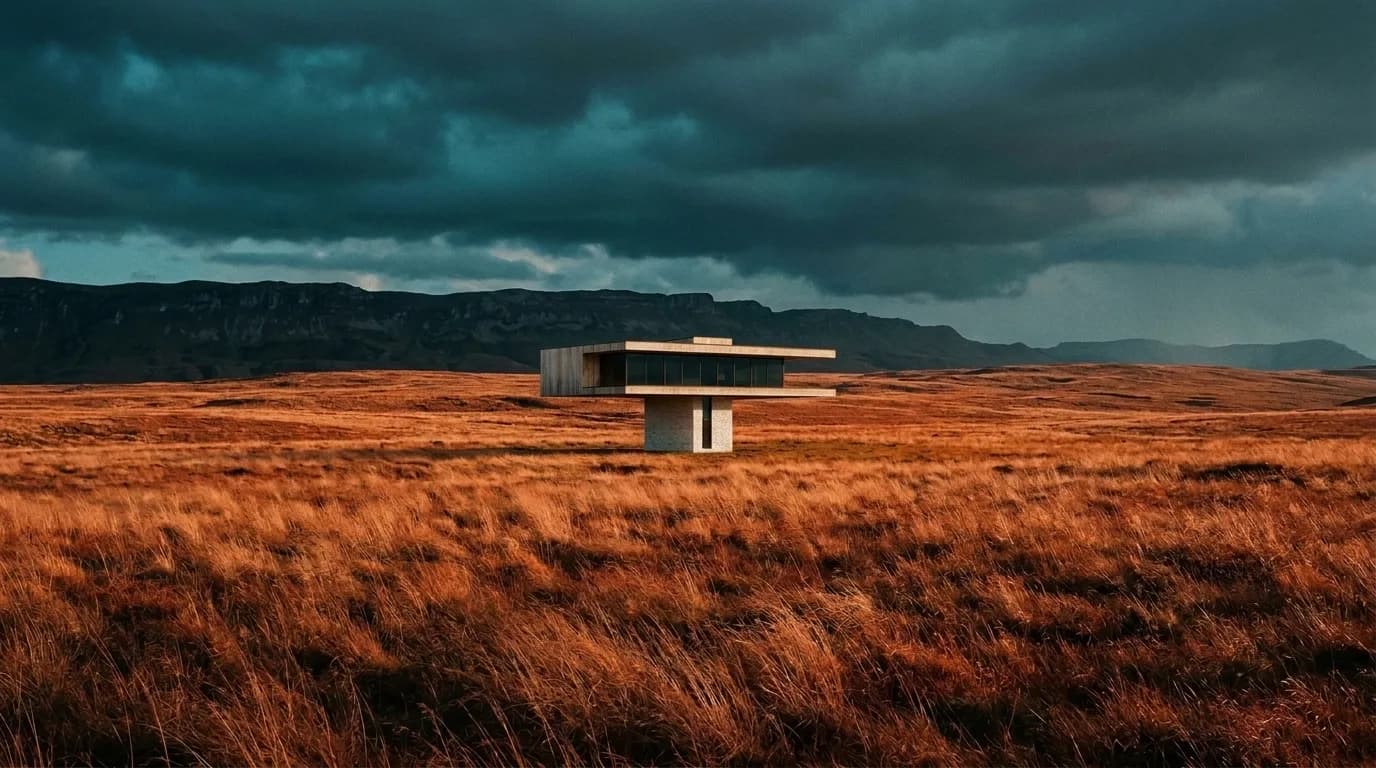
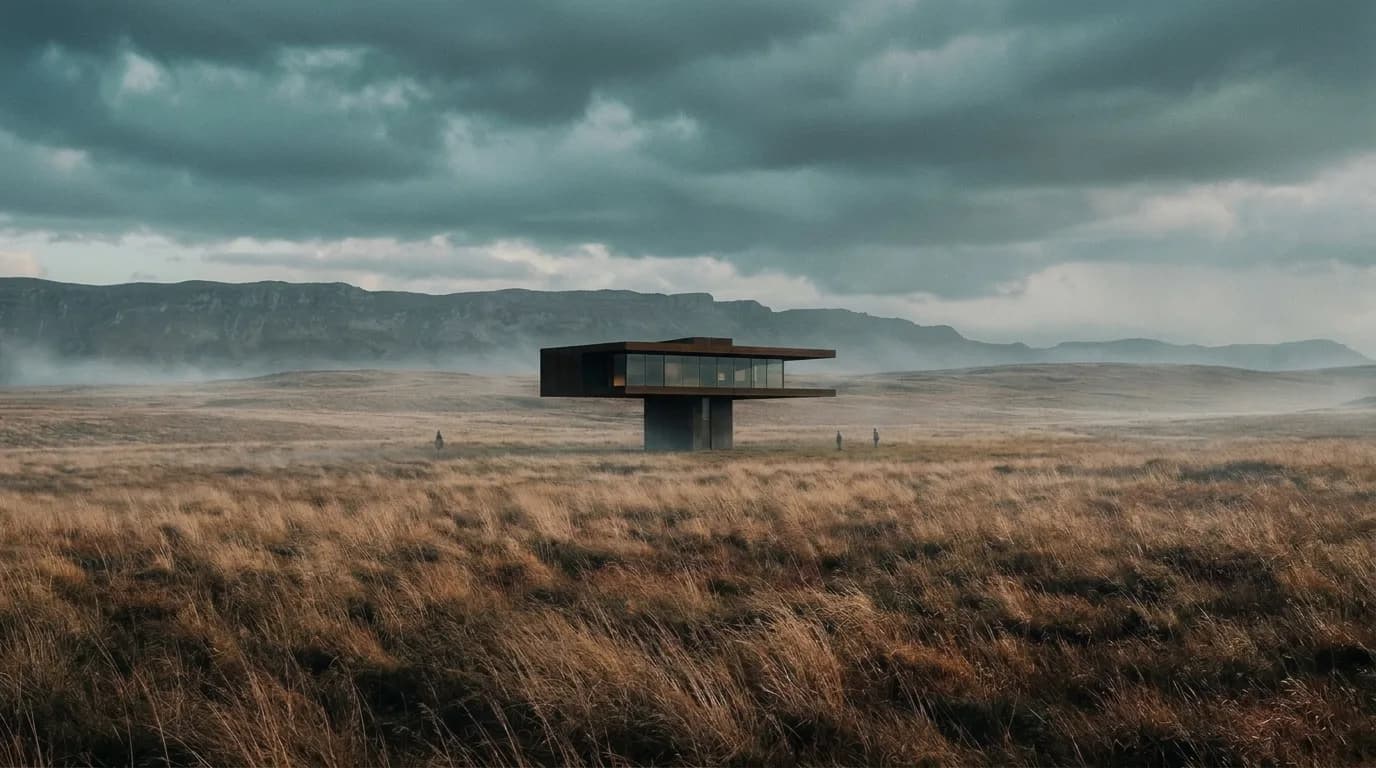
Massing, facades and atmosphere for competitions, clients and municipalities – from CAD export, model or photo.
02
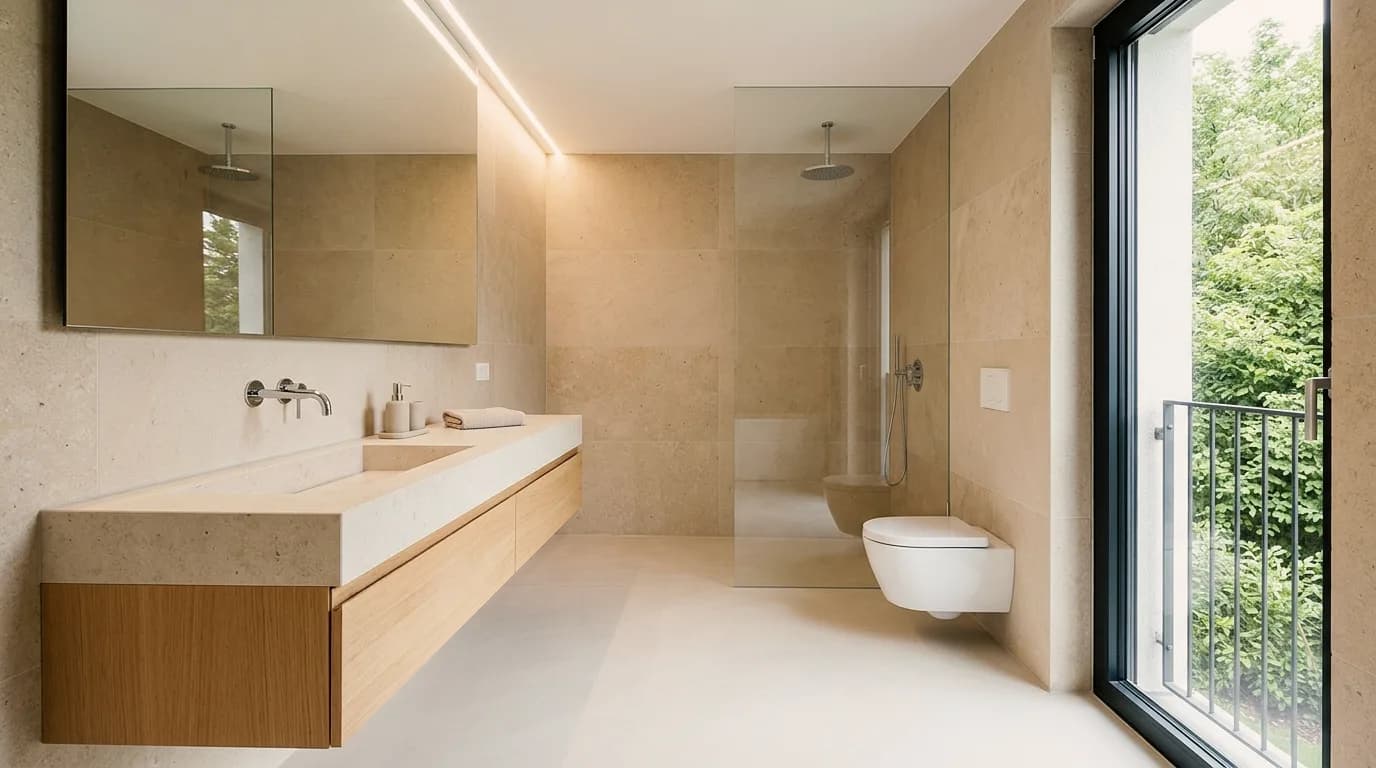
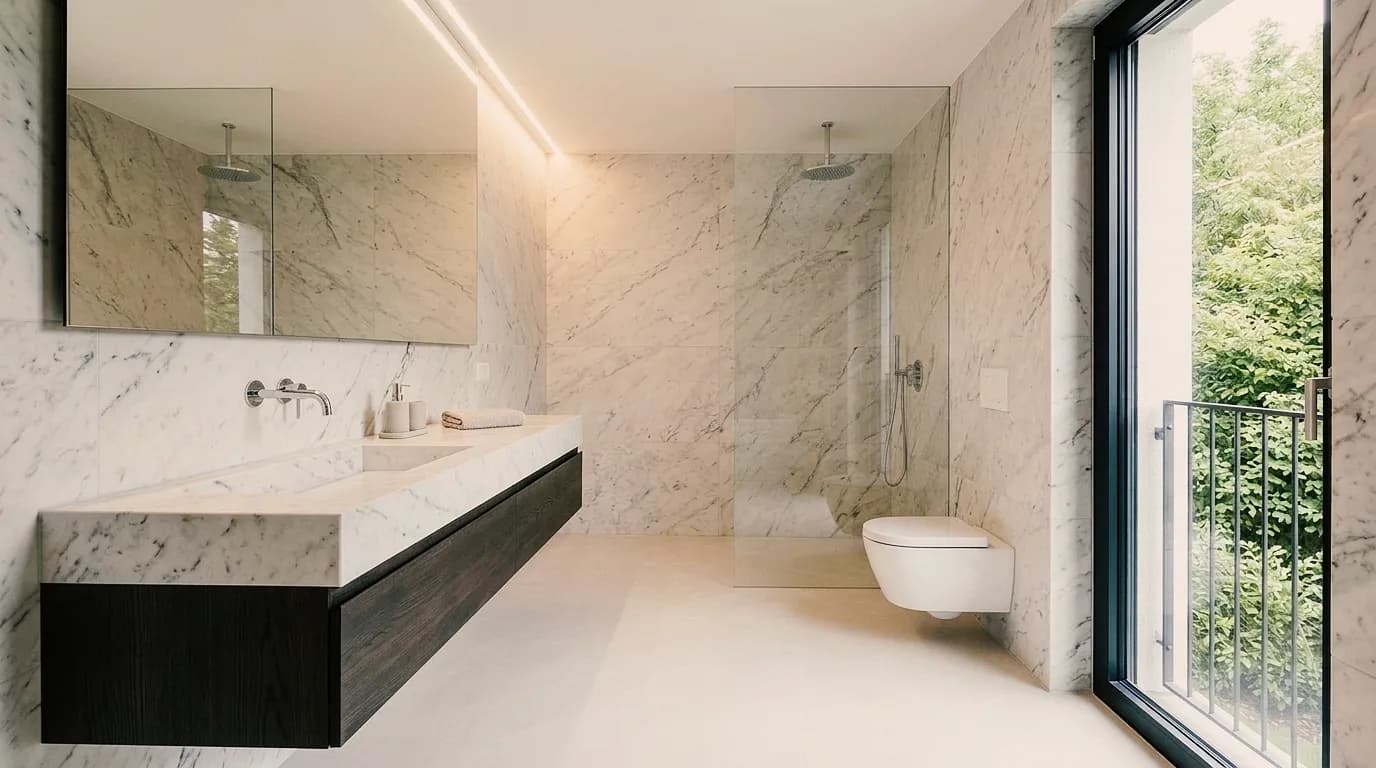
Show material concept, color and furnishing in the room – from concept to client presentation.
03
Market projects before construction starts and show existing properties with variants – day, evening, season.
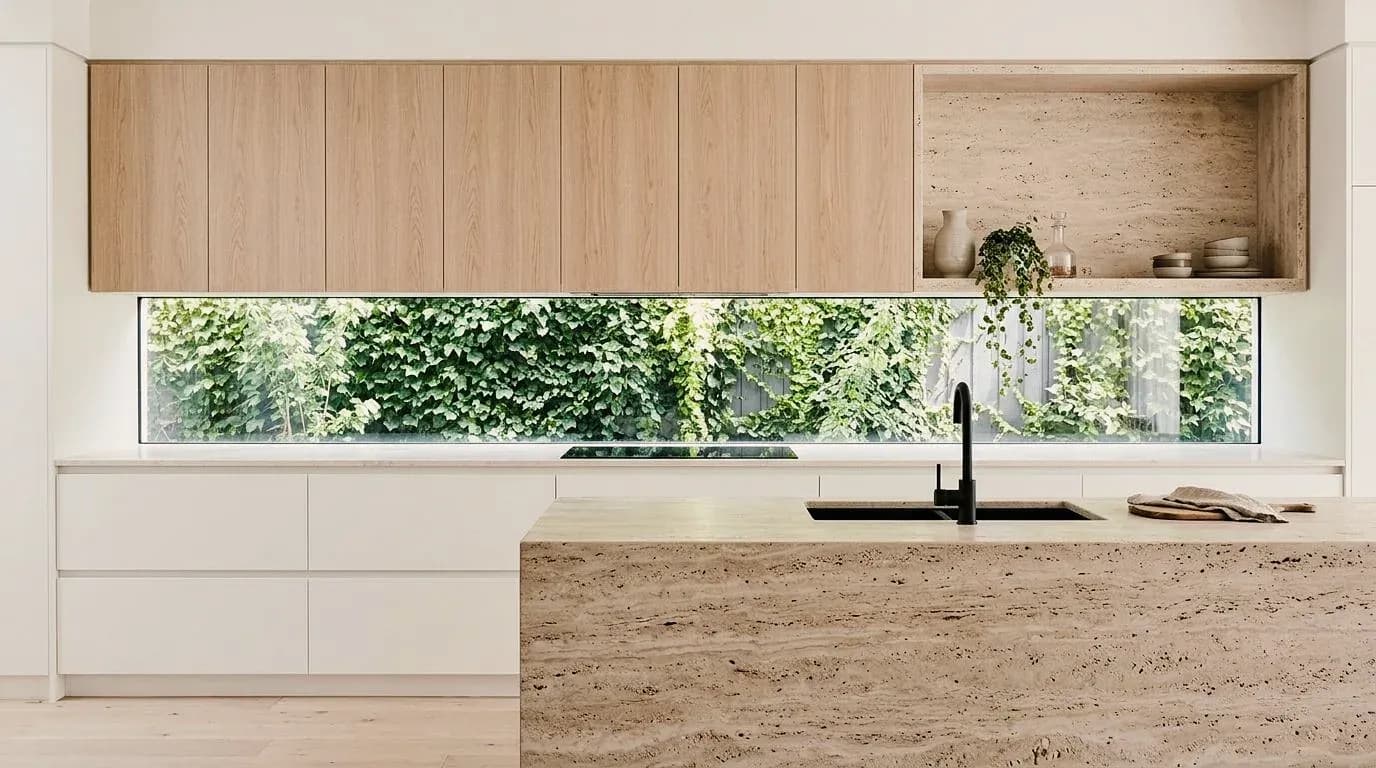
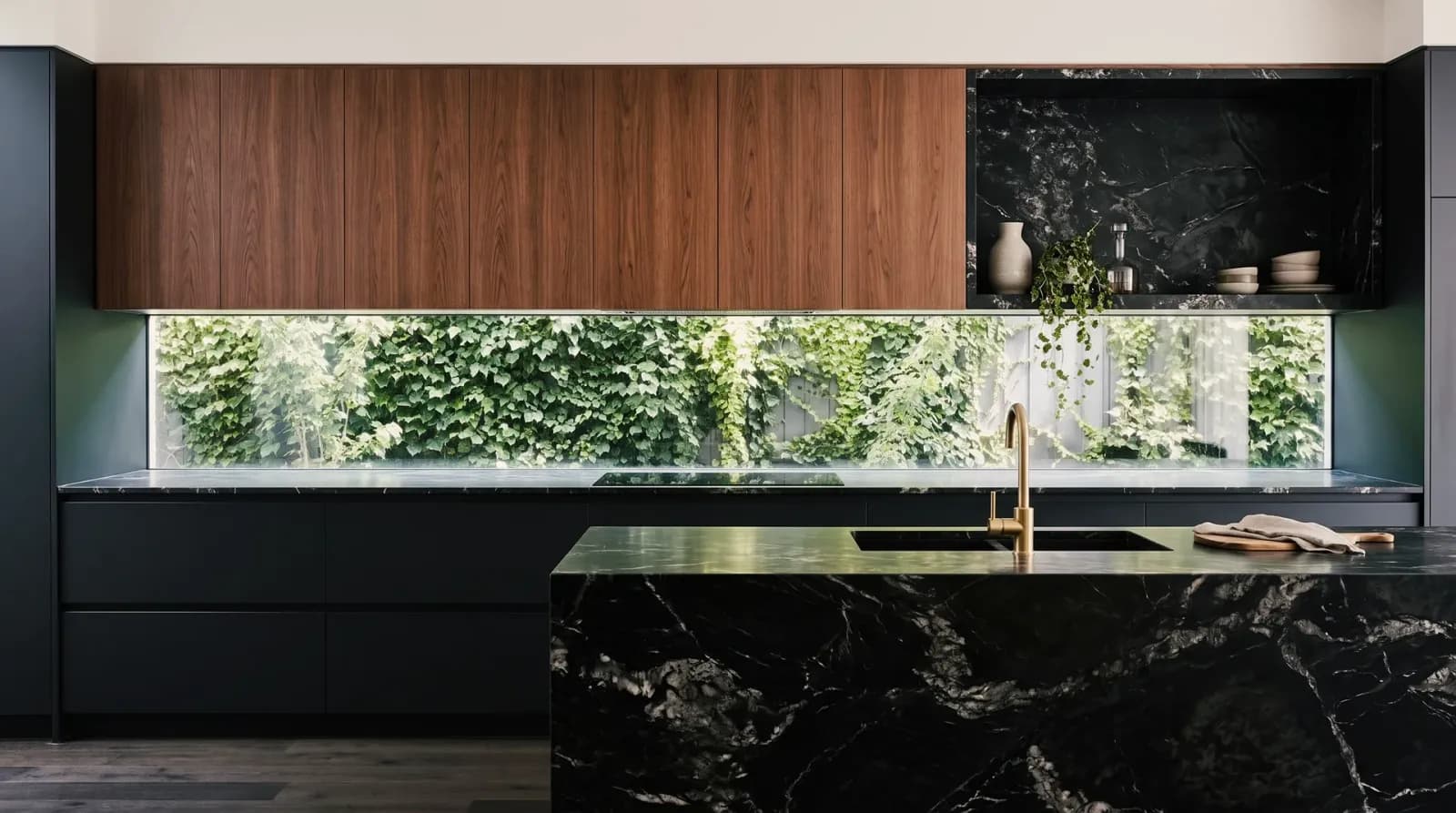
Kitchen builders, bathroom planners, joiners, furniture makers and painters advise on the client's image – without CAD, with the photo from the appointment.
01
Show fronts, worktops and light during consultation – in the client's room, before ordering.
02
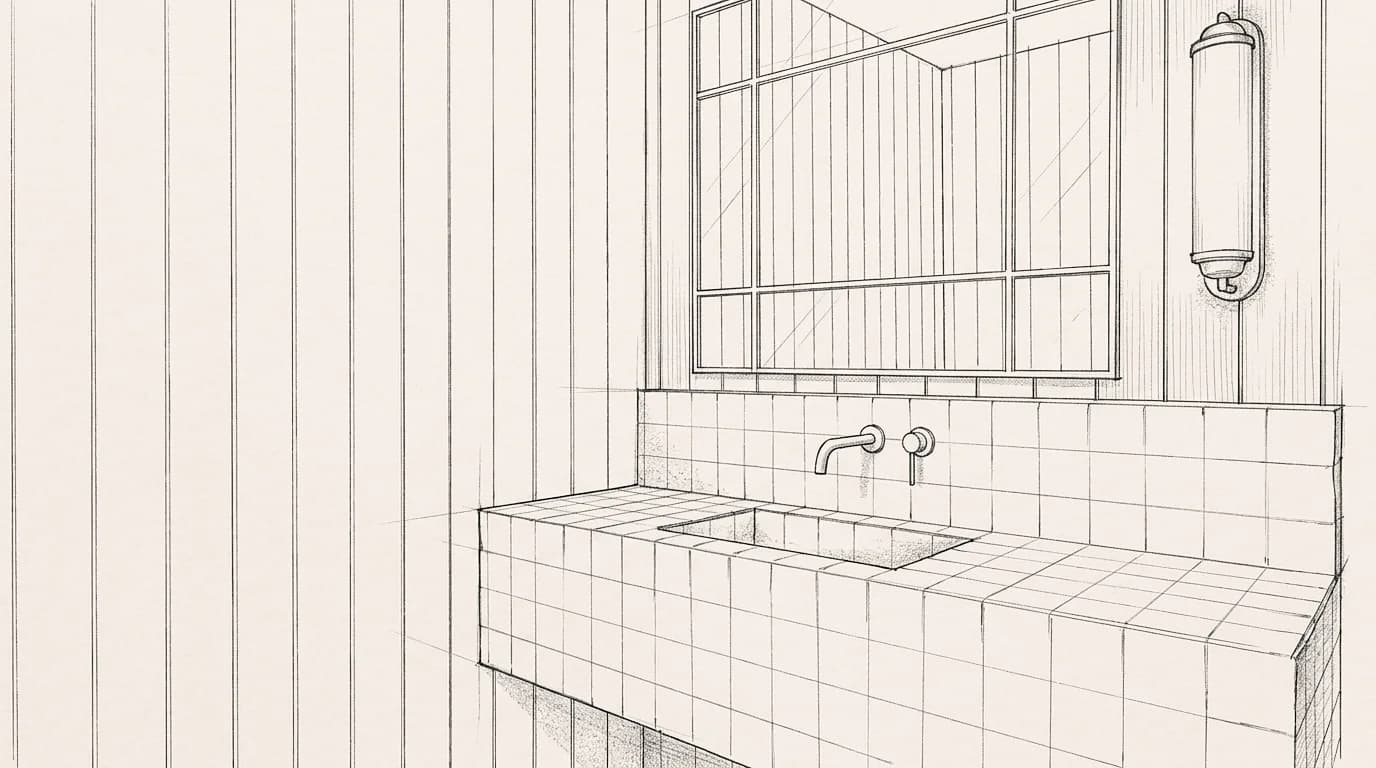
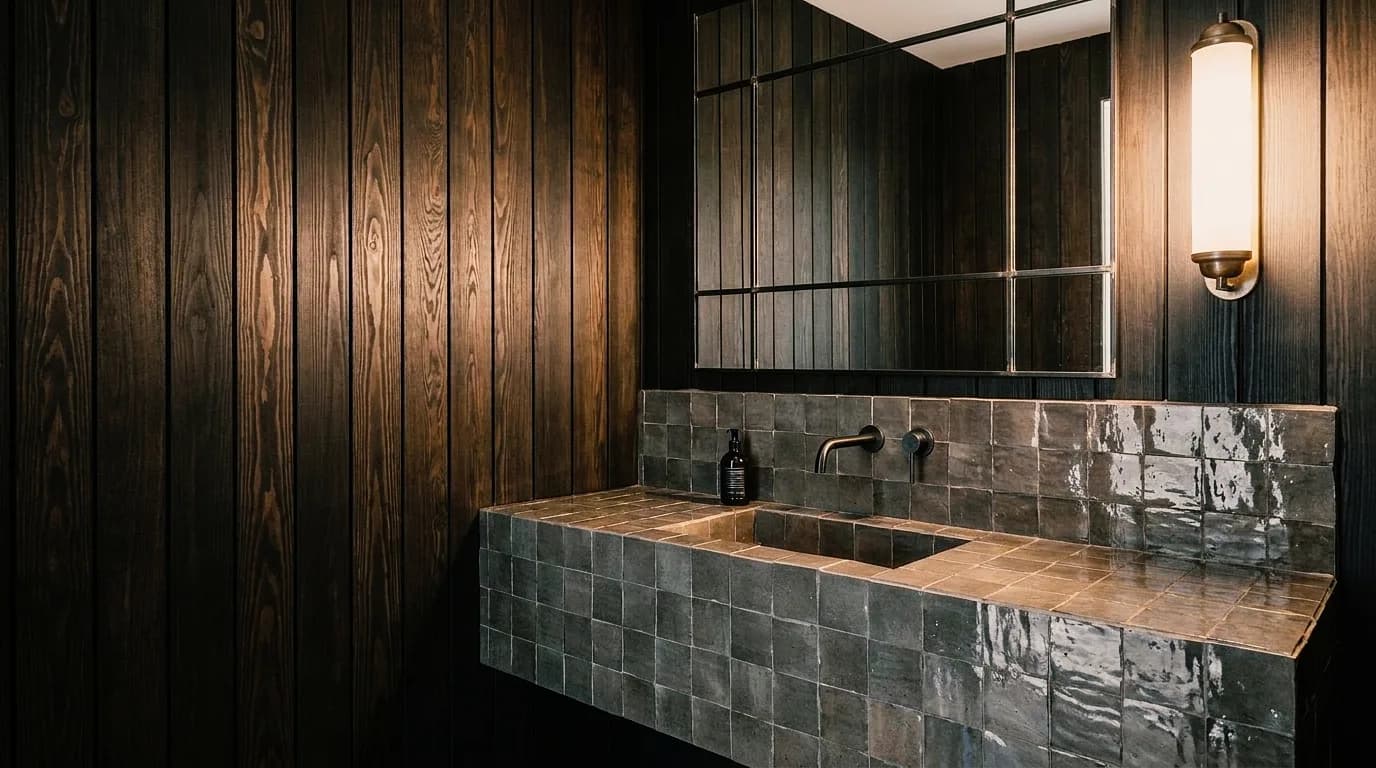
Compare tiles, fittings and light in the existing bathroom – from sketch or photo.
03
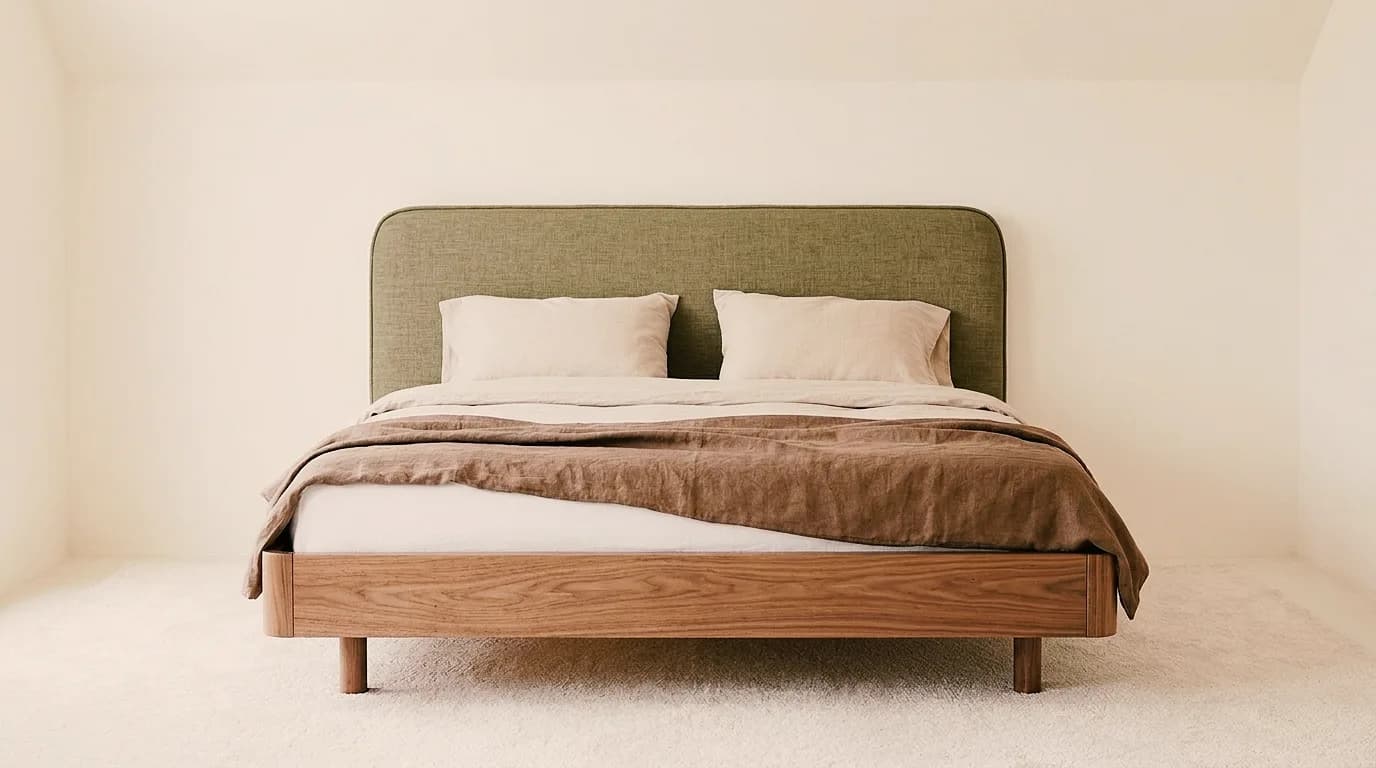
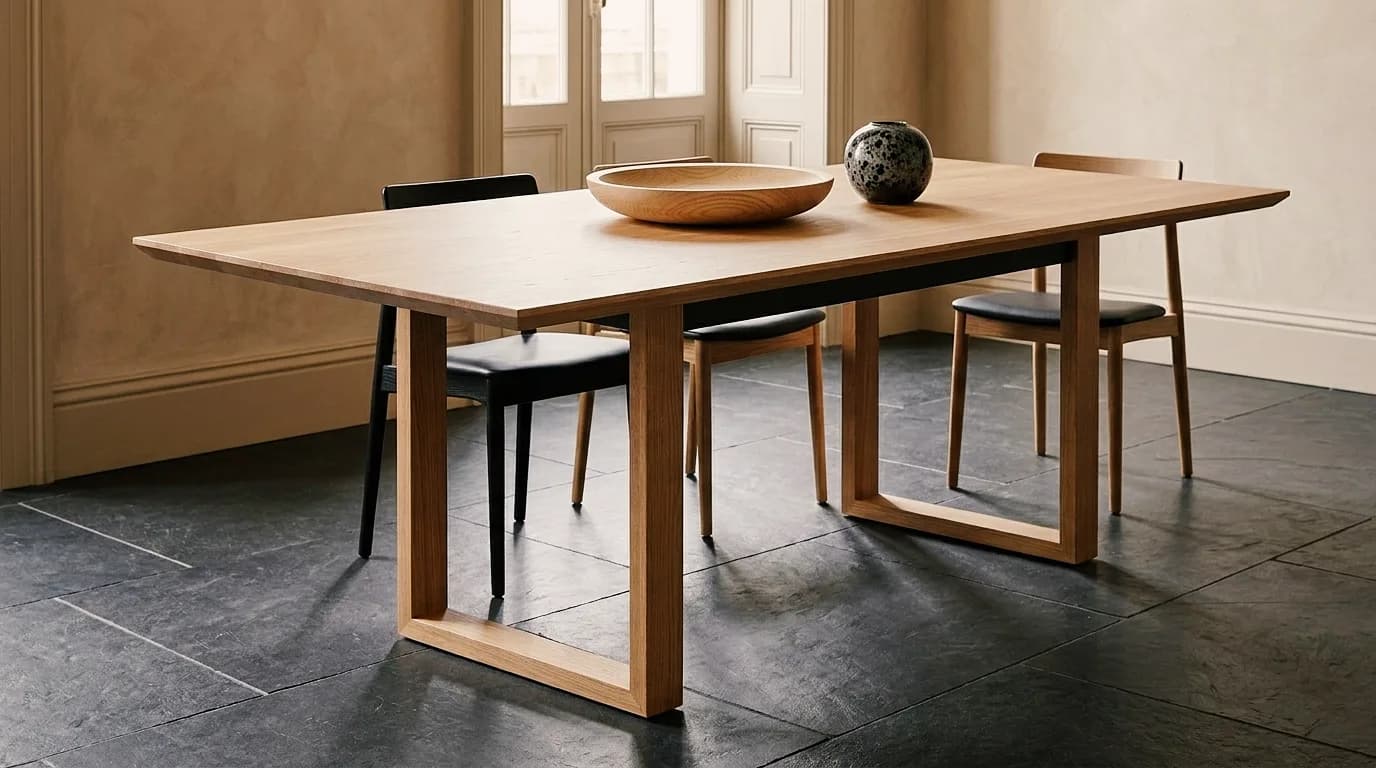
Show furniture and built-ins in different woods and finishes before cutting.

04
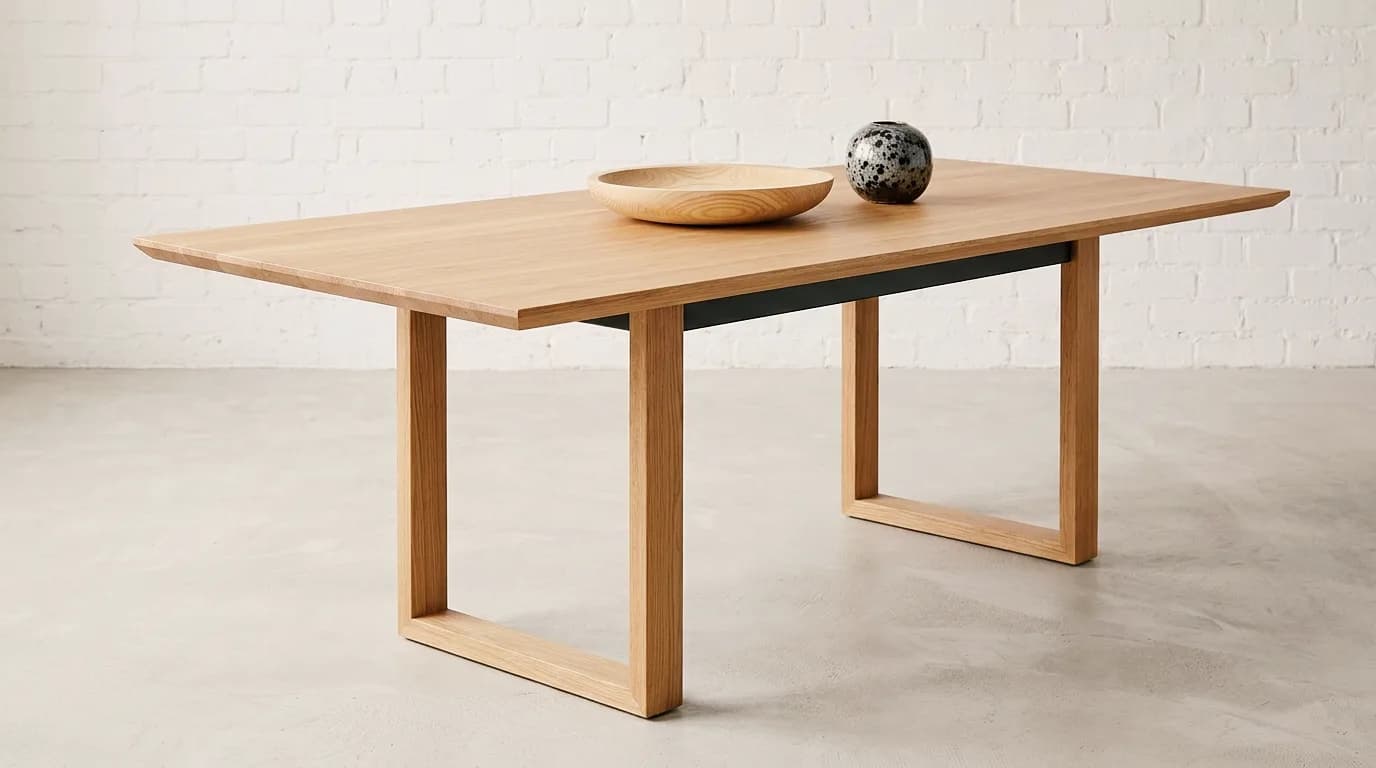
One design, several woods, fabrics and rooms – for clients, catalog and trade fair.
05
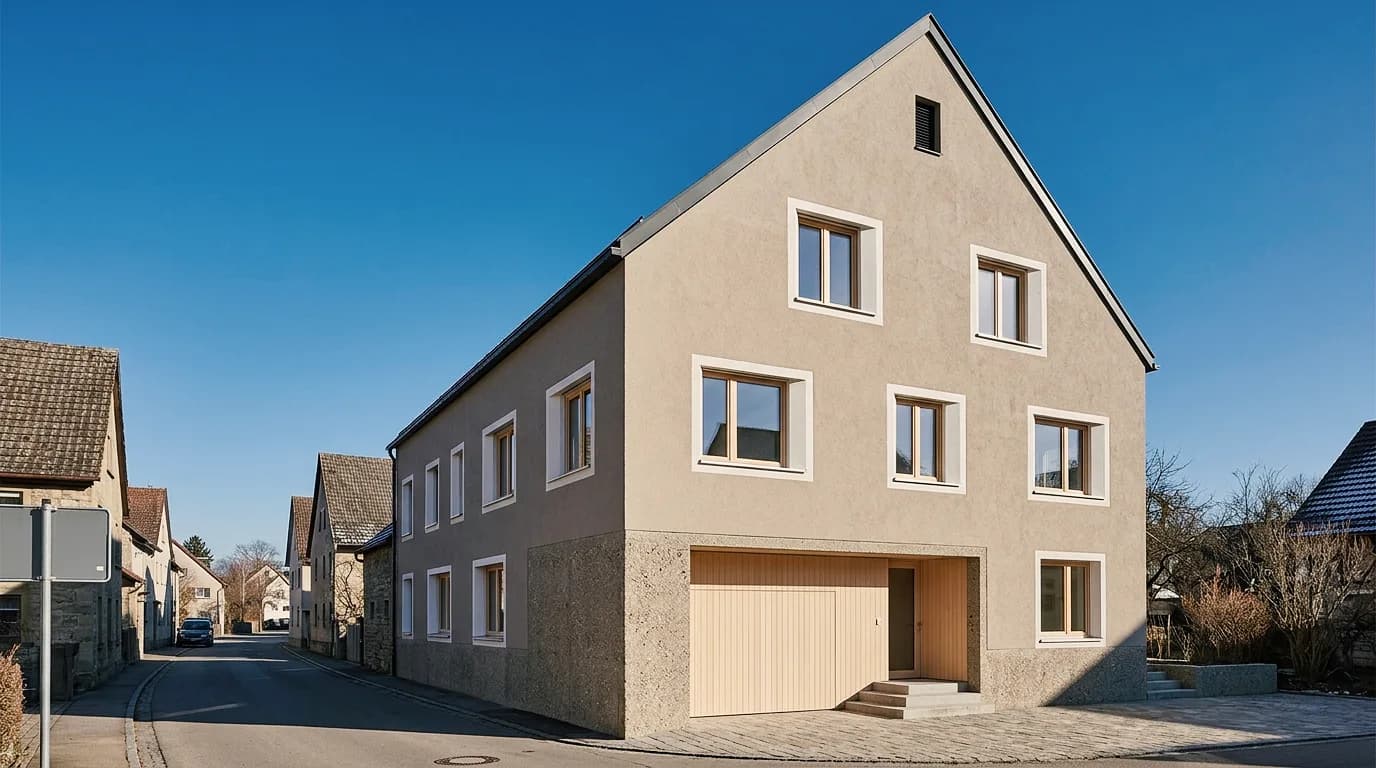
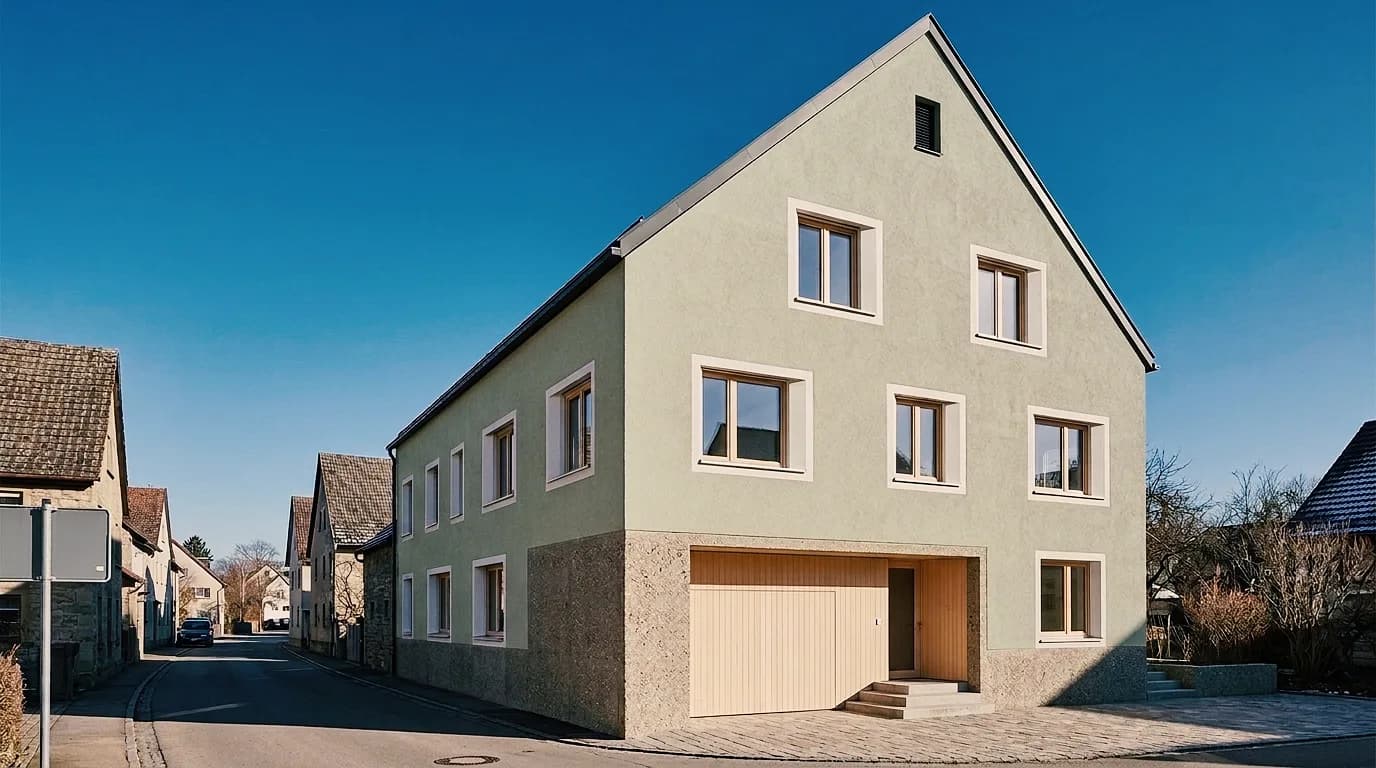
Compare color shades and plaster textures on the client's photo – on the facade and in the room.
Those who decide, those who learn and those who equip a team – three pages that ask not about profession but about role.
01
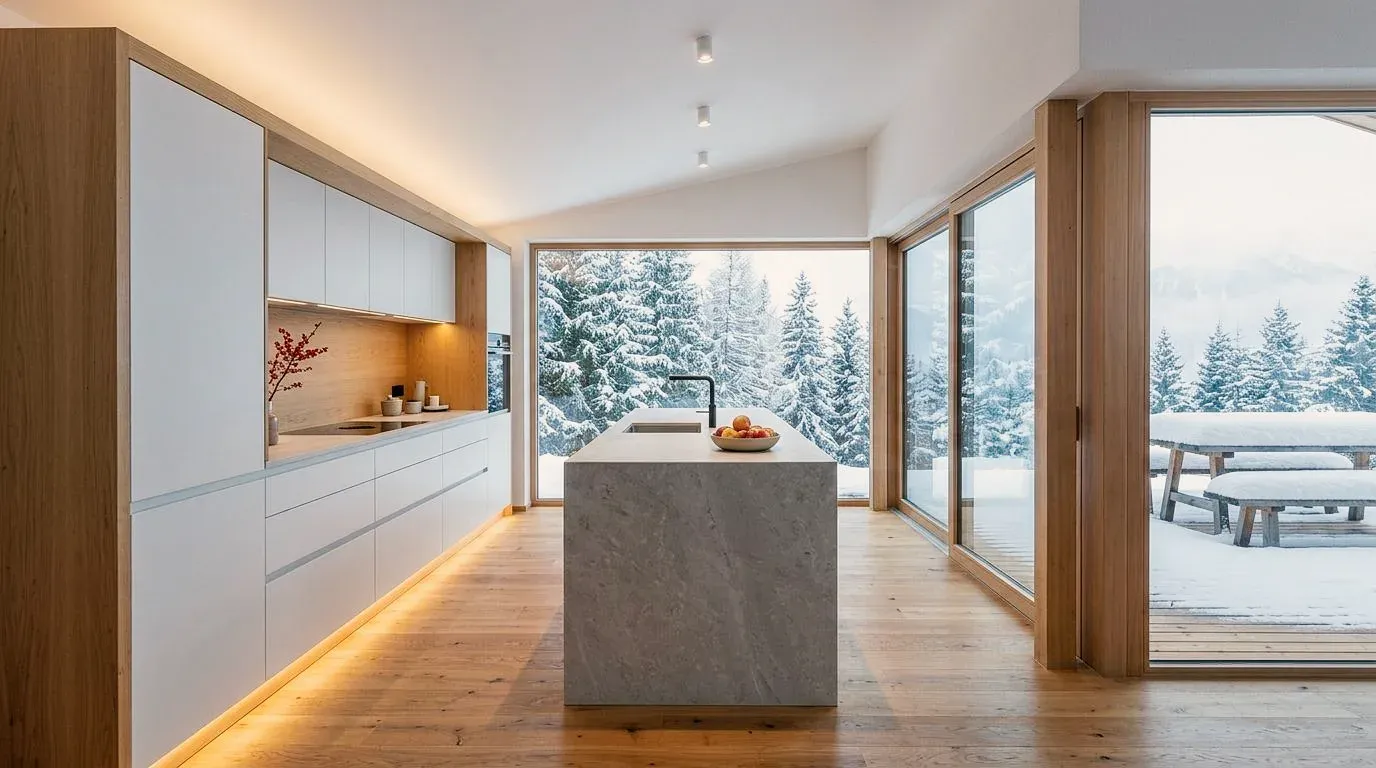
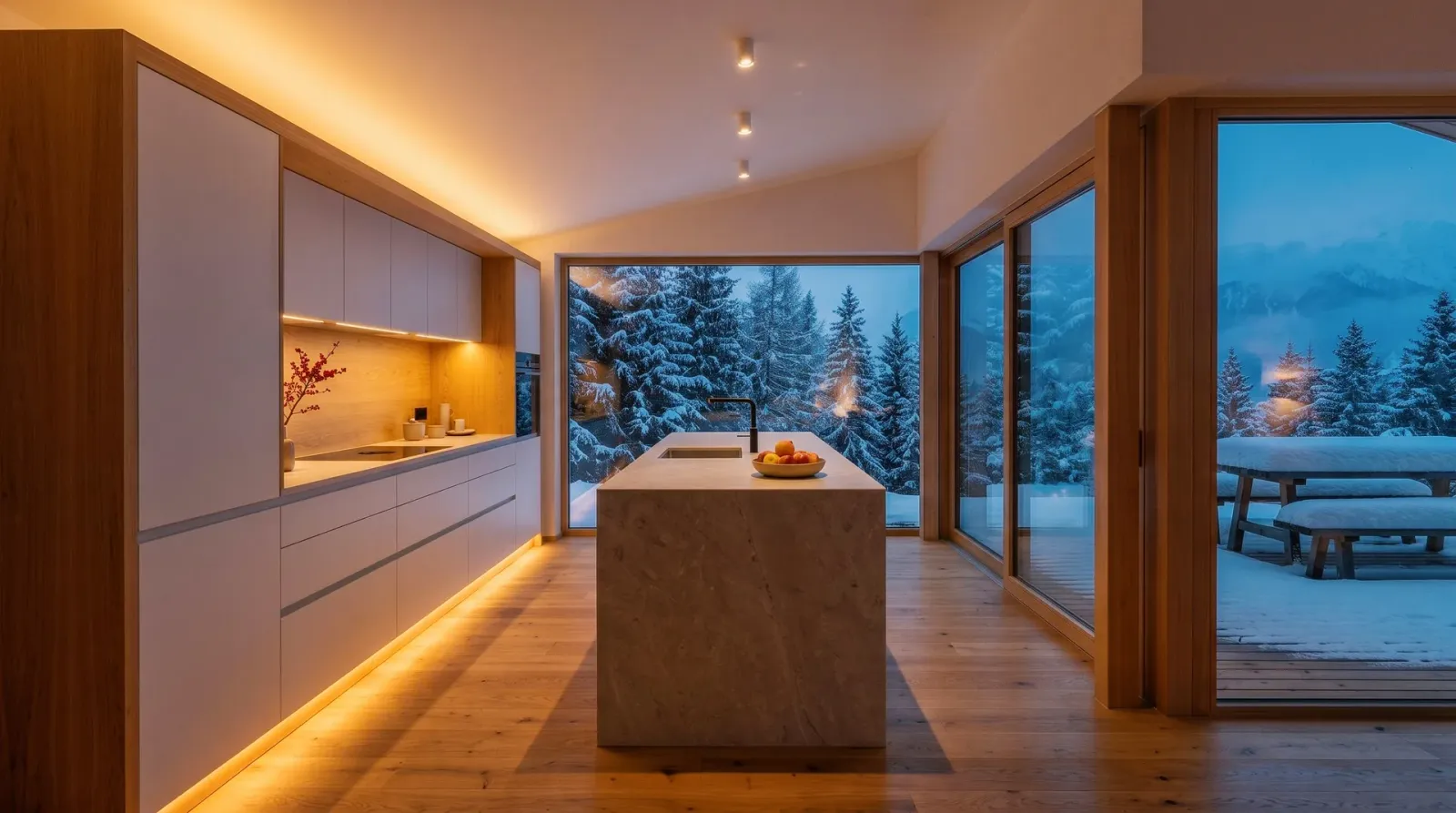
See how a house, kitchen or bathroom will look after the renovation – before contracts are awarded.
02
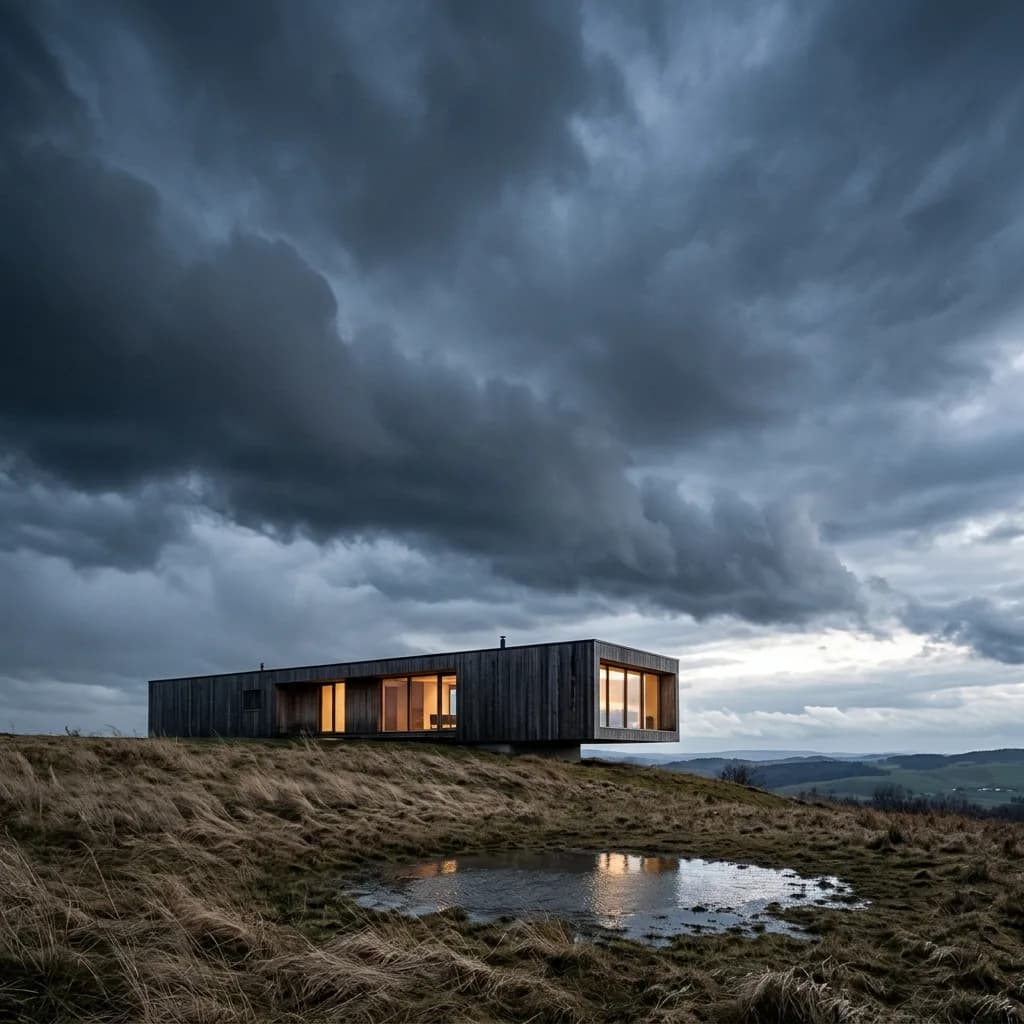
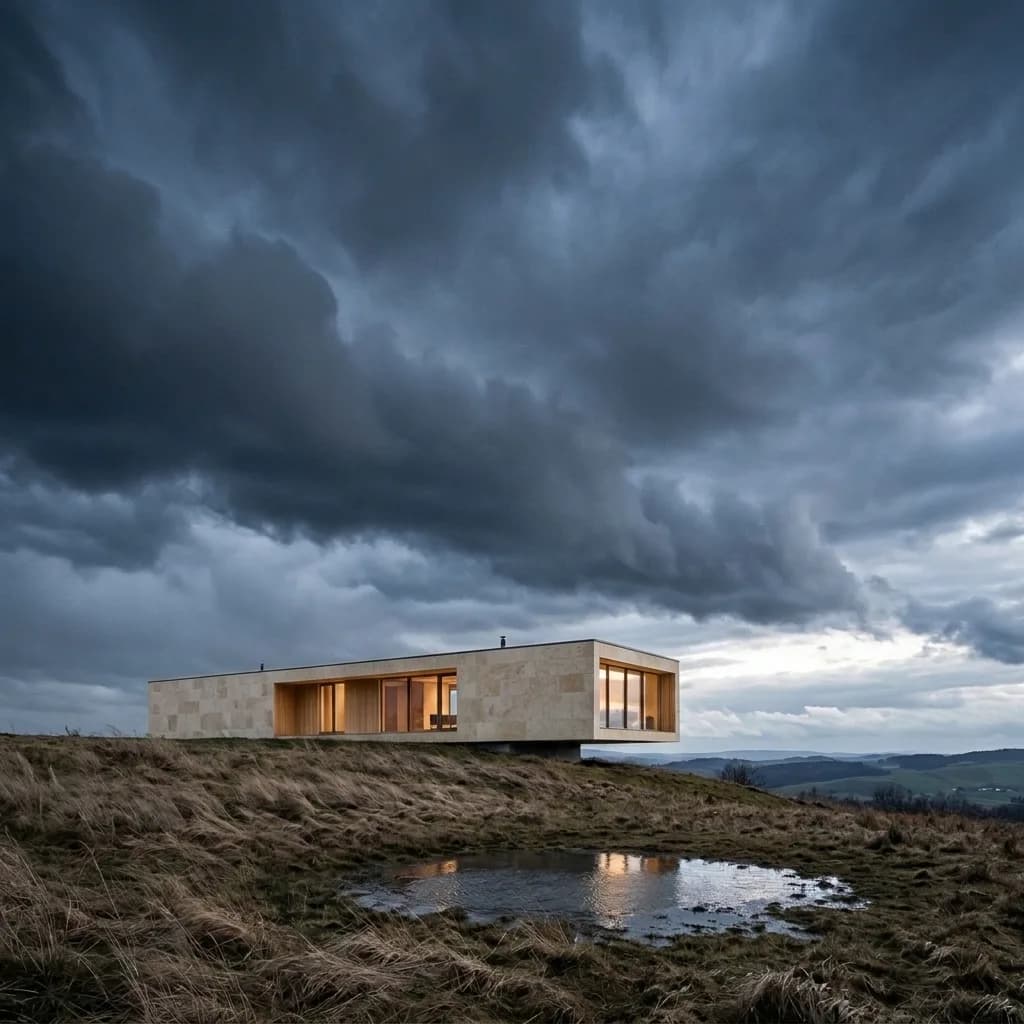
Images for crits, submissions and portfolios, with little time between deadlines.
03
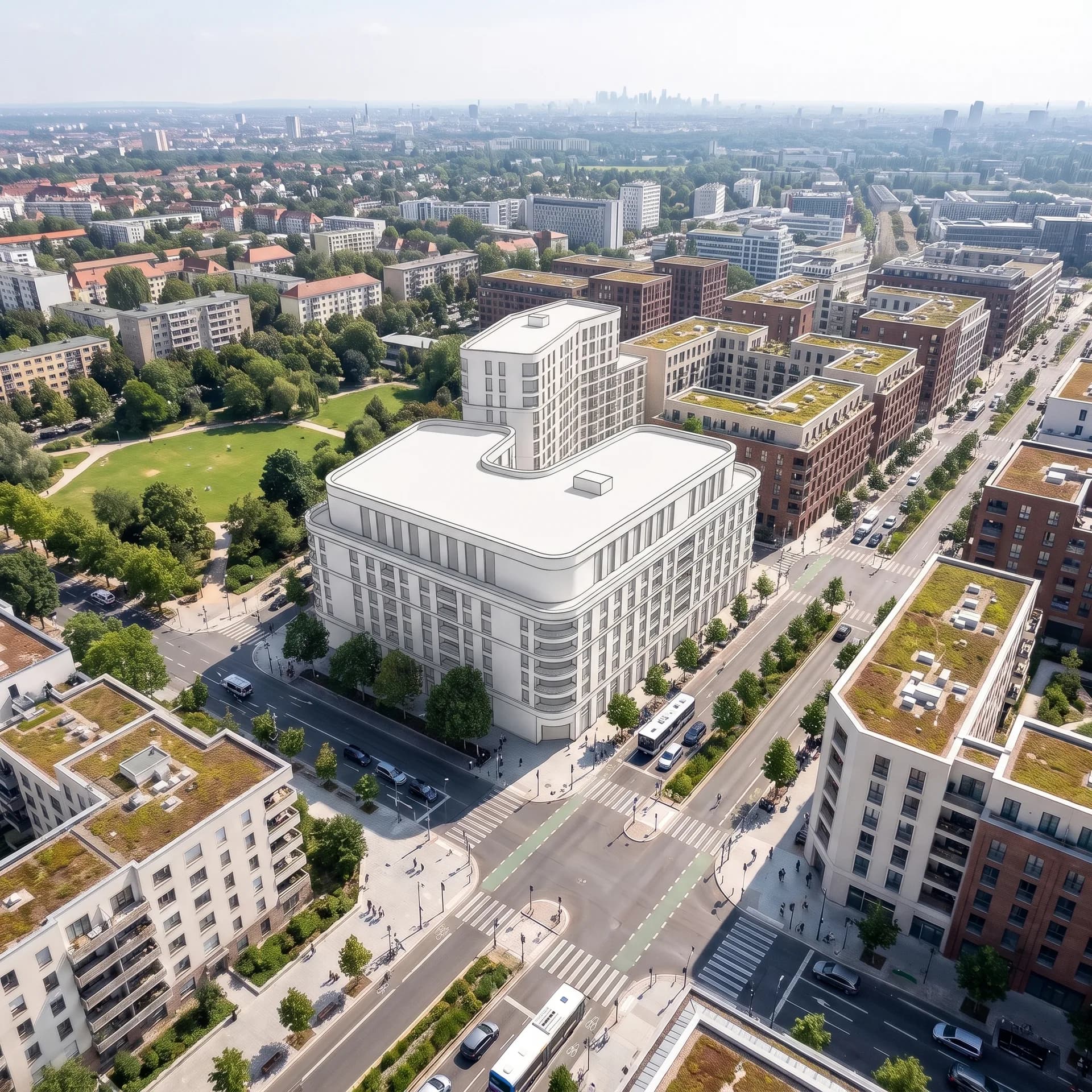
Teams, rights and contracts for firms, construction companies and general planners – with a data processing agreement.
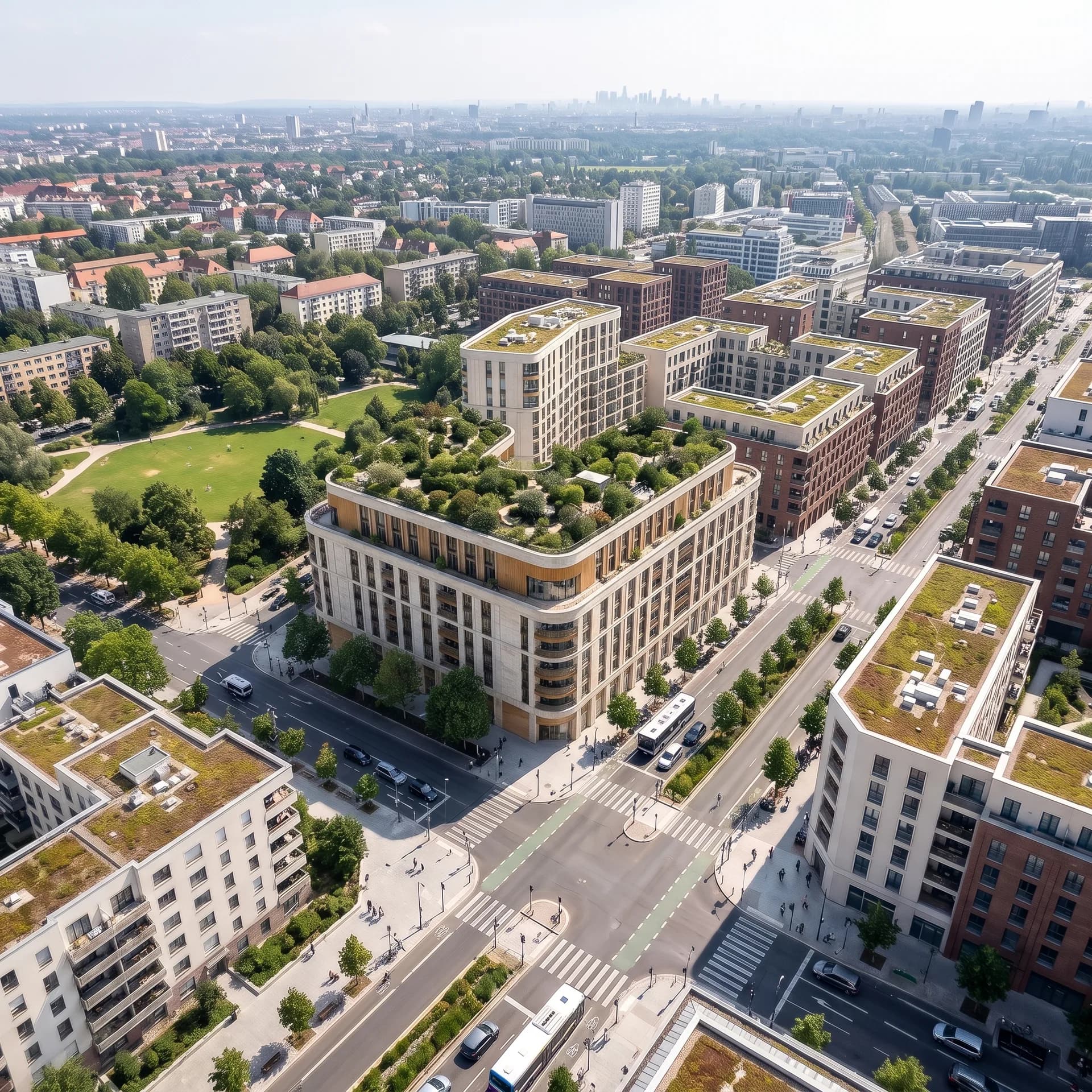
Competition, facade or kitchen: working with Vizera follows the same principles in every use case.
Your 3D model, a photo of the existing building, a sketch or an image export from CAD: Vizera works with what your project already has – images as JPG or PNG up to 5 MB.
You create several variants, place them side by side in Boards and choose. You decide what goes into the meeting and what gets decided.
With masking, you change only the marked area; with up to six reference images, you set material or style. The rest of the image stays as it is.
Kitchens, bathrooms, furniture, facades and houses – from photo, sketch, white model and CAD massing. Click an image to see the versions.
Test the workflow on one of your own projects first. Free is for non-commercial testing. For use in client projects, choose a paid plan.
Annual payment: 12-month term.
For Testing
Free of charge
200 Credits
up to 40 images, depending on model and resolution
Costs less than one external visualization
CHF 1'440/ year
equivalent to CHF 120 / mo
With monthly billing: CHF 150/ mo
Save CHF 360 per year
4'000 Credits
160–800 images or 10–13 videos, depending on model and resolution
excl. VAT · Annual payment: 12-month term
Native 4K and enough credits to never count
CHF 3'168/ year
equivalent to CHF 264 / mo
With monthly billing: CHF 330/ mo
Save CHF 792 per year
10'000 Credits
400–2'000 images or 25–33 videos, depending on model and resolution
excl. VAT · Annual payment: 12-month term
Depending on model and resolution. Subscription credits reset monthly and are used first; purchased credit packs are valid until the end of the third calendar year after purchase.
How the individual tools work and what firms and businesses use them for.
Short videos on this topic: follow along step by step in your account.
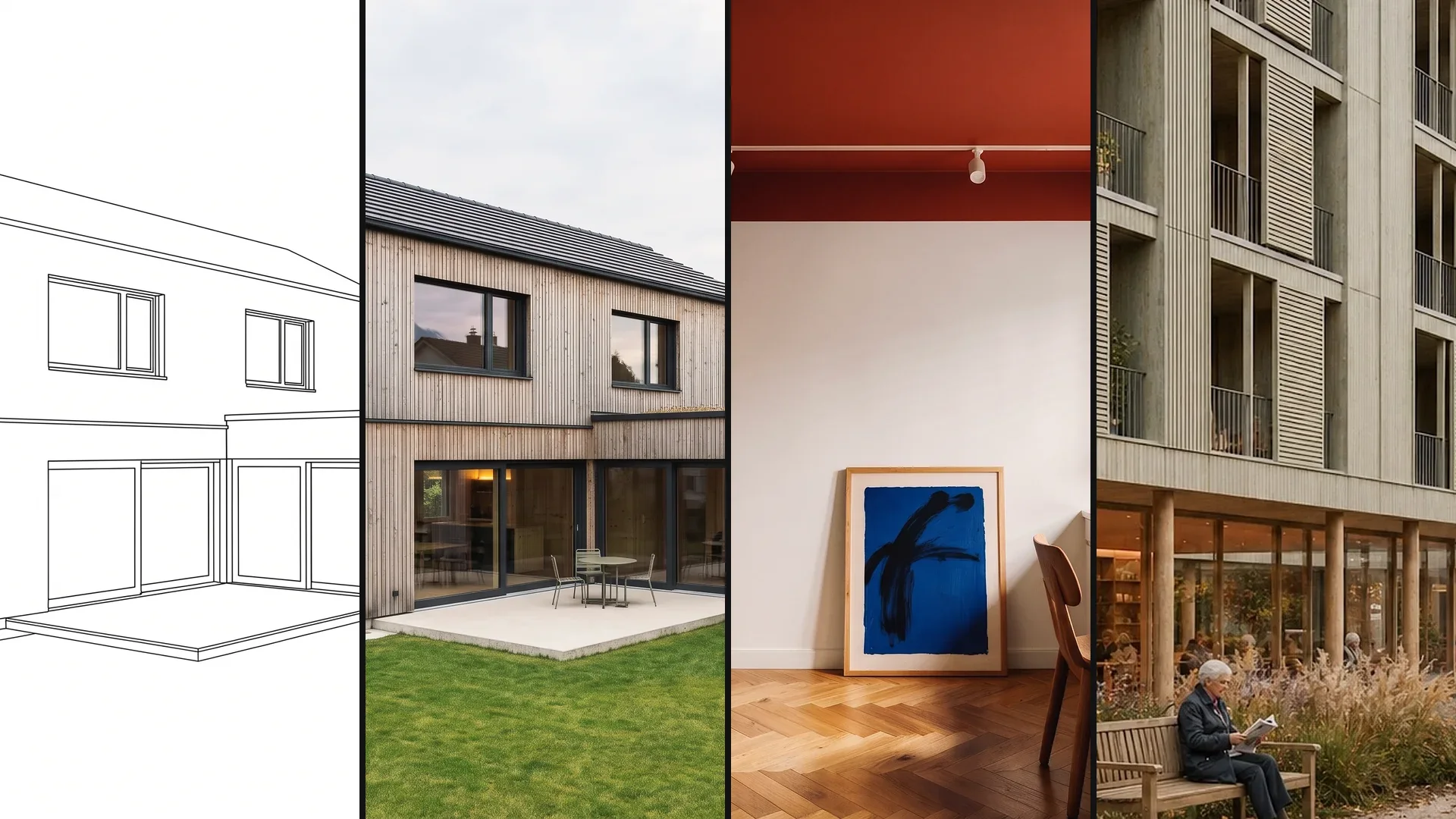
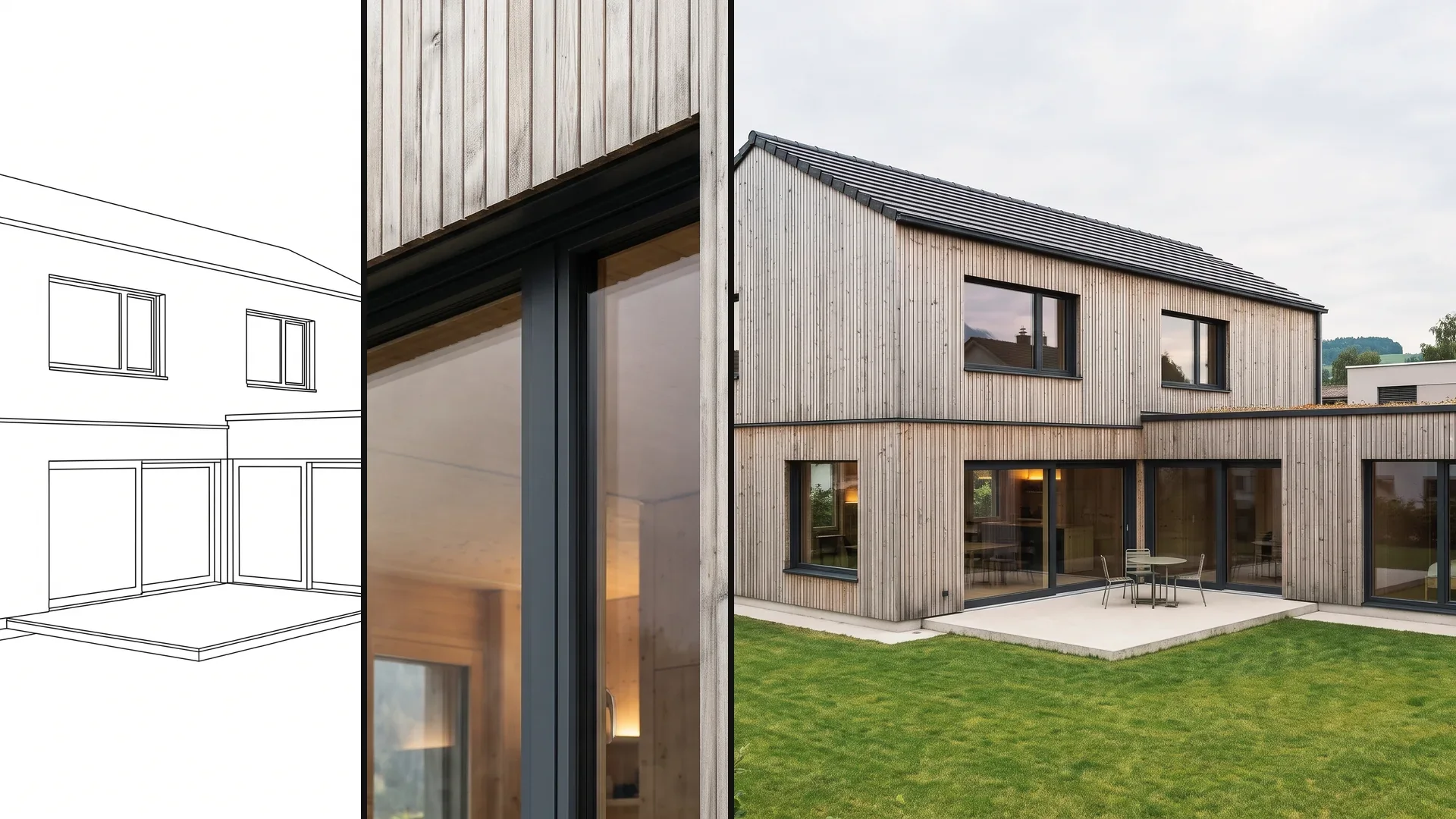
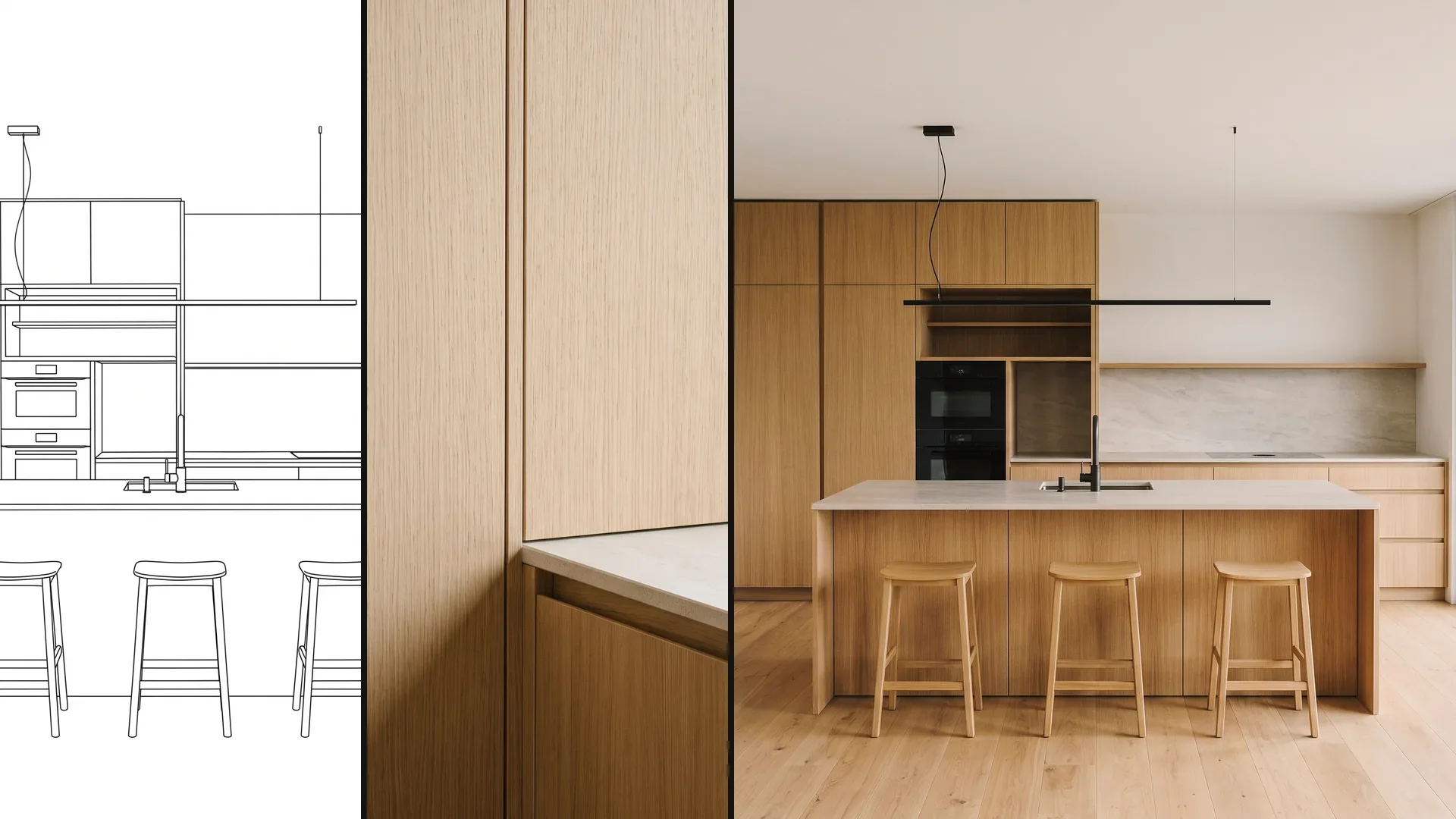
Answers on choosing a page, CAD, teams, language and missing professions.
Take the page that matches your image material: if you work with CAD exports and models, see architects or interior design; if you advise on the client's photo, see trades. The software is the same for everyone – the pages differ in examples, workflow and questions.
200 Credits free, once at sign-up. No credit card, no installation.
