Learning Center. Vizera in short videos.
Tutorials a few minutes long: from the first image from a sketch to detailed edits. With the prompt from the video to follow along.
The interface.
Tours of the workspace and the Prompt Agent.
Interface · Sketch
The workspace at a glance
A tour of the workspace: every feature in the sidebar shown with an example, from Generate to Upscale.
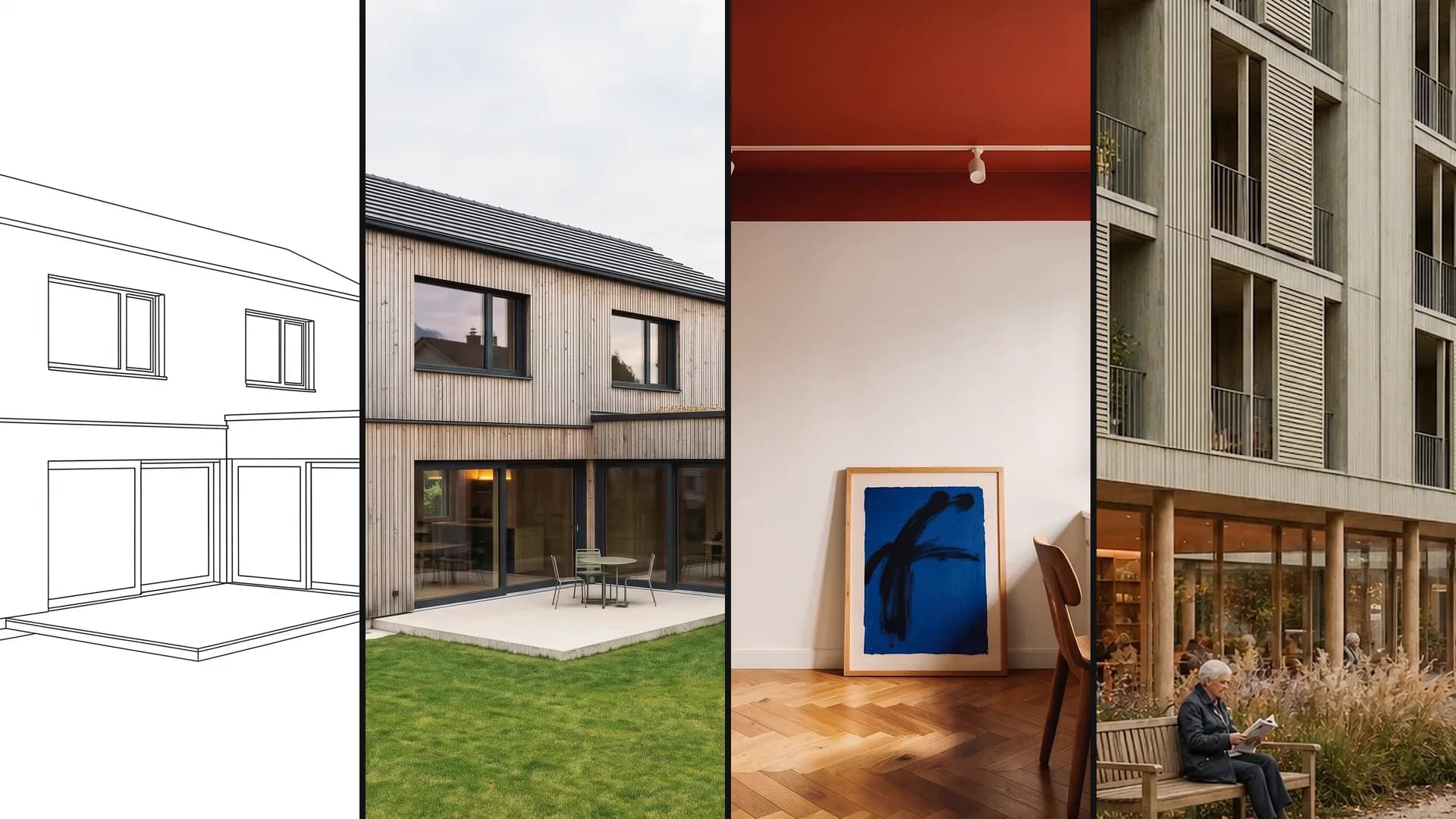
Interface · Interior
The Prompt Agent step by step
Develop a prompt in a conversation with the Prompt Agent, insert it into the text field and create an image of a kitchen-living room from it.
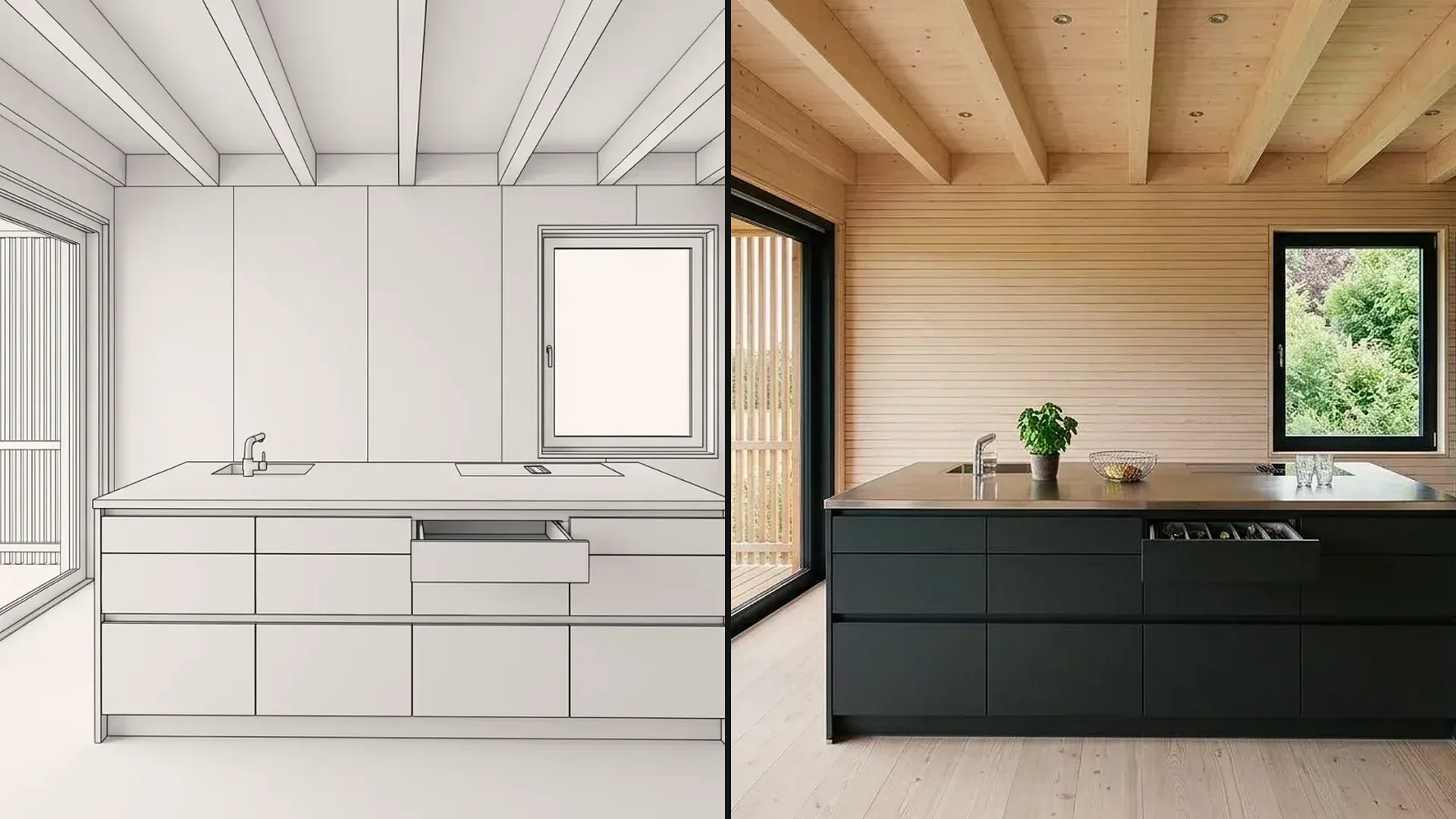
From your starting image to a visualization.
A 3D model, a massing in an aerial photo, a photo, a floor plan or an empty room as the start.
Material · Season and time of day
3D model to visualization
Create a photo from a view of a white 3D model, then show a material variant and the same scene in winter.
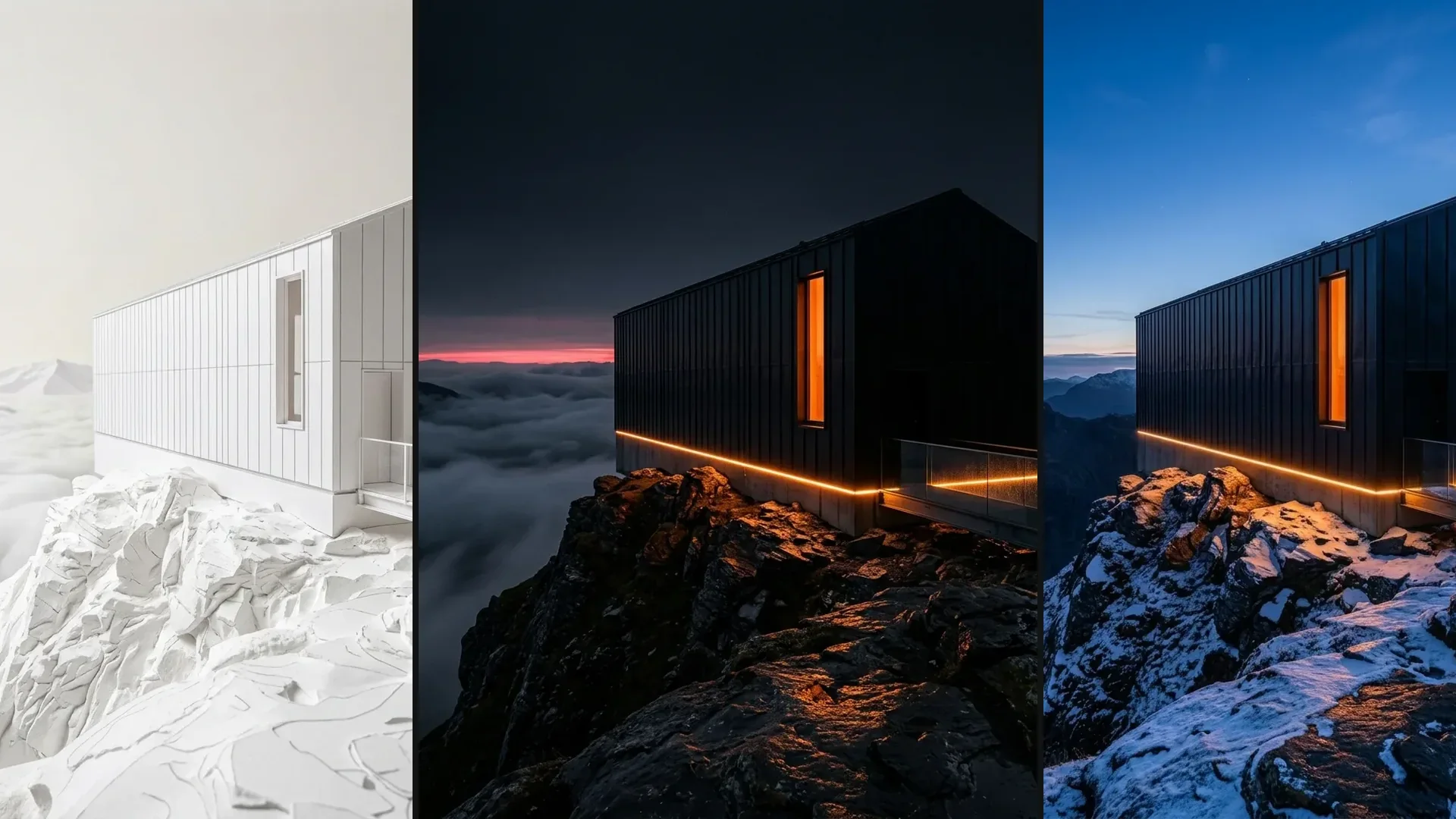
Material · Season and time of day
CAD to visualization
A white massing block in an aerial photo becomes a house in the village, followed by a material variant, winter and night.
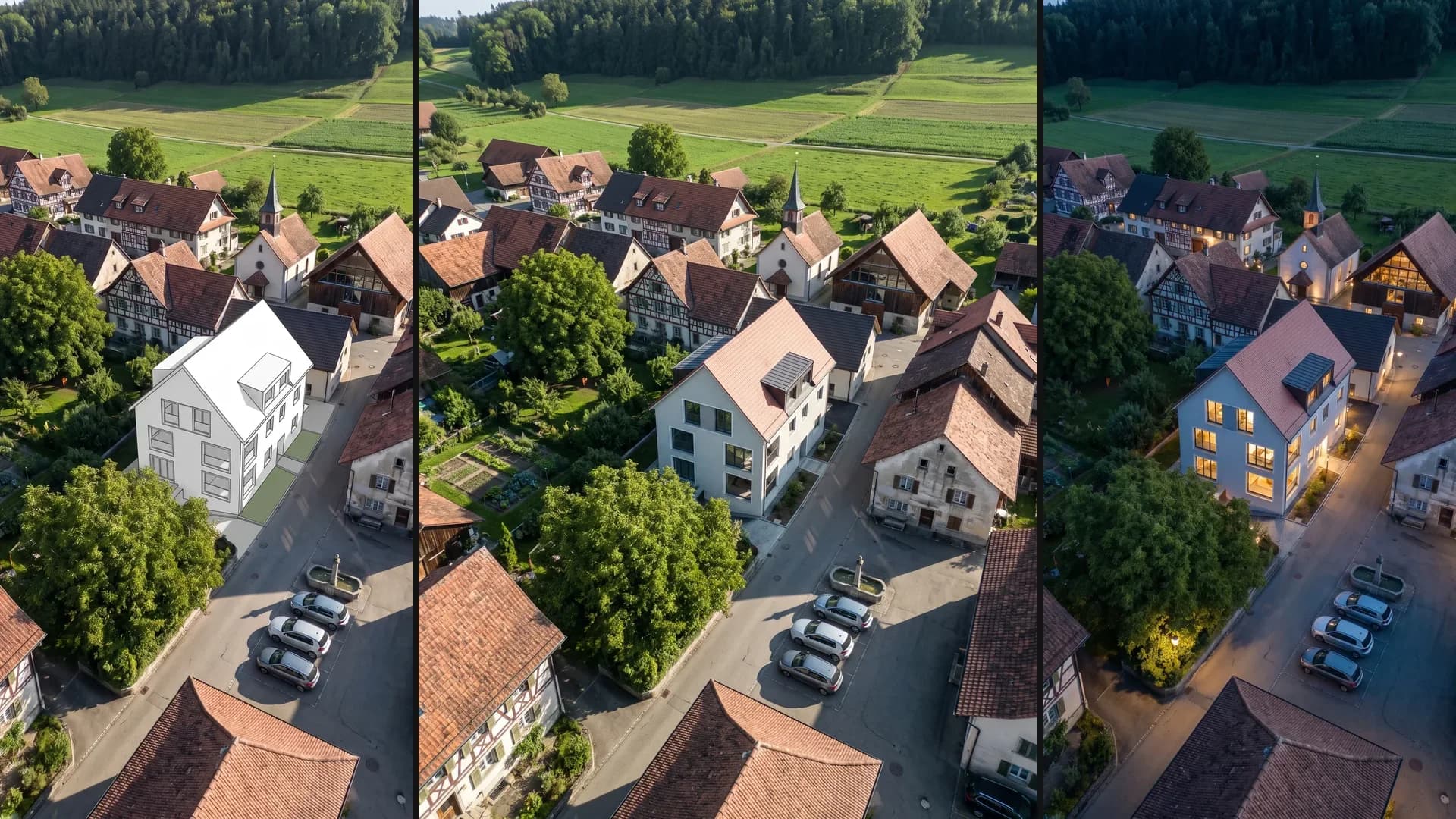
Material · Interior
Photo to visualization
Create two proposals for the finished living space from a photo of an unfinished shell, and show a dark variant from the original photo.
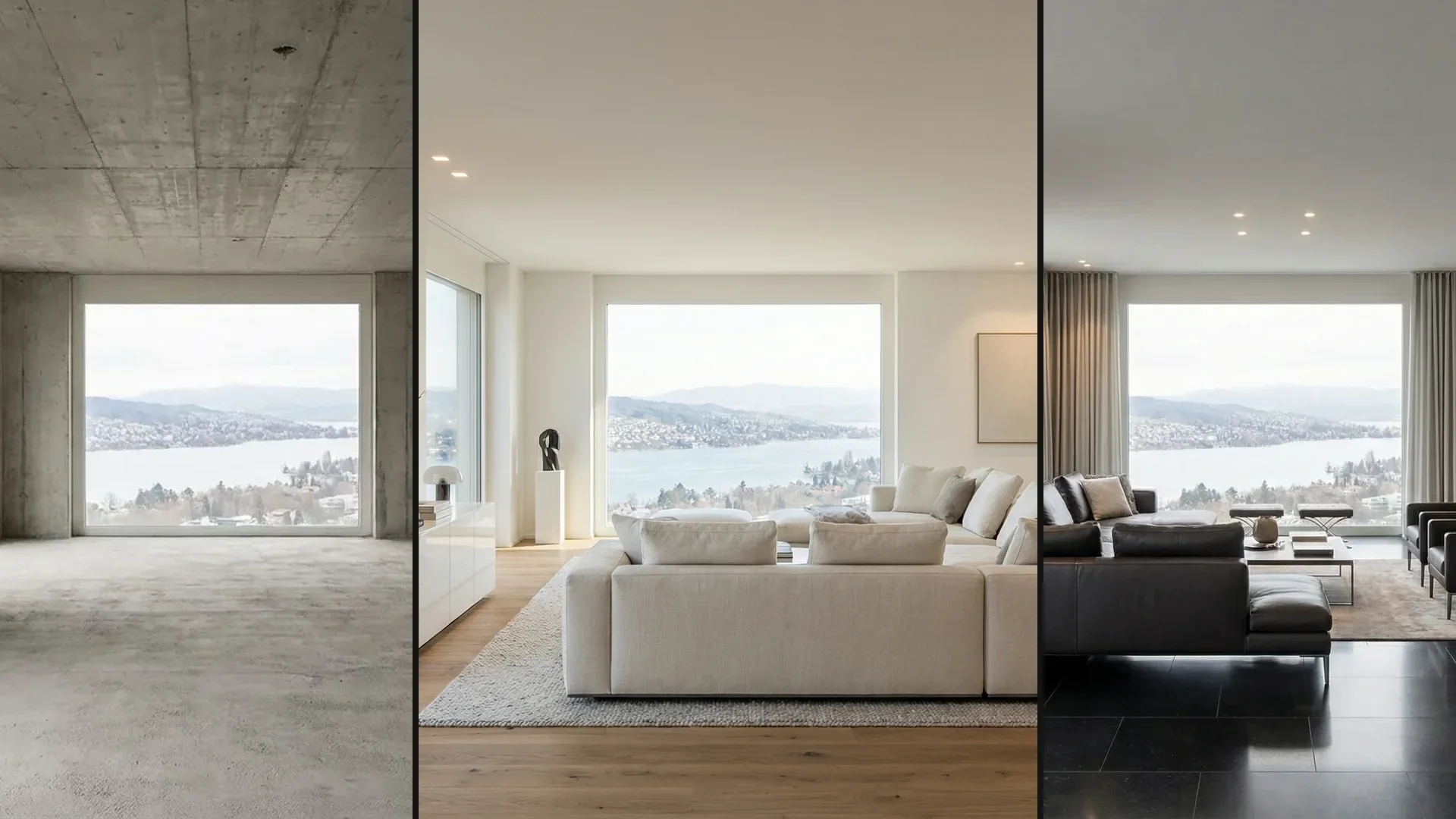
Sketch · Interior
Floor plan to 3D view
Create a furnished top view from a floor plan and also show the same plan as an architectural model in wood.
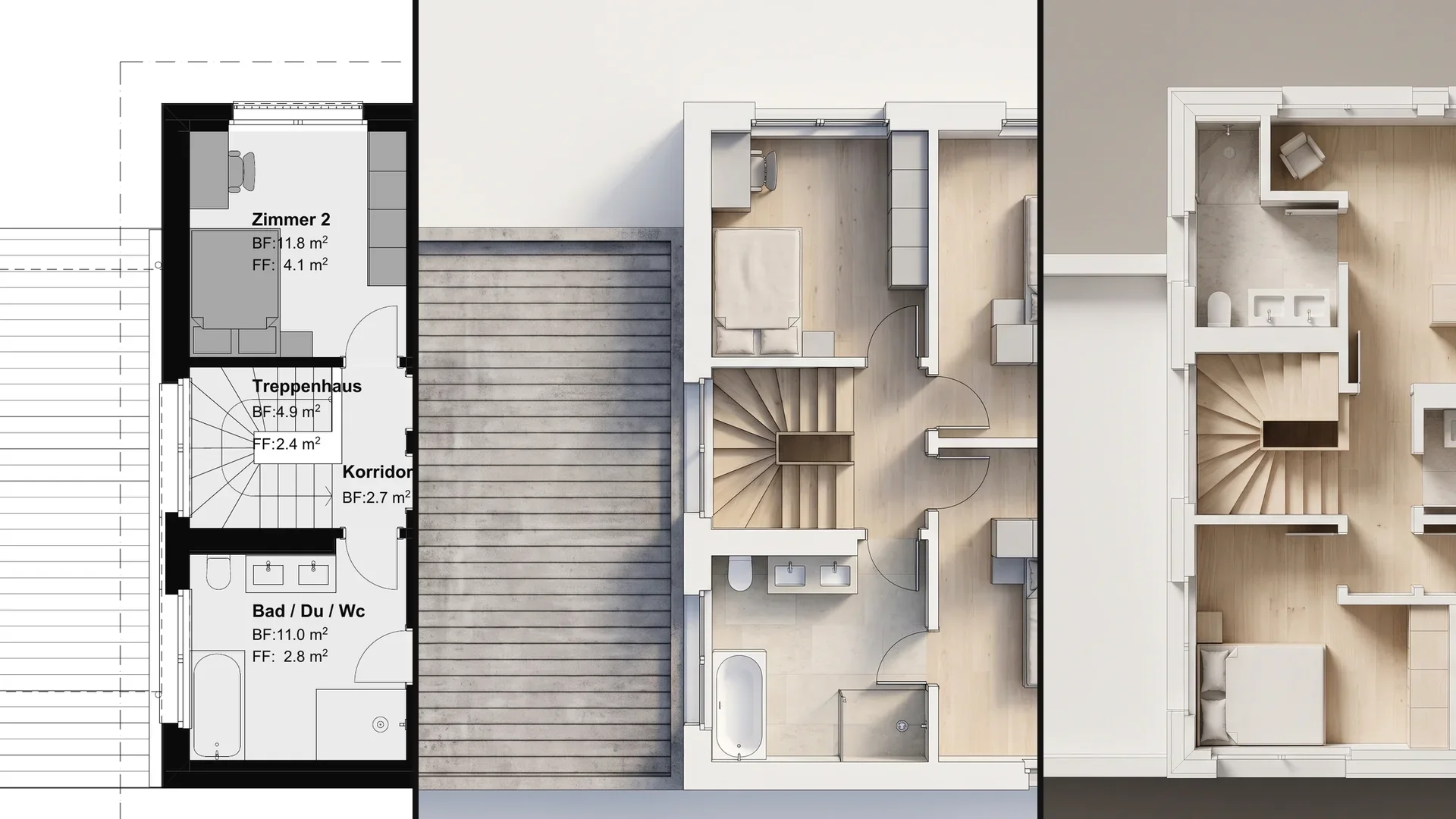
Material · Season and time of day
Room design
Give a room a new style without changing the architecture, and show the same room in winter from the original photo.
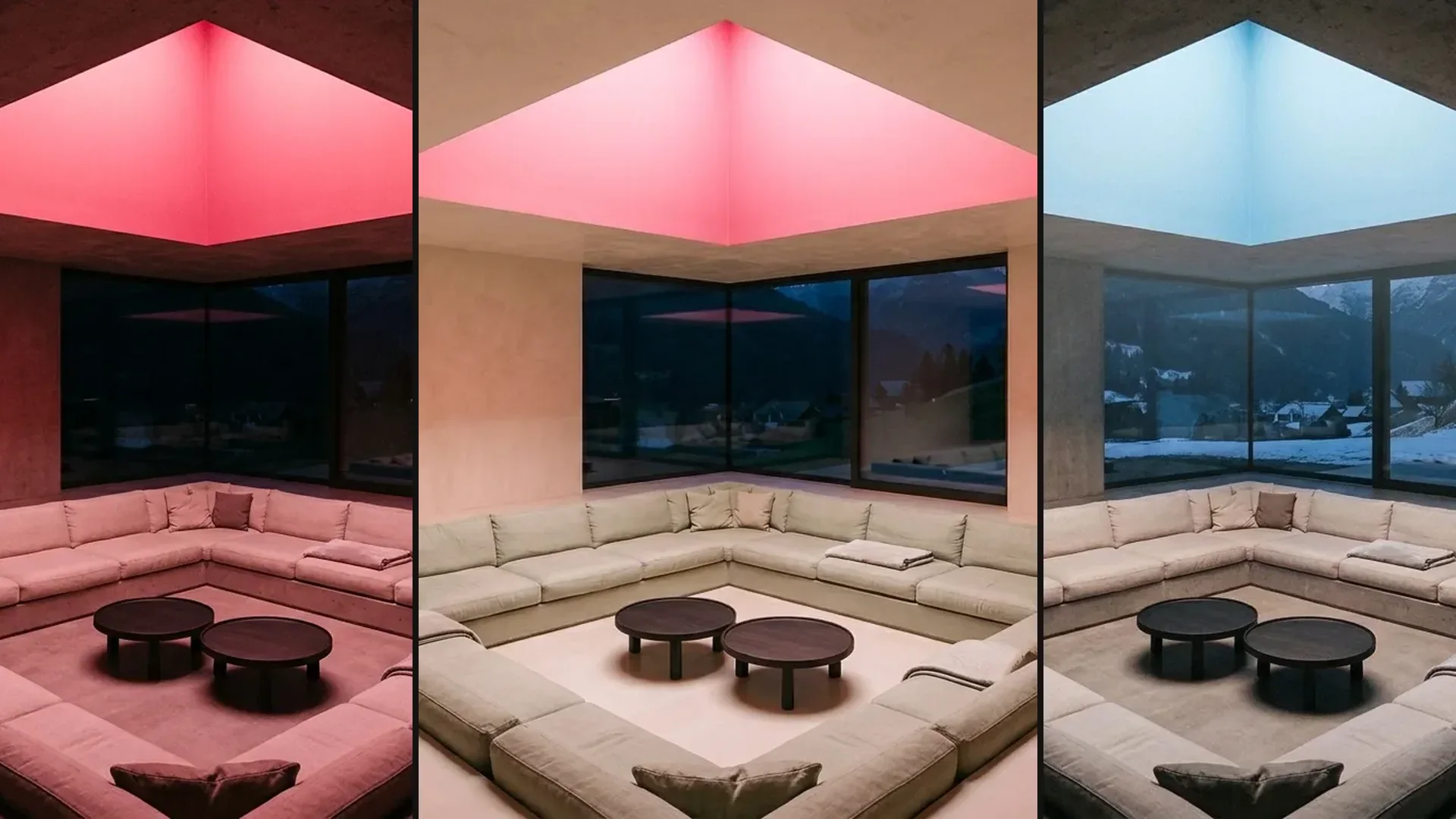
Season and time of day · Interior
Virtual staging
Furnish an empty room in a photo, compare two furnishing options and show the chosen variant in the evening and at night.
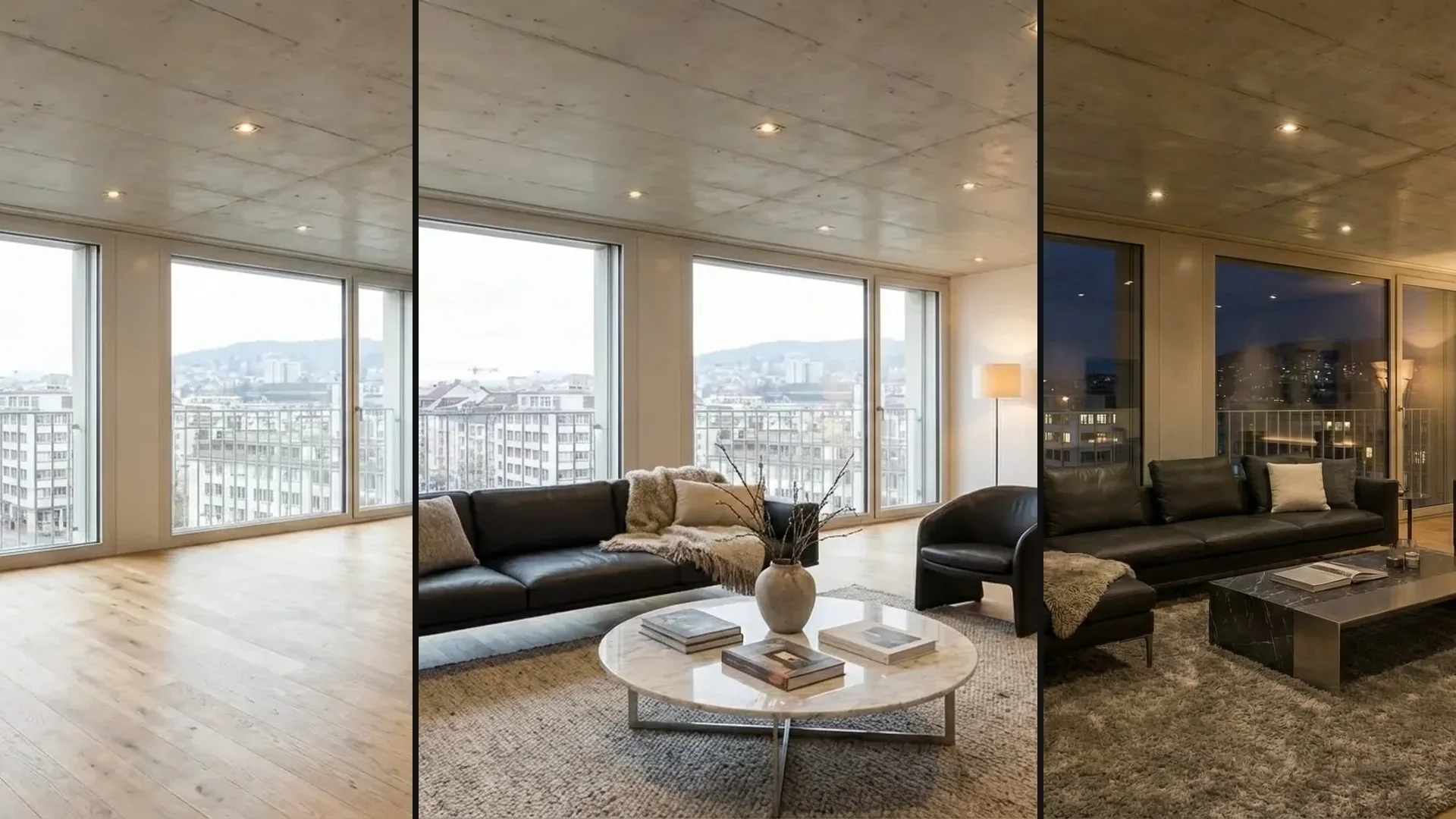
From sketch and reference.
A hand sketch and a reference image are enough for an exterior or interior visualization.
Sketch · Reference image
Sketch with reference: exterior visualization
Create a photo of the house from a line drawing and a reference image of the facade, with two results to choose from.
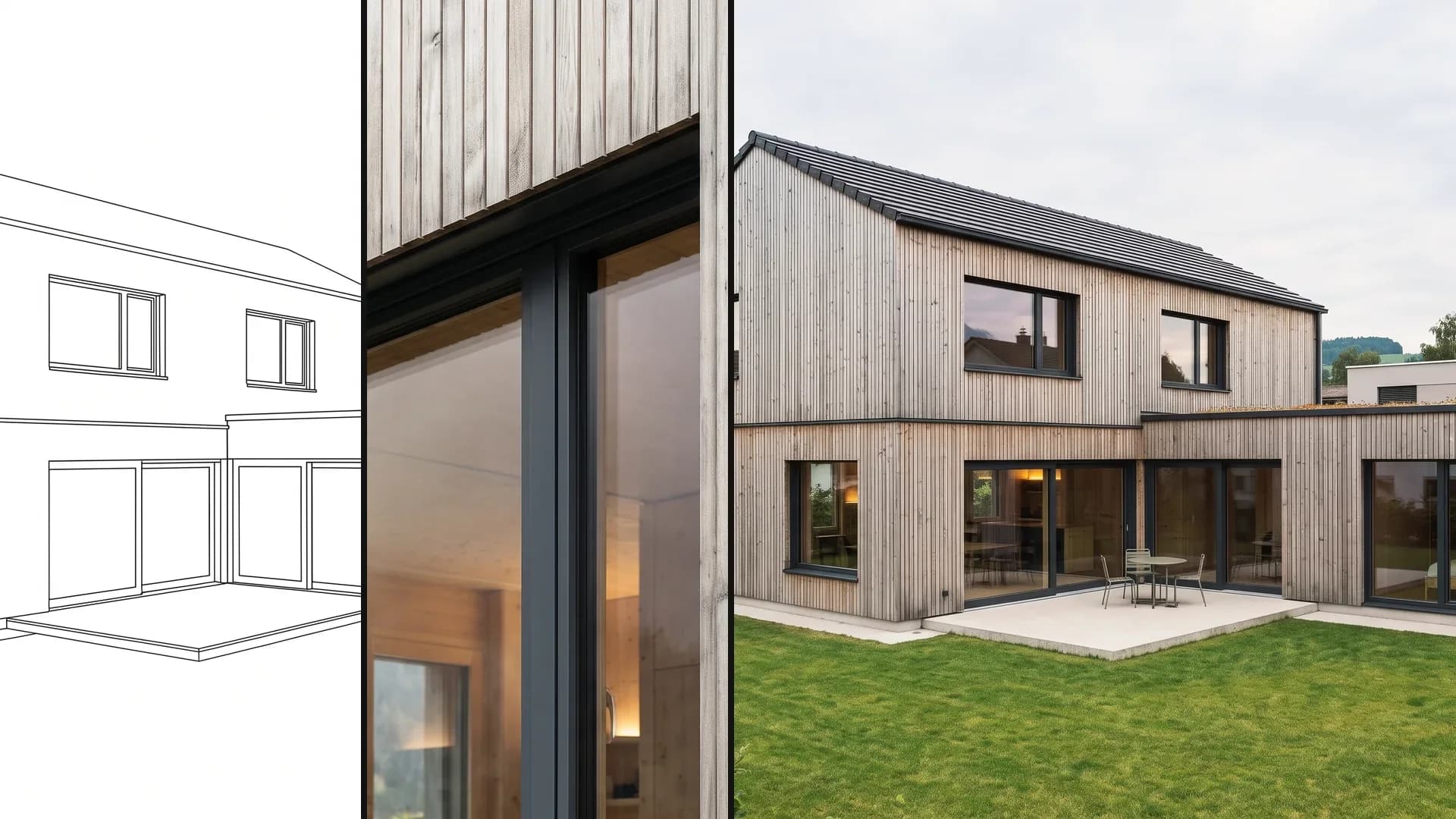
Sketch · Reference image
Sketch with reference: interior visualization
Create a photo of the finished room from a sketch of a kitchen-living room and a reference image for oak and stone.
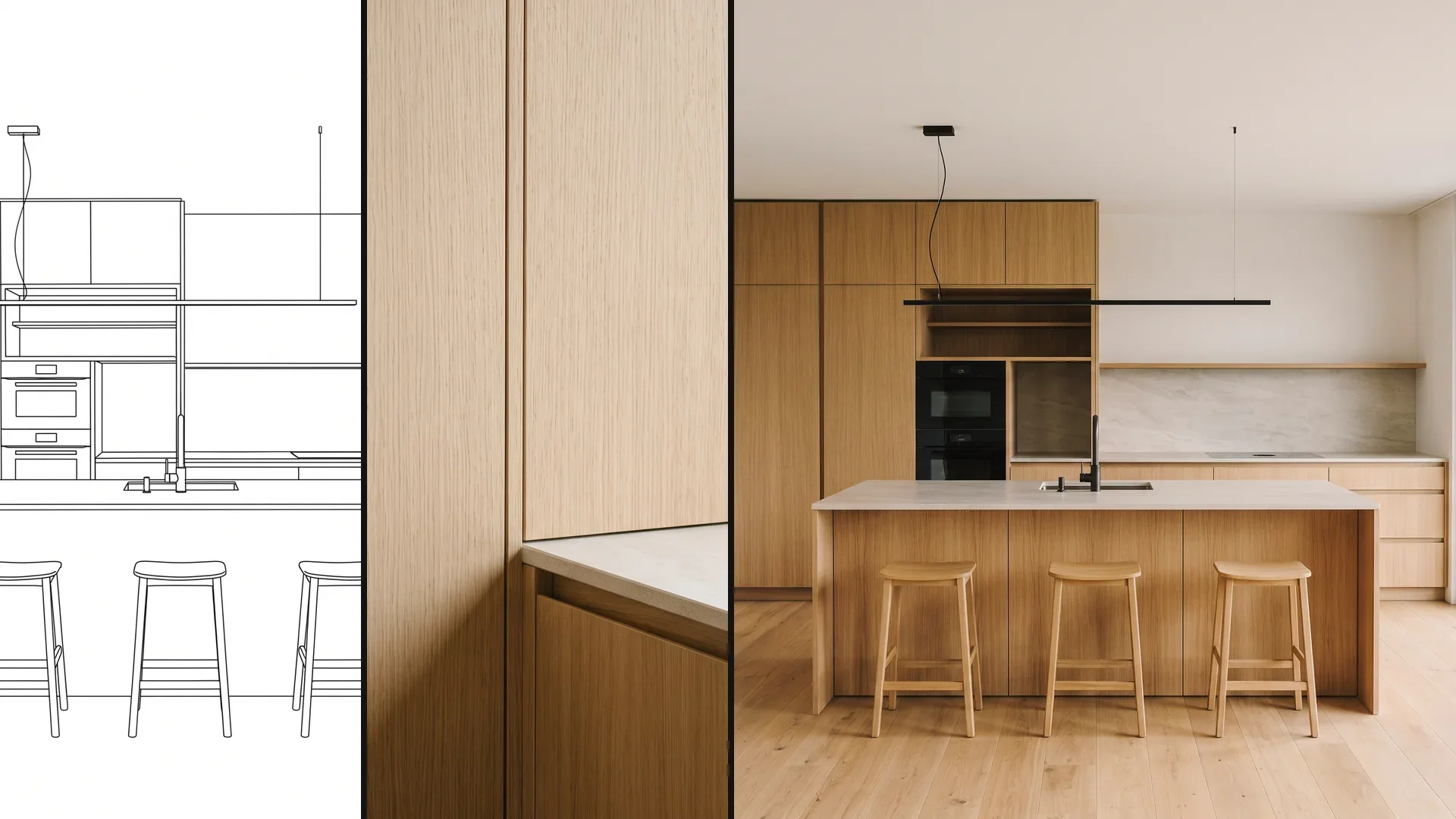
Material study.
Facade, floor, ceiling: swap materials on the image, perspective and architecture stay.
Material · Reference image
Material study: exterior visualization
Change the facade of a house in a photo to a new material using a reference image, while the building and perspective stay the same.
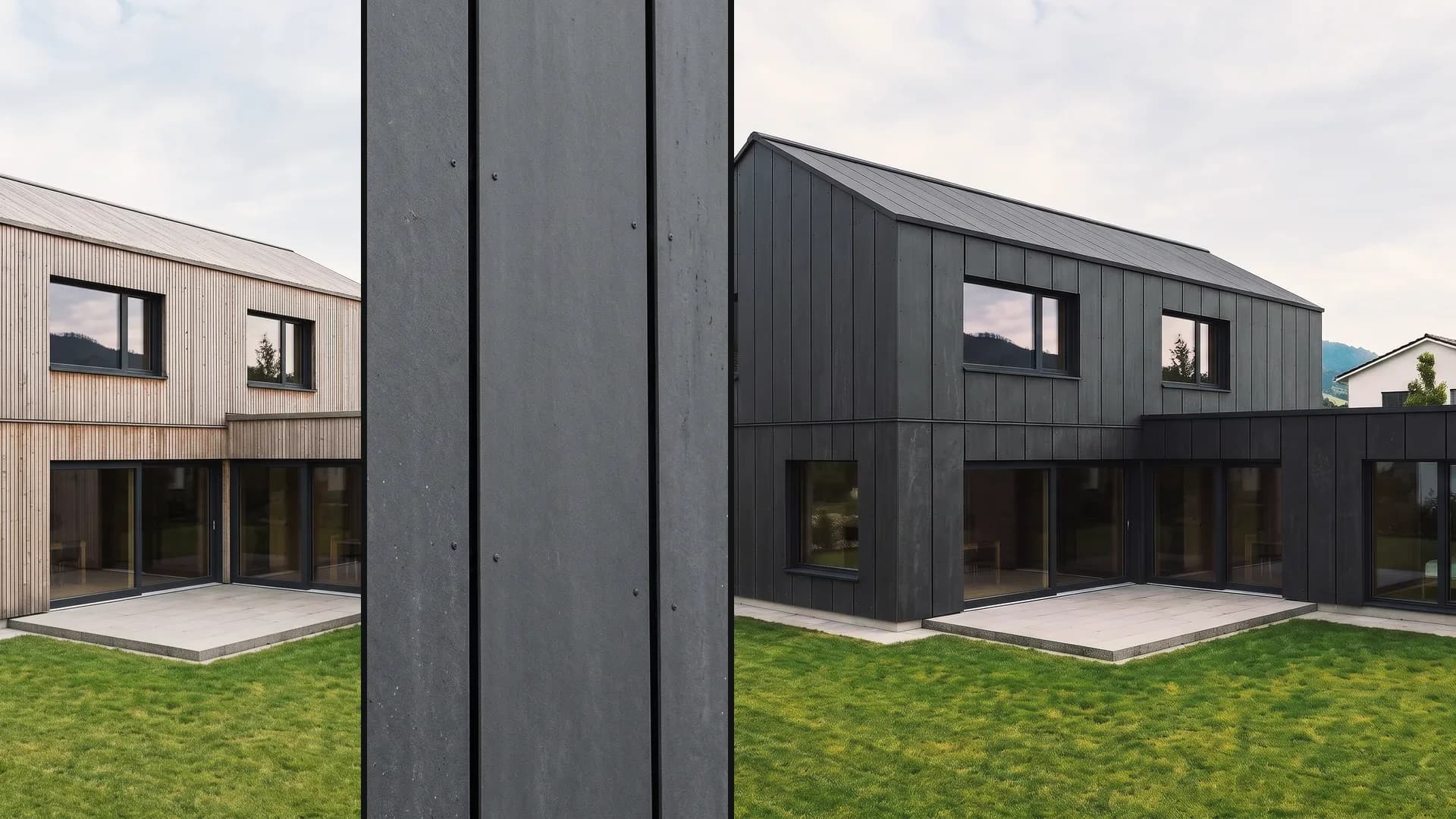
Material · Reference image
Material study: interior visualization
Change the floor and ceiling of a room in a photo in one step using two reference images, while the room stays the same.
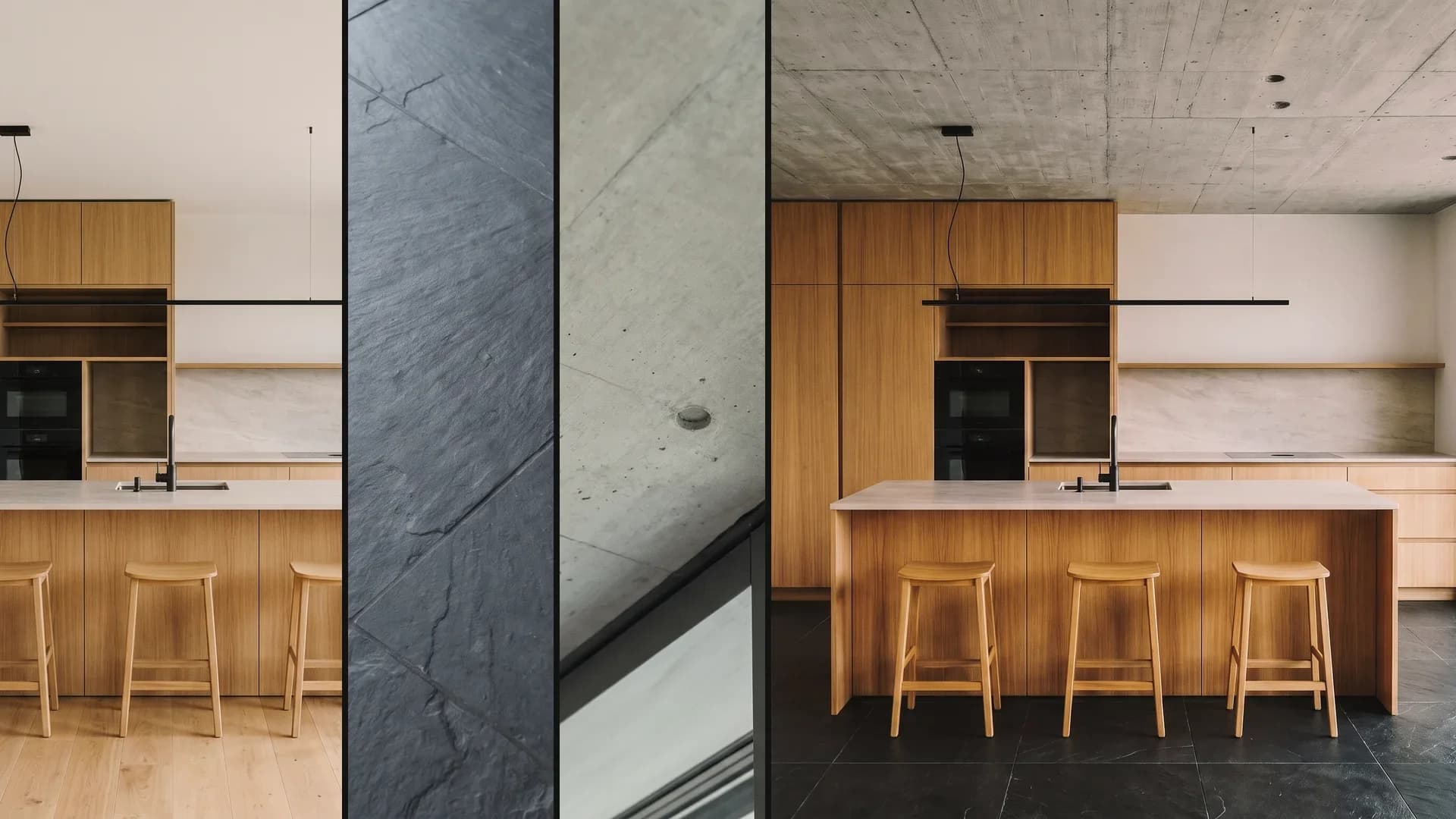
Season and time of day.
The same view in winter or at night – with a template instead of a prompt.
Season and time of day · Exterior
Seasons: exterior visualization
Move a photo into a different season with the Winter template under Environment, without writing anything yourself.
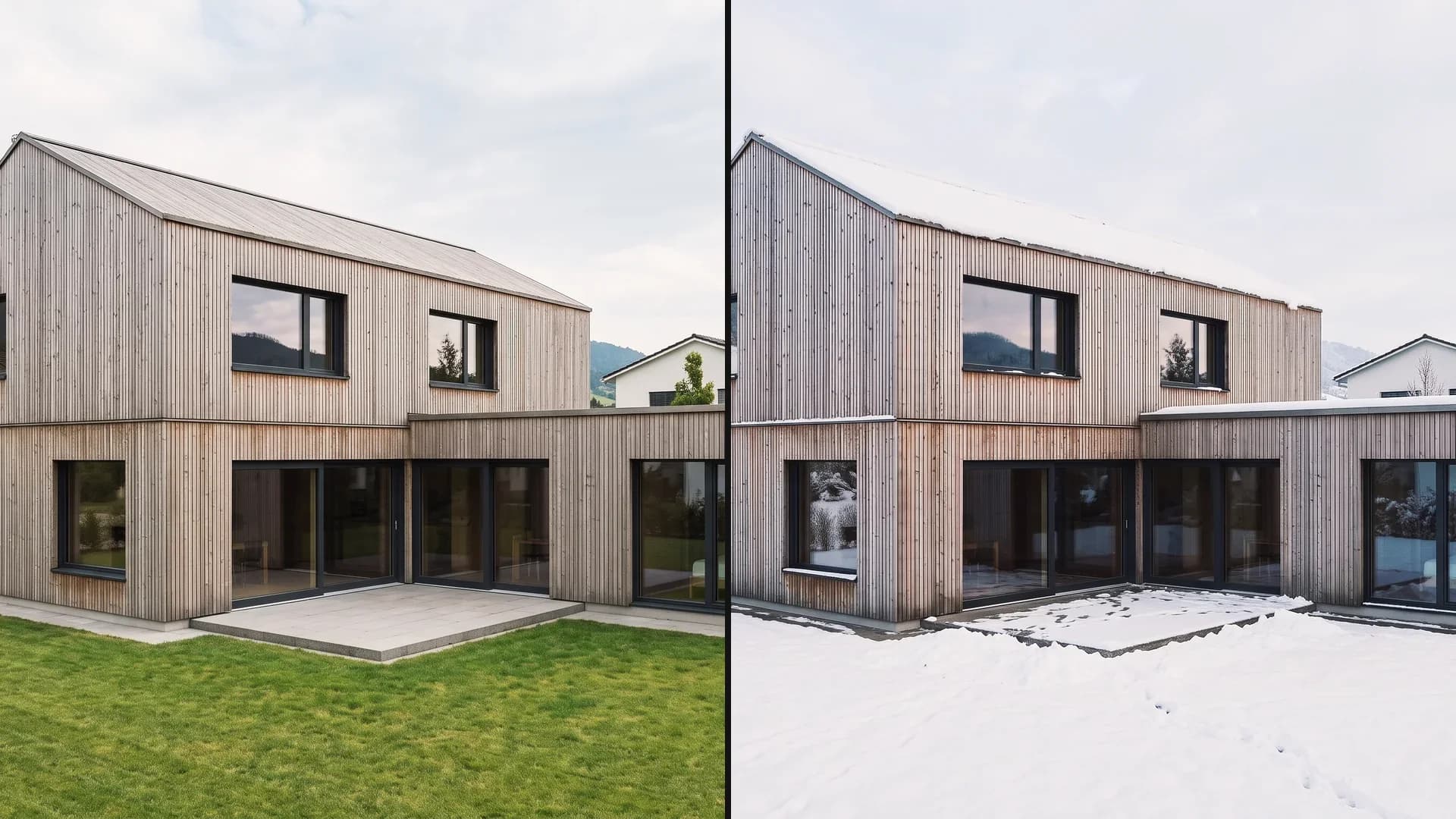
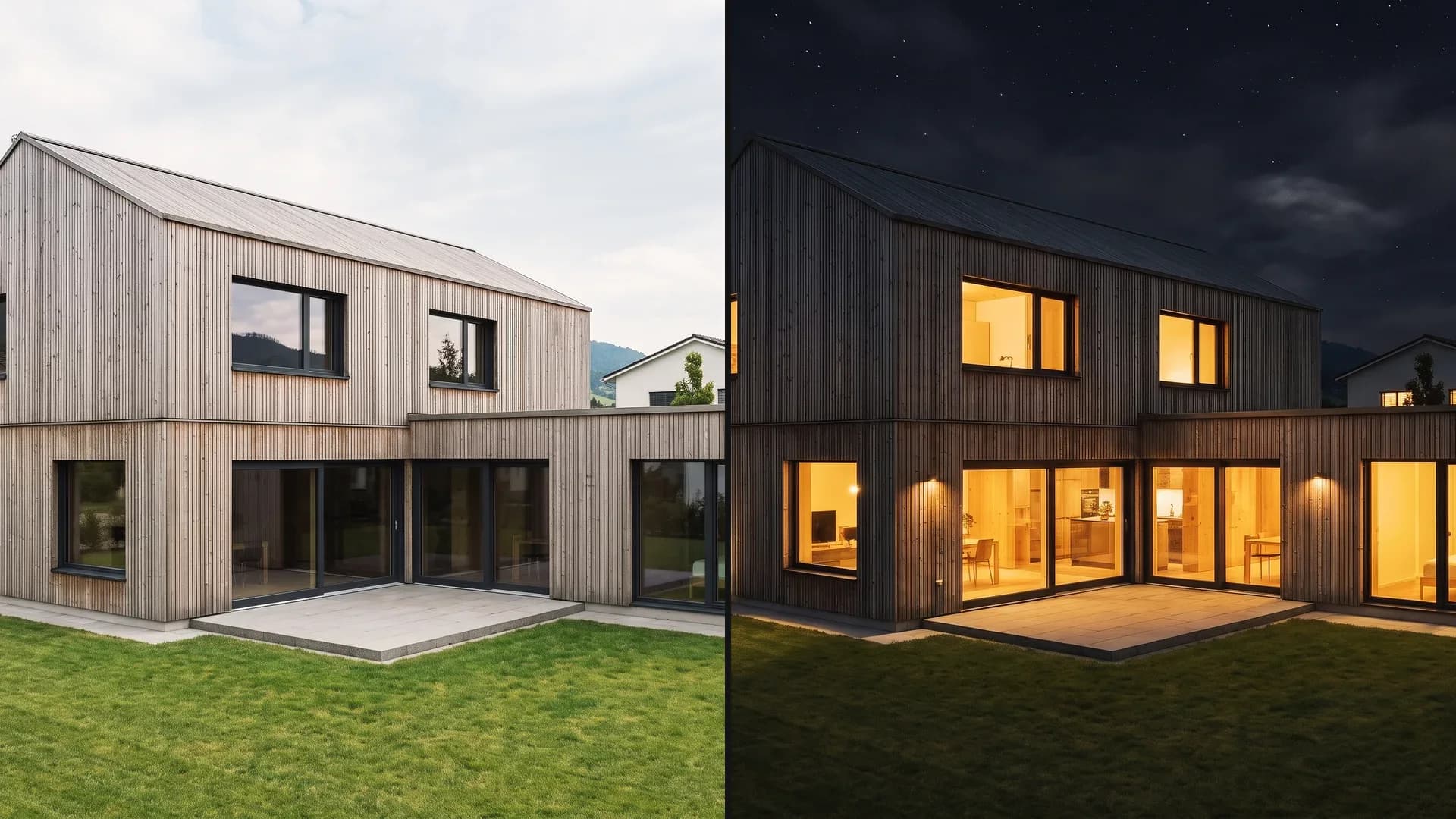
Season and time of day · Exterior
Times of day: exterior visualization
Turn a daytime photo into a night shot with the Night template under Environment, without writing anything yourself.
Change the image.
Change areas, remove elements, extend the frame and upscale for print.
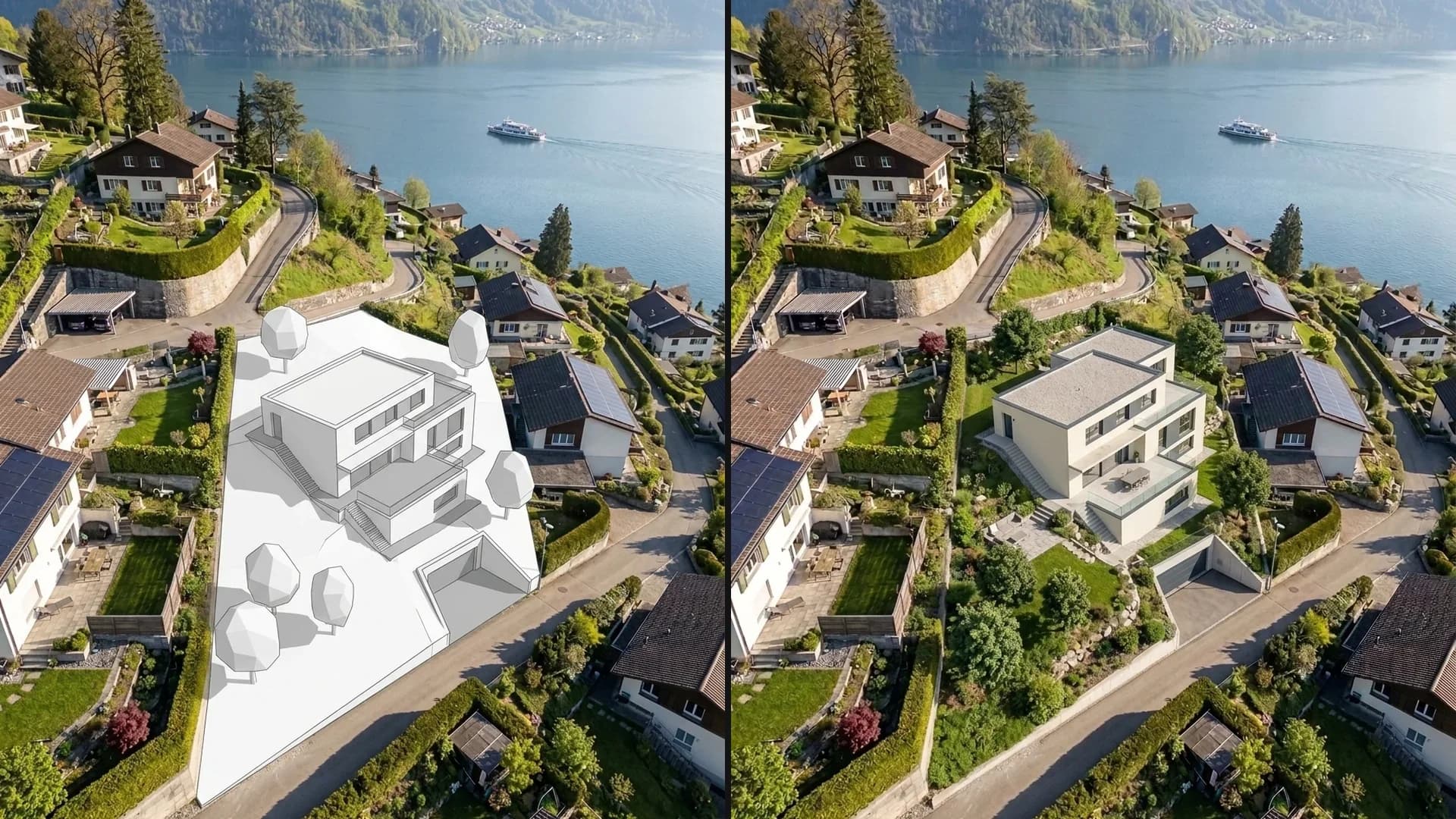
Change the image · Masking
Place a new building in a photo
Turn a white massing block in a photo of the real surroundings into a finished house, while the surroundings and perspective stay the same.
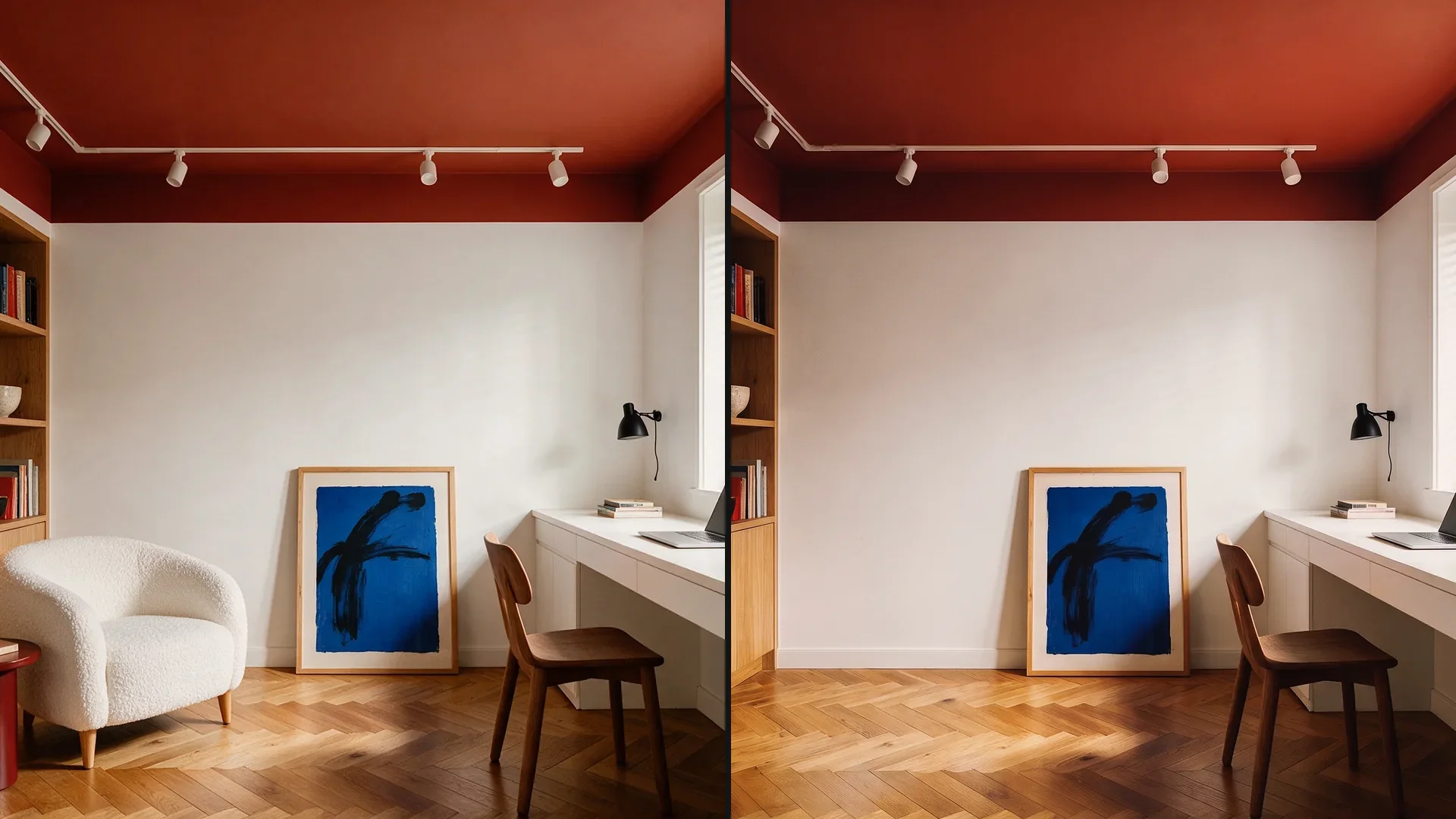
Change the image · Masking
Remove objects from a photo
Remove objects from a photo: once with a short description, once without text using Edit and Remove.
Change the image · Exterior
Extend an image: adjustments with AI
Add to the edges of a tightly cropped image in the Extend area to show more of the surroundings.
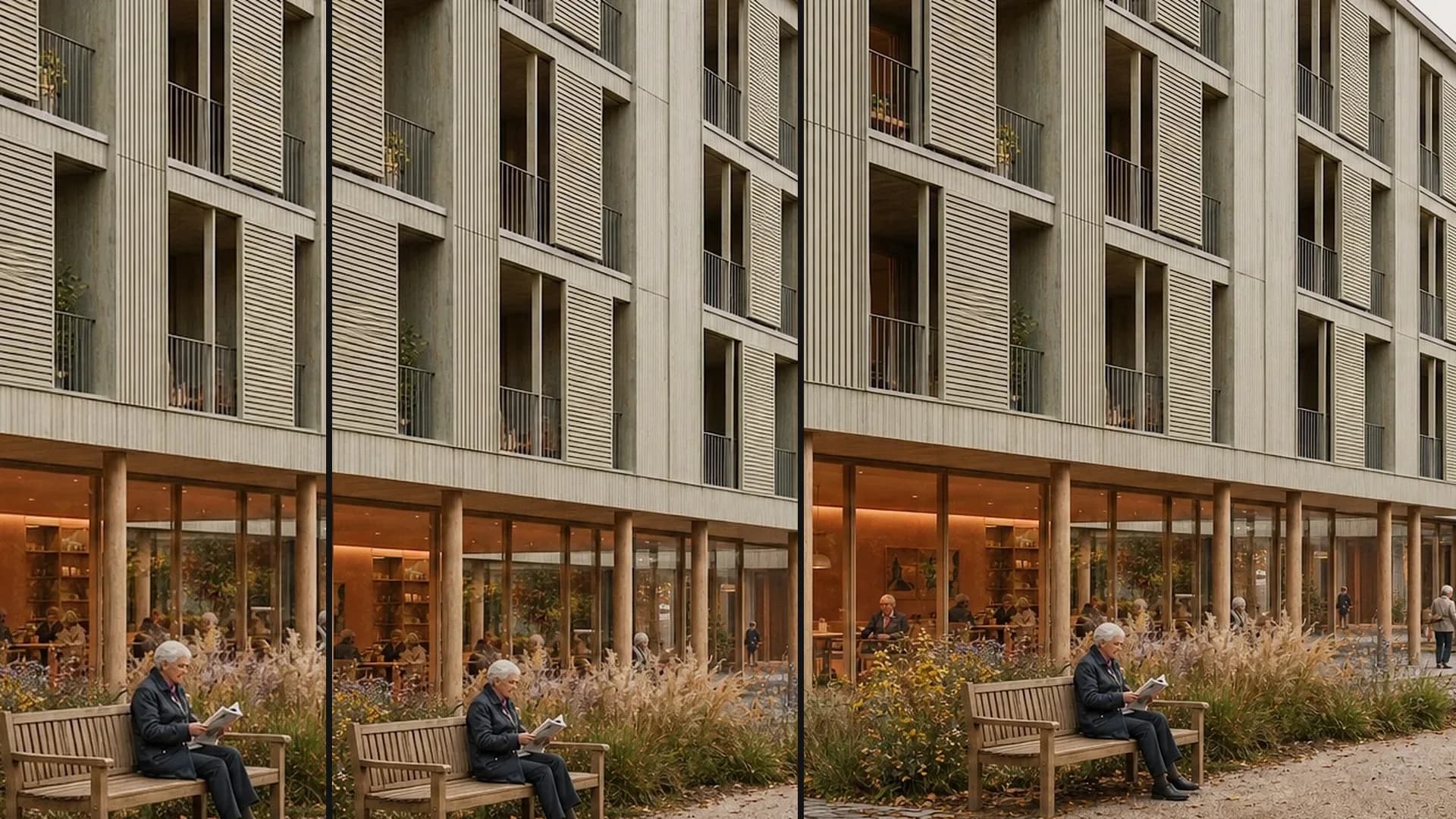
Change the image · Print
Upscale an image: adjustments with AI
Two ways to get an image at a higher resolution: Generate with the 4K resolution, and the Upscale area.
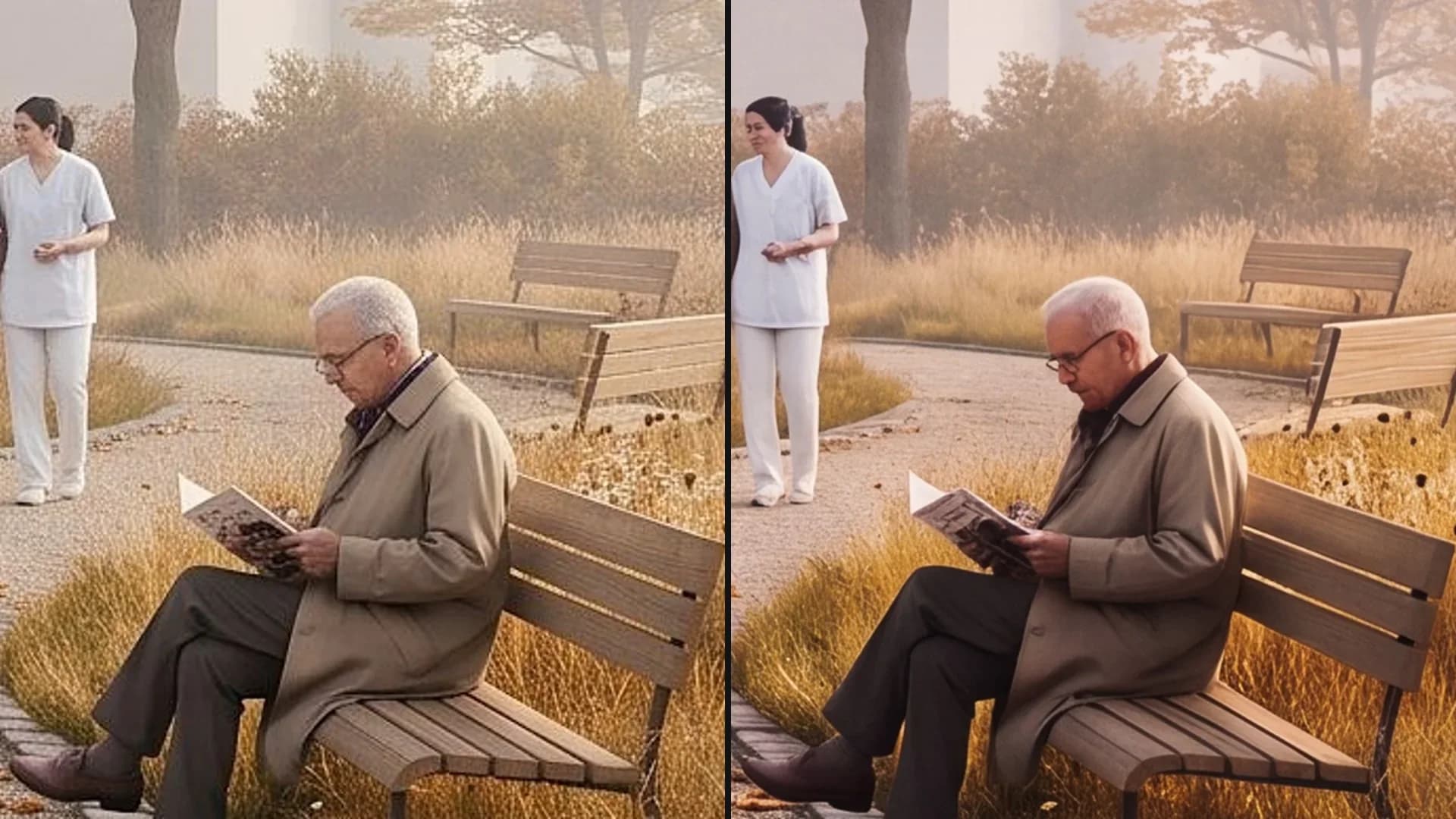
Masking · Change the image
Mask an area: replace an armchair
In the Edit area, mark an armchair with Mask and replace it in a targeted way using a description and a reference image.
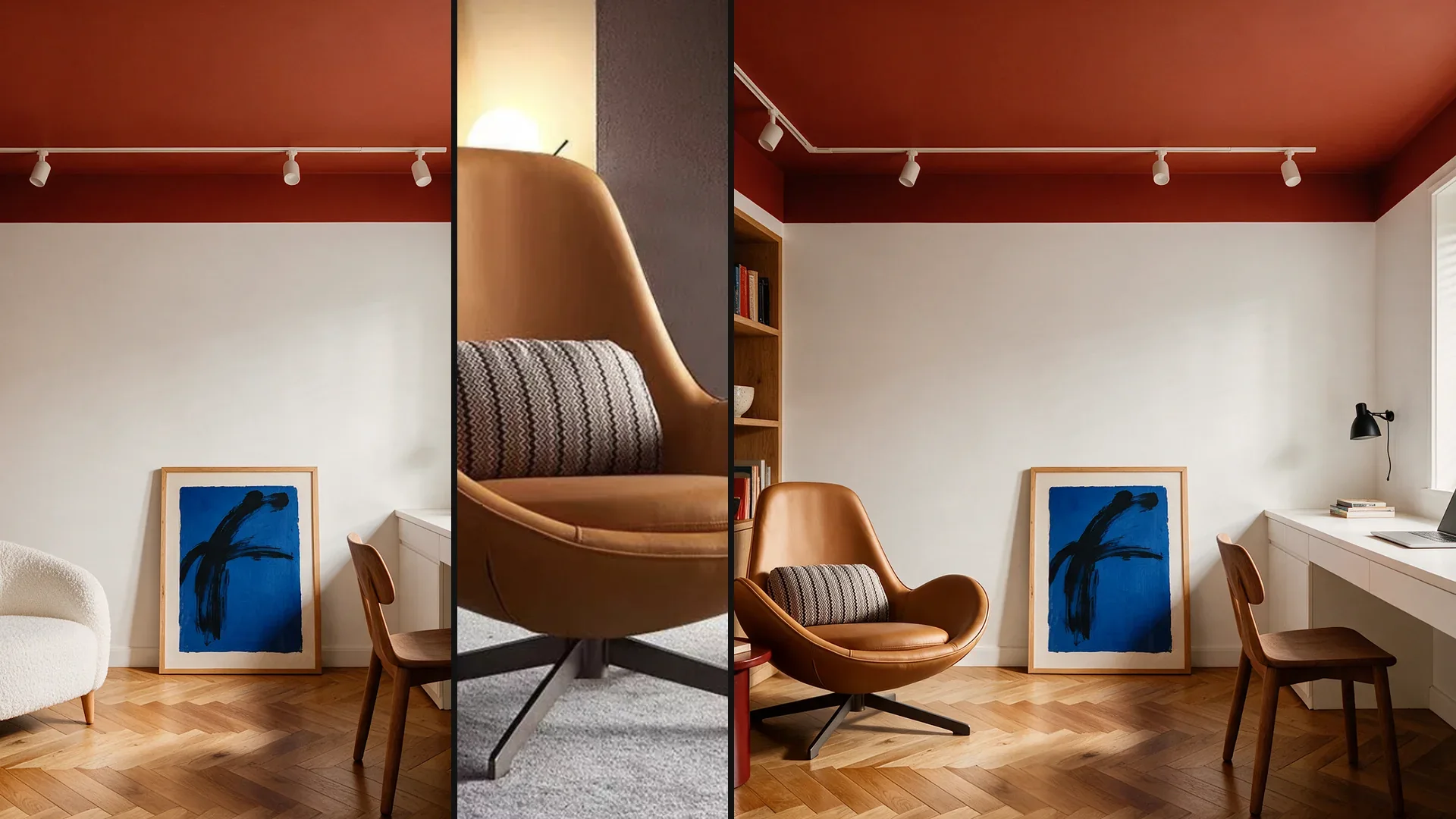
Masking · Change the image
Mask an area: change the facade
In the Edit area, mark part of the facade with Mask and change it to timber cladding using a reference image.
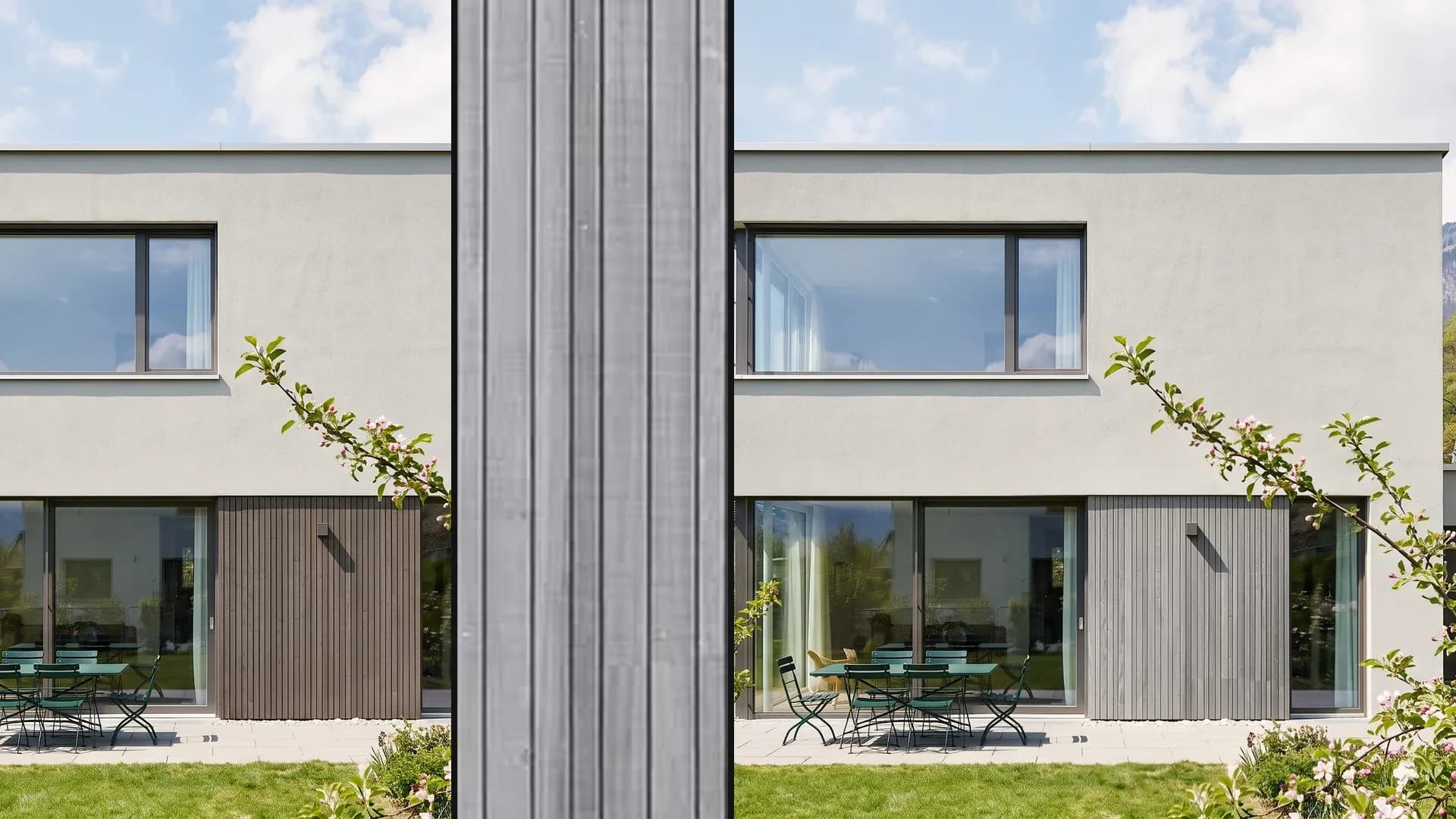
Frequently asked questions.
On getting started, the prompts and the costs.
With "Exterior visualization from sketch and reference": it shows the basic workflow – upload a source image, add a reference image, describe, generate. All other videos build on it.
