Upload a source image
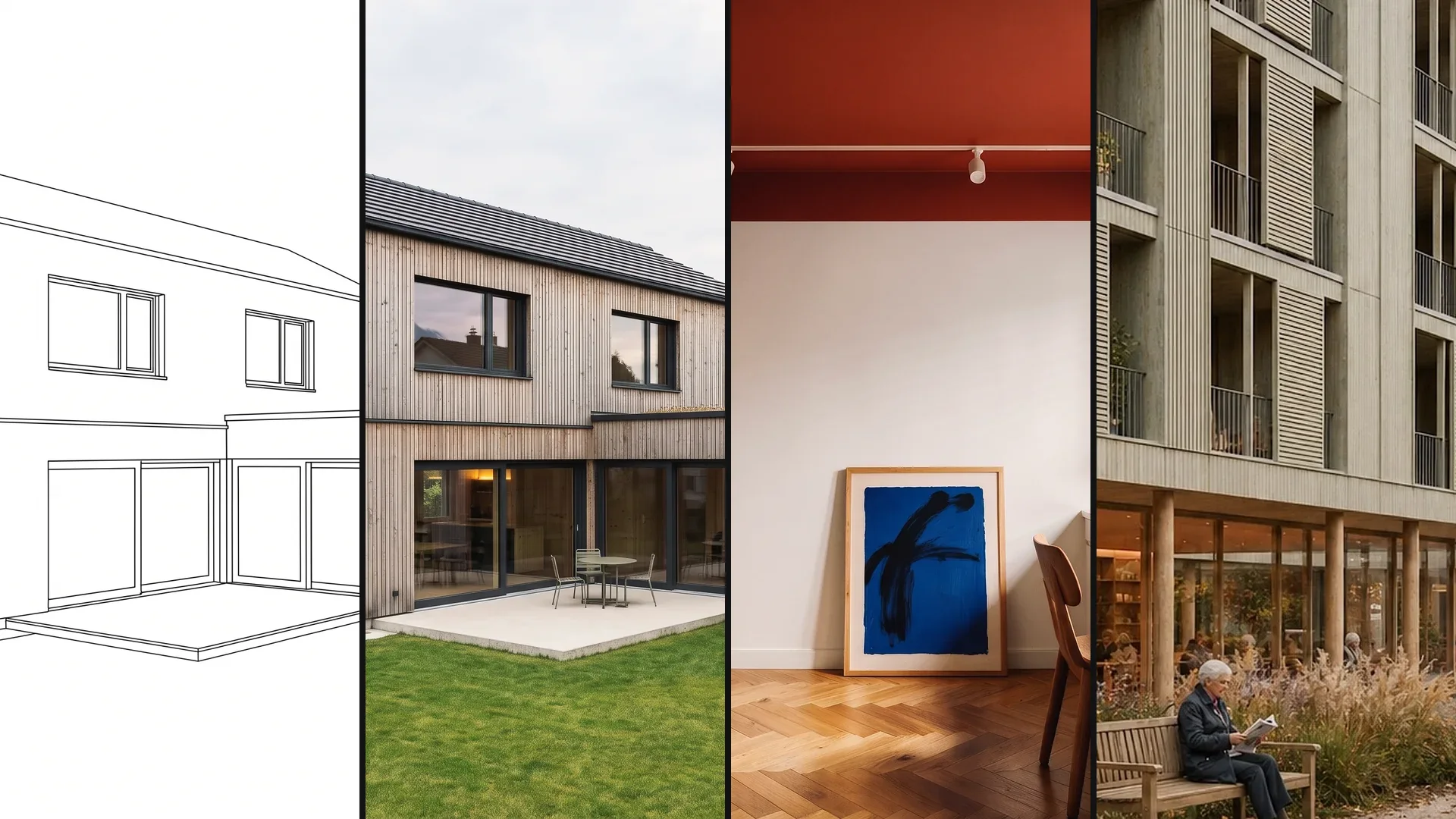
3D model, floor plan, sketch or photo. A reference image shows which material or mood you mean.
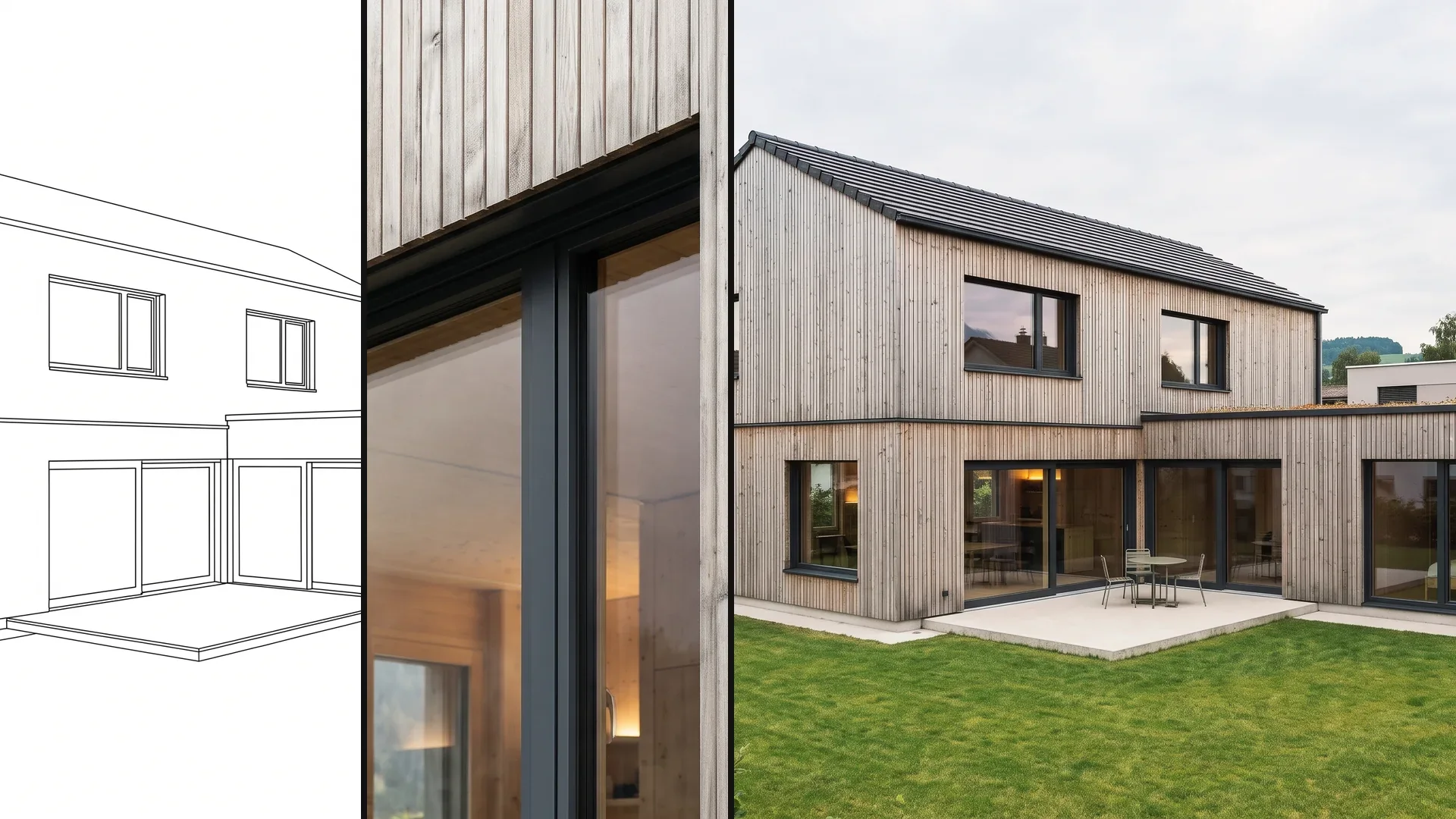
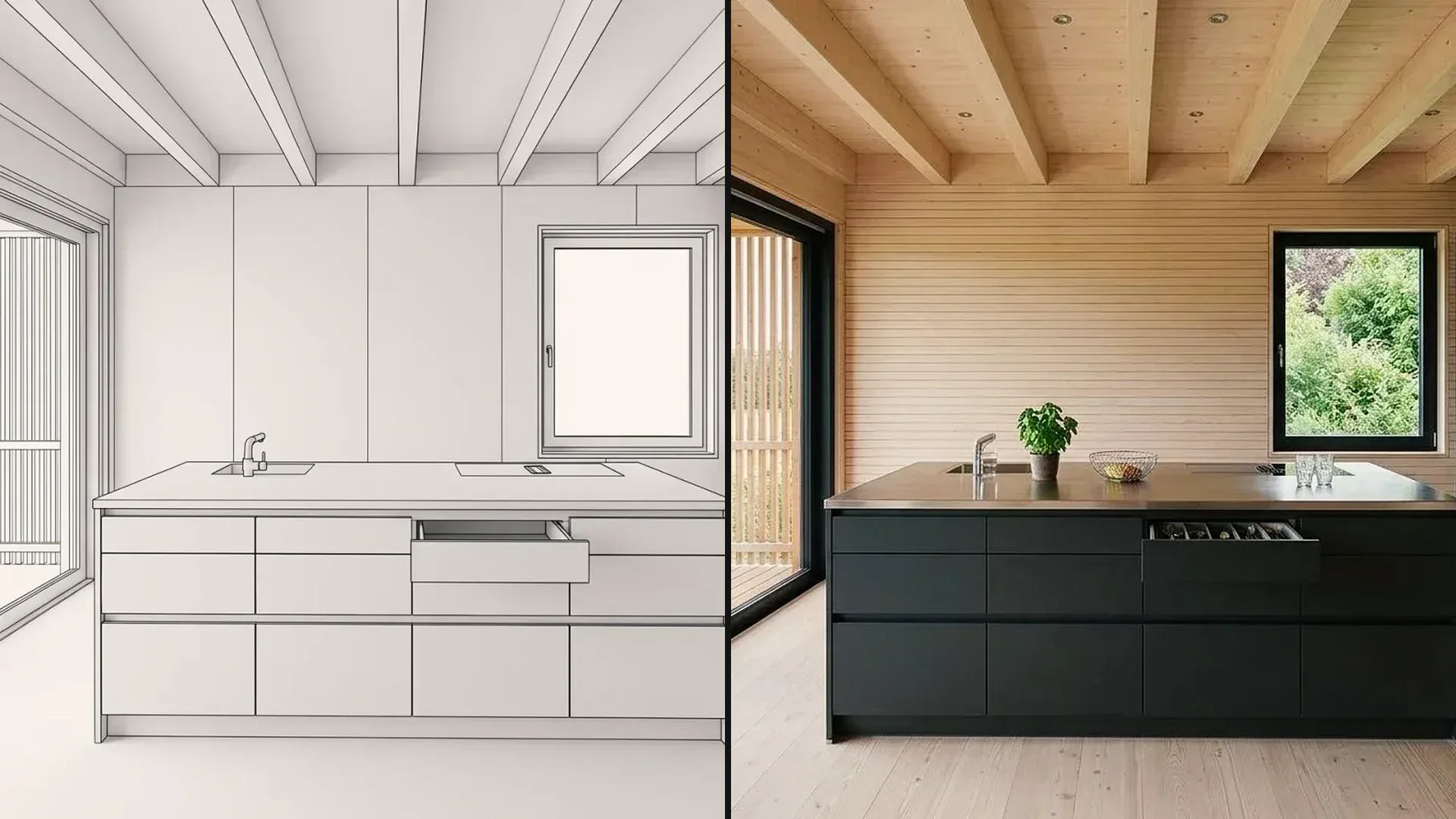
Upload your 3D model, floor plan, a sketch or a photo – or send the view from Archicad. The image is ready in minutes. Then you change material, color or a detail without re-rendering.
6,500+ registered users in CH, DE and AT.Over 100,000 visualizations in the first year.


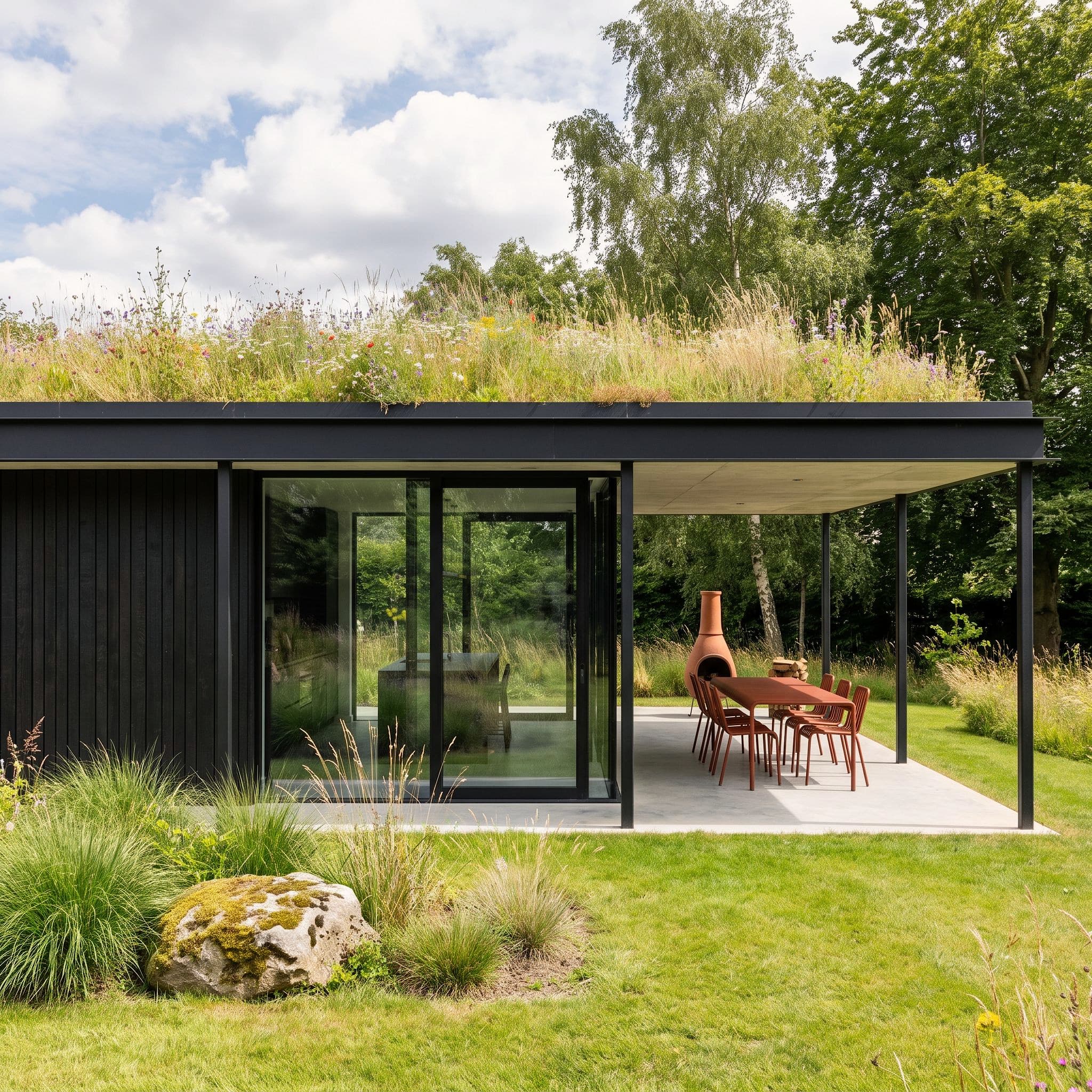
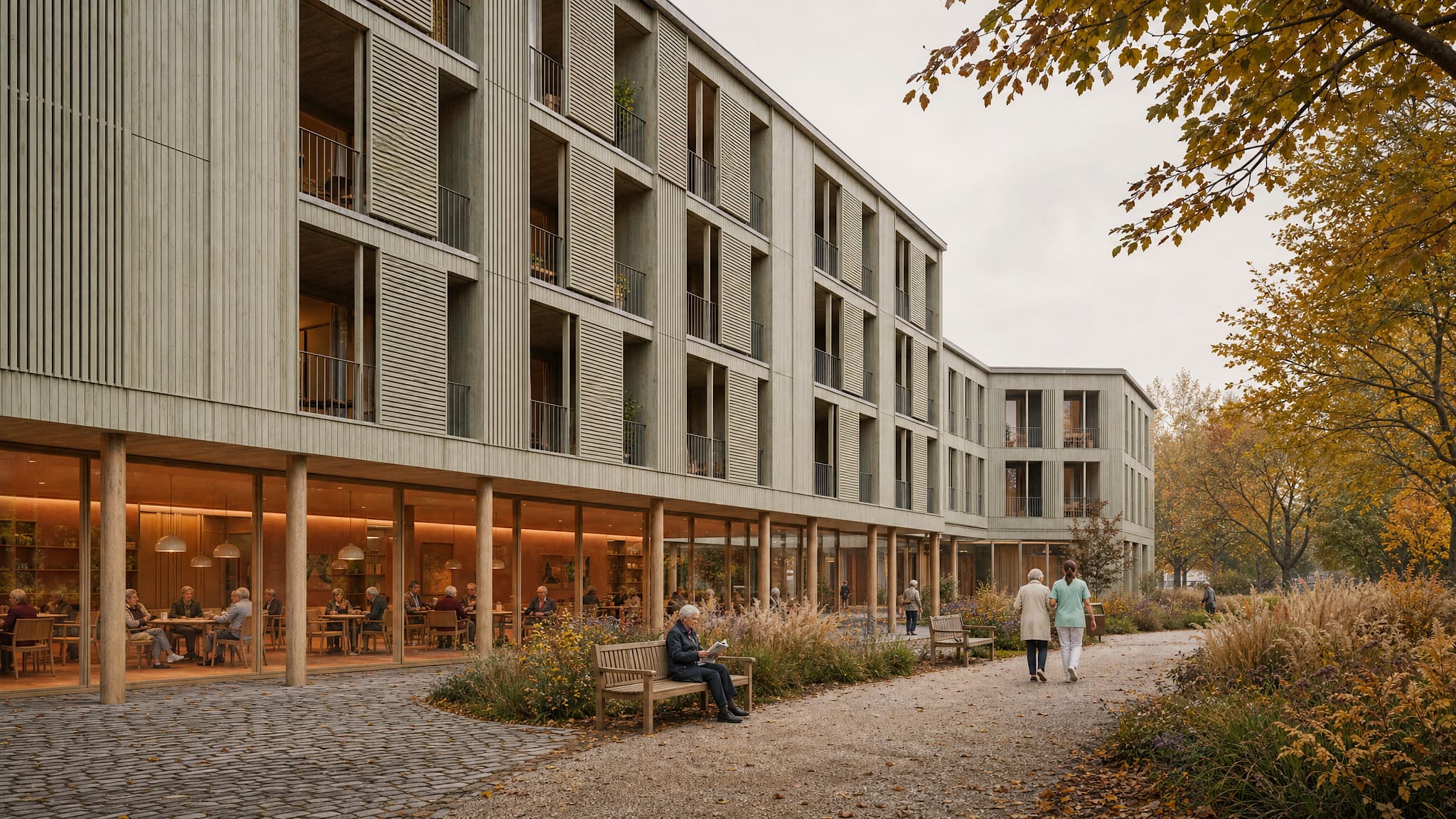
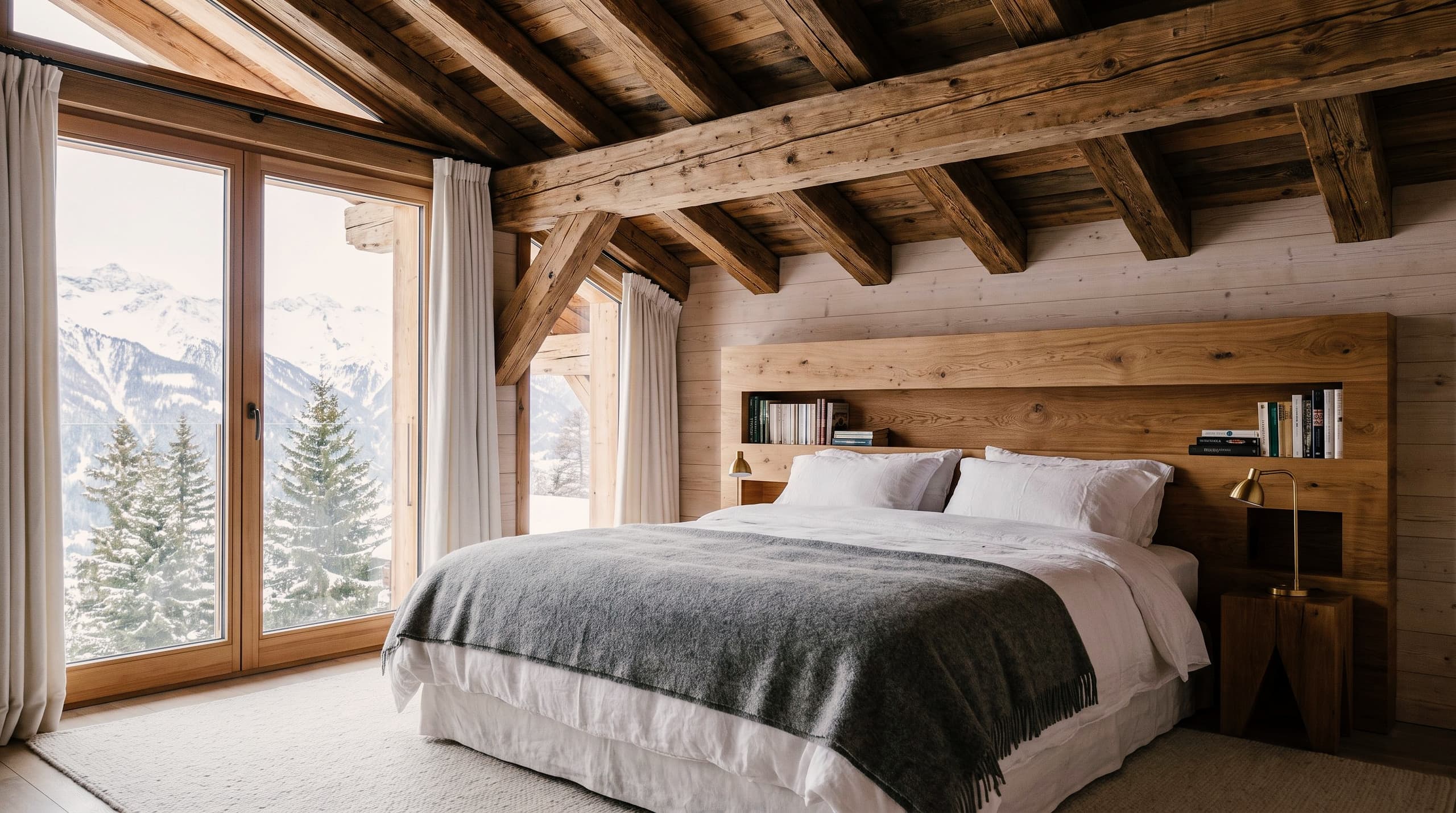
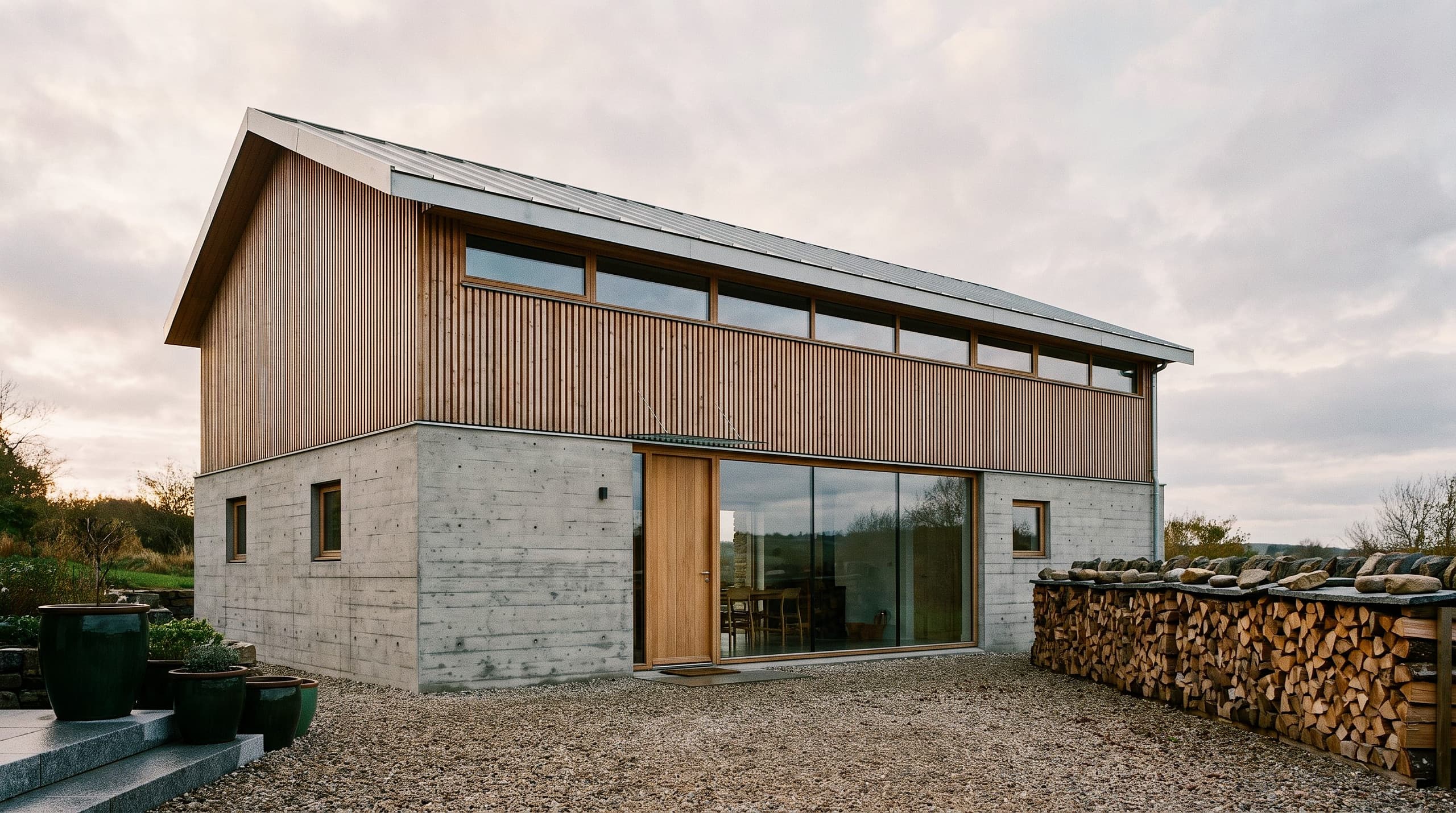
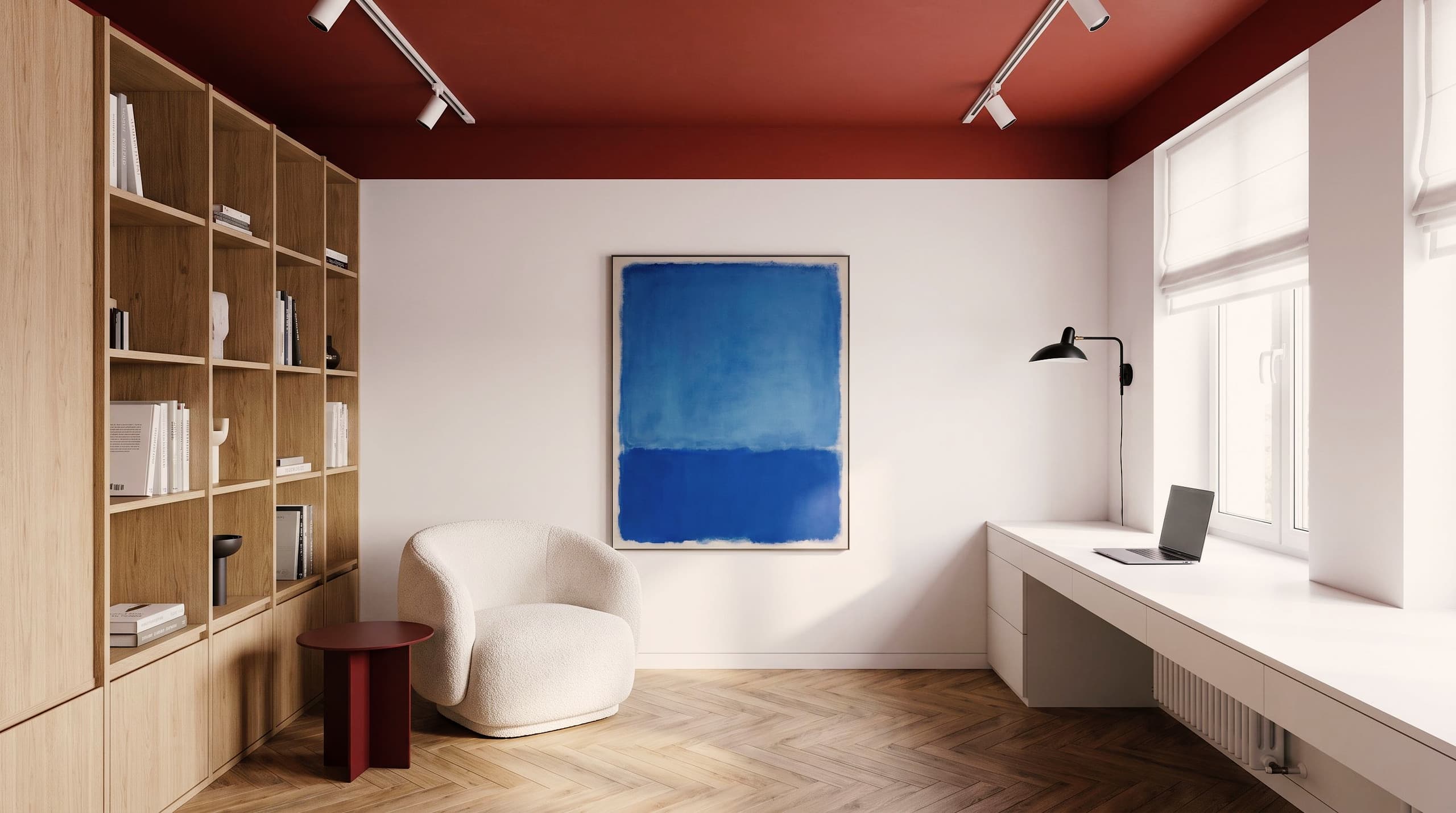
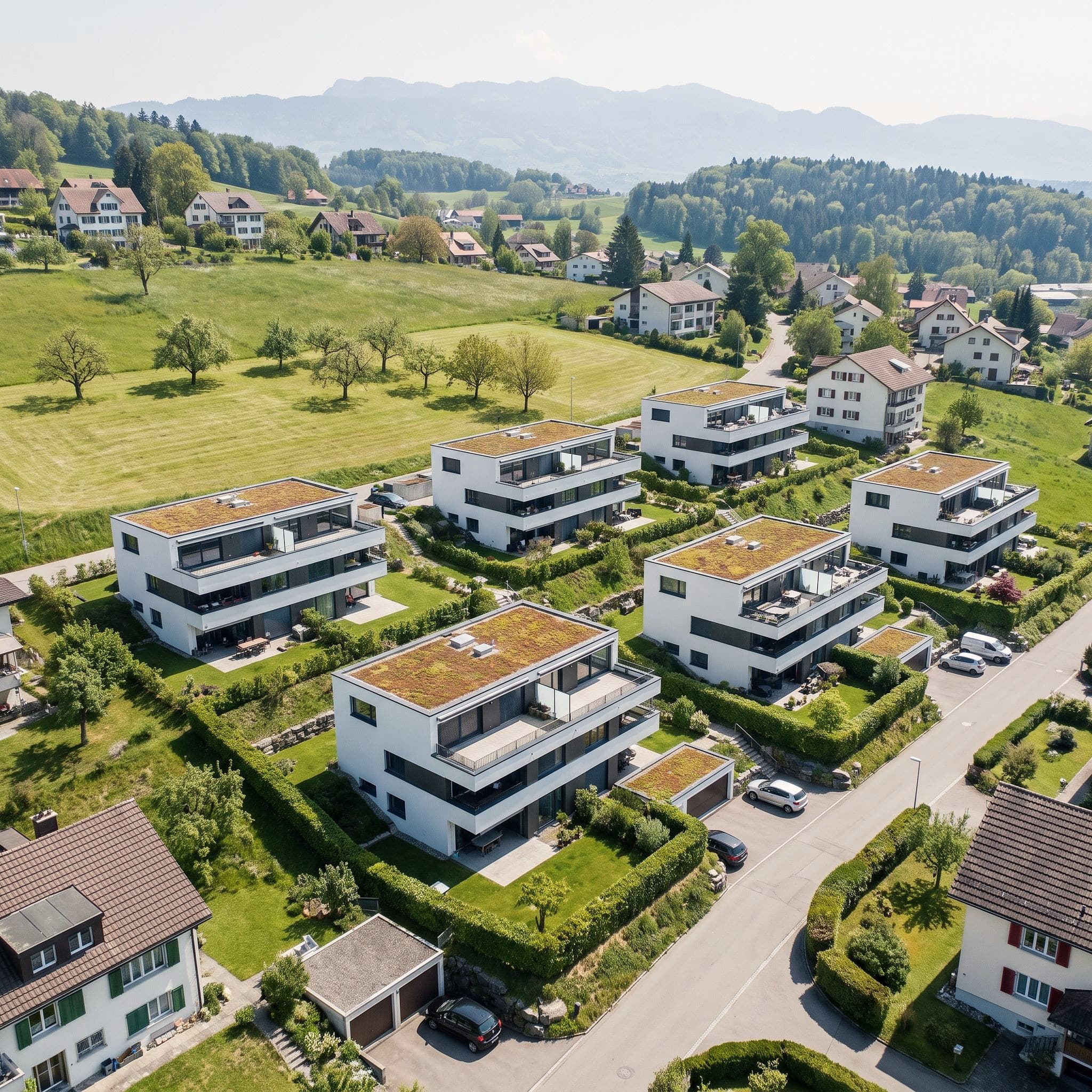
Vizera works with the material your project already has – AI architectural visualization without rendering software. Hover over an image to see the result.
01
Upload a model or send it from Archicad, pick the camera – the geometry stays as modeled.
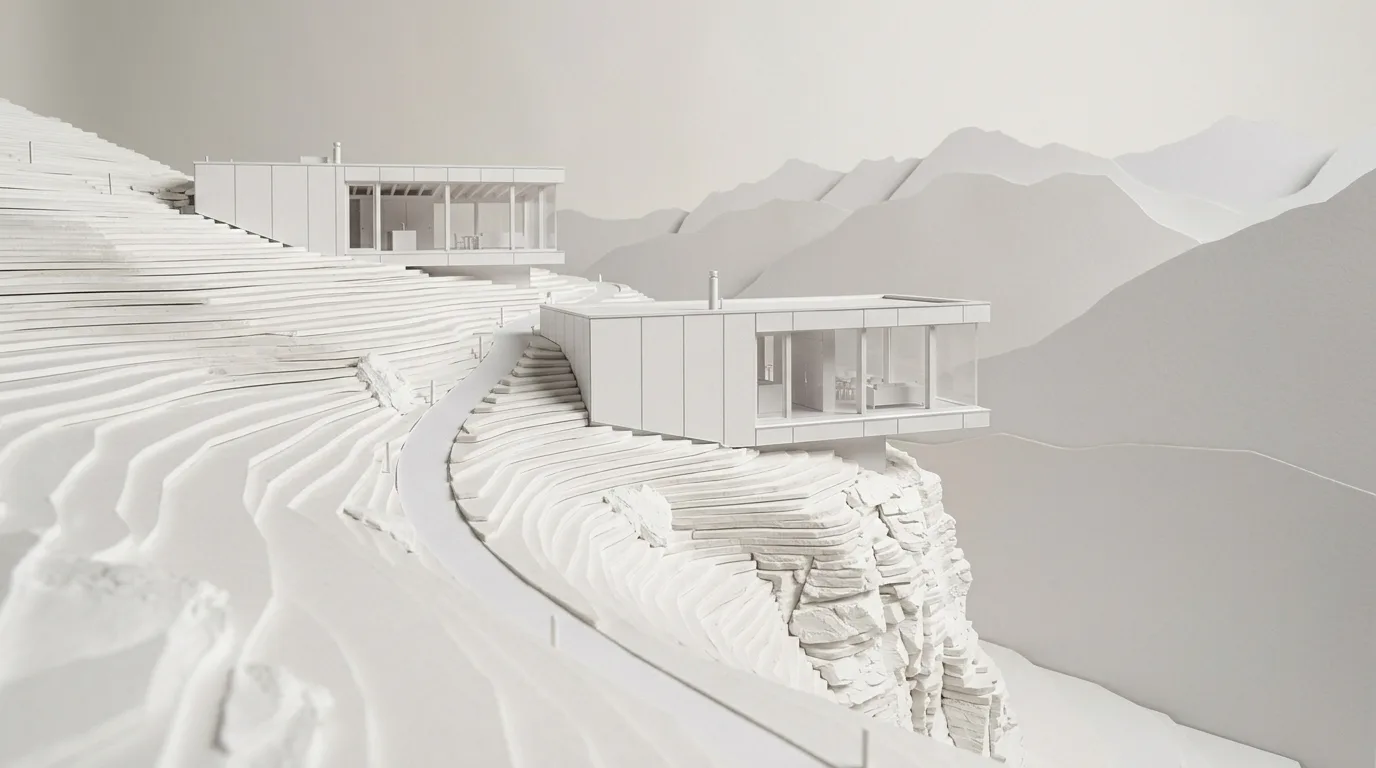
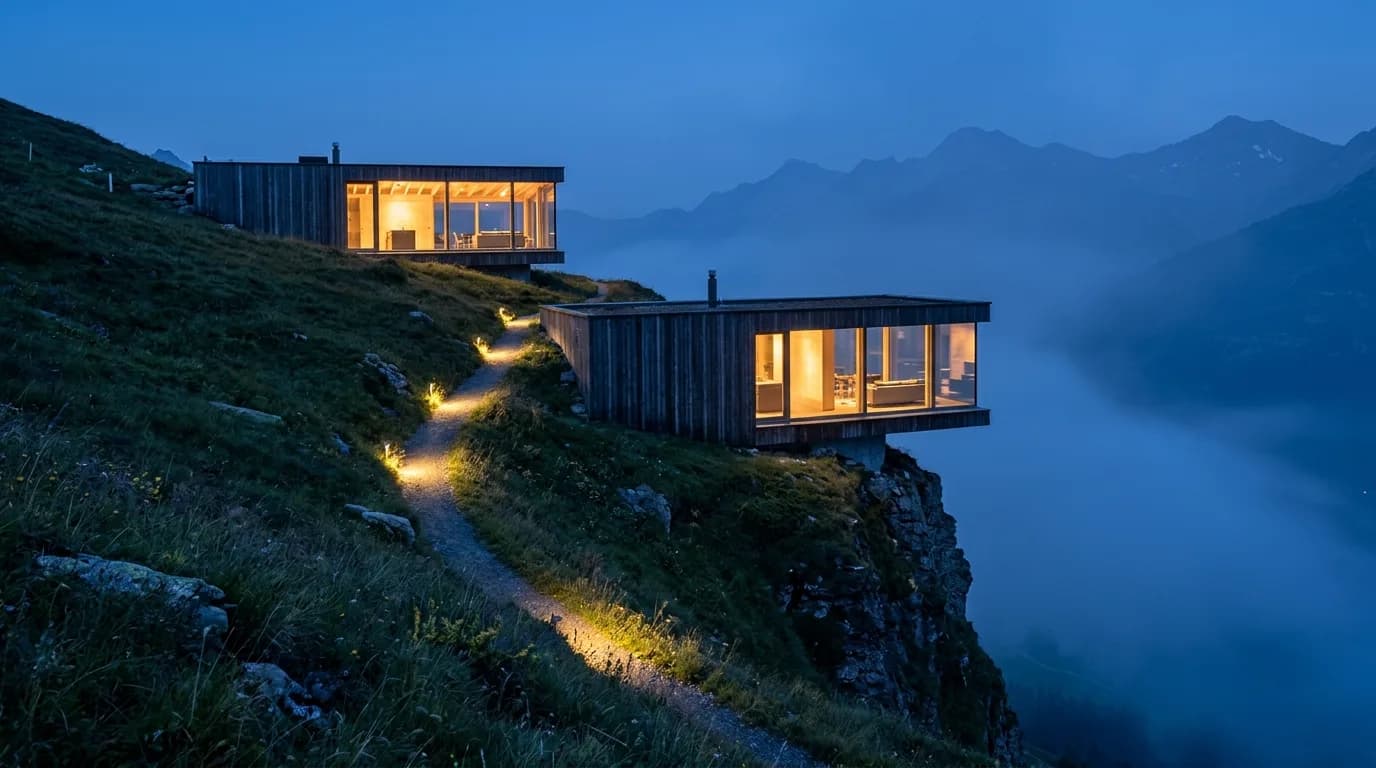
02
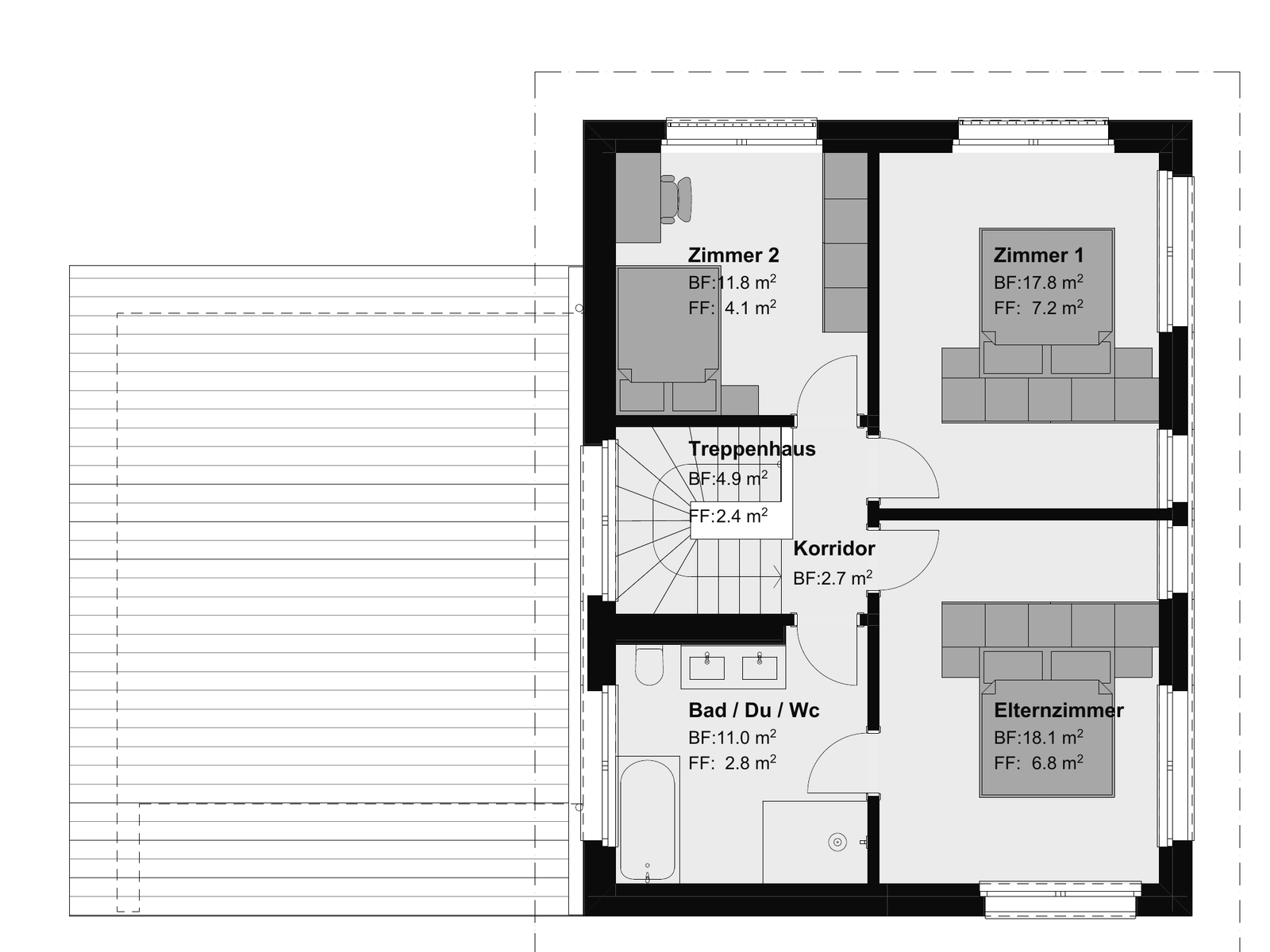
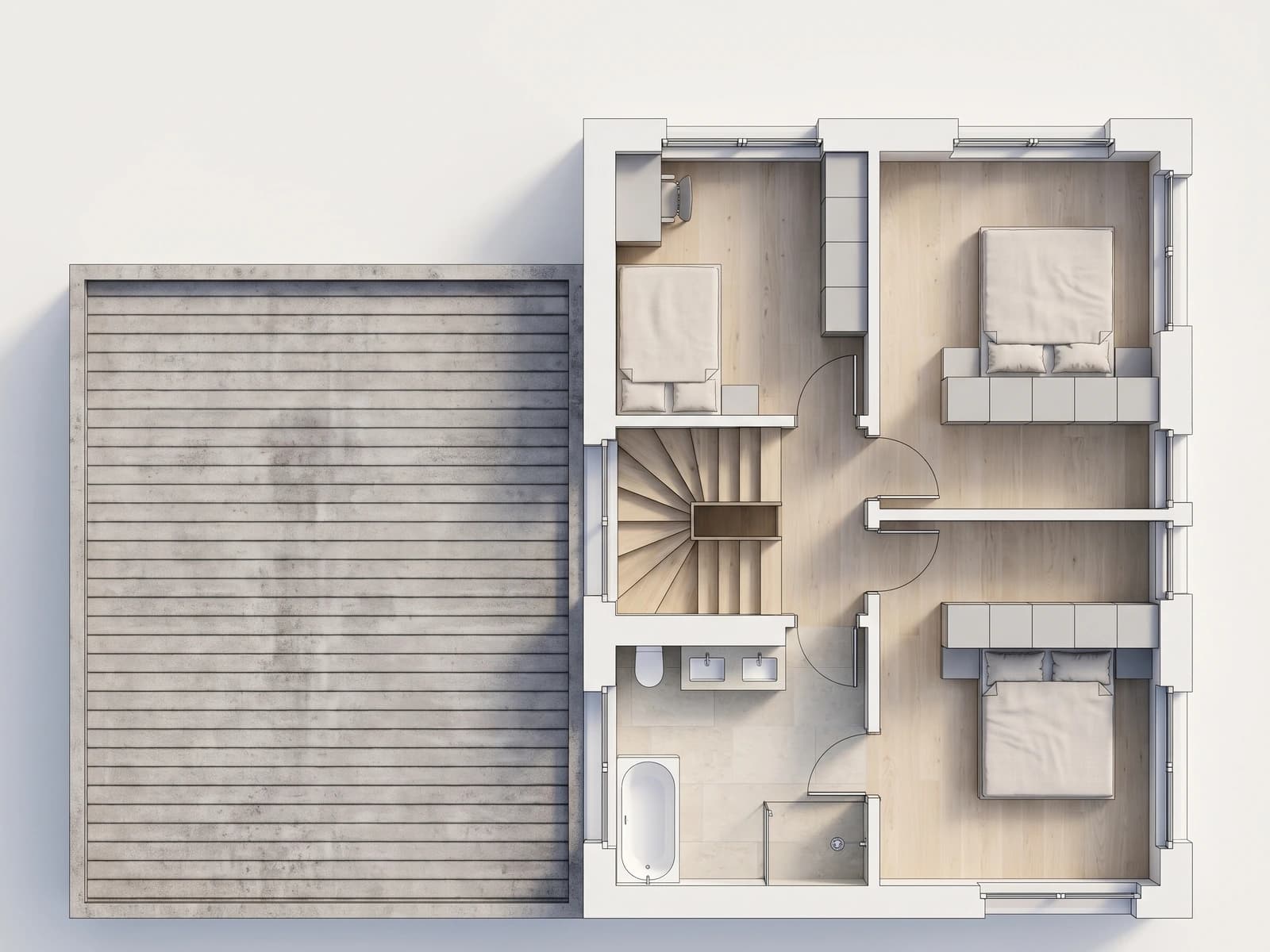
Upload the plan as JPG or PNG: colored, as a 3D image or as a white model from above.
03
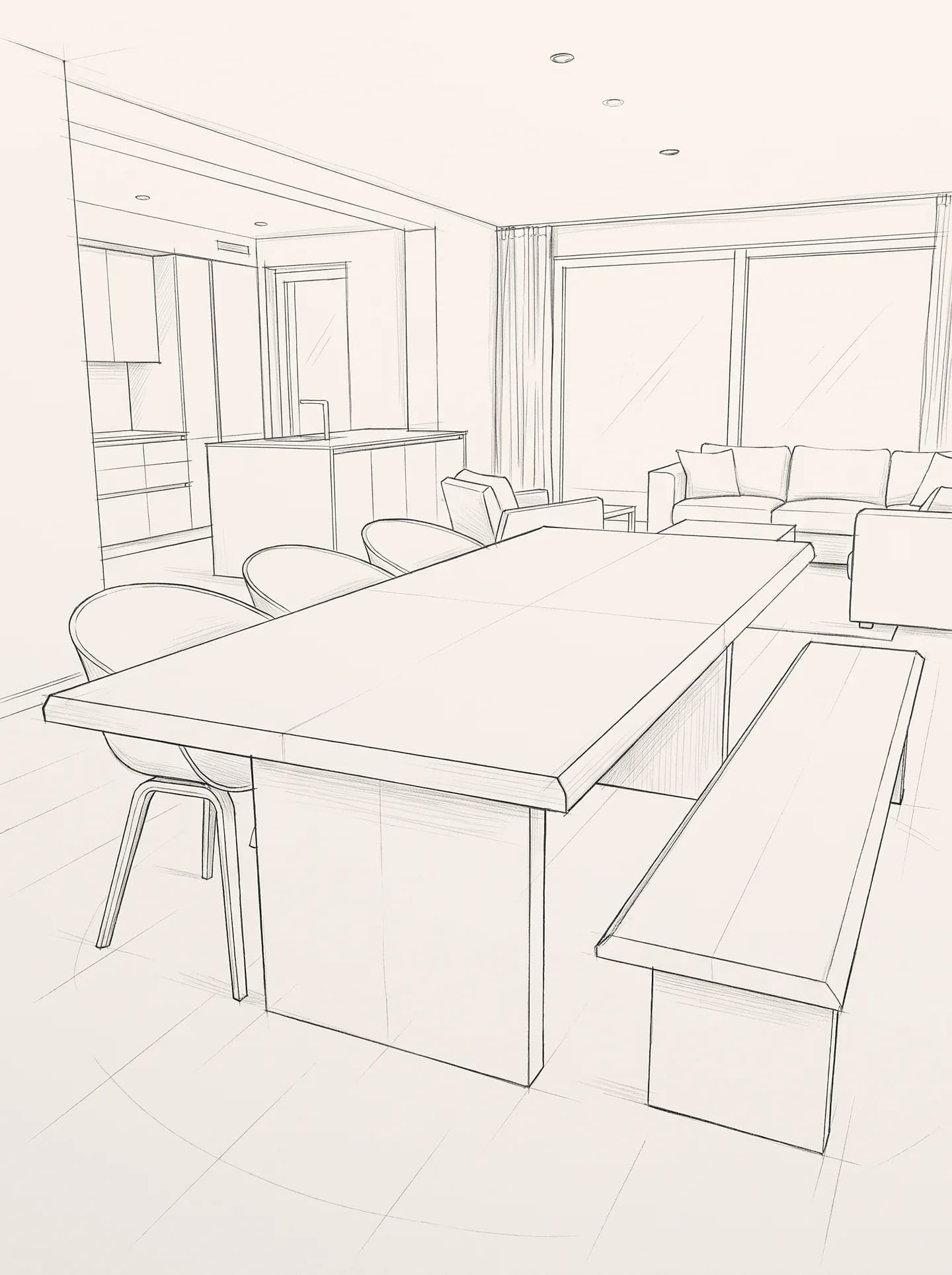
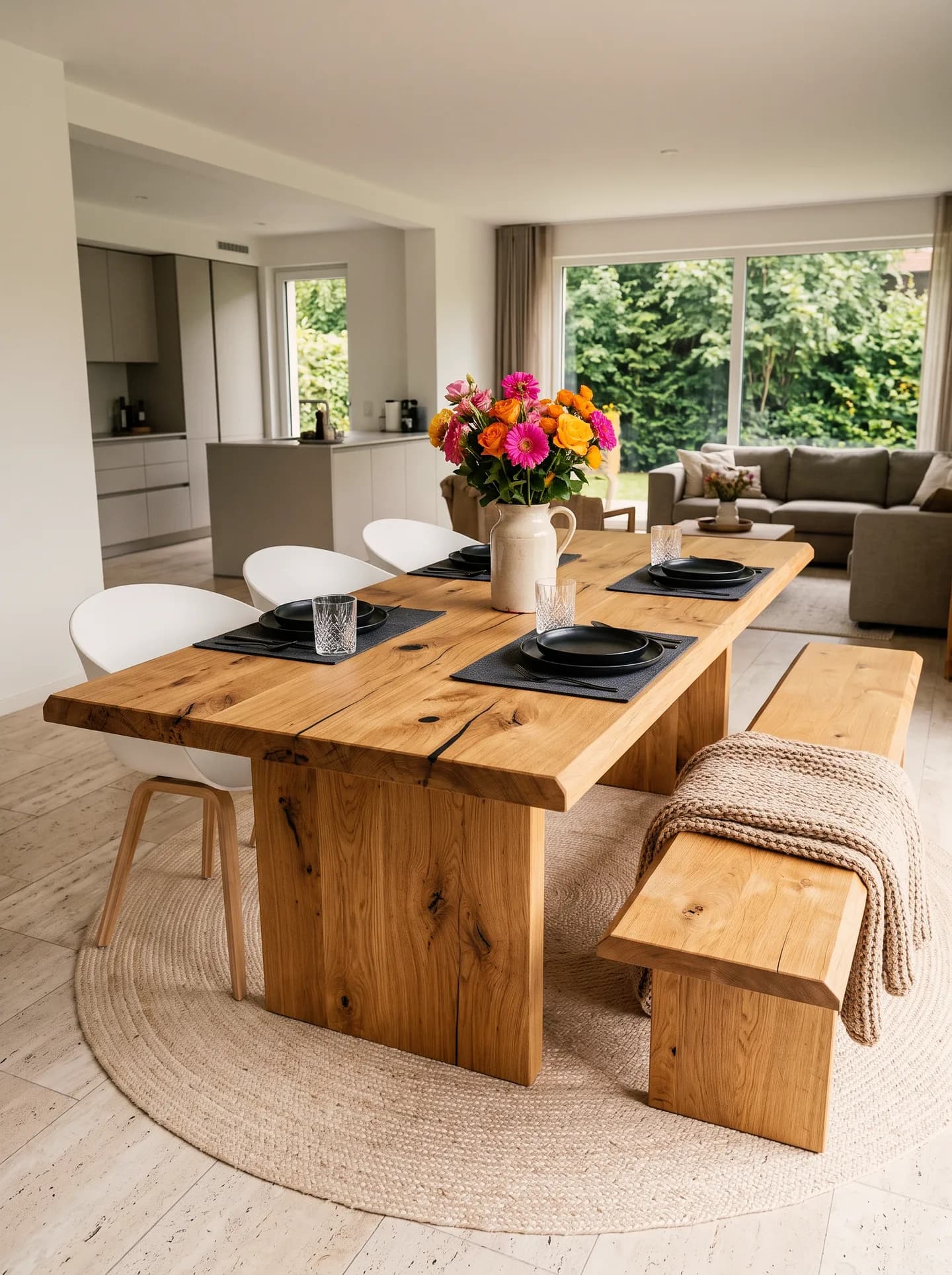
Upload a hand sketch, show material and mood with a reference image – it becomes the visualization of the room.
04
Upload a photo of the existing space and show what it should become – room, windows and perspective stay.
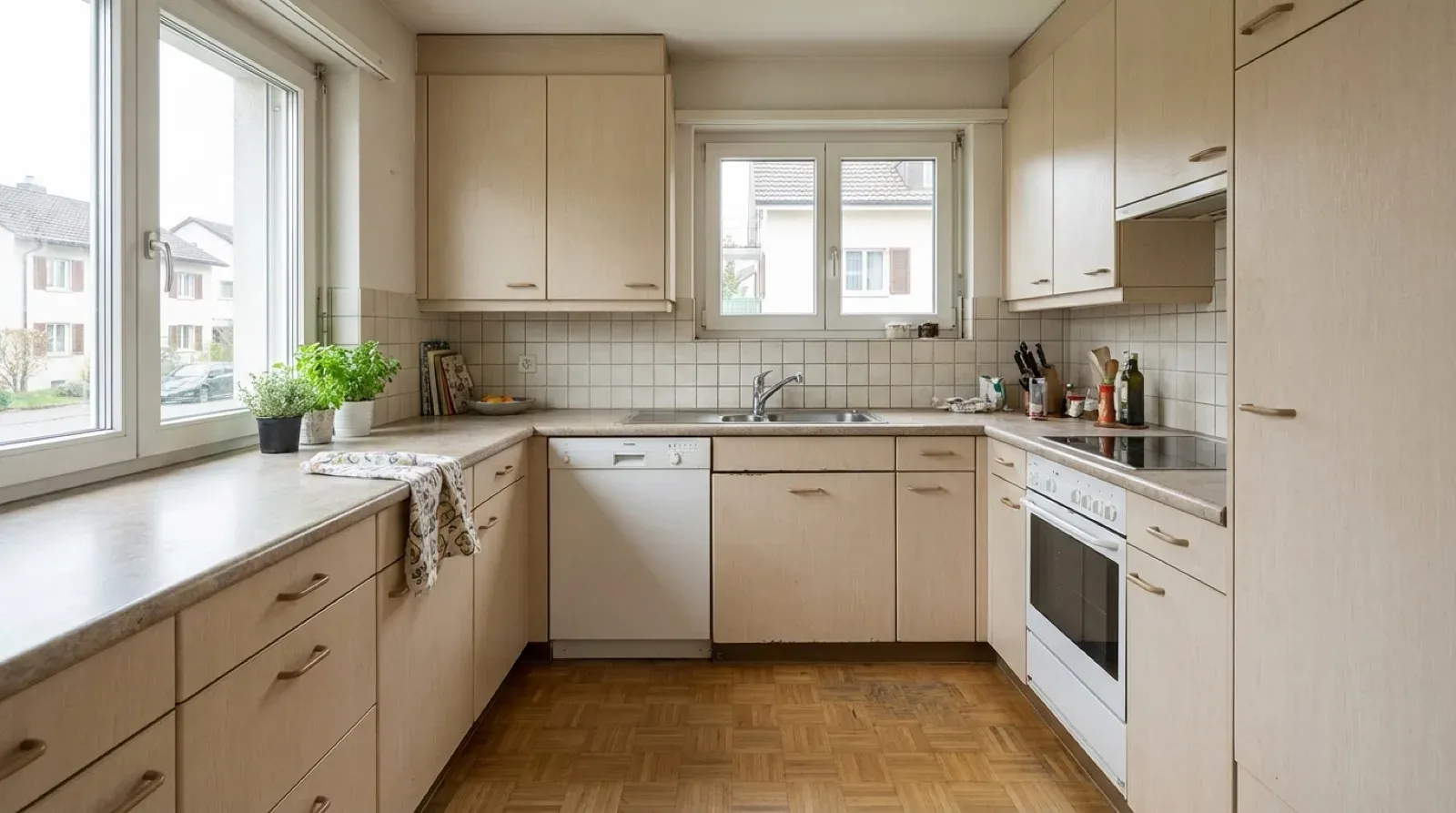
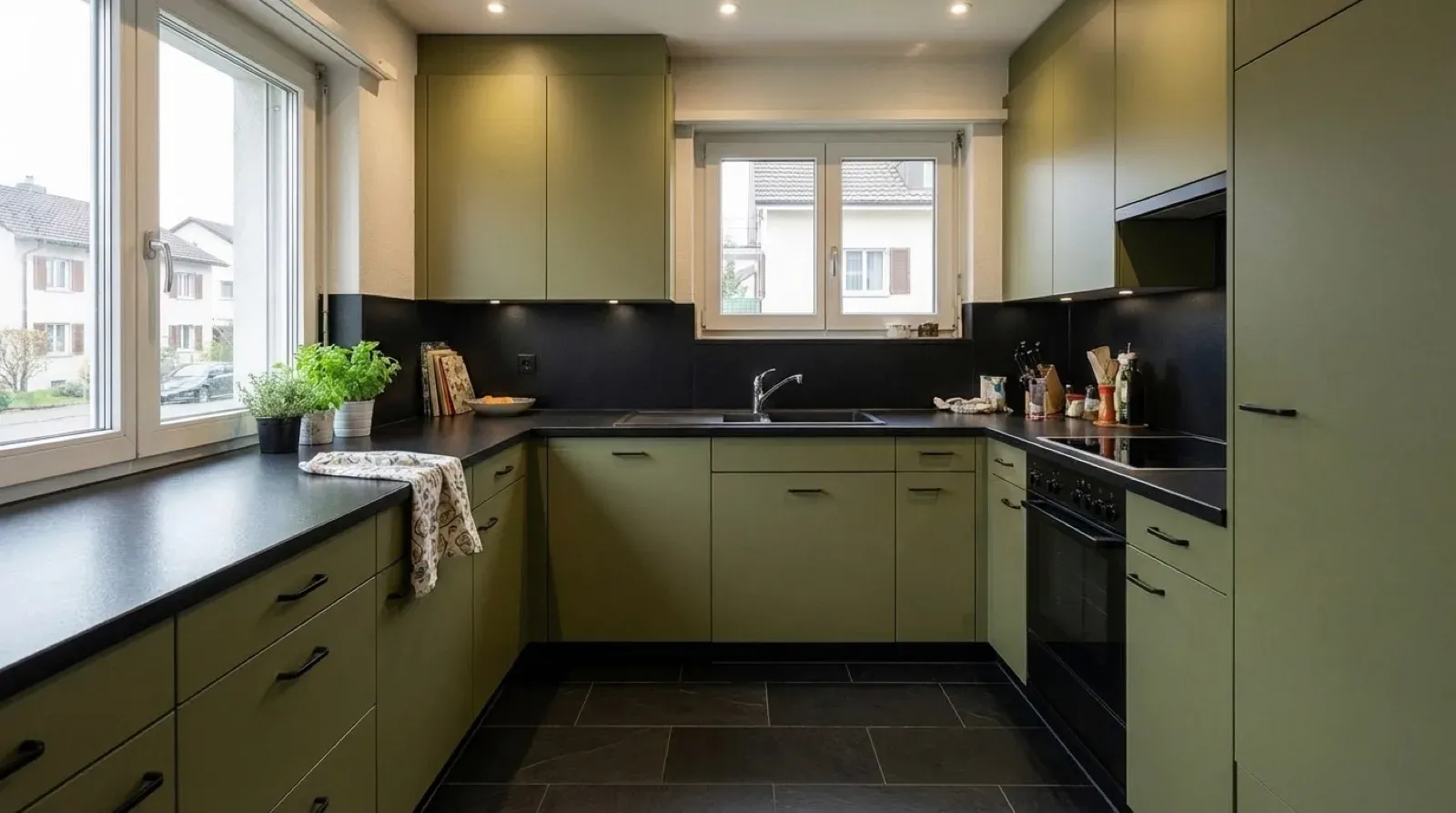
Almost half the work in Vizera happens after the first image: swap a material, remove an element, change the facade. The rest of the image stays. Click an example to see the versions.
01
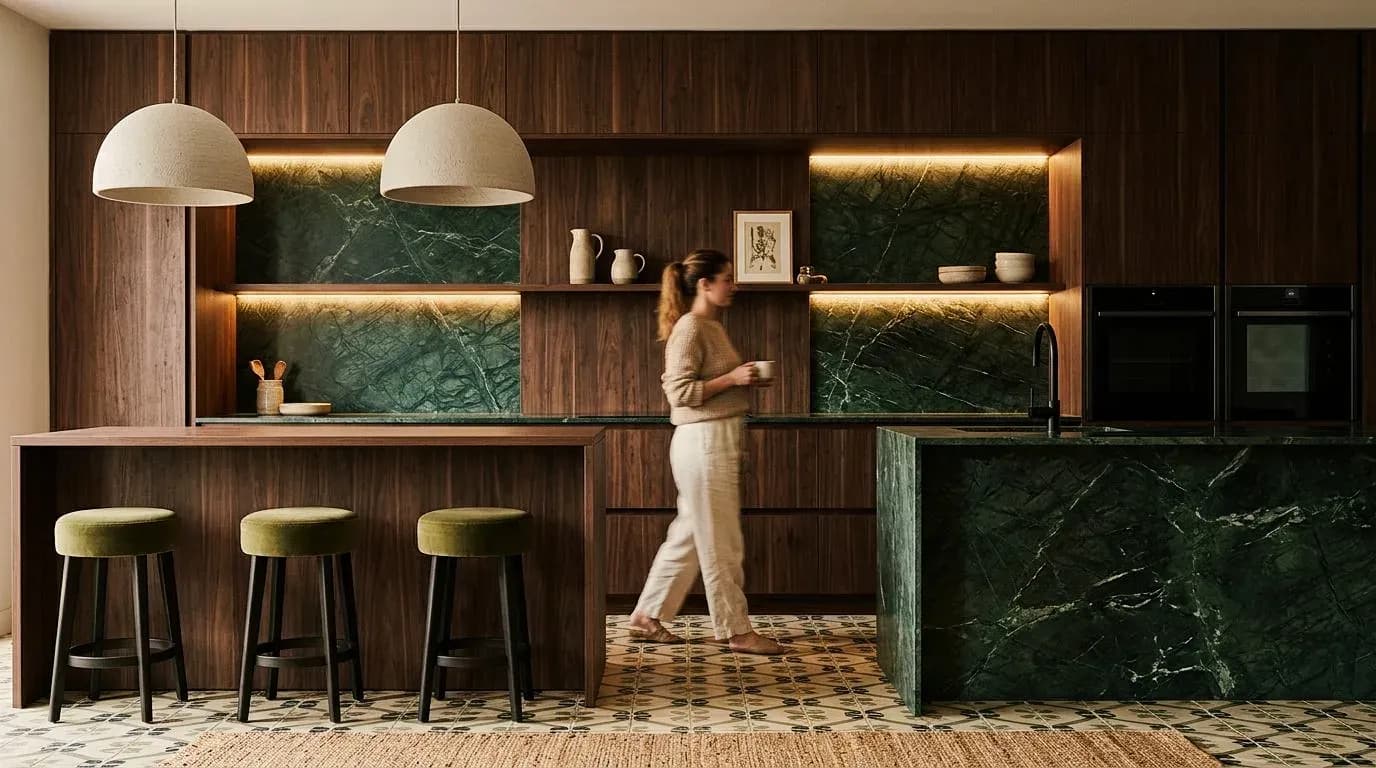
Fronts, floor, facade or wall in a different material – the most common change in Vizera.
02
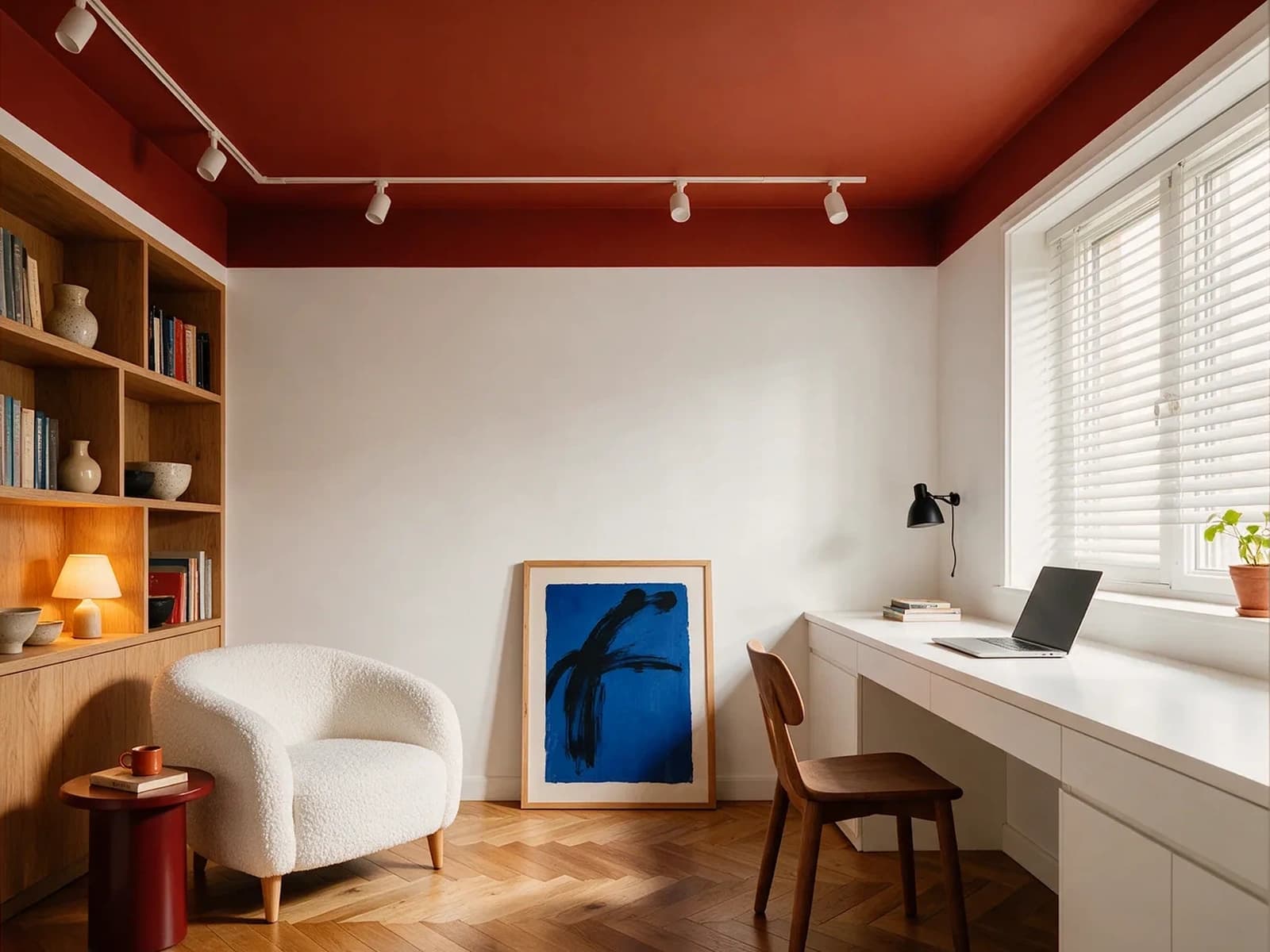
Mark, delete, done: the picture on the wall disappears, wall and floor close up.
03
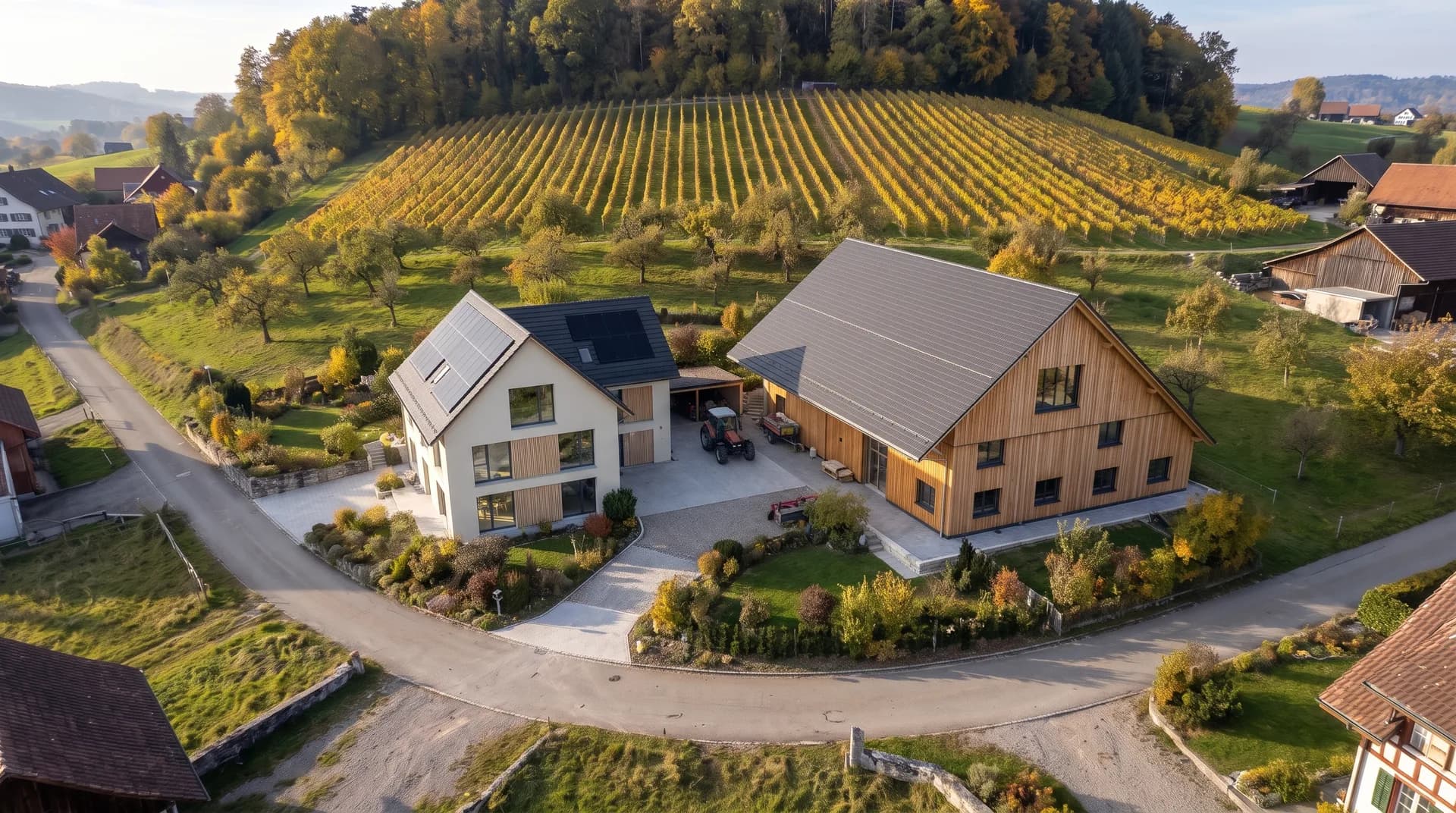
The house in front of the vineyard with larch and lime plaster instead of the existing envelope – barn, vines and slope stay.
04
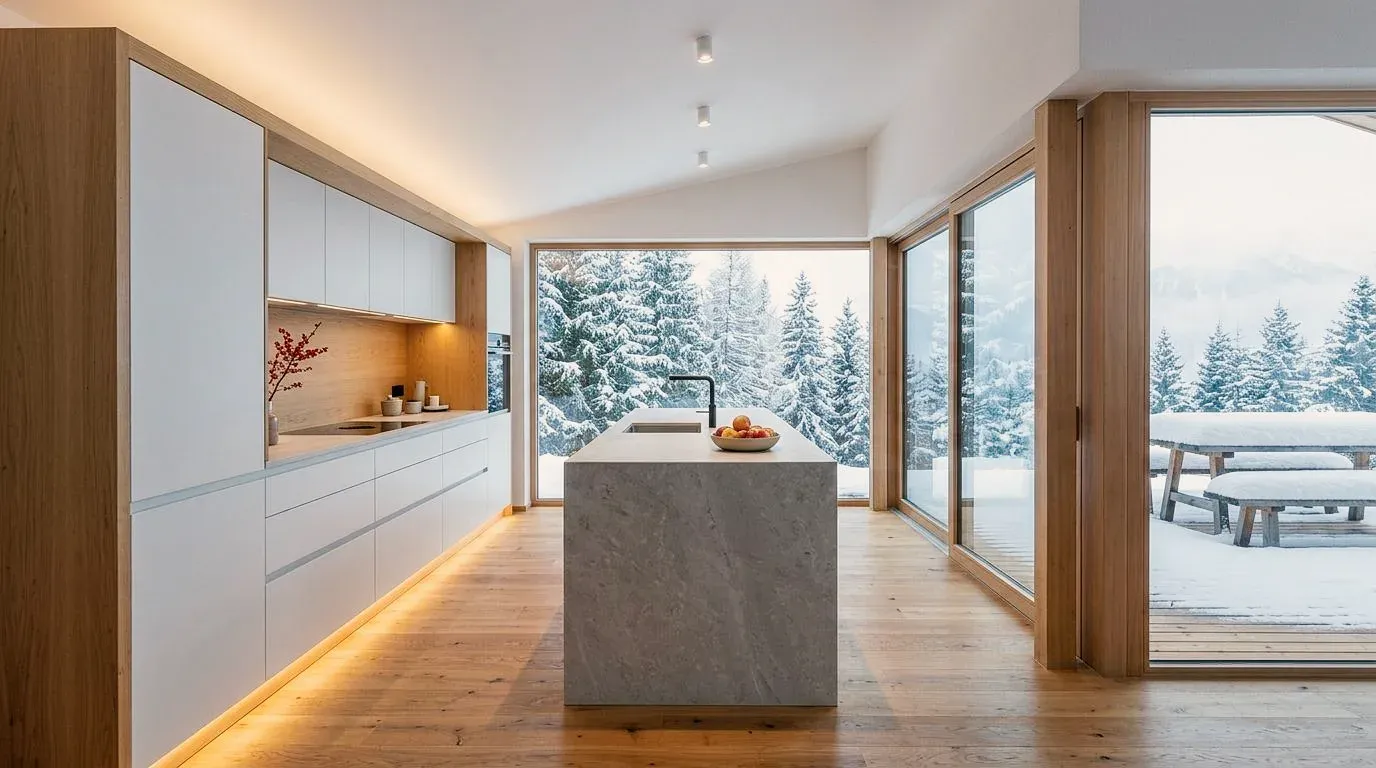
The kitchen overlooking the snowy garden, by day and in the evening – fronts, island and room unchanged, only the light changes.
Source image, change, decision – with your design as the basis.
3D model, floor plan, sketch or photo. A reference image shows which material or mood you mean.
With masking, Vizera changes only the marked area – perspective, architecture and light stay.
Every version stays in the project. In Boards, you place variants side by side for the meeting.
Houses, interiors, kitchens, bathrooms, furniture and facades – many with the source image they were made from. Click an image to see the versions.
The same workflow, in the language of your profession.
Show rooms, materials and furnishing before ordering.
From model to image for clients, competitions and authorities.
Swap fronts and worktops on the image of the client's kitchen.
Show color and plaster on the facade photo, before the sample.
Show built-ins and furniture in the client's room.
Furnish empty rooms, show projects before they're built.
So the first result meets your expectations.
Vizera visualizes what you designed. It doesn't draw plans, sections or dimensions.
Shadows and reflections look believable but are not physically computed – lighting analyses need a renderer.
With a reference image and masking, you correct in a targeted way instead of starting over.
In Switzerland, Germany and Austria.
Once at sign-up. No credit card, no installation.
8K with Upscale. Basic works without native 4K, with upscaling.
We do not train models on your images or projects.
Hosted in Europe – Swiss hosting in preparation.
With annual billing, twelve months are binding. You cancel in the profile of your Vizera account.
Vizera is developed by AI & Co GmbH in Baar – in dialogue with Swiss firms.
Test the workflow on one of your own projects first. Free is for non-commercial testing; for client projects, choose a paid plan.
Annual payment: 12-month term.
For Testing
Free of charge
200 Credits
up to 40 images, depending on model and resolution
Costs less than one external visualization
CHF 120/ mo
With monthly billing: CHF 150/ mo
Save CHF 360 per year
4'000 Credits
160–800 images or 10–13 videos, depending on model and resolution
excl. VAT · Annual payment: 12-month term
Native 4K and enough credits to never count
CHF 264/ mo
With monthly billing: CHF 330/ mo
Save CHF 792 per year
10'000 Credits
400–2'000 images or 25–33 videos, depending on model and resolution
excl. VAT · Annual payment: 12-month term
Depending on model and resolution. Subscription credits reset monthly and are used first; purchased credit packs do not expire.
Short videos on this topic: follow along step by step in your account.
Short answers on inputs, formats, changes and limits.
With a 3D model, a floor plan, a sketch, a photo or an image export of a view. From Archicad, you send the view with the plugin.
200 Credits free to test, no credit card.
