Not a kitchen planner
Vizera doesn't draw cabinets, check dimensions or know price lists. Planning stays in your software – Vizera turns it into the image for the consultation.
The plan, the sketch or a photo of the existing kitchen becomes an image the client understands: with fronts, countertop, light and space. Vizera is not a kitchen planner – you plan the cabinets in your software, Vizera shows how the kitchen will look. Screenshot in, image out.
6,500+ registered users in CH, DE and AT.Over 100,000 visualizations in the first year.


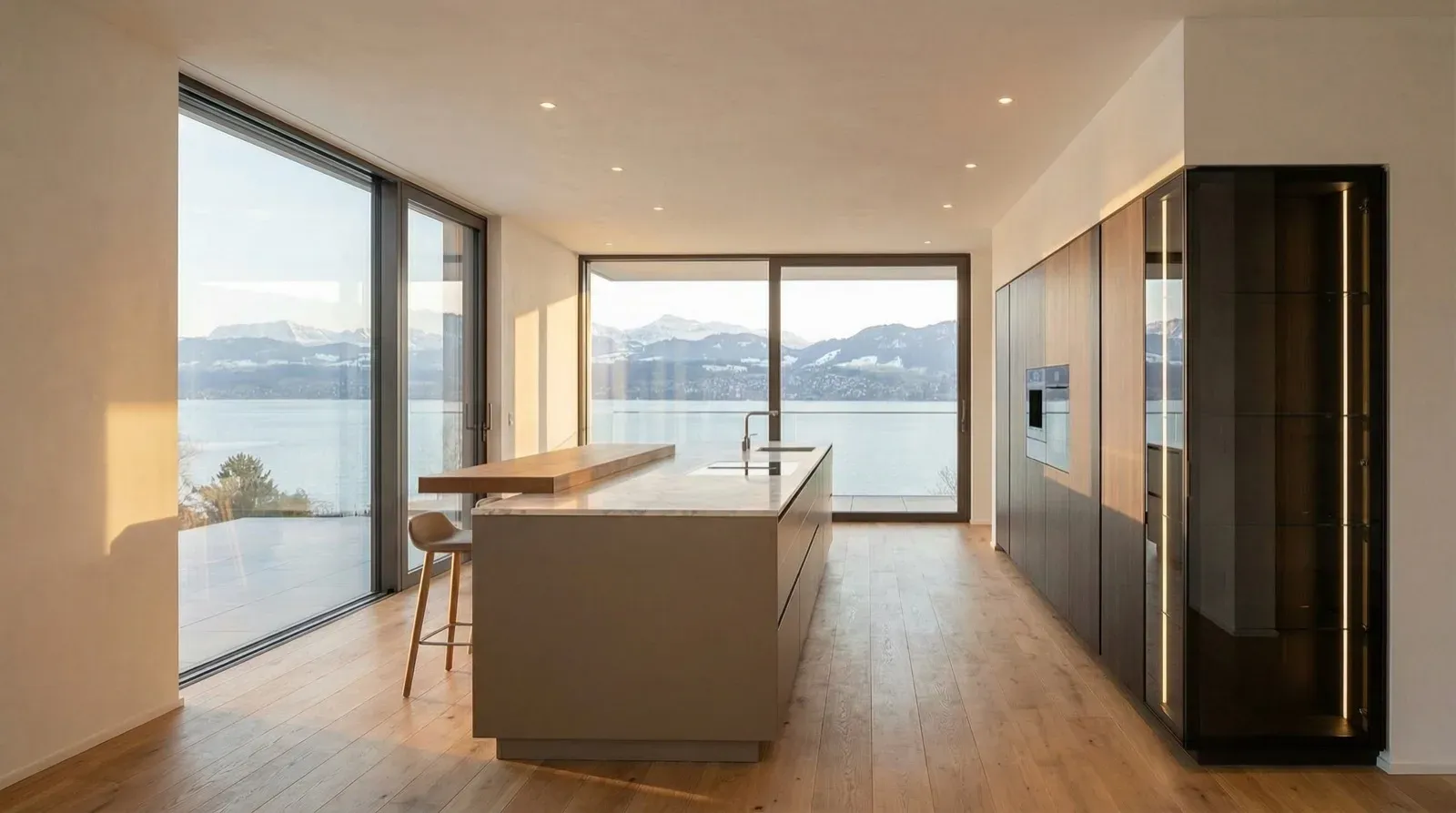
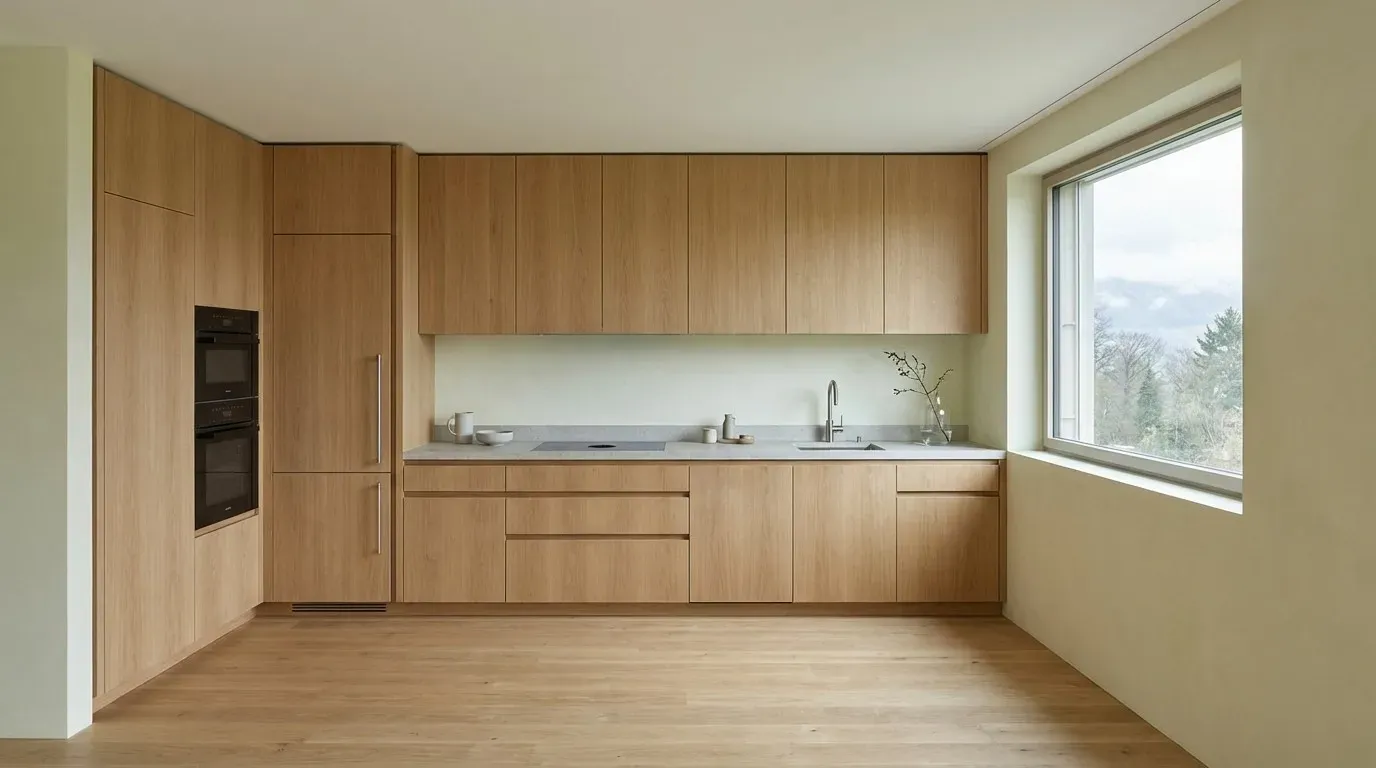
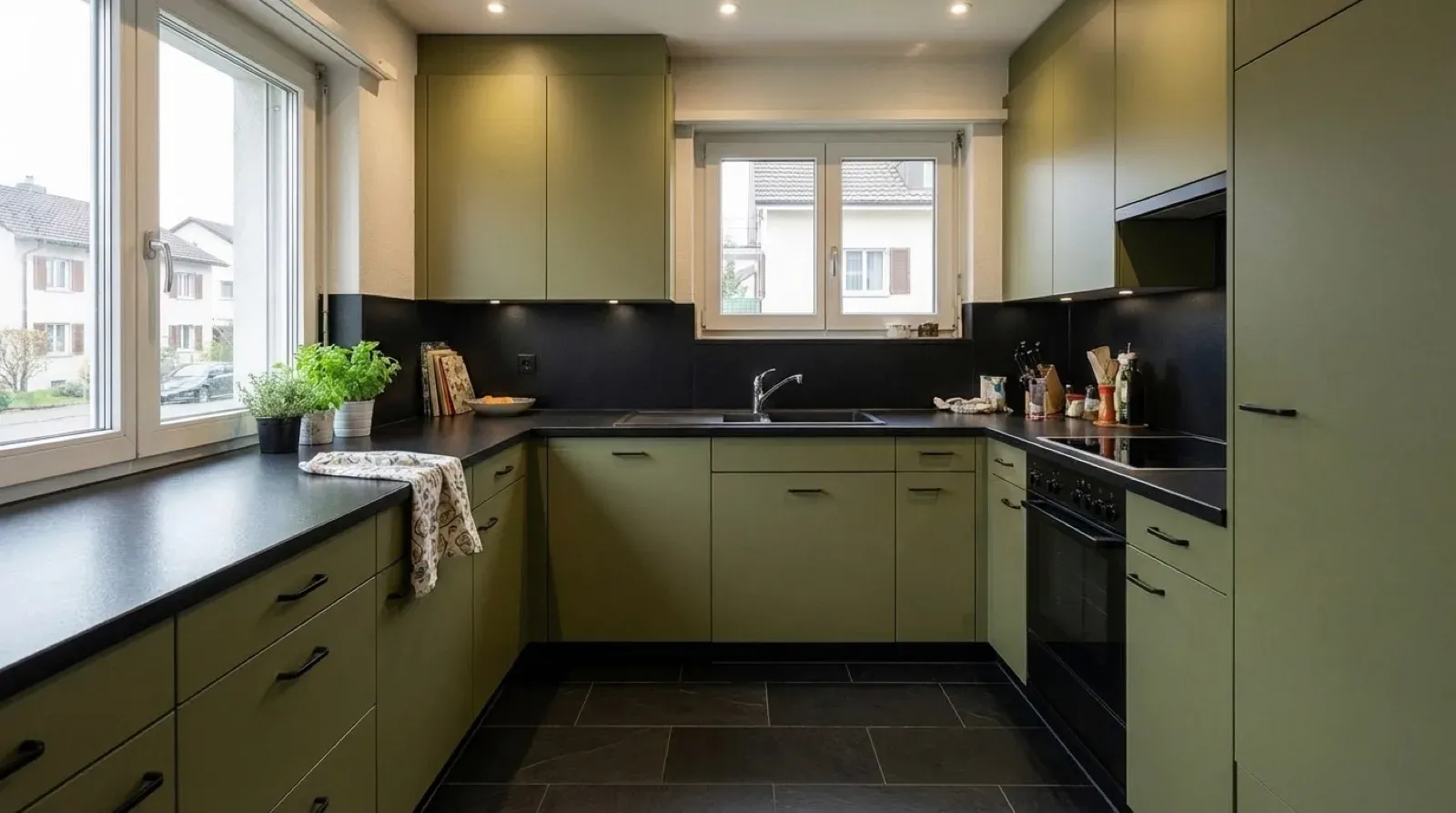
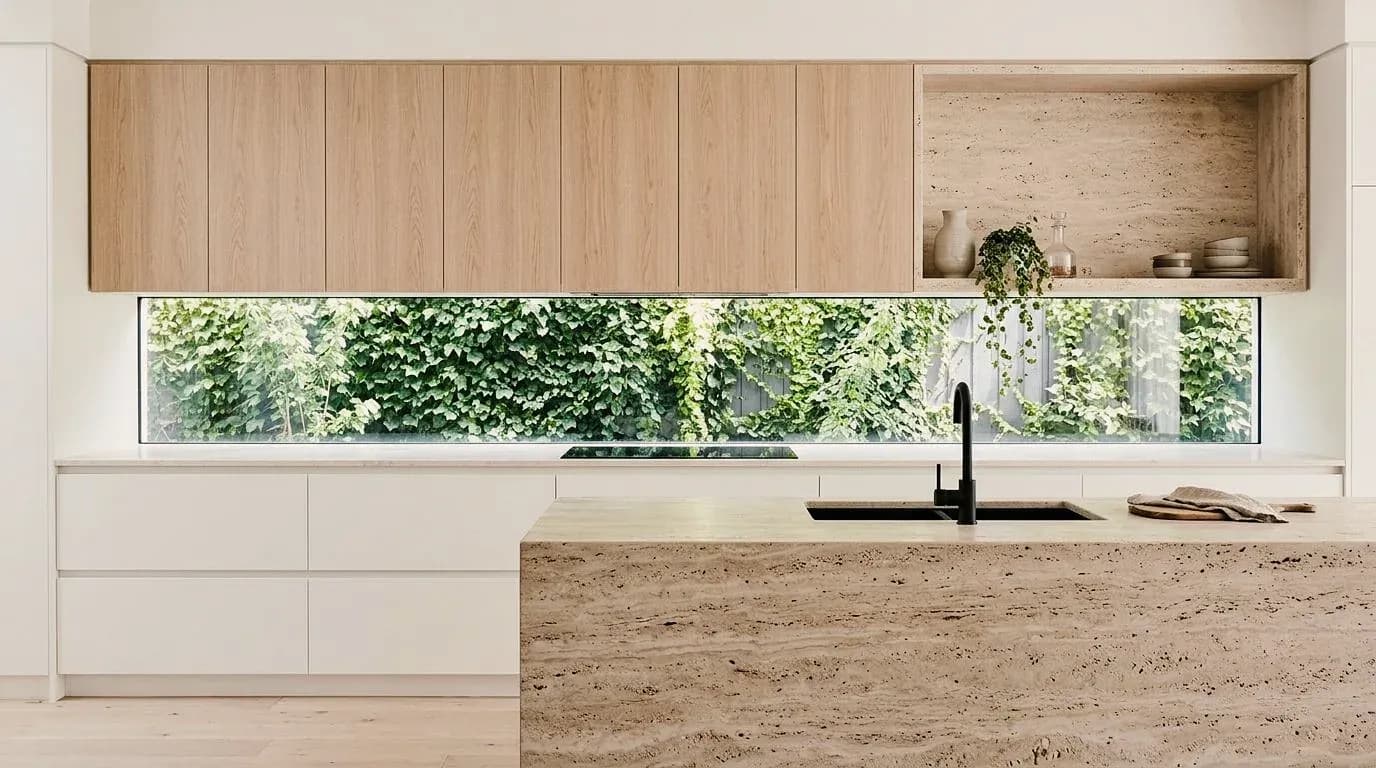
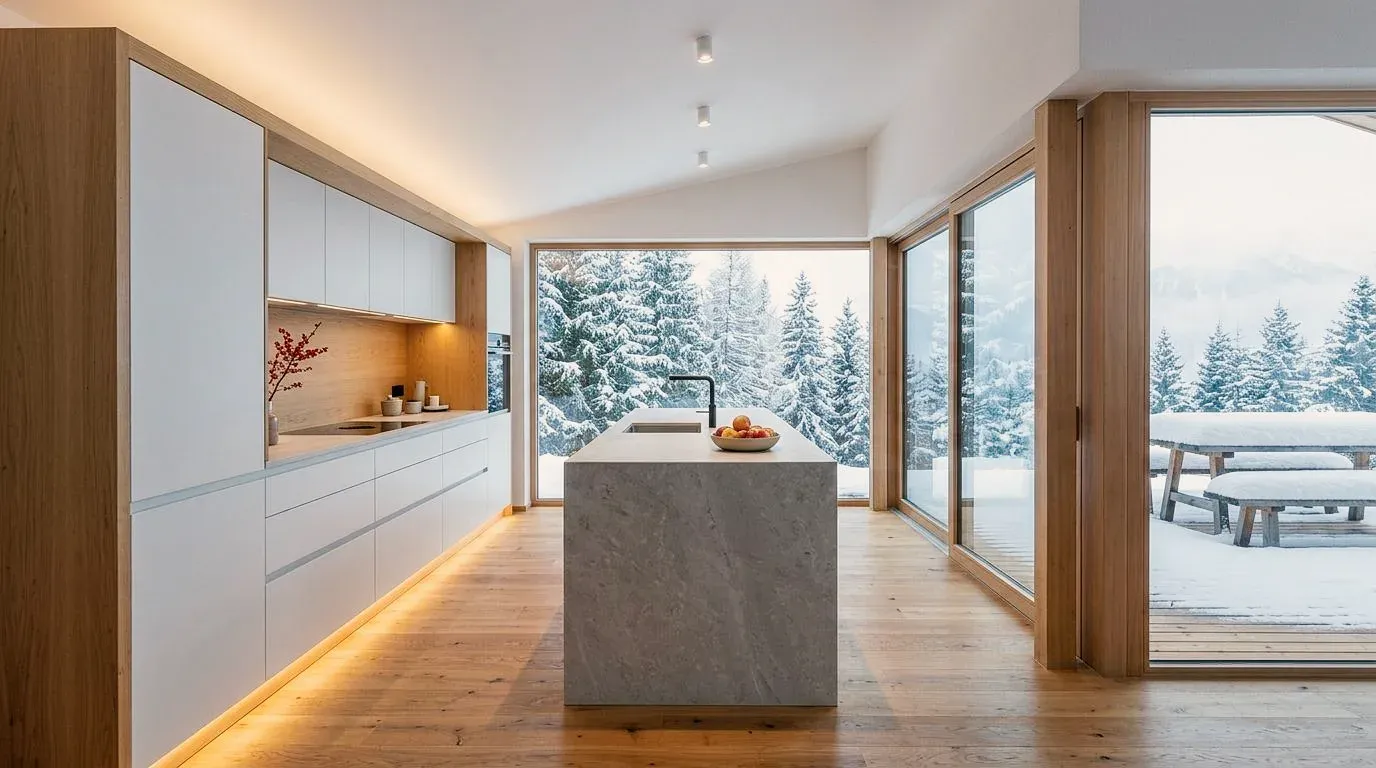
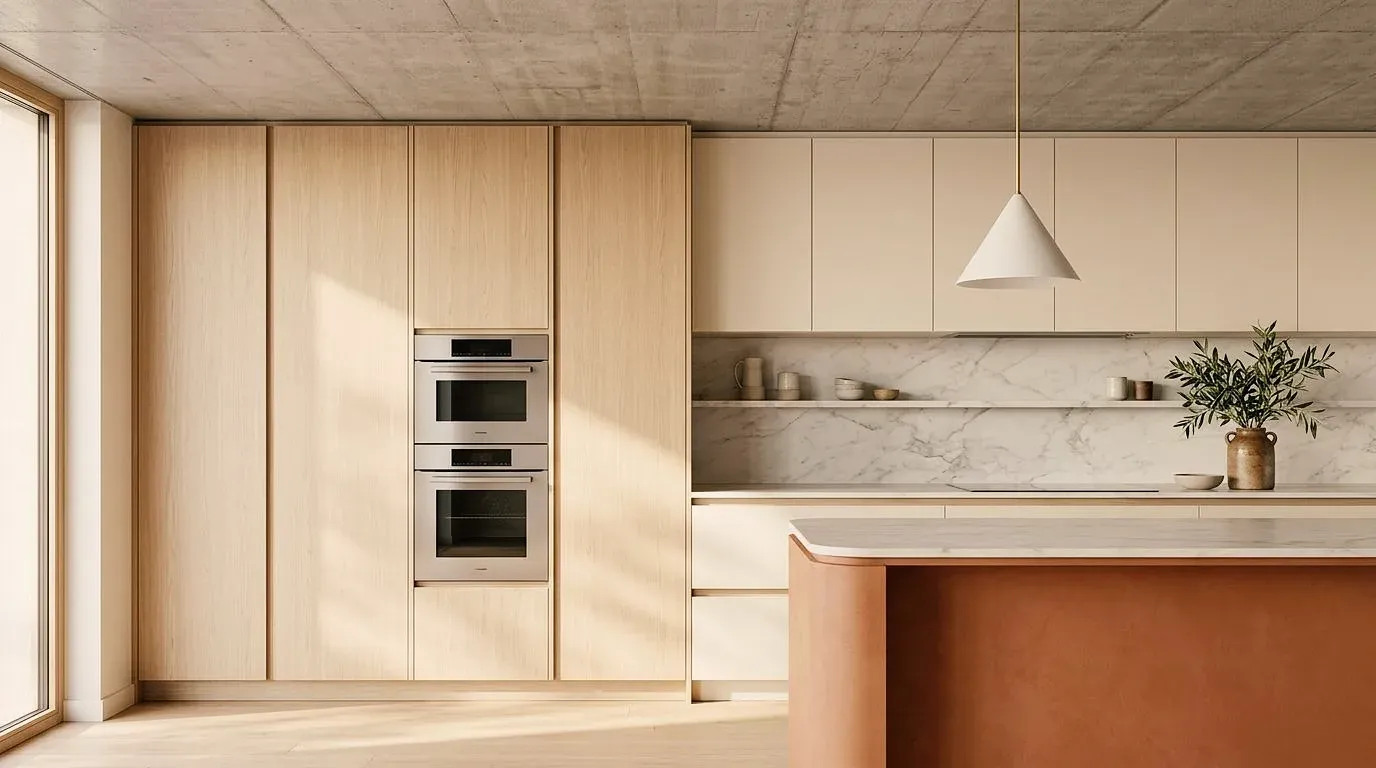
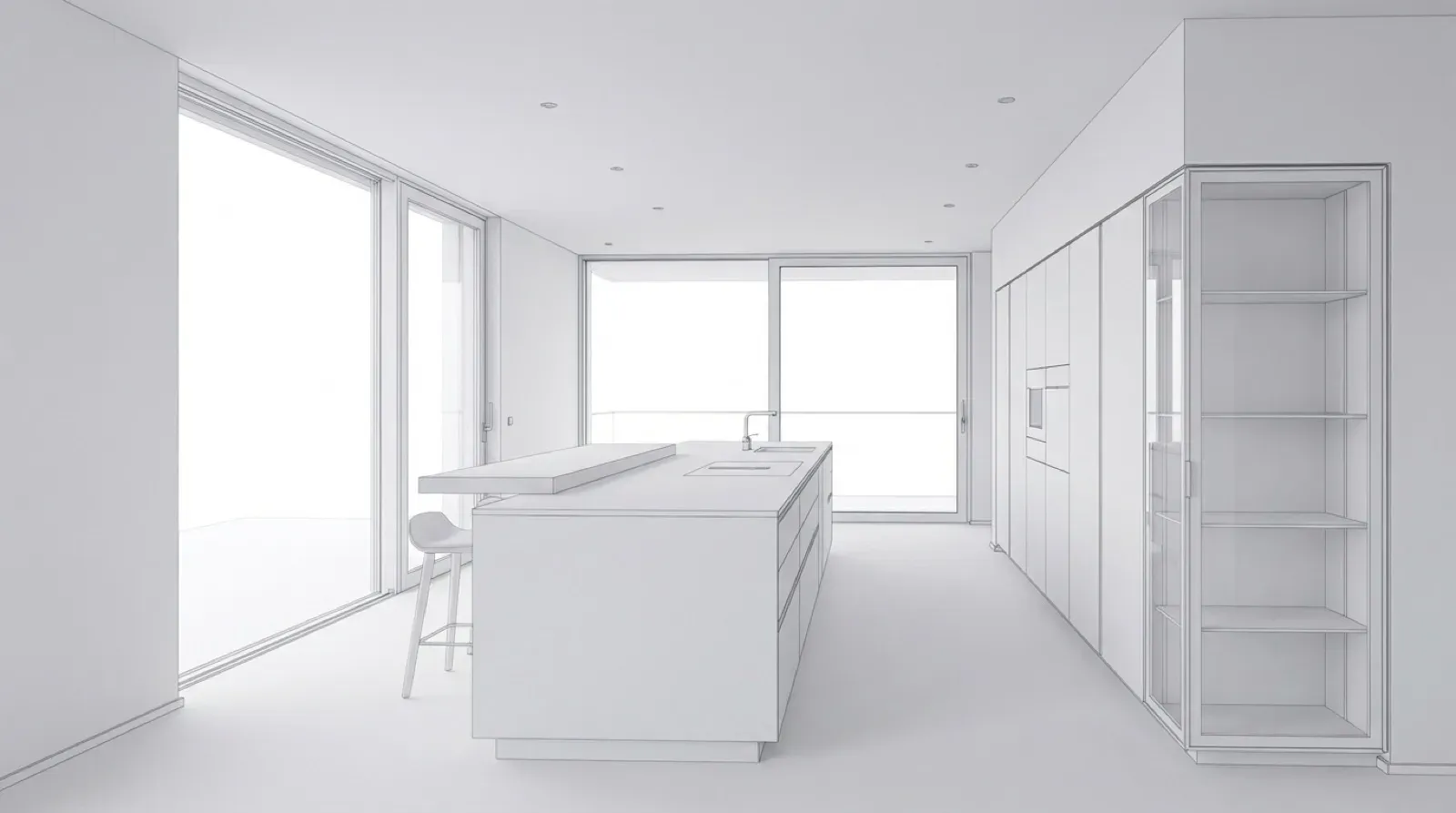
Planning stage, sketch or photo – and the image of the kitchen next to it. Click an example to see the versions one after the other.
01
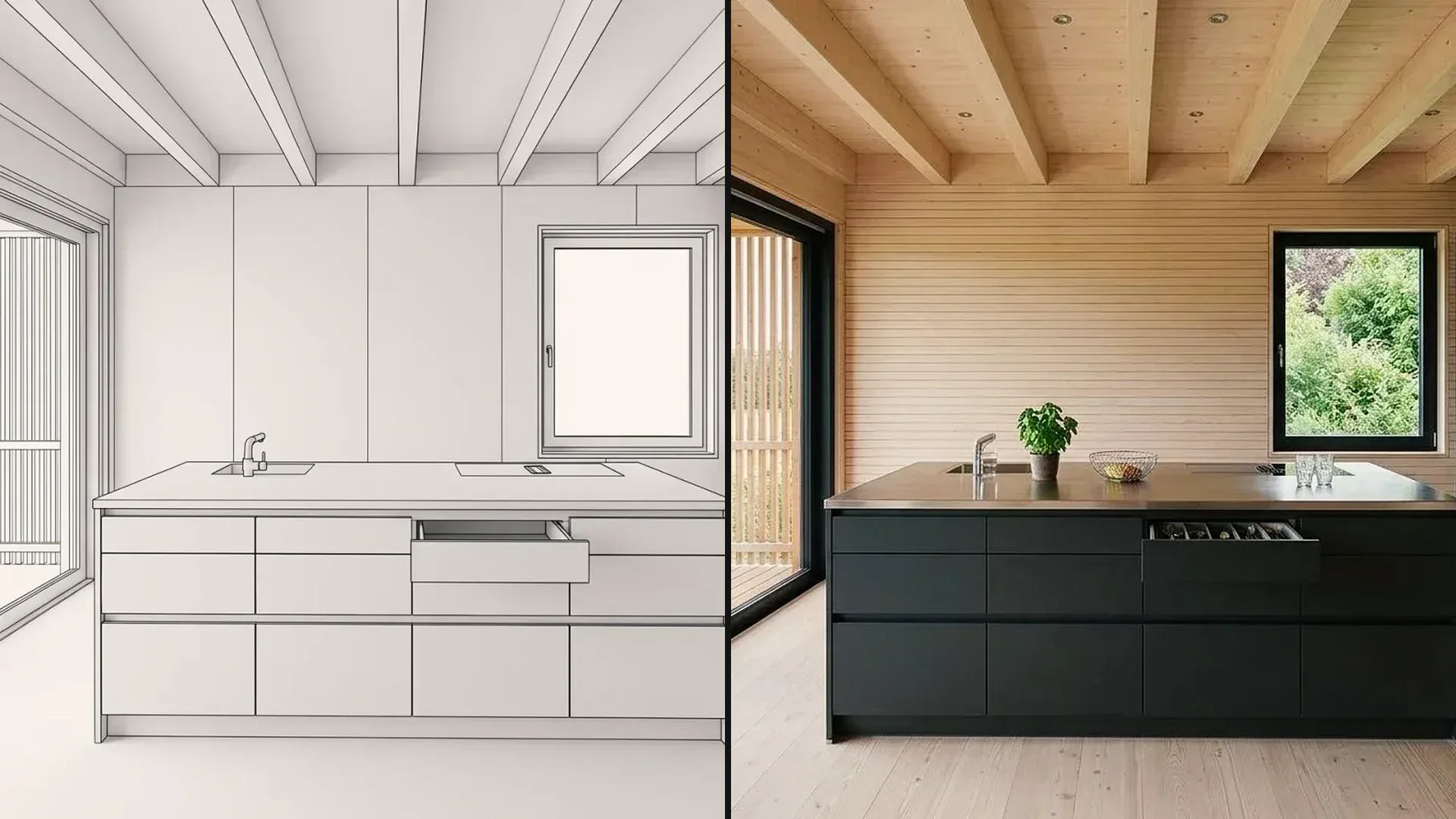
The white model stands for the planning stage from the kitchen planner; next to it, the same kitchen as an image by day and in the evening. The client sees the space, not the cabinet list.
02
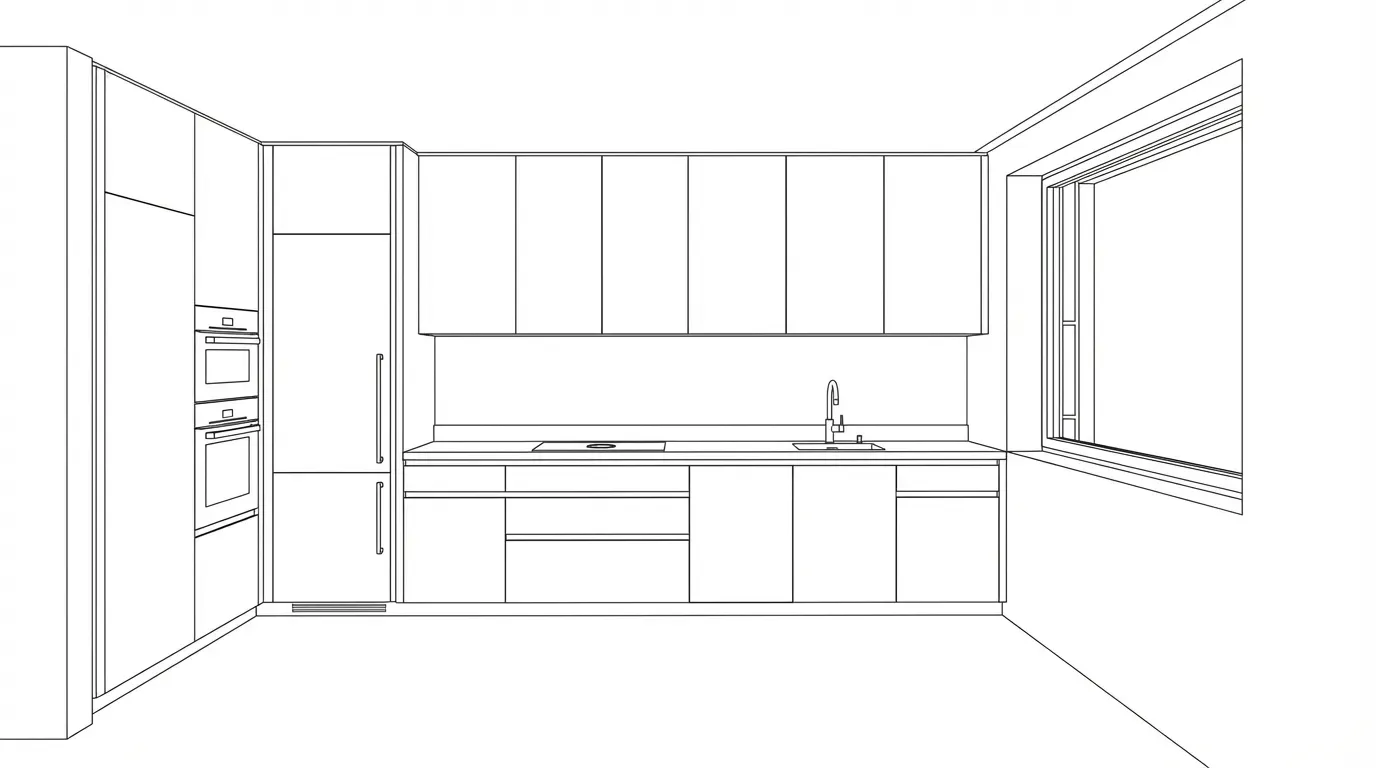
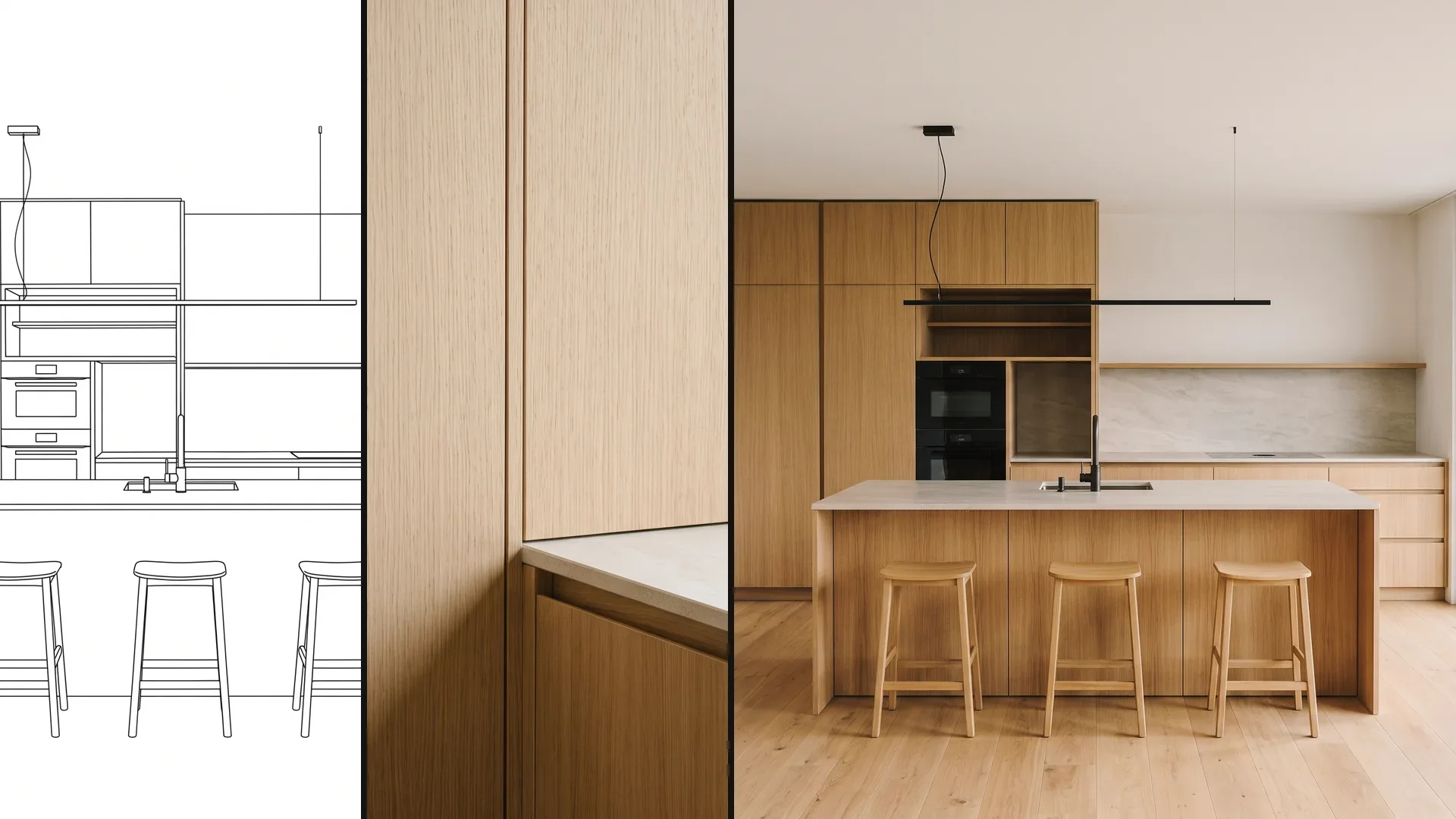
A line drawing of the kitchen run with tall cabinets and the matching image – for the first consultation, before a plan exists.
03
The U-shaped kitchen with tiled backsplash and parquet as it is today, and after the renovation – in the same room, with the same windows.
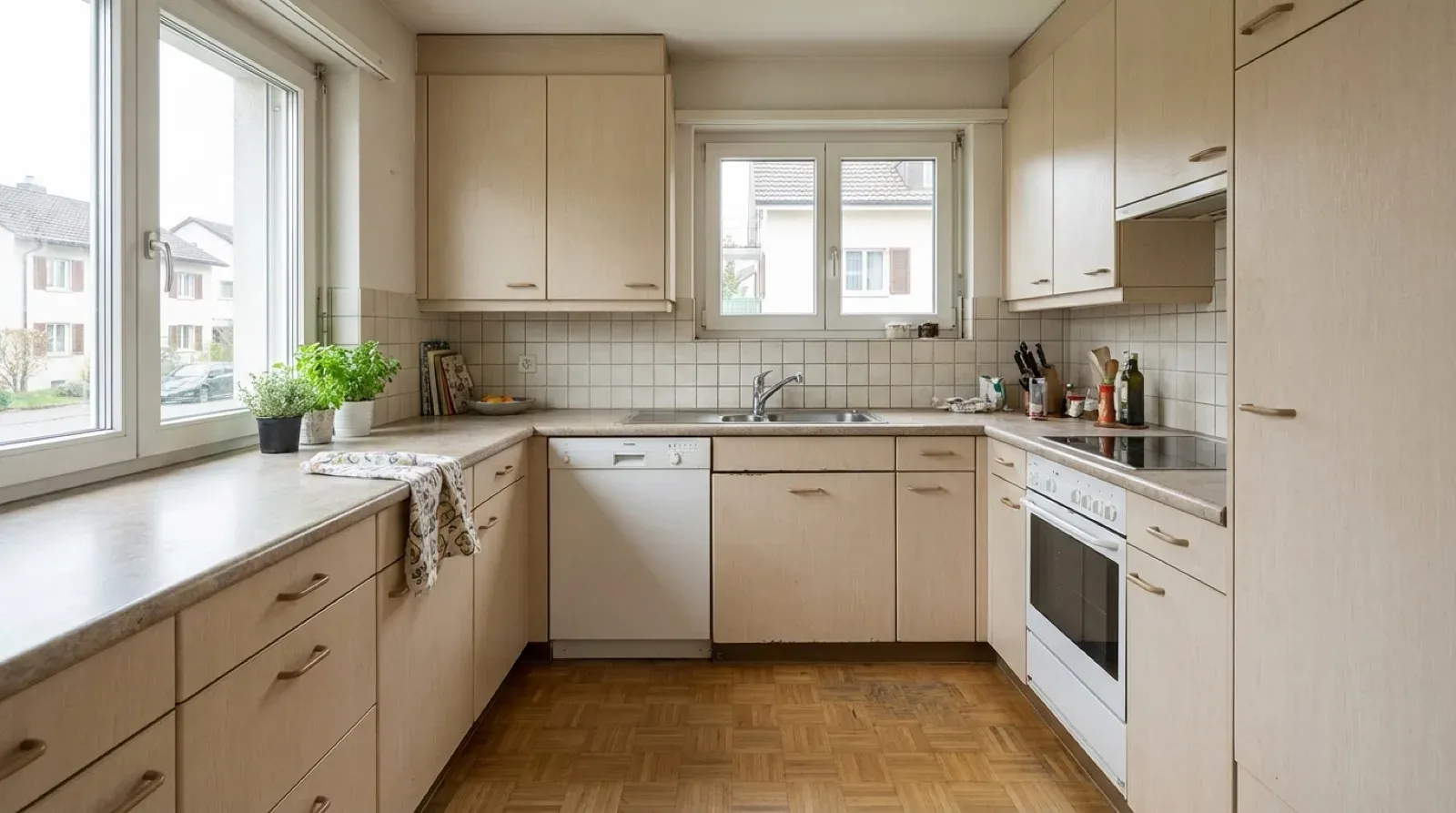
04
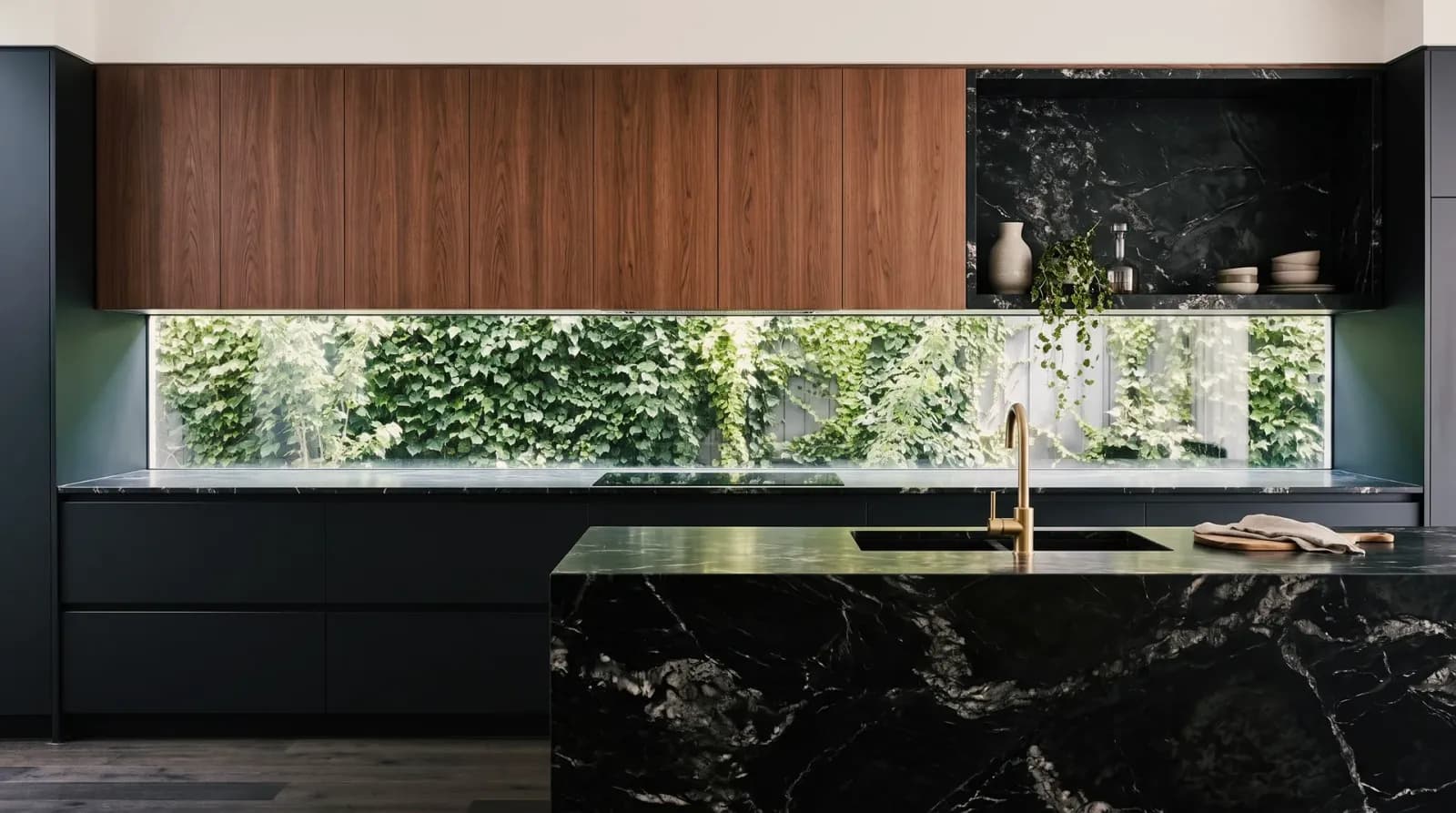
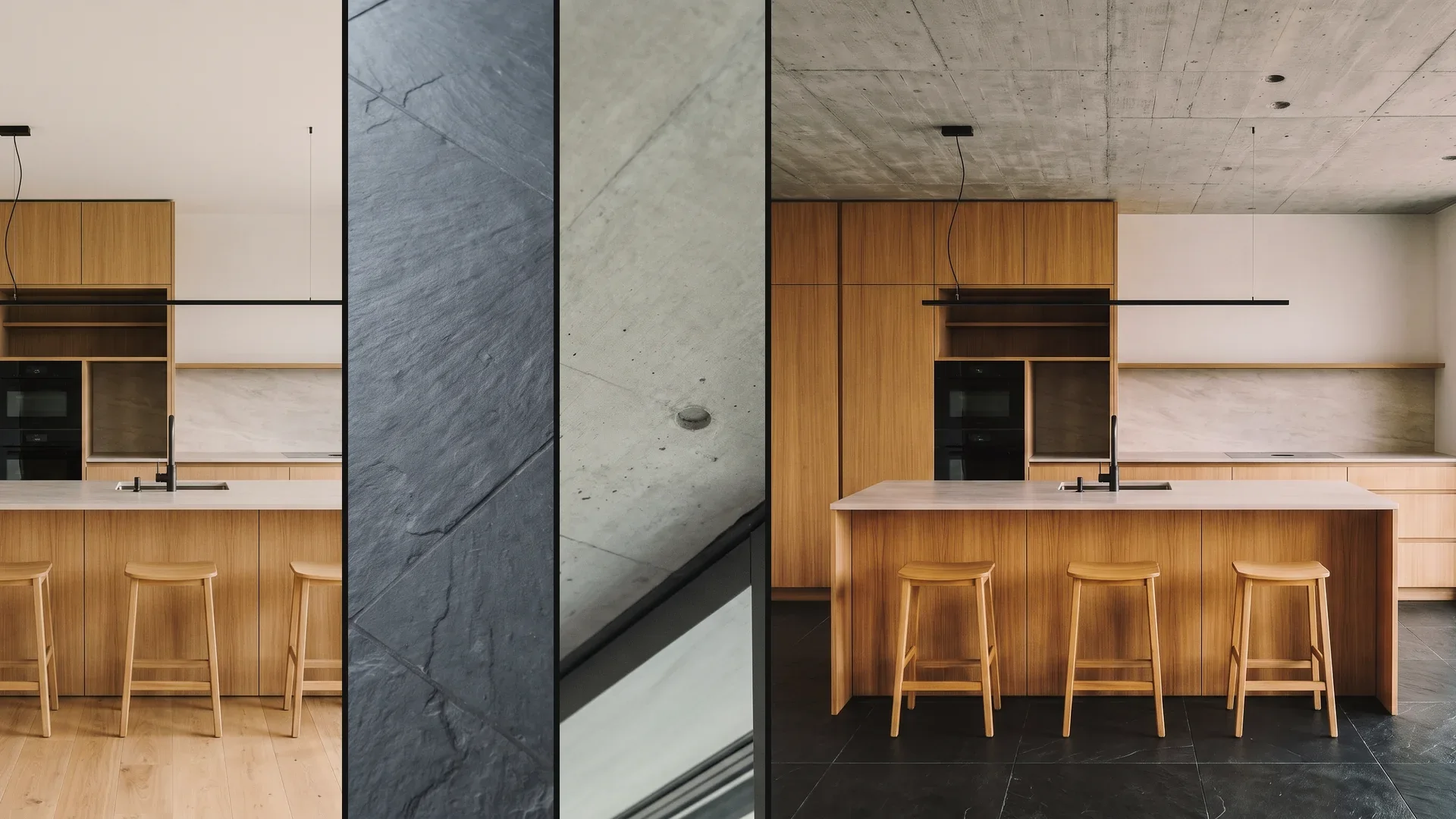
Oak with travertine, walnut with black marble or simply oak and sand: front and countertop as a combination, before samples are ordered.
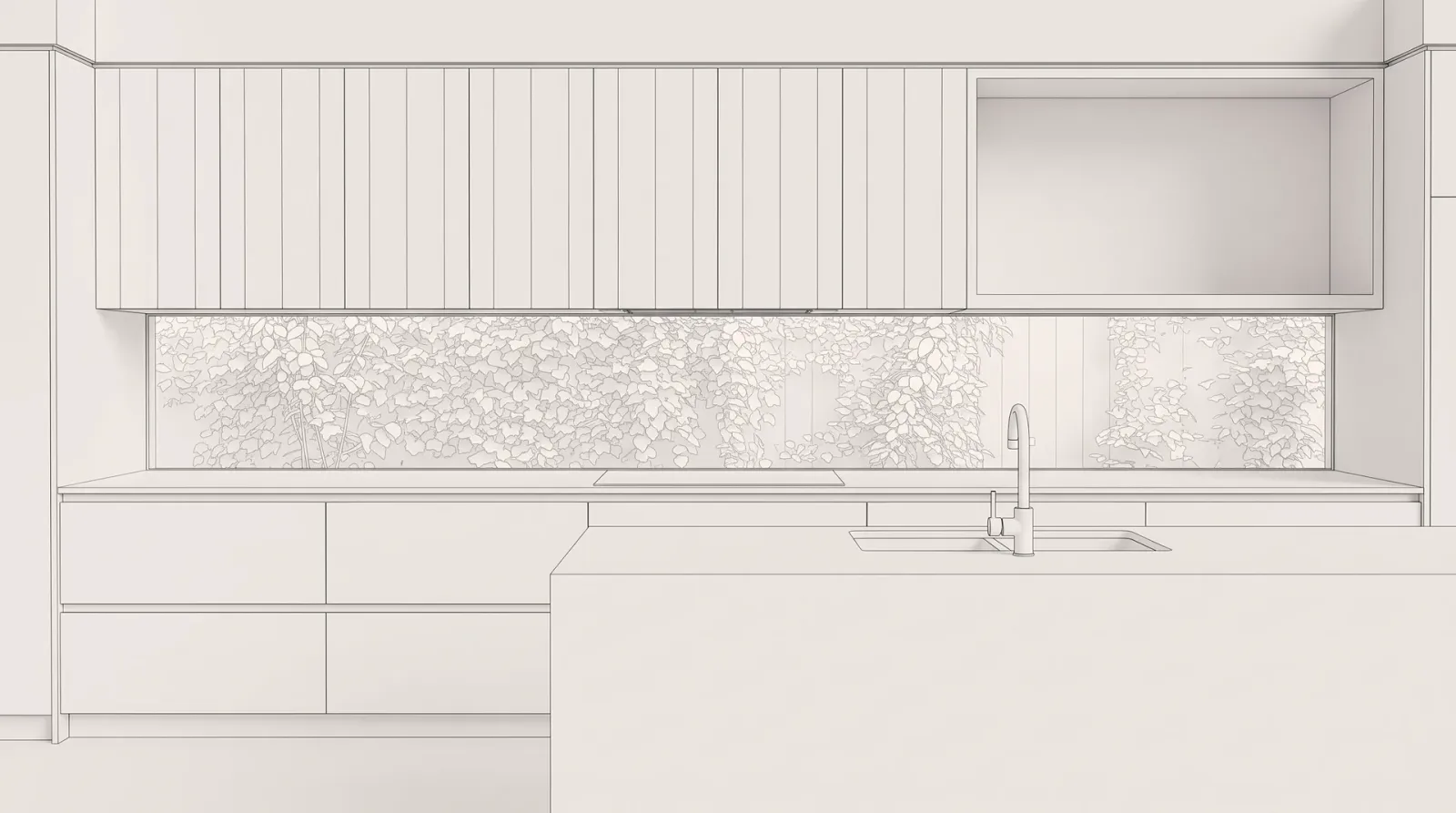
05
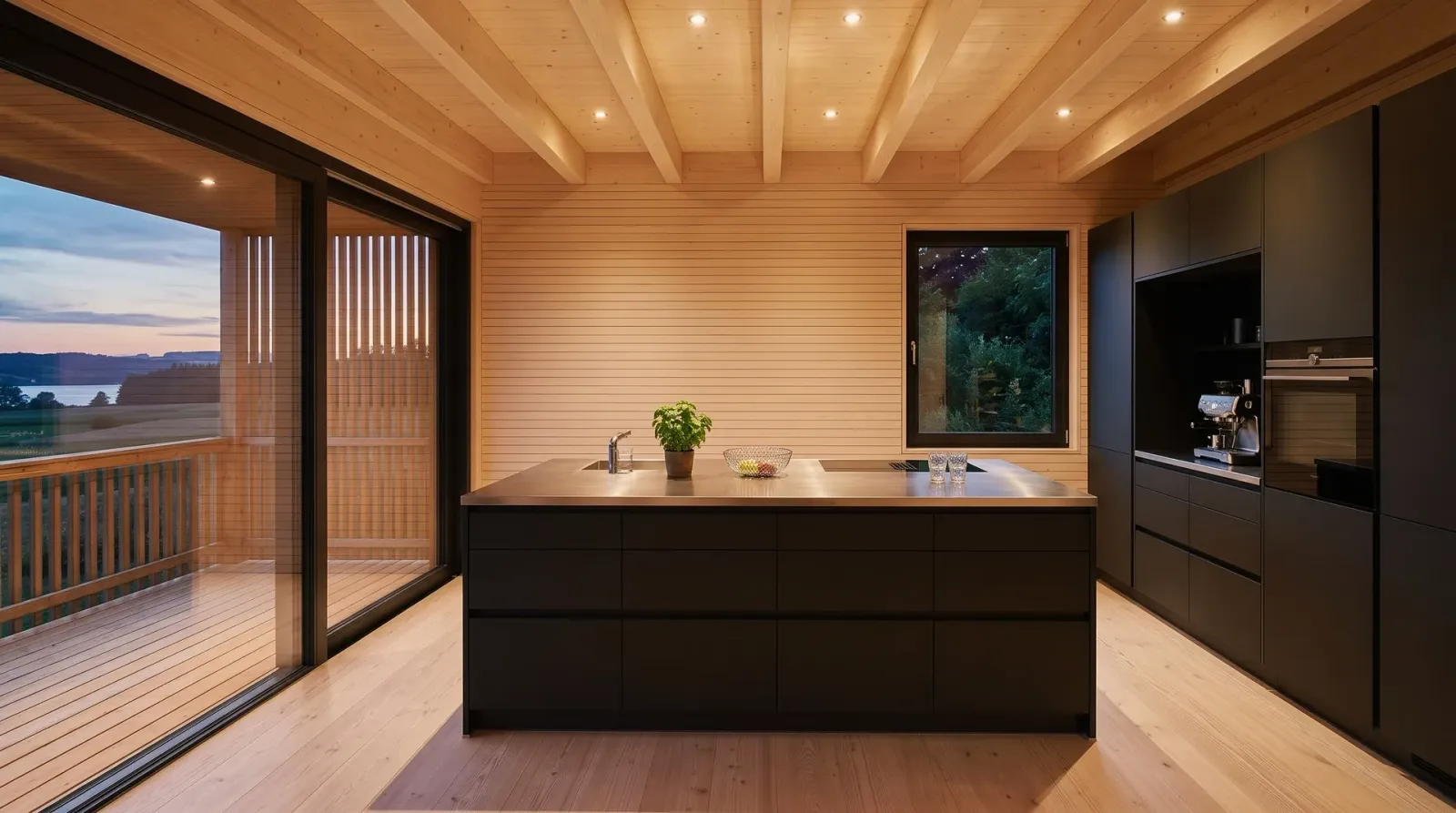
The same white kitchen with stone island in daylight and at dusk – this is how the lighting looks before it's installed.
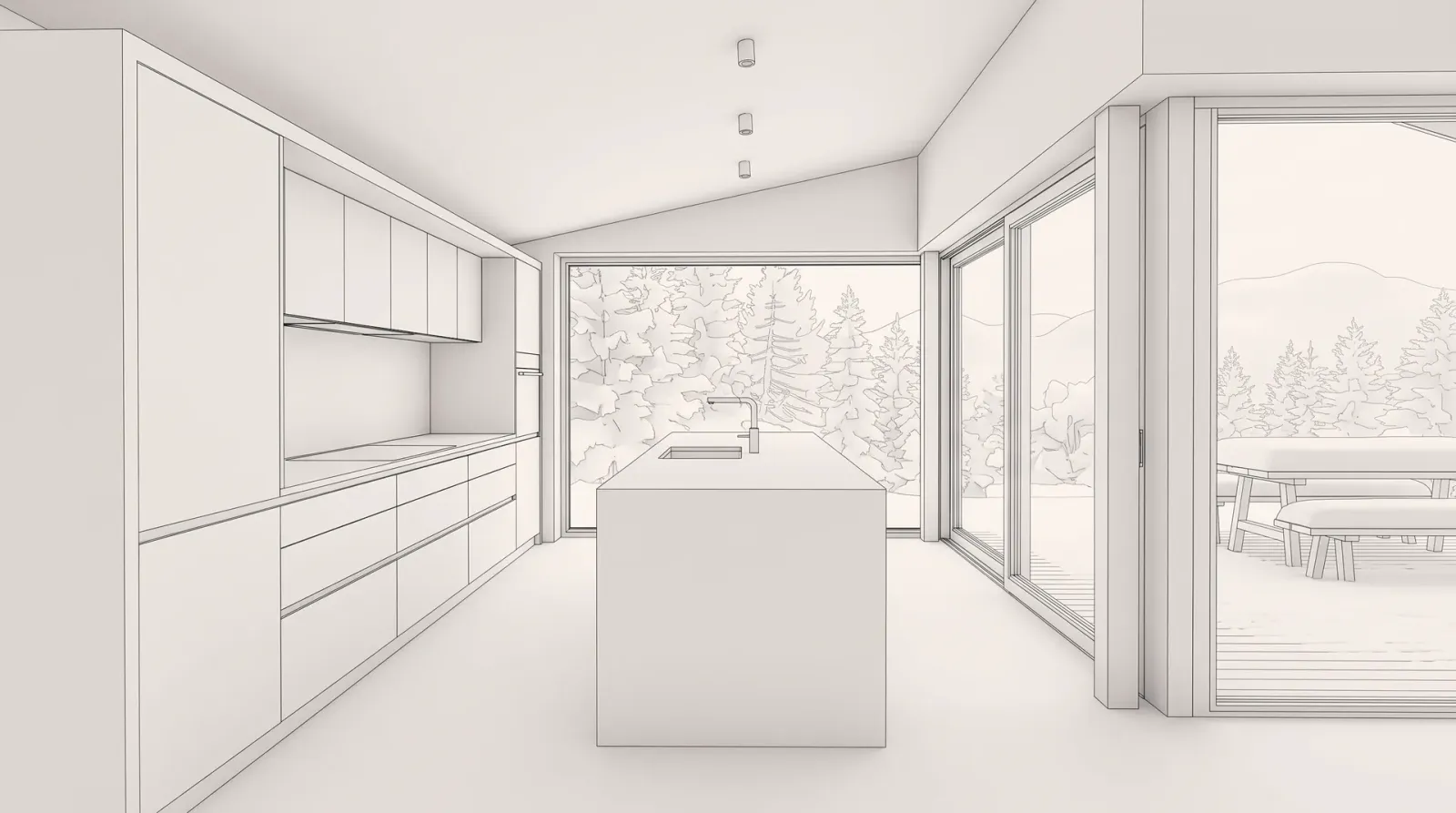
06
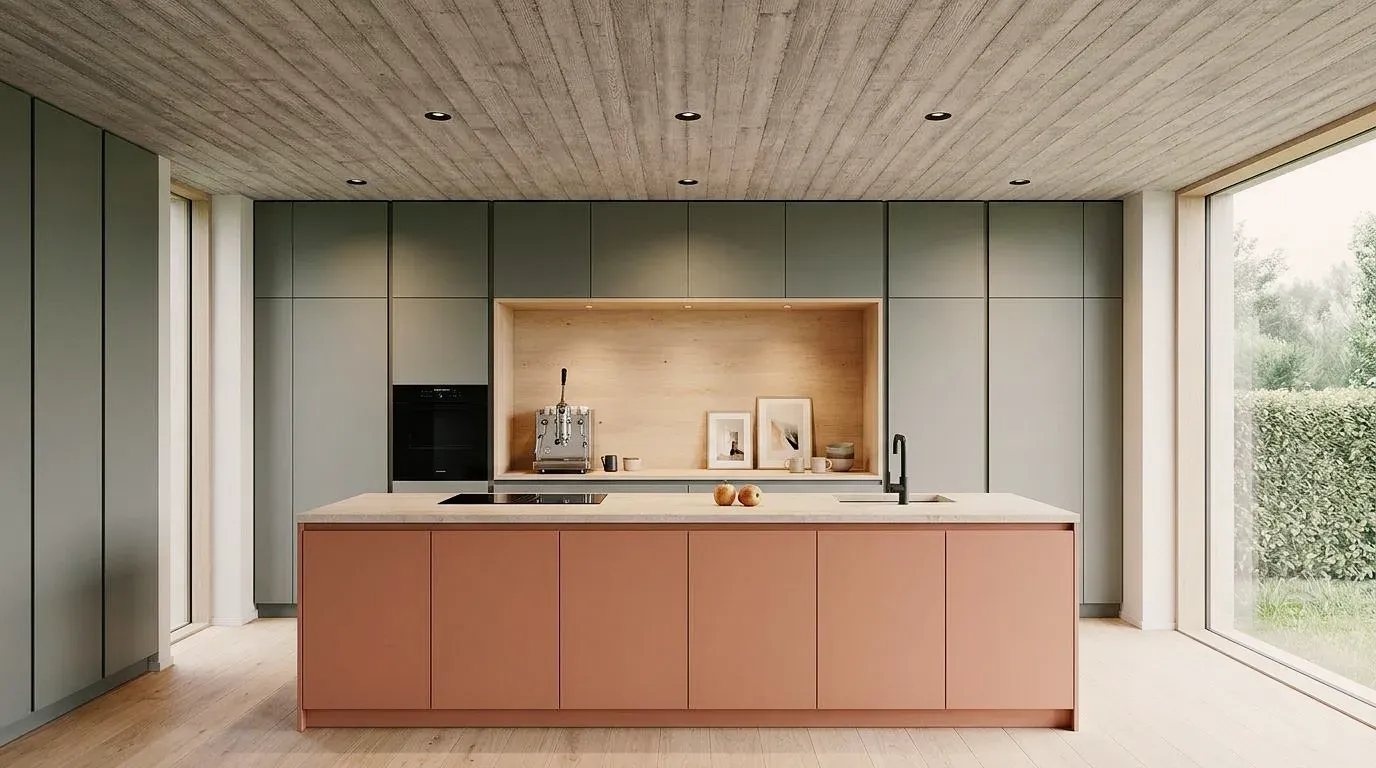
Light oak with a terracotta island, green fronts with walnut or simply oak and cream: three directions for the same kitchen.
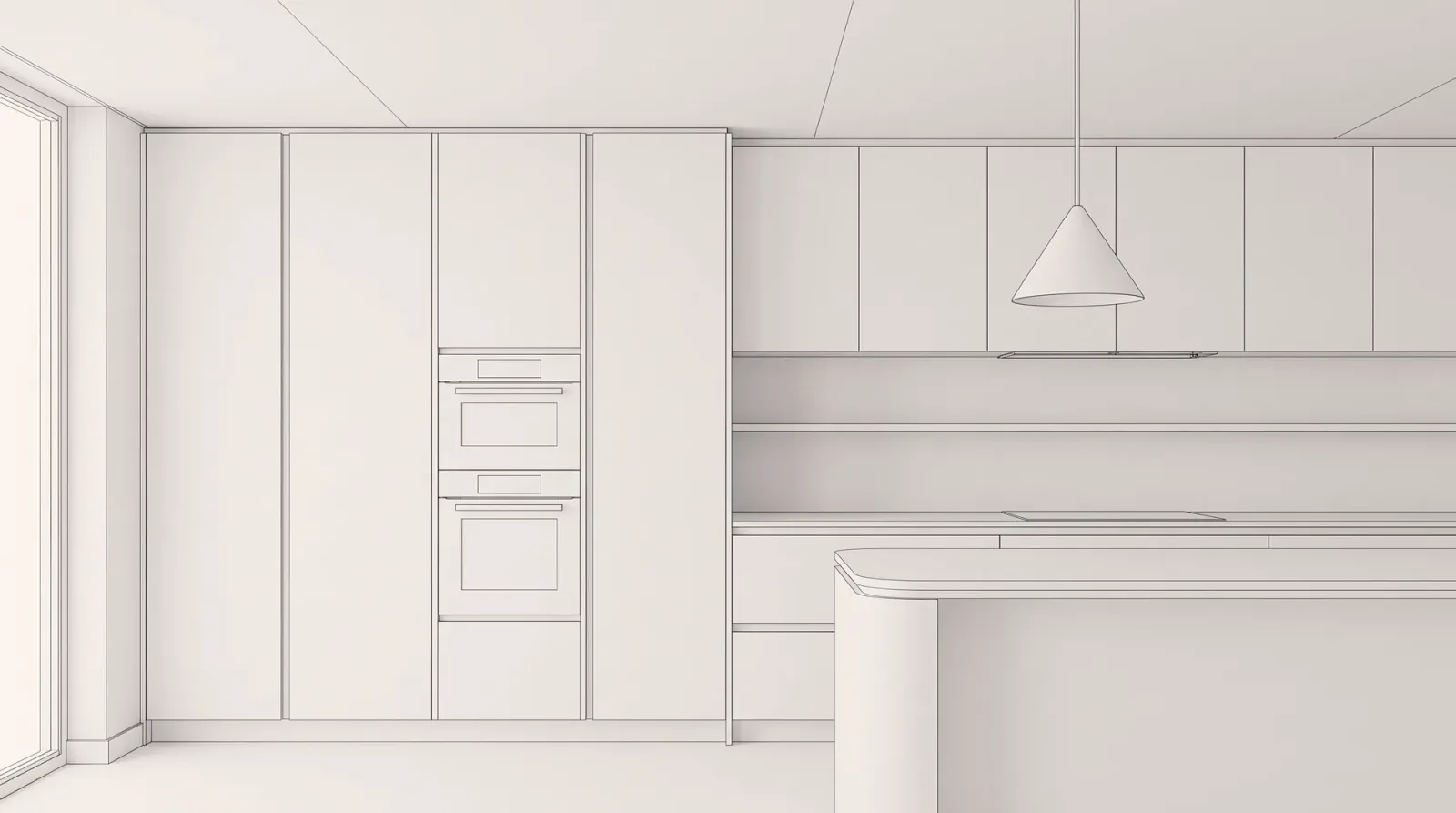
Kitchens in their material, color and lighting variants. Click an image to see the versions.
How Vizera supports a kitchen consultation – from the first planning stage to approval by the client.
Planning
The kitchen is drawn in the planner but still abstract for the client. A screenshot of the planning view as JPG or PNG is enough as the source image for the first visualization.
Variants
On the image you change front, countertop and handles in plain language or with a photo of a sample as reference. Two or three combinations are enough for the decision.
Consultation
The same kitchen by day and in the evening, with only the backsplash or the island changed using Masking – the versions sit side by side as a board, and the client decides on the image of their kitchen.
Order
The chosen image goes into the quote as a PNG. Dimensions, appliances and fronts come from the plan and are confirmed on the physical sample – the image shows the effect, the plan shows the kitchen.
Mark an area, show material or style with a reference image, and collect the variants in Boards. Here's how it looks in the app.
01
Mark what should change in the kitchen – the fronts, the backsplash, the floor – and the rest of the room stays as it is. The marked area is recalculated; outside the mask the image may lose a little sharpness.
02
Show material or style with a reference image. The result interprets the sample.
03
Place the versions of a kitchen side by side – for the consultation in the showroom or to take home.
For those who show the kitchen as an image before it's ordered.
Show fronts, countertops and light during the consultation – in the client's room instead of the sample catalog.
See your own kitchen renovated or newly planned before the quote is signed.
Show kitchen, dining area and materials as one spatial concept – from concept to presentation.
Show the custom fitted kitchen with wood species and finish on the image before the wood is ordered.
Test the workflow first with one of your own kitchens. Free is for non-commercial testing. For use in client projects, choose a paid plan.
Annual payment: 12-month term.
For Testing
Free of charge
200 Credits
up to 40 images, depending on model and resolution
Costs less than one external visualization
CHF 120/ mo
With monthly billing: CHF 150/ mo
Save CHF 360 per year
4'000 Credits
160–800 images or 10–13 videos, depending on model and resolution
excl. VAT · Annual payment: 12-month term
Native 4K and enough credits to never count
CHF 264/ mo
With monthly billing: CHF 330/ mo
Save CHF 792 per year
10'000 Credits
400–2'000 images or 25–33 videos, depending on model and resolution
excl. VAT · Annual payment: 12-month term
Depending on model and resolution. Subscription credits reset monthly and are used first; purchased credit packs do not expire.
A convincing image also has to hold up in everyday design work. In Vizera Labs, we test AI models and editing methods on architecture and interior images – with documented comparisons, measurable criteria and human evaluation.
Do carcasses, niches and windows stay when only front and countertop change? We compare versions with the source image and check which lines are preserved.
A new backsplash must not change the fronts along the way. We measure what happens inside and outside the marked area during local edits.
How close does the result come to your material sample? We compare reference image and visualization and assess how color, surface and material character carry over.
First the facade, then the light, then the furnishings: we examine how image structure, sharpness and colors change across several editing steps.
More pixels don't automatically mean better detail. We compare upscaled images in close-up and check for convincing structures, smoothing and unwanted textures.
Which model suits which task? We compare models on shared test tasks and evaluate image quality, processing time and cost as the basis for our product choices.
Internal Vizera tests. Results apply to the documented tasks, models and settings. You'll find the test scope and limitations with each study.
The image supports the decision on fronts, materials and light. Dimensions, appliances and ordering remain the job of kitchen planning.
Vizera doesn't draw cabinets, check dimensions or know price lists. Planning stays in your software – Vizera turns it into the image for the consultation.
Fronts, handles and appliances in the image are designs based on your description or reference, not a manufacturer's items. You confirm the color on the physical sample.
During generation, handles, joint patterns or appliances may change slightly. Compare each version with the source image and correct spots with Masking.
How the individual tools work and what firms and businesses use them for.
Short videos on this topic: follow along step by step in your account.
Answers on kitchen planners, planning data, photos, fronts, ordering and the free trial.
No. A kitchen planner draws cabinets, checks dimensions and creates parts lists; Vizera turns an image of that plan – a screenshot, a sketch or a photo – into a photorealistic visualization. The two together: plan in the planner, show with Vizera.
200 Credits free, once at sign-up. No credit card, no installation.
