Upload an image of the room
Photo, sketch, rendering or image export from CAD as JPG or PNG, up to 5 MB per image. A phone photo of the empty or existing room, taken straight on, is enough.
Upload a photo, sketch or rendering of your room and furnish it anew: furniture, materials, color and light change, while walls, windows and perspective stay. You and your customers decide which furnishing goes forward.
6,500+ registered users in CH, DE and AT.Over 100,000 visualizations in the first year.


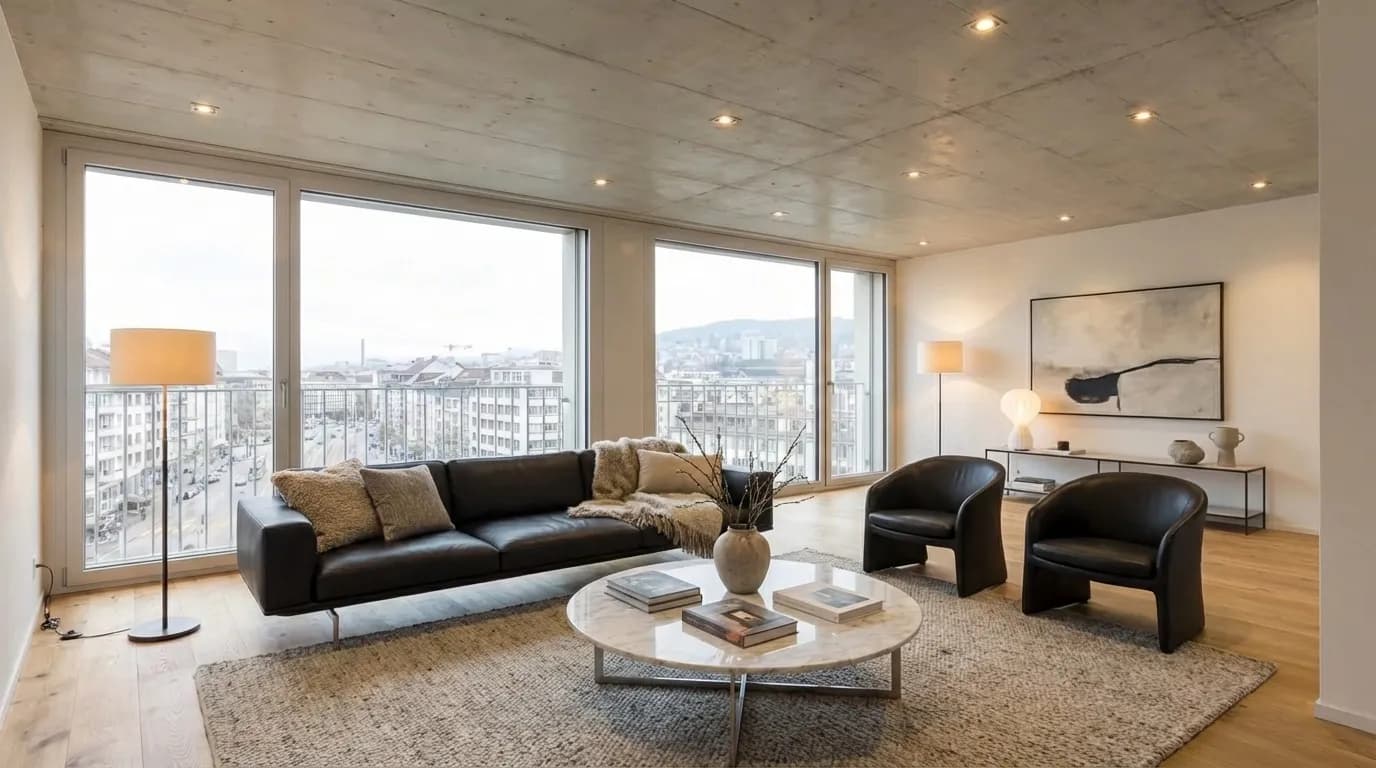
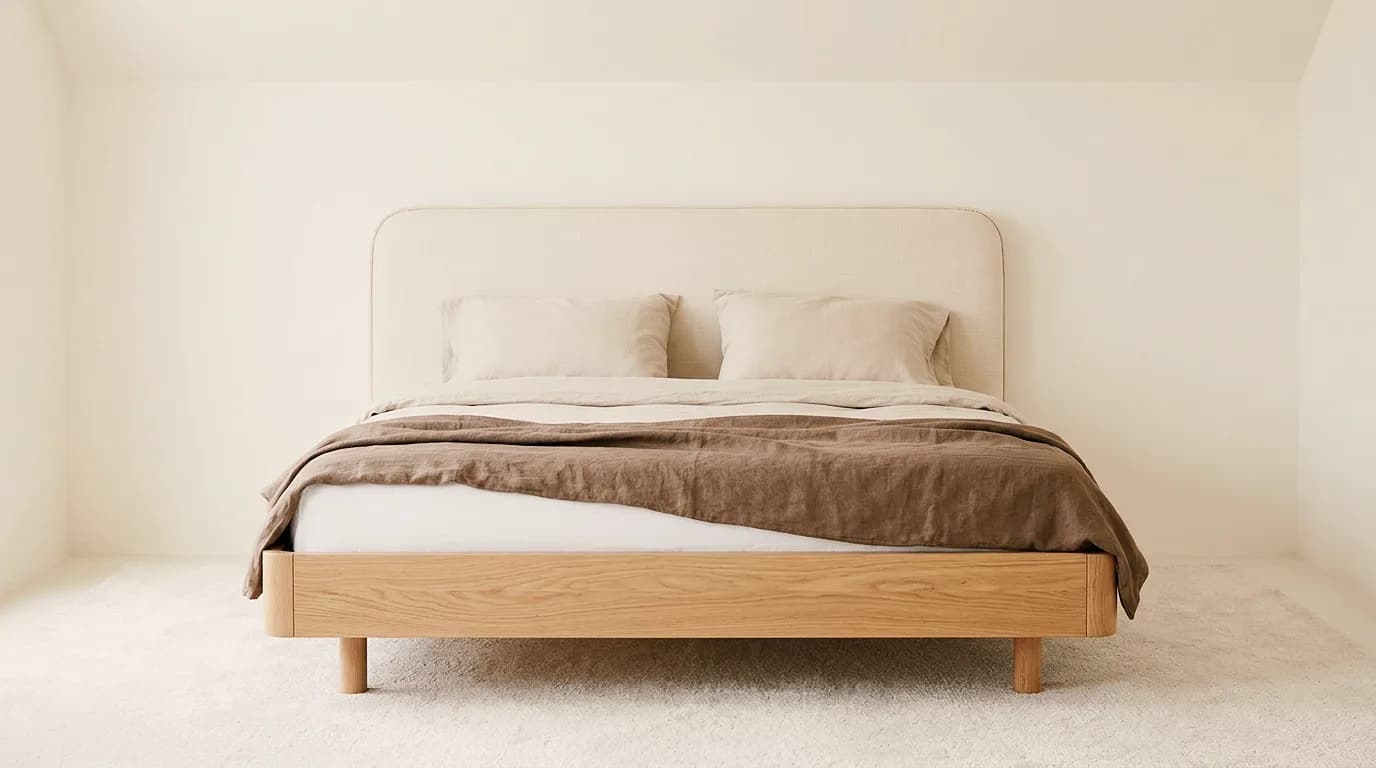
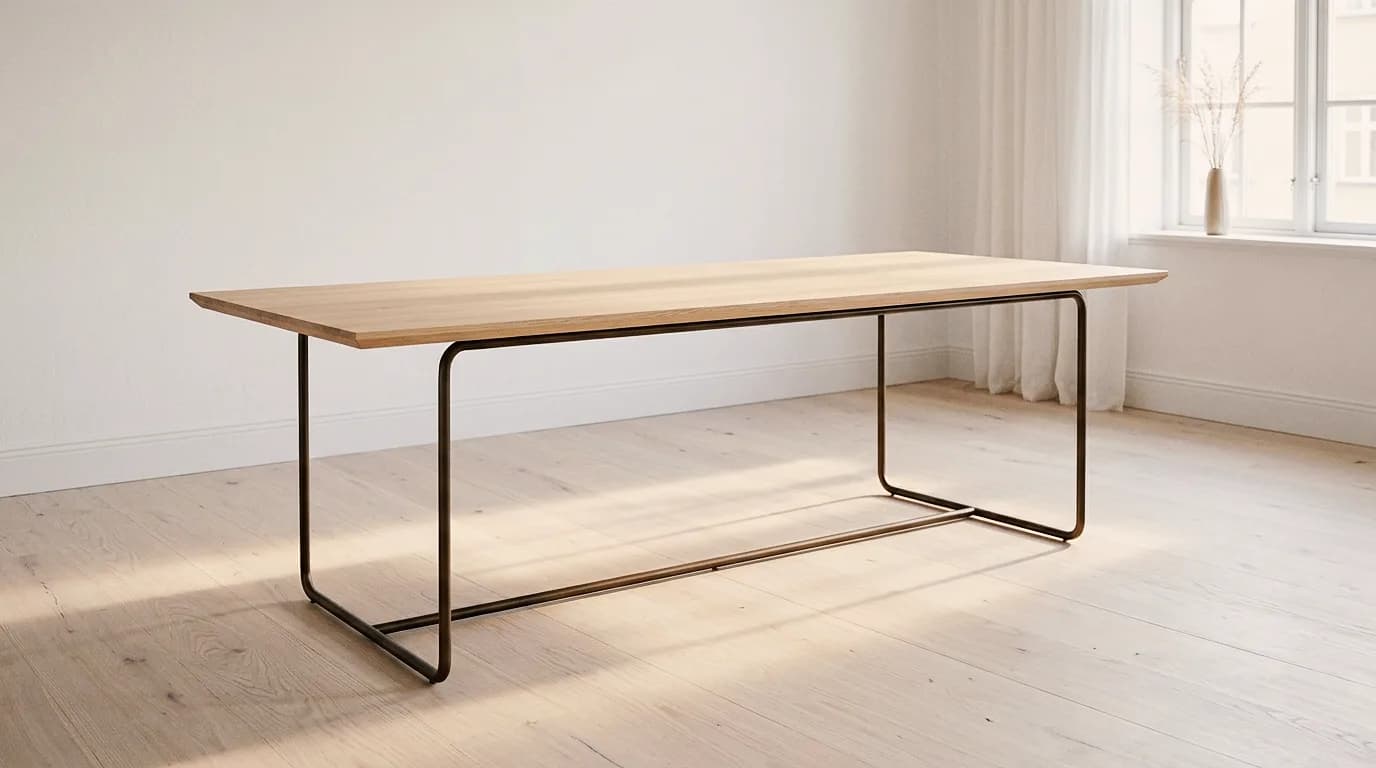
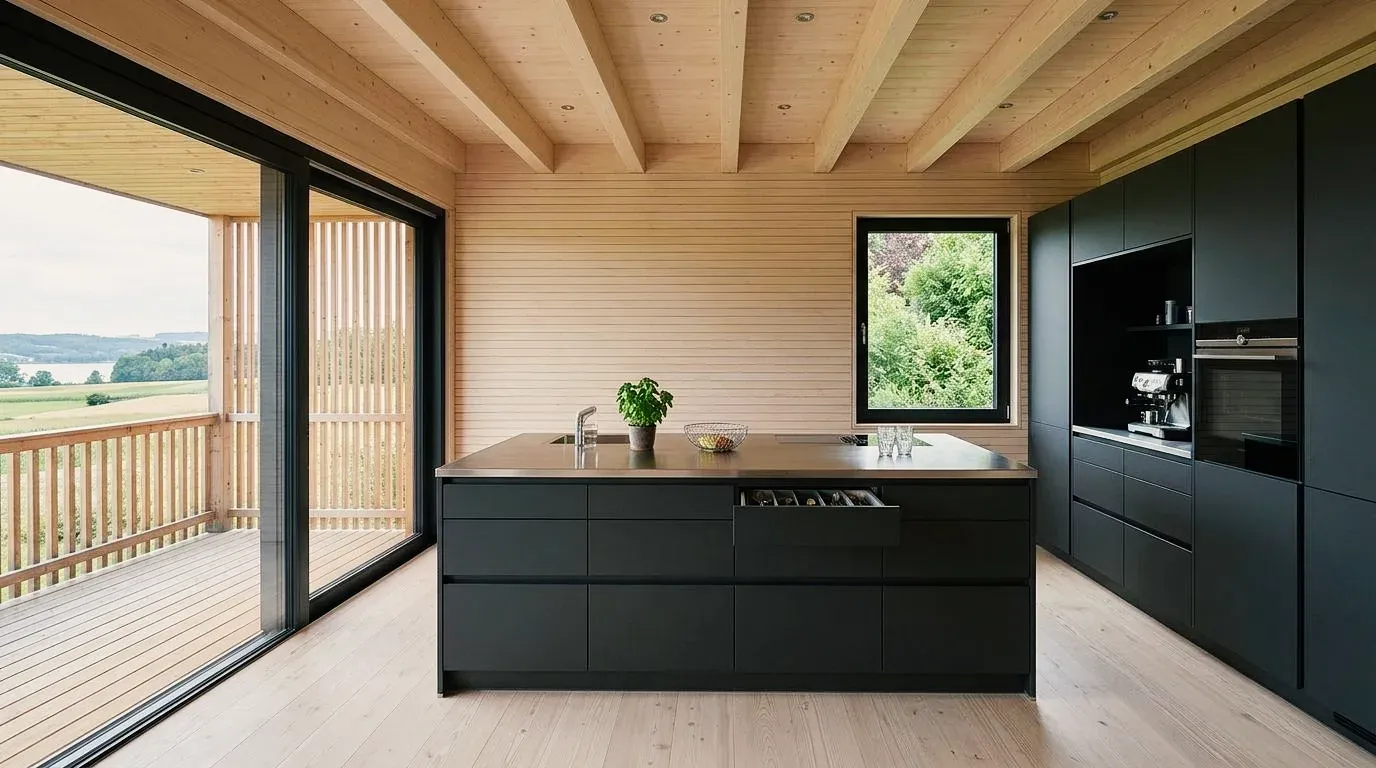
First the furnishings, then materials and color: each example is a room redesigned step by step in Vizera. Click an example to see the versions one after another.
01
Club chairs at a round table, a corner sofa or a sofa with a wool throw: the same apartment furnished three different ways – windows, floor and perspective stay.
02
The oak-framed bed cut out, then in front of a dove-blue wall, then in walnut with olive-green linen: first placed in the room, then the material changed.
03
The oak dining table in an empty room, then in a furnished dining room, then in walnut with blackened steel.
04
The black cooking island under the beamed ceiling, then in apricot and light blue, then in walnut with marble – the same kitchen, with only fronts and surfaces changed.
05
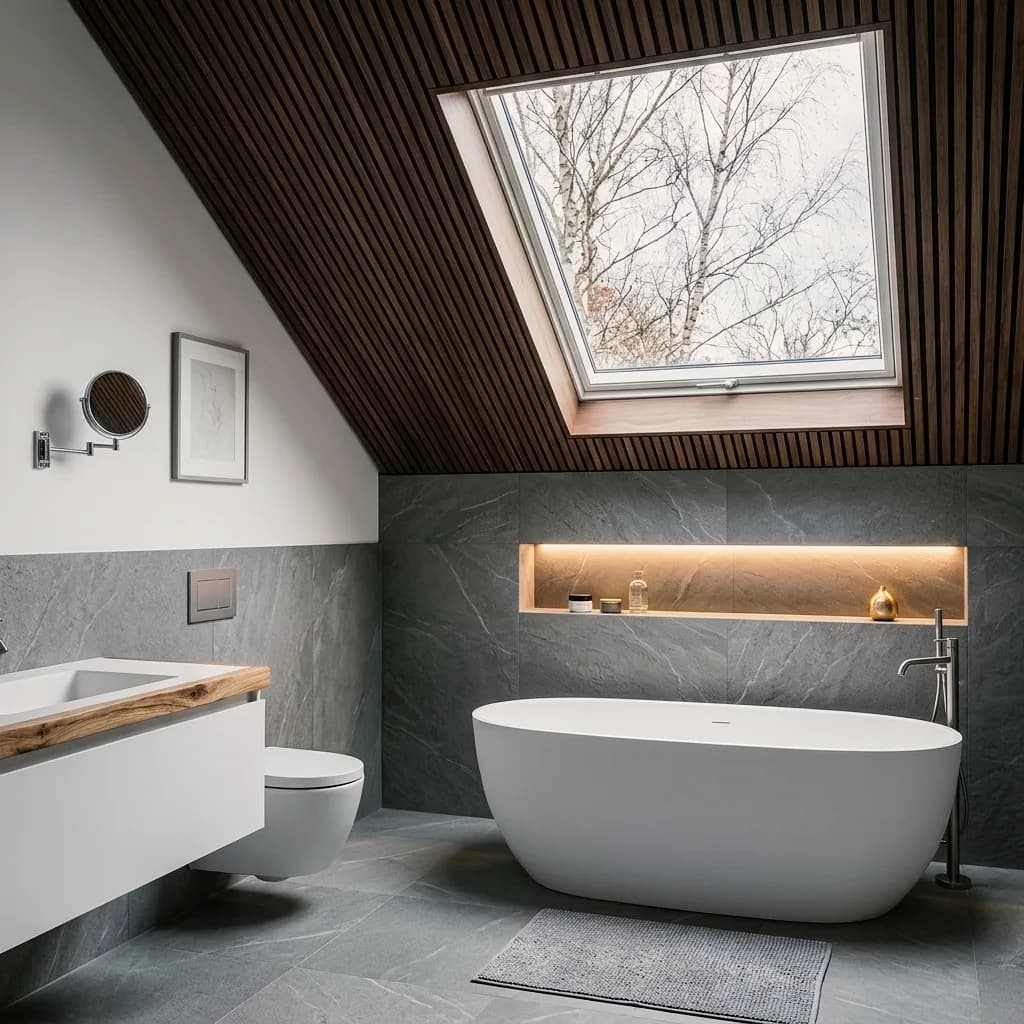
The gray attic bathroom, then in travertine with oak, then at blue hour – tub, window and sloped ceiling stay.
06
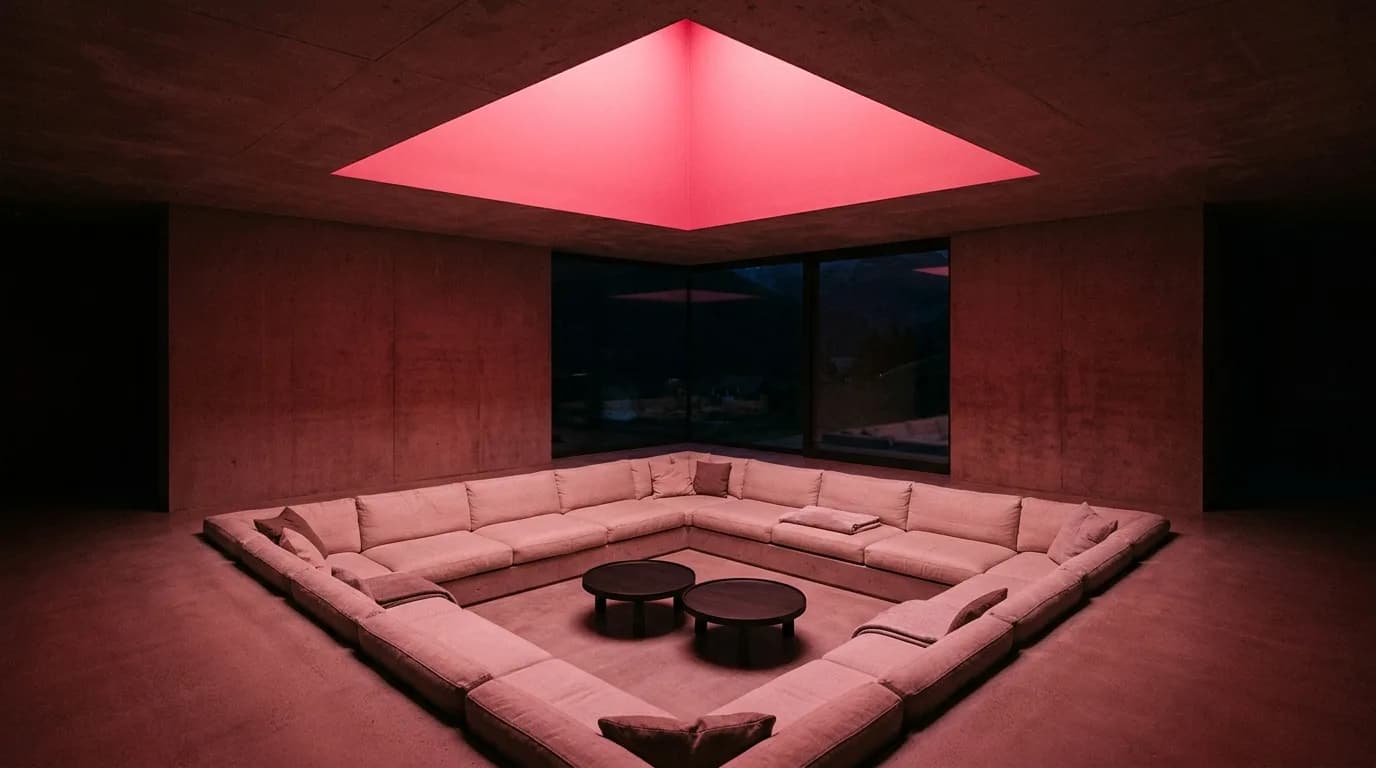
The sunken seating area in red light, in blue winter light and with lime plaster and linen.
Kitchens, bathrooms, living rooms and bedrooms – furnished and with changed materials and light. Click an image to see the versions.
The image of your room becomes a furnished space. You set the style, furniture, materials and selection.
Photo, sketch, rendering or image export from CAD as JPG or PNG, up to 5 MB per image. A phone photo of the empty or existing room, taken straight on, is enough.
Describe style, furniture, materials and light in plain language – "Japandi, light oak, linen, evening light" – or provide up to six reference images. If only one piece of furniture or one wall should change, mark it with Masking.
Starting from the furnished room, change the floor, wall color or wood species, collect the versions in a board and download the chosen image as PNG.
Mark an area, show material or style with a reference image, and collect the variants in Boards. Here's how it looks in the app.
01
Mark what should change in the room – the sofa, the floor, a wall – and the rest of the room stays as it is. The marked area is recalculated; outside the mask the image may lose a little sharpness.
02
Show material or style with a reference image. The result interprets the sample.
03
Place the furnishing options for a room side by side – for the presentation to your customers.
How interior designers, architecture firms and businesses furnish rooms with Vizera.
Show furnishings, materials and color in the customer's room – from concept to presentation.
Show interiors furnished for clients and competitions before the furniture layout is planned.
Show empty apartments furnished – for listings and viewings.
Show fronts, countertops and light in the consultation – in the customer's room.
Try the workflow with a project of your own first. Free is for non-commercial testing. For use in client projects, choose a paid plan.
Annual payment: 12-month term.
For Testing
Free of charge
200 Credits
up to 40 images, depending on model and resolution
Costs less than one external visualization
CHF 120/ mo
With monthly billing: CHF 150/ mo
Save CHF 360 per year
4'000 Credits
160–800 images or 10–13 videos, depending on model and resolution
excl. VAT · Annual payment: 12-month term
Native 4K and enough credits to never count
CHF 264/ mo
With monthly billing: CHF 330/ mo
Save CHF 792 per year
10'000 Credits
400–2'000 images or 25–33 videos, depending on model and resolution
excl. VAT · Annual payment: 12-month term
Depending on model and resolution. Subscription credits reset monthly and are used first; purchased credit packs do not expire.
A convincing image also has to hold up in everyday design work. In Vizera Labs, we test AI models and editing methods on architecture and interior images – with documented comparisons, measurable criteria and human evaluation.
Does the room stay the same when only the furnishings change? We compare versions with the source image and check whether walls, windows and proportions are preserved.
A new sofa shouldn't quietly change the floor. We measure what happens inside and outside the marked area during local edits.
How close does the result come to your material sample? We compare reference image and visualization and assess how color, surface and material character carry over.
First the facade, then the light, then the furnishings: we examine how image structure, sharpness and colors change across several editing steps.
More pixels don't automatically mean better detail. We compare upscaled images in close-up and check for convincing structures, smoothing and unwanted textures.
Which model suits which task? We compare models on shared test tasks and evaluate image quality, processing time and cost as the basis for our product choices.
Internal Vizera tests. Results apply to the documented tasks, models and settings. You'll find the test scope and limitations with each study.
Furnishings in an image show a direction. For dimensions, products and ordering, planning and samples remain authoritative.
Furniture and lights in the image are designs based on your description, not products you can order. For the selection, manufacturers and samples remain authoritative.
The image doesn't show binding dimensions. Check on the plan whether a piece of furniture fits the room.
During generation, handles, fabric patterns or fine edges can change. Compare each variant with the source image.
How the individual tools work and what firms and businesses use them for.
Answers on the workflow, empty rooms, styles, shape fidelity, photos and targeted changes.
Upload an image of the room to Vizera – photo, sketch or rendering, as JPG or PNG up to 5 MB. Describe style, furniture and materials in plain language, and the room is furnished accordingly. Then change material and color one by one and compare the versions in Boards.
200 free Credits, once at sign-up. No credit card, no installation.
