Generic furniture
The furniture in the image is suggestions, not a manufacturer's products and not checked for scale. Whether the sofa fits in the alcove is shown by the plan, not the image.
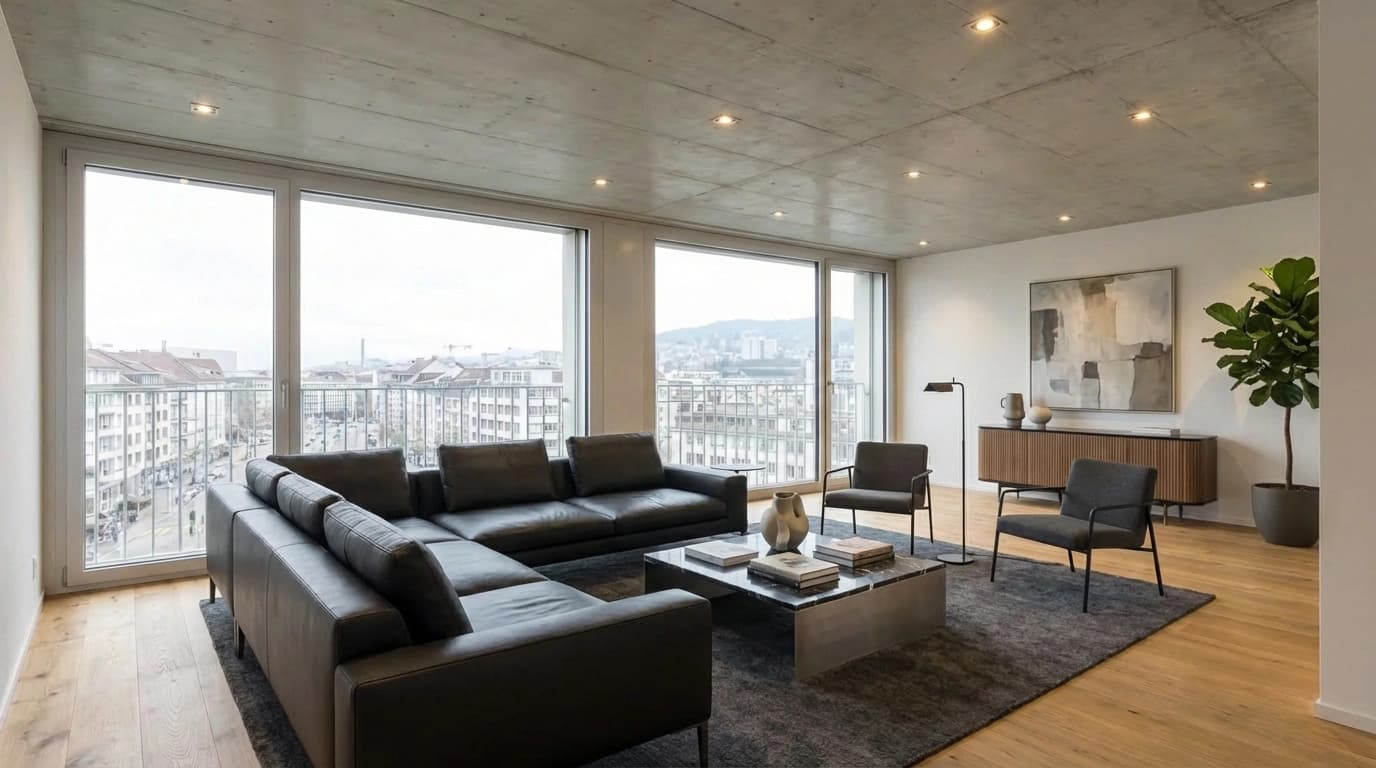
An empty room sells worse than a furnished one – and staging with real furniture costs transport, rental and time. Vizera furnishes the room in the image: upload a photo of the empty room, describe the furnishings, compare several versions. The furniture is generic suggestions; in the listing you label the image as virtually staged.
6,500+ registered users in CH, DE and AT.Over 100,000 visualizations in the first year.


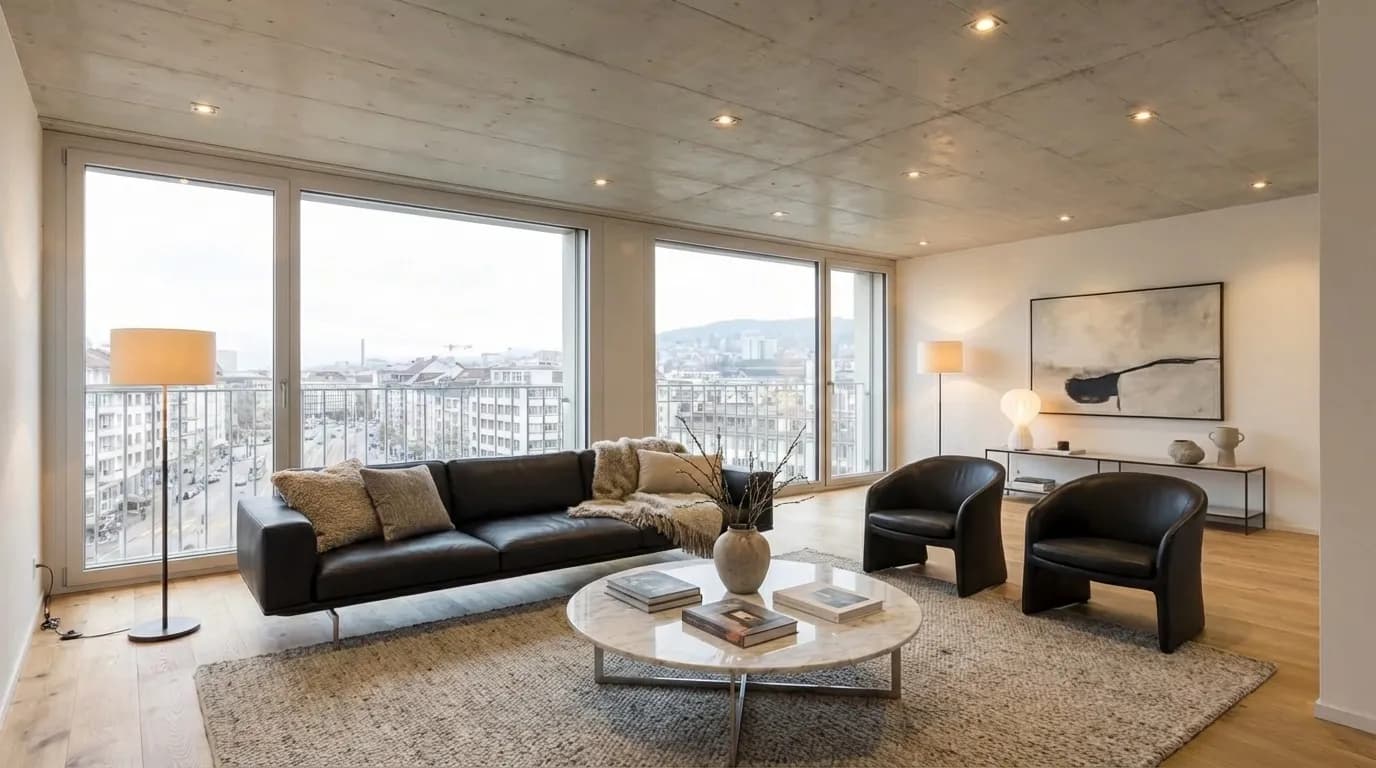
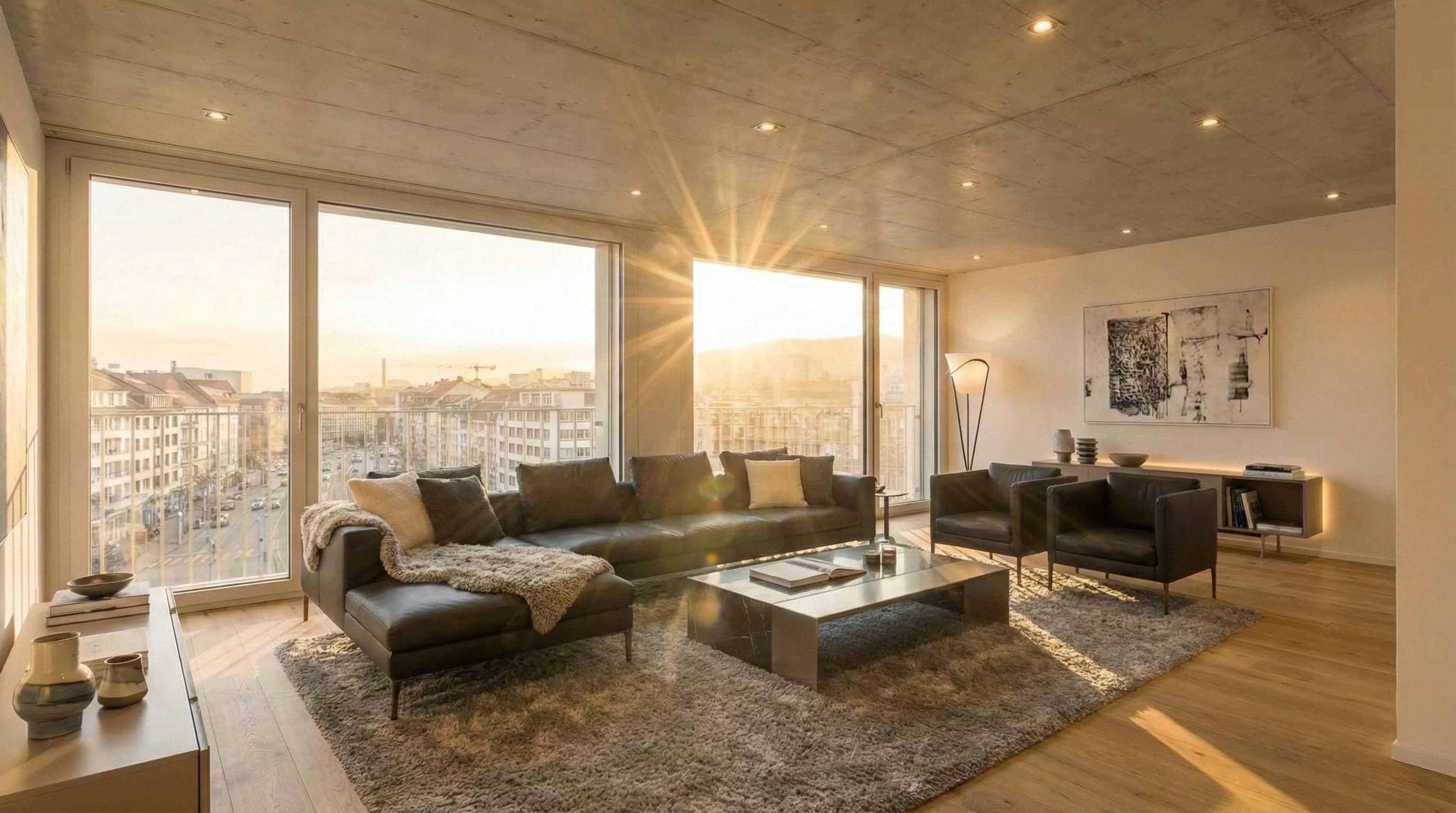
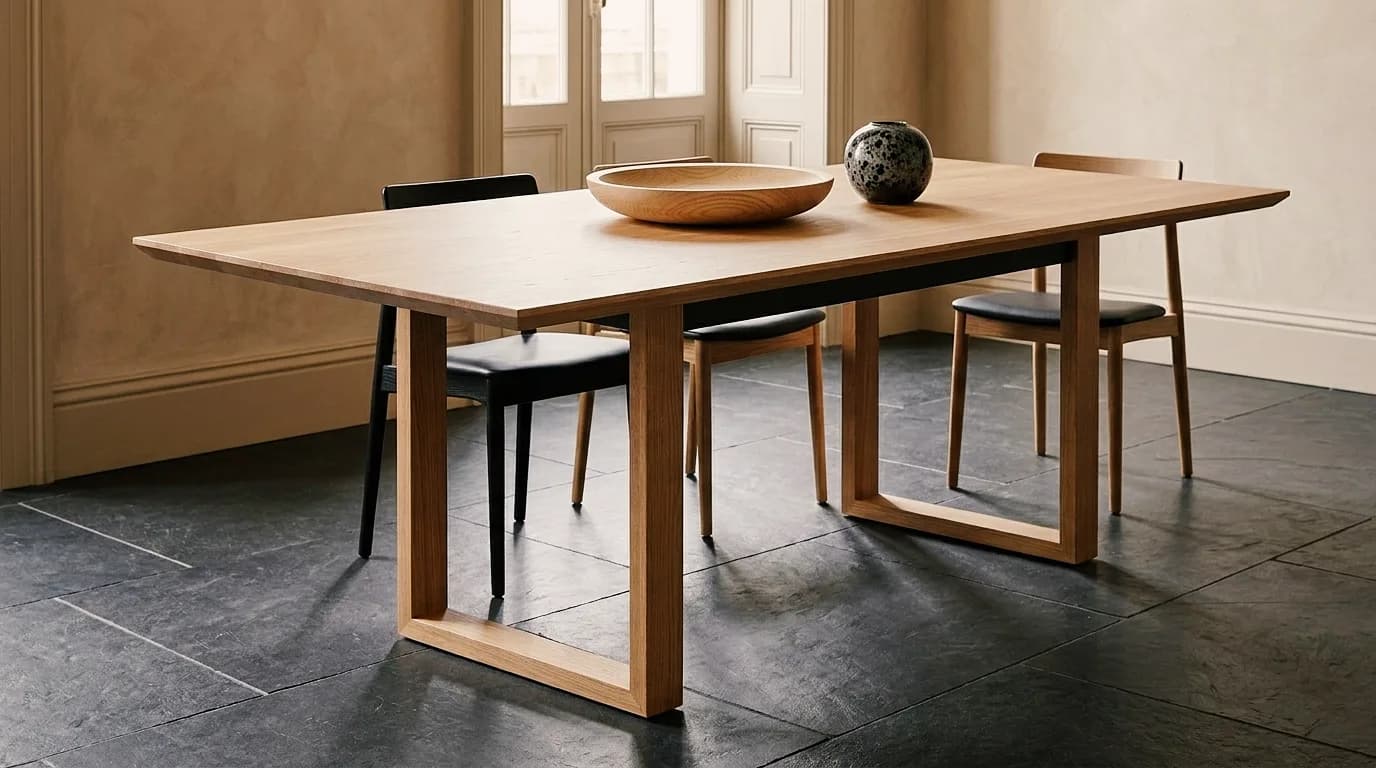
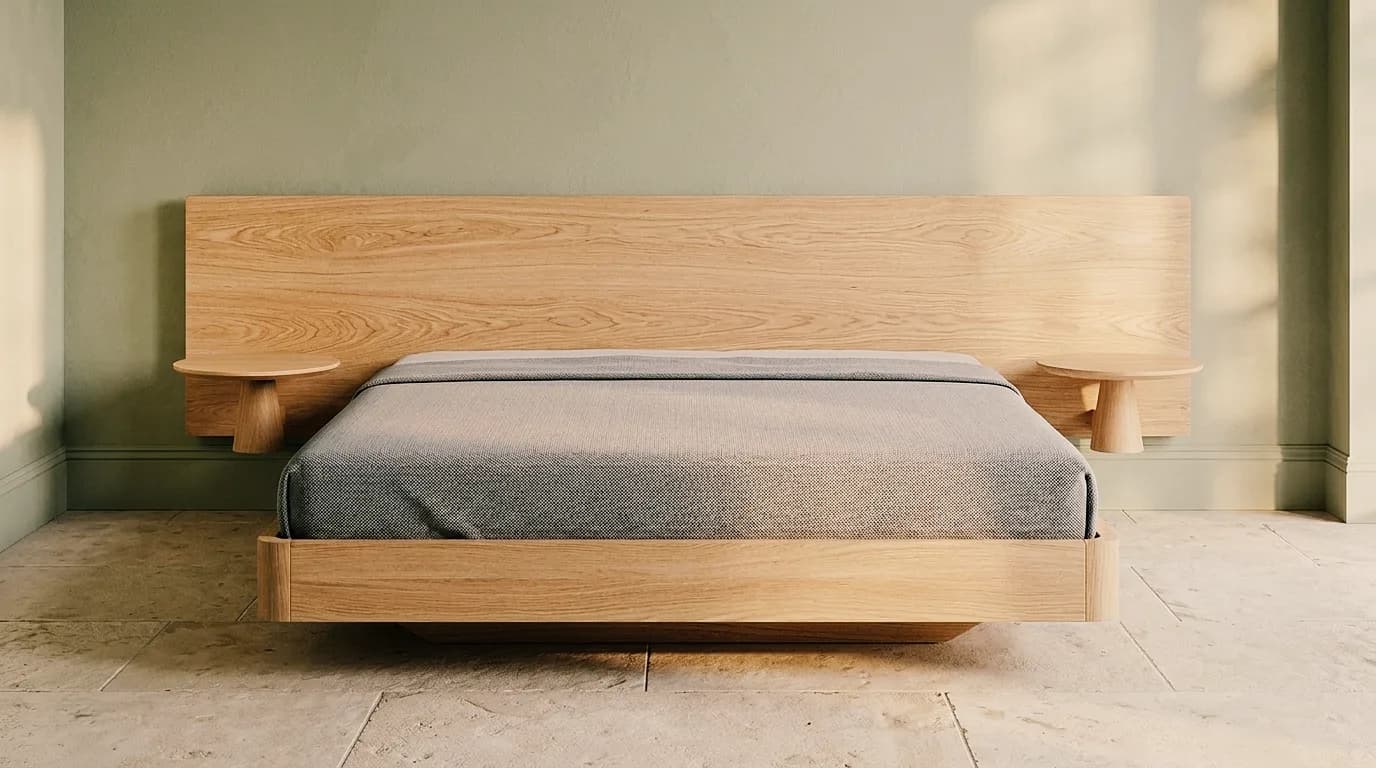
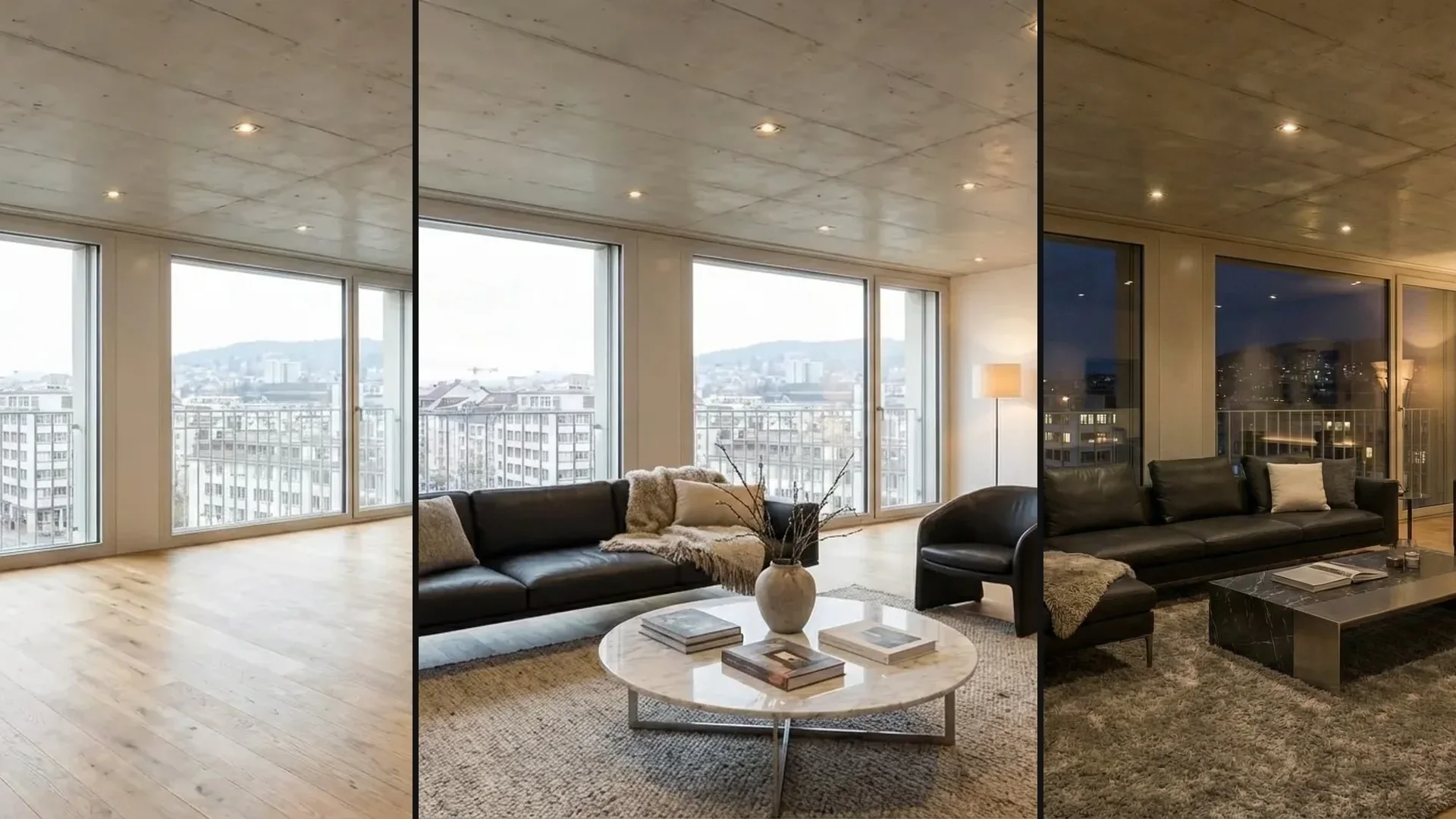
An apartment and individual pieces of furniture, empty and furnished – windows, floor and perspective remain the photo. Click an example to switch from the empty room to the furnished one.
01
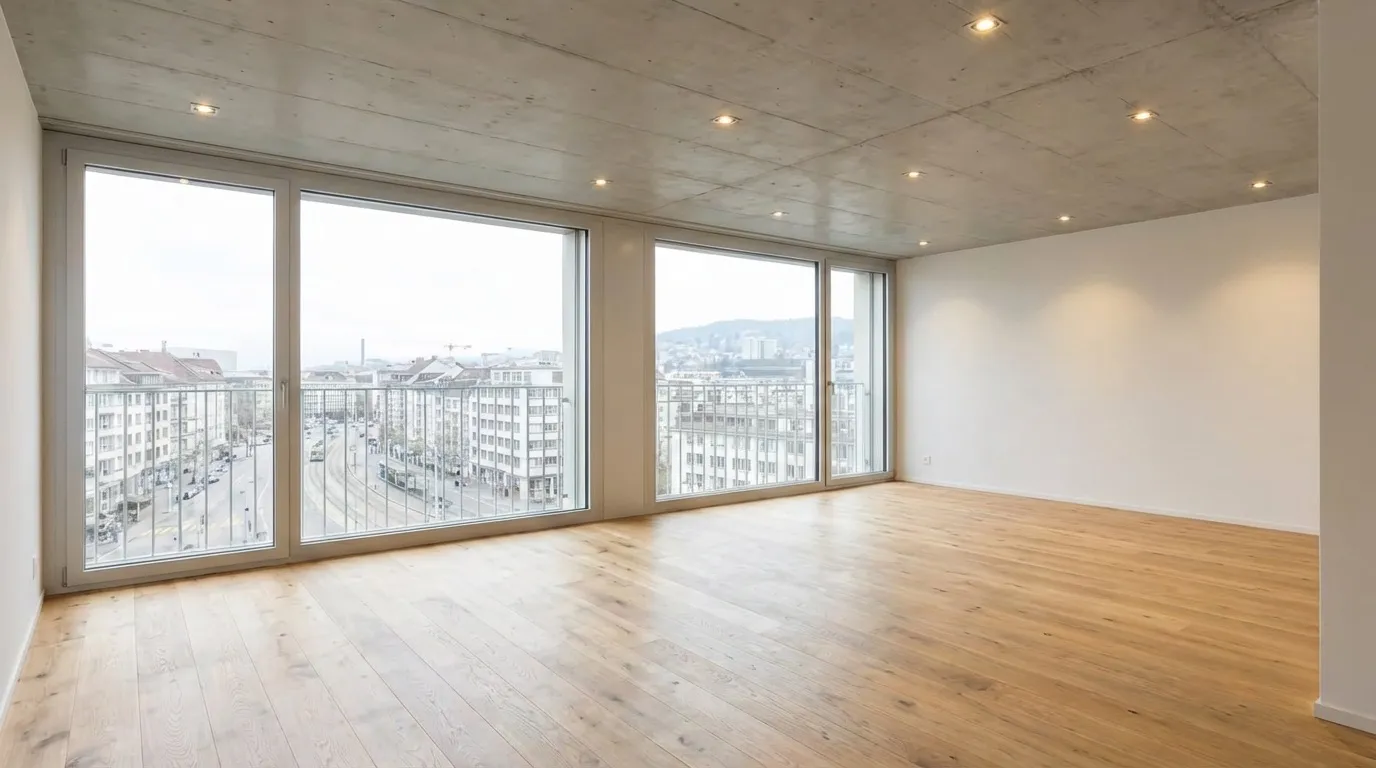
The empty apartment above the city with club chairs at a round table, with a corner sofa and with a sofa – three proposals for three target groups, from one photo.
02
The furnished apartment in evening light and at night with the city lights – for the listing, the mood in which buyers picture their evenings.
03
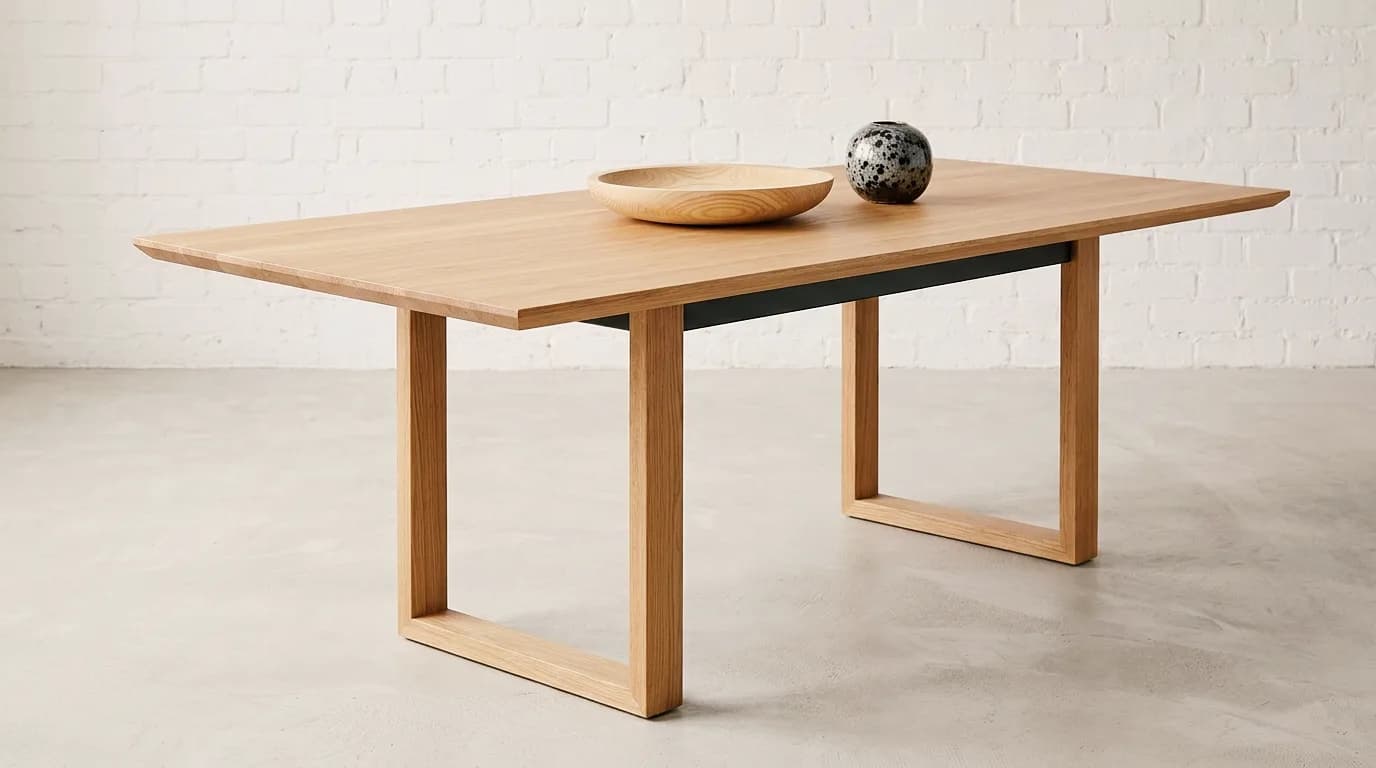
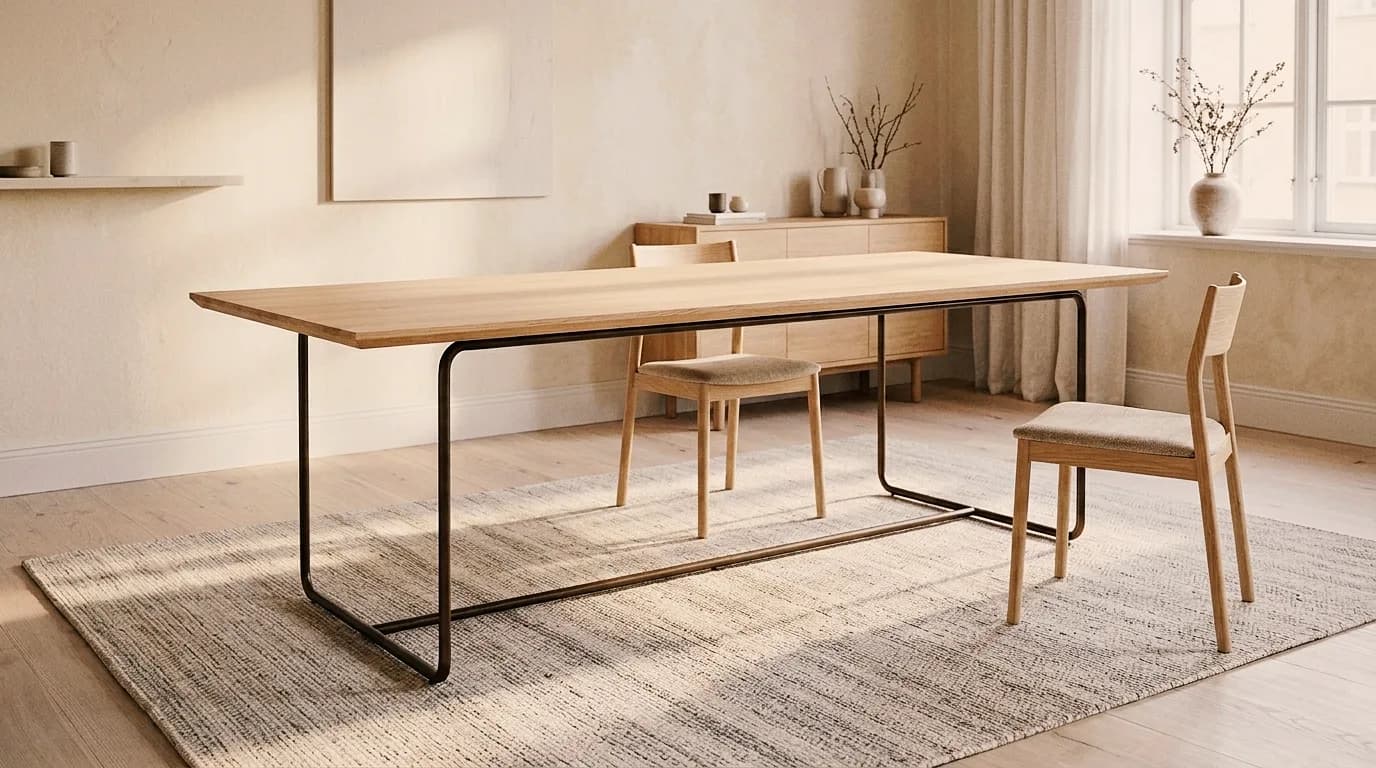
The oak table in the empty room and in the furnished dining room with chairs and daylight – how a furniture store shows the piece in context.
04
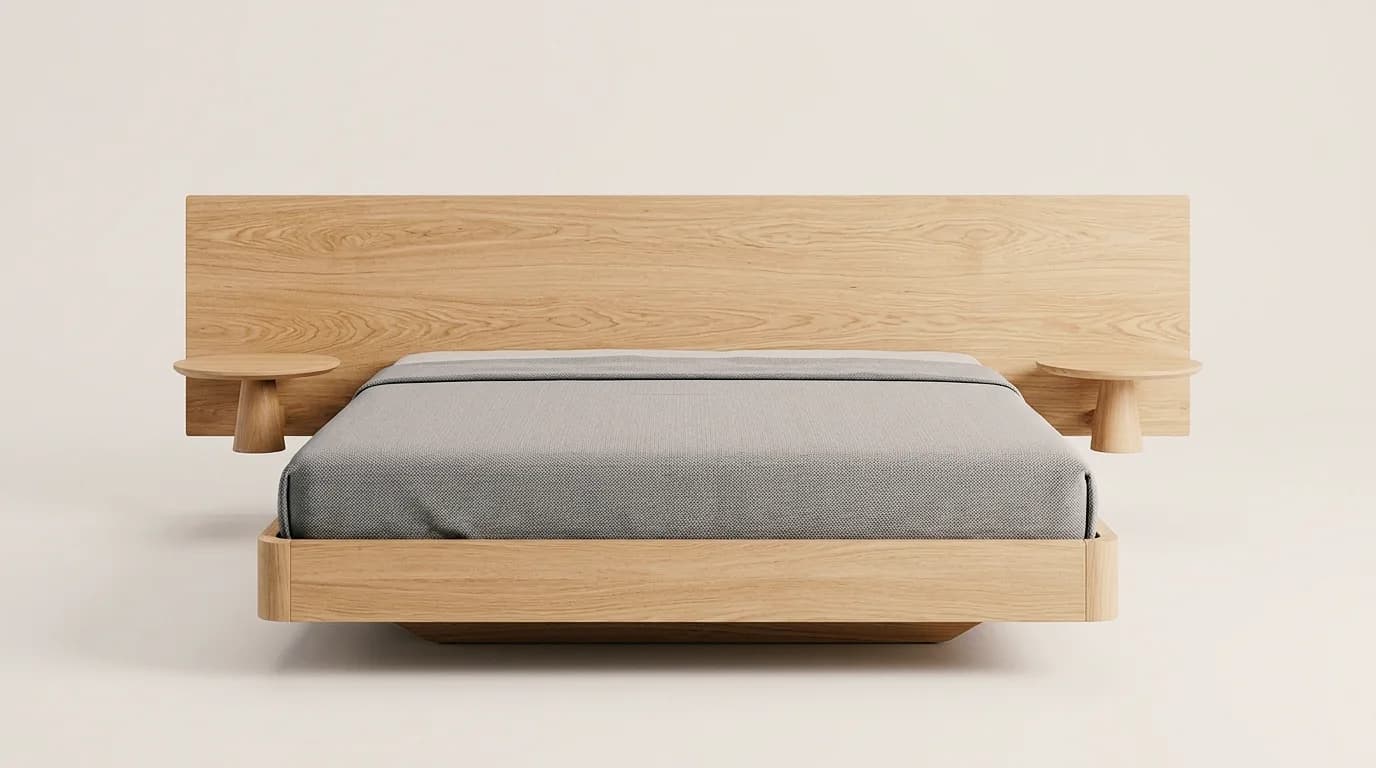
The floating bed cut out and in a sage-green bedroom with a stone floor – the room takes shape around the furniture.
05
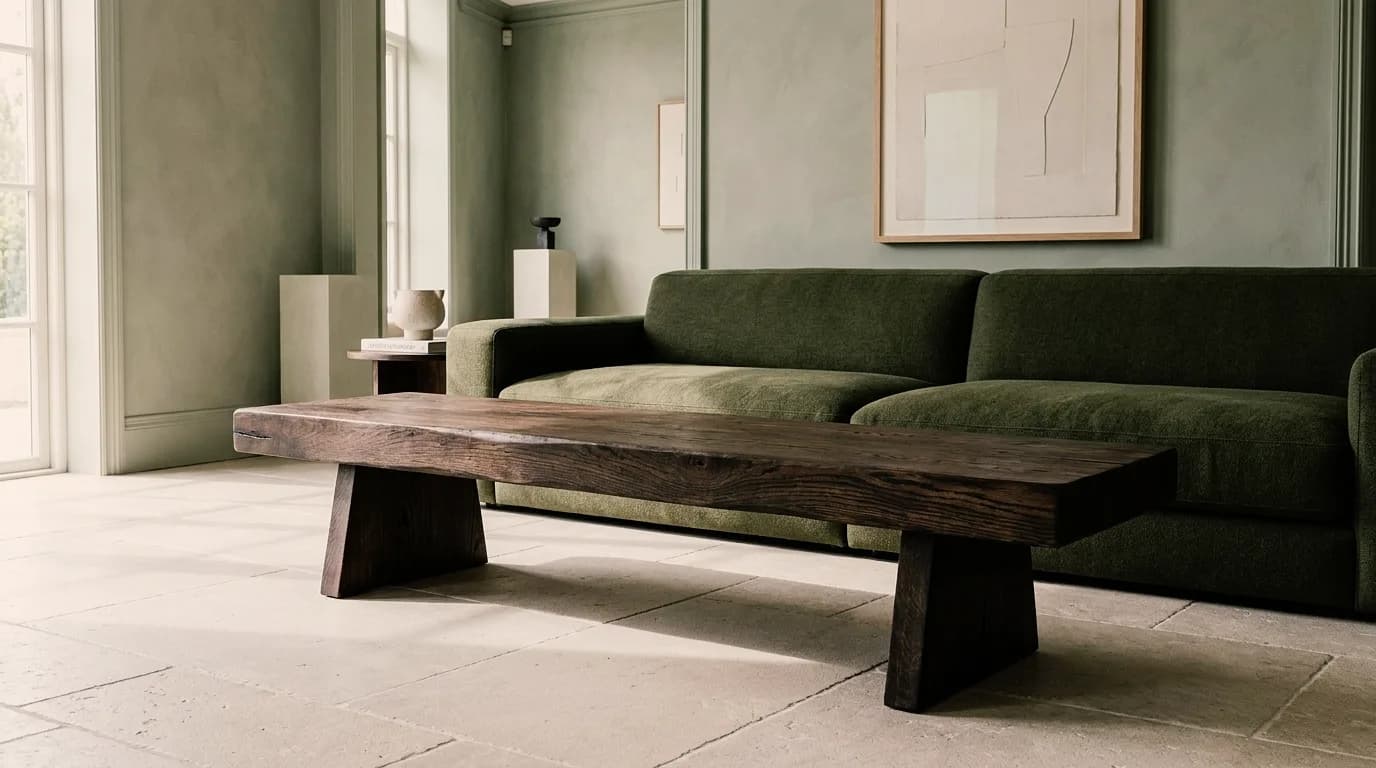
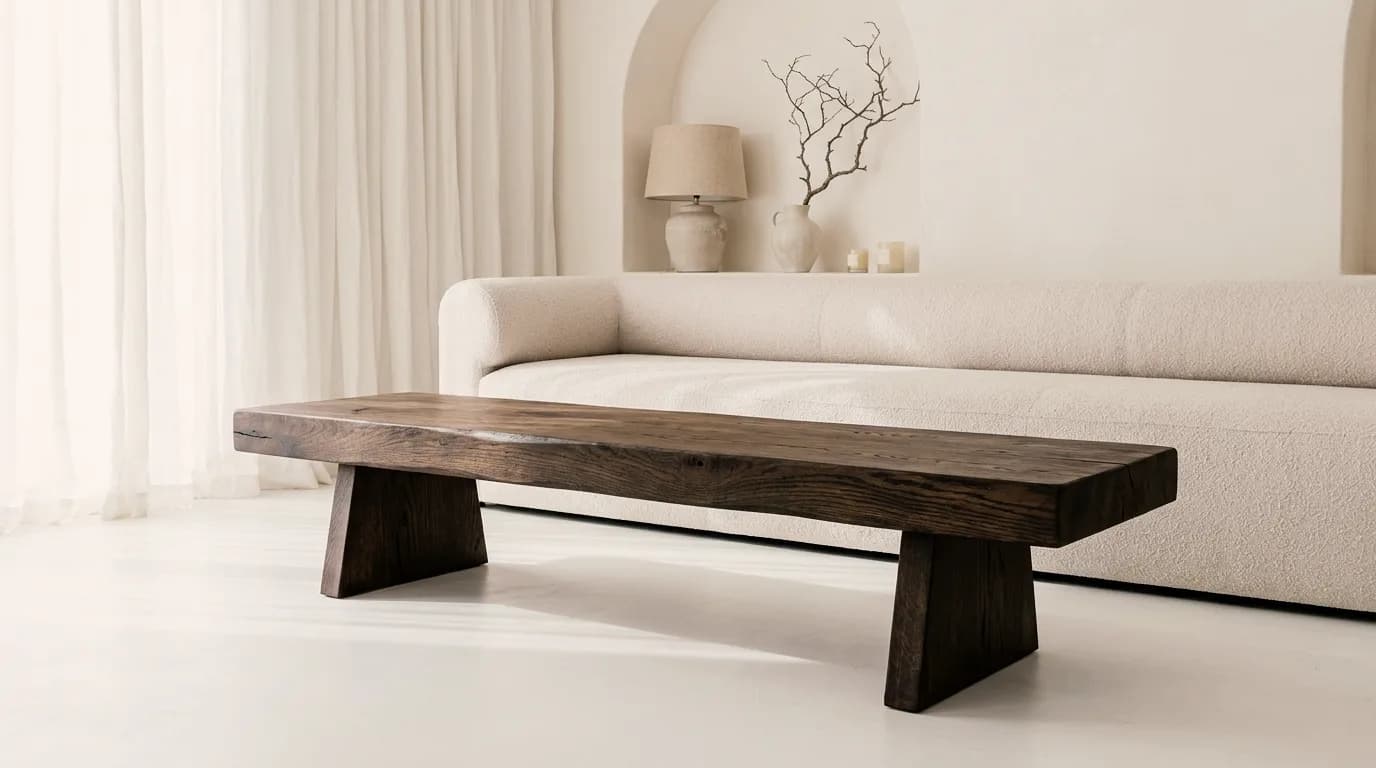
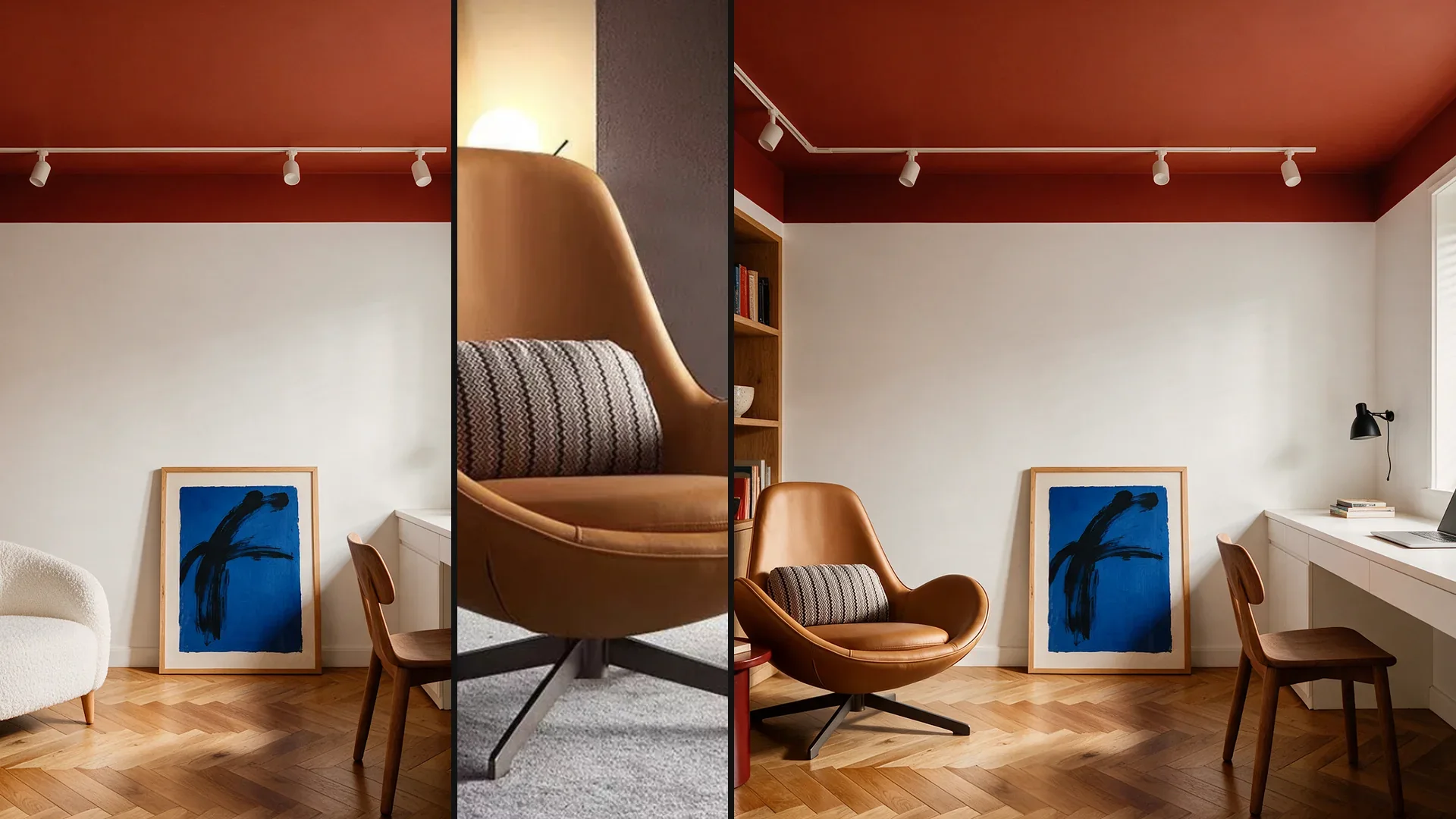
The smoked-oak bench in the empty room and in front of an olive-green sofa – furnishings and color added, the piece stays.
06
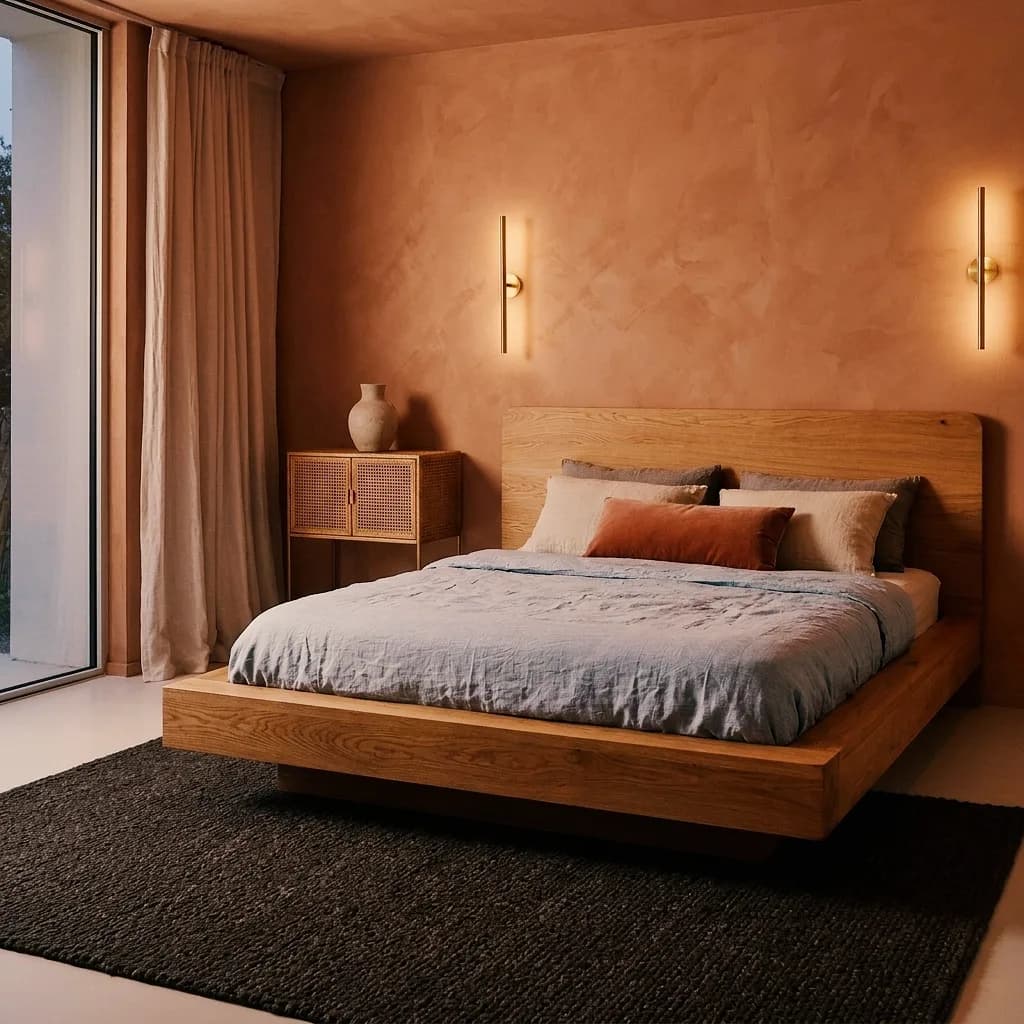
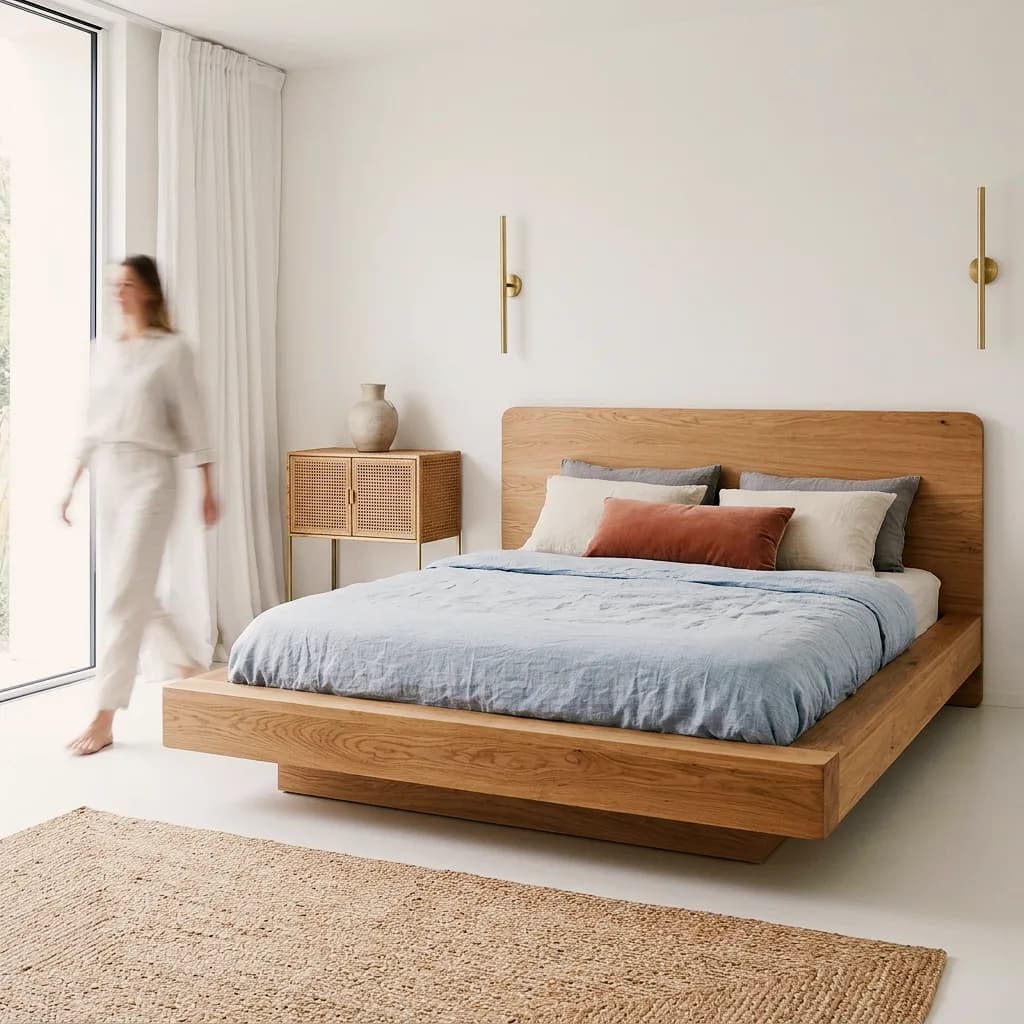
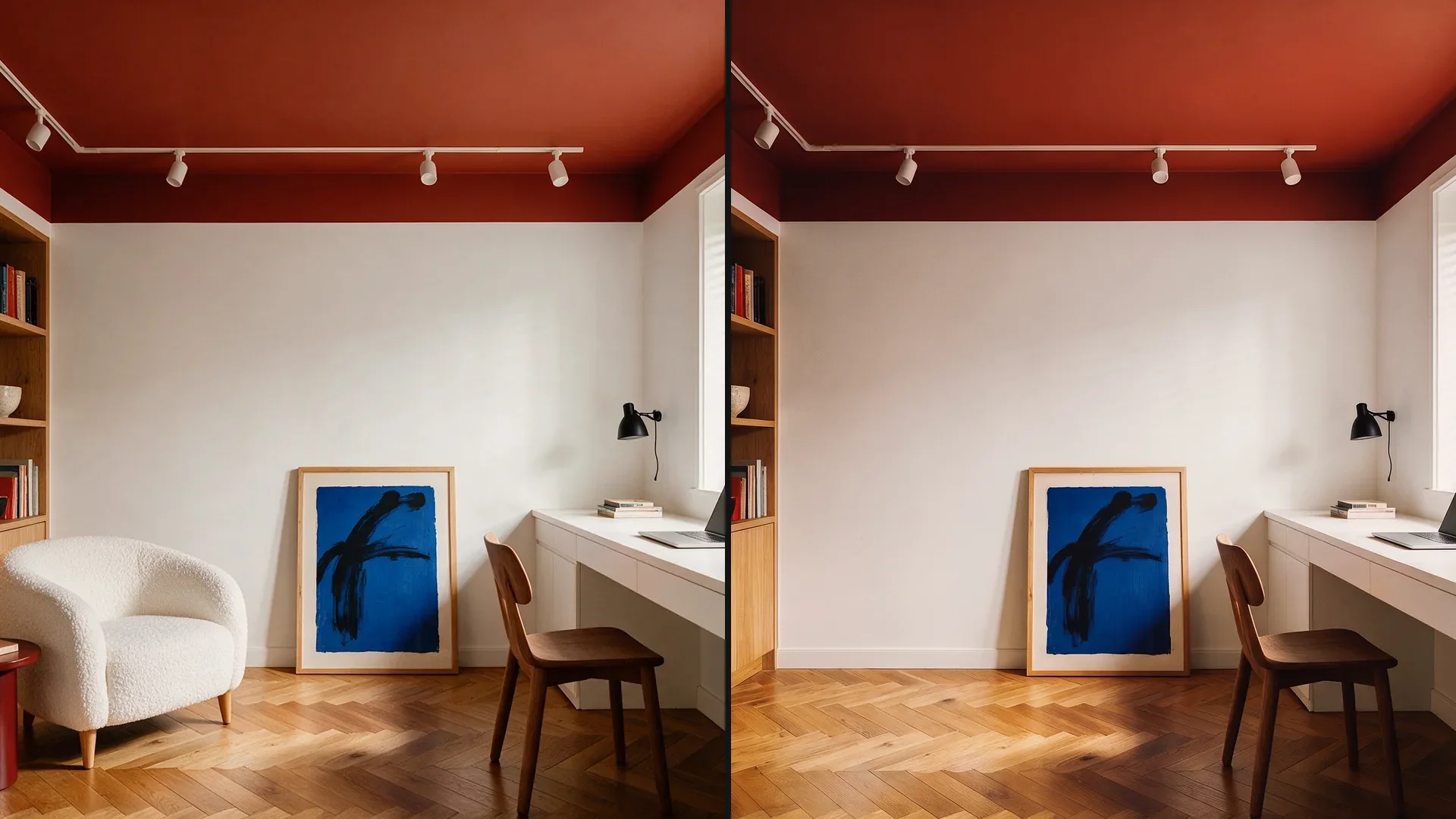
The oak bed in the bright bedroom and in a terracotta room in the evening – wall color, light and textiles as two proposals.
Furniture pieces cut out or in an empty room and in a furnished room. Click an image to see the versions.
How Vizera supports marketing a property – from the viewing photo to the image buyers remember.
Photo
In daylight, from the corner, with a window in the frame: the photo of the empty room is the basis. Perspective, floor and windows are preserved in every version.
Furnishing
Living room for a family, home office, Scandinavian or classic: you describe the furnishings in plain language or provide reference images. Two or three versions show which target group the room appeals to.
Mood
The same furnishings in evening light or at night – for the listing's cover image, the mood that suits the property.
Listing
Download the chosen image as a PNG, upscale it for the brochure and portal and label it “virtually staged” – next to the photo of the empty room, so nobody expects anything else.
Mark an area, show material or style with a reference image, and collect the variants in Boards. Here's how it looks in the app.
01
Mark the area that should change – the floor, a wall, the zone in front of the window – and the rest of the photo stays as it is. The marked area is recalculated; outside the mask the image may lose a little sharpness.
02
Show material or style with a reference image. The result interprets the sample.
03
Place the empty room and the versions side by side – so owners and marketing can choose the image for the listing.
How marketers, owners, interior designers and furniture stores show empty rooms furnished.
List vacant apartments and offices furnished – without renting furniture, with labeling.
See the shell or the empty apartment furnished before buying furniture.
Show furnishing concepts in a photo of the real room – several directions before the concept is set.
Show a piece of furniture in a furnished room, in several rooms and moods, without a photo studio.
Test the workflow first with one of your own rooms. Free is for non-commercial testing. For listings and client projects, choose a paid plan.
Annual payment: 12-month term.
For Testing
Free of charge
200 Credits
up to 40 images, depending on model and resolution
Costs less than one external visualization
CHF 120/ mo
With monthly billing: CHF 150/ mo
Save CHF 360 per year
4'000 Credits
160–800 images or 10–13 videos, depending on model and resolution
excl. VAT · Annual payment: 12-month term
Native 4K and enough credits to never count
CHF 264/ mo
With monthly billing: CHF 330/ mo
Save CHF 792 per year
10'000 Credits
400–2'000 images or 25–33 videos, depending on model and resolution
excl. VAT · Annual payment: 12-month term
Depending on model and resolution. Subscription credits reset monthly and are used first; purchased credit packs do not expire.
A convincing image also has to hold up in everyday design work. In Vizera Labs, we test AI models and editing methods on architecture and interior images – with documented comparisons, measurable criteria and human evaluation.
Are windows, doors, floor and proportions of the empty room preserved when furniture is added? We compare furnished versions with the source photo.
A new sofa should not change the window along the way. We measure what happens inside and outside the marked area during local edits.
How close does the result come to your material sample? We compare reference image and visualization and assess how color, surface and material character carry over.
First the facade, then the light, then the furnishings: we examine how image structure, sharpness and colors change across several editing steps.
More pixels don't automatically mean better detail. We compare upscaled images in close-up and check for convincing structures, smoothing and unwanted textures.
Which model suits which task? We compare models on shared test tasks and evaluate image quality, processing time and cost as the basis for our product choices.
Internal Vizera tests. Results apply to the documented tasks, models and settings. You'll find the test scope and limitations with each study.
Virtual staging shows a possibility, not a guarantee. That calls for three rules.
The furniture in the image is suggestions, not a manufacturer's products and not checked for scale. Whether the sofa fits in the alcove is shown by the plan, not the image.
Virtually staged images should be labeled in the listing and placed next to the photo of the empty room. Structural elements – walls, windows, floors – should match the existing condition.
Each version is made from one photo; a walkthrough or a consistent floor plan across several images is not created automatically. For several rooms, furnish each photo separately, with the same description.
How the individual tools work and what firms and businesses use them for.
Short videos on this topic: follow along step by step in your account.
Answers on the term, empty rooms, furniture, labeling, clearing rooms and styles.
Furnishing an empty room in an image instead of with real furniture. In Vizera you upload a photo of the empty room, describe the furnishings and get the room furnished – perspective, windows and floor from the photo, furniture and light from the description.
200 Credits free, once at sign-up. No credit card, no installation.
