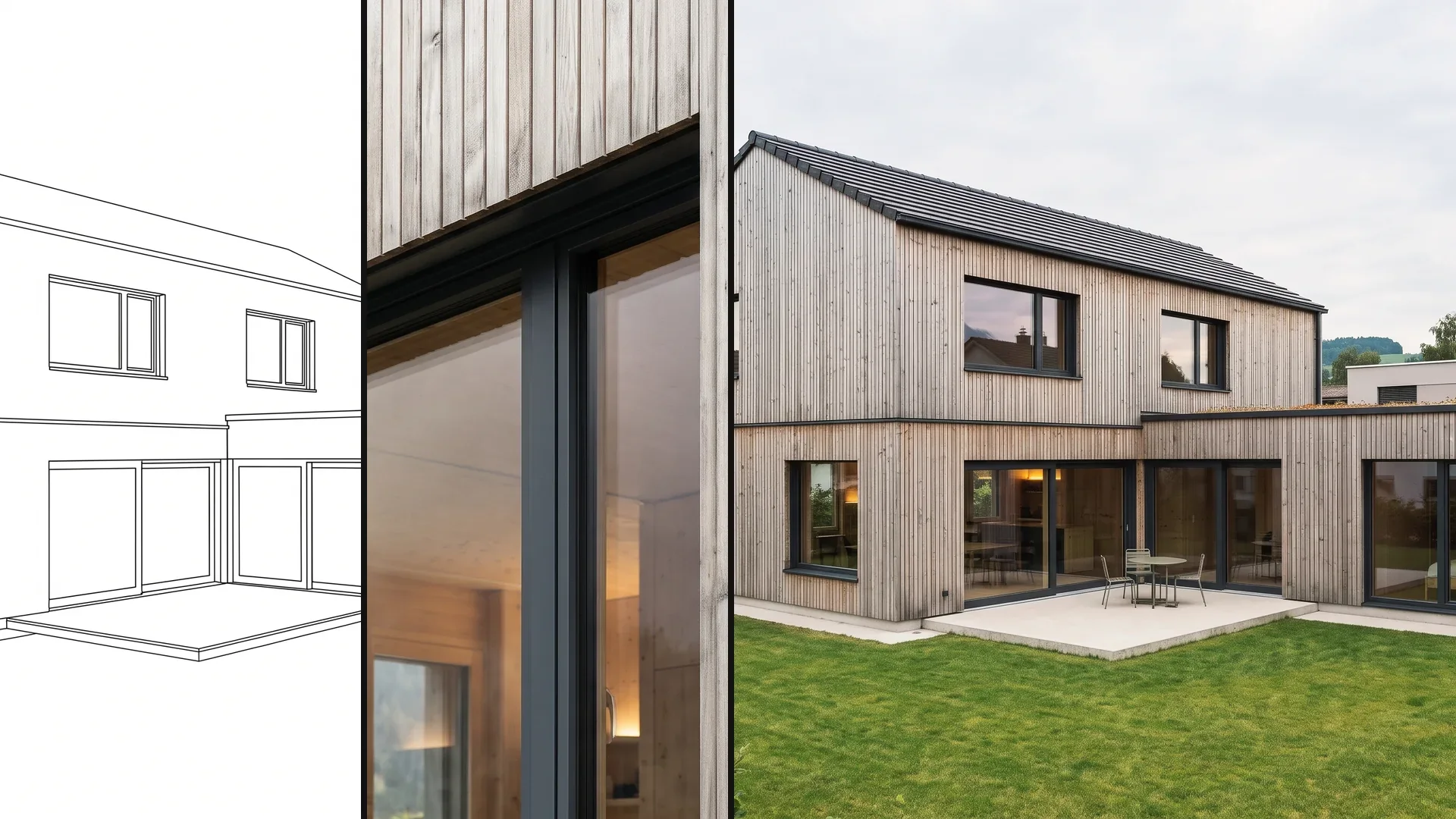
Sketch with reference: exterior visualization
Create a photo of the house from a line drawing and a reference image of the facade, with two results to choose from.
- Level
- Einstieg
- Starting point
- Skizze
- Features
- Generieren, Referenzen, Prompt Agent
- Length
- 1:59
What you learn in this video.
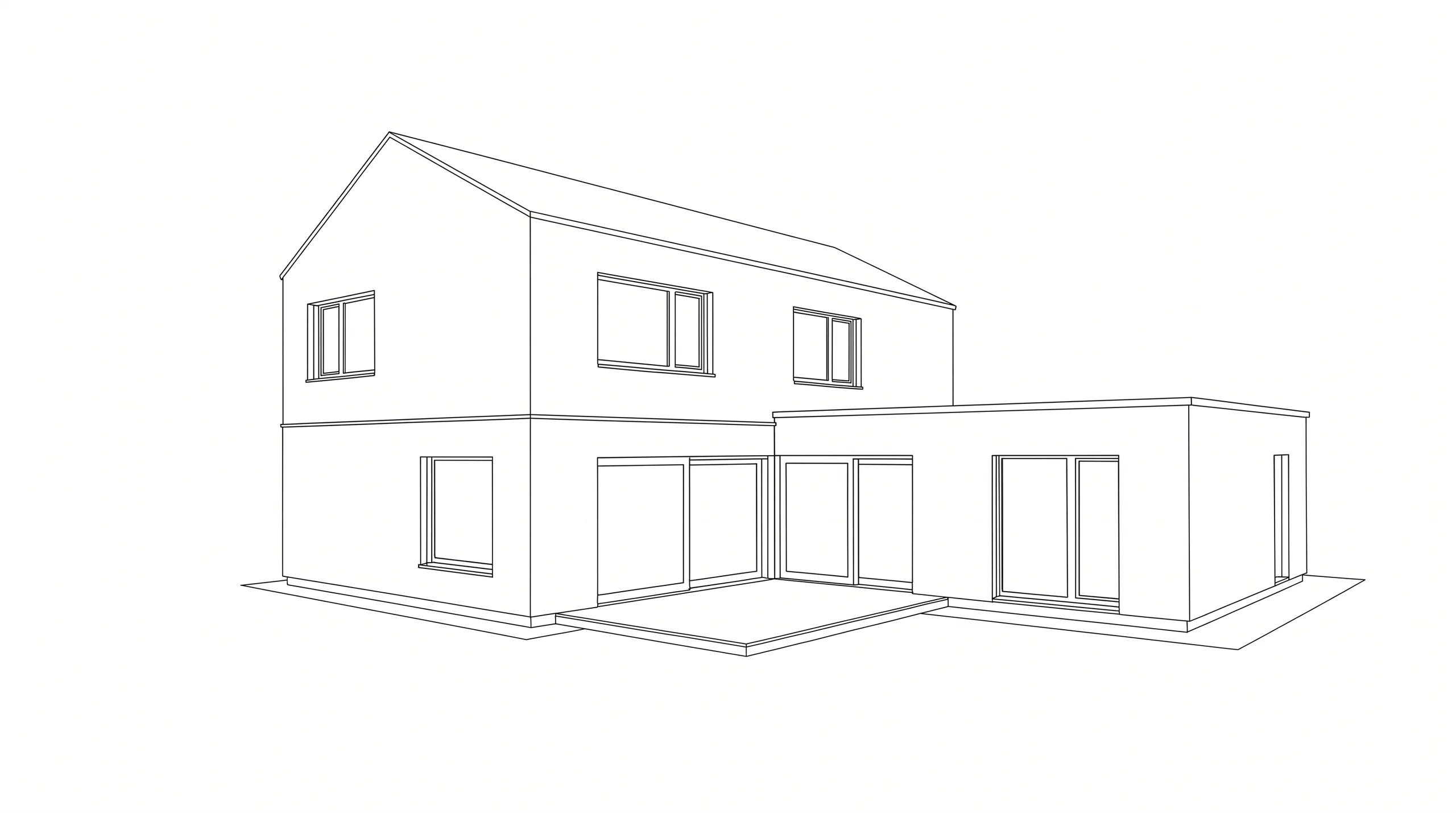
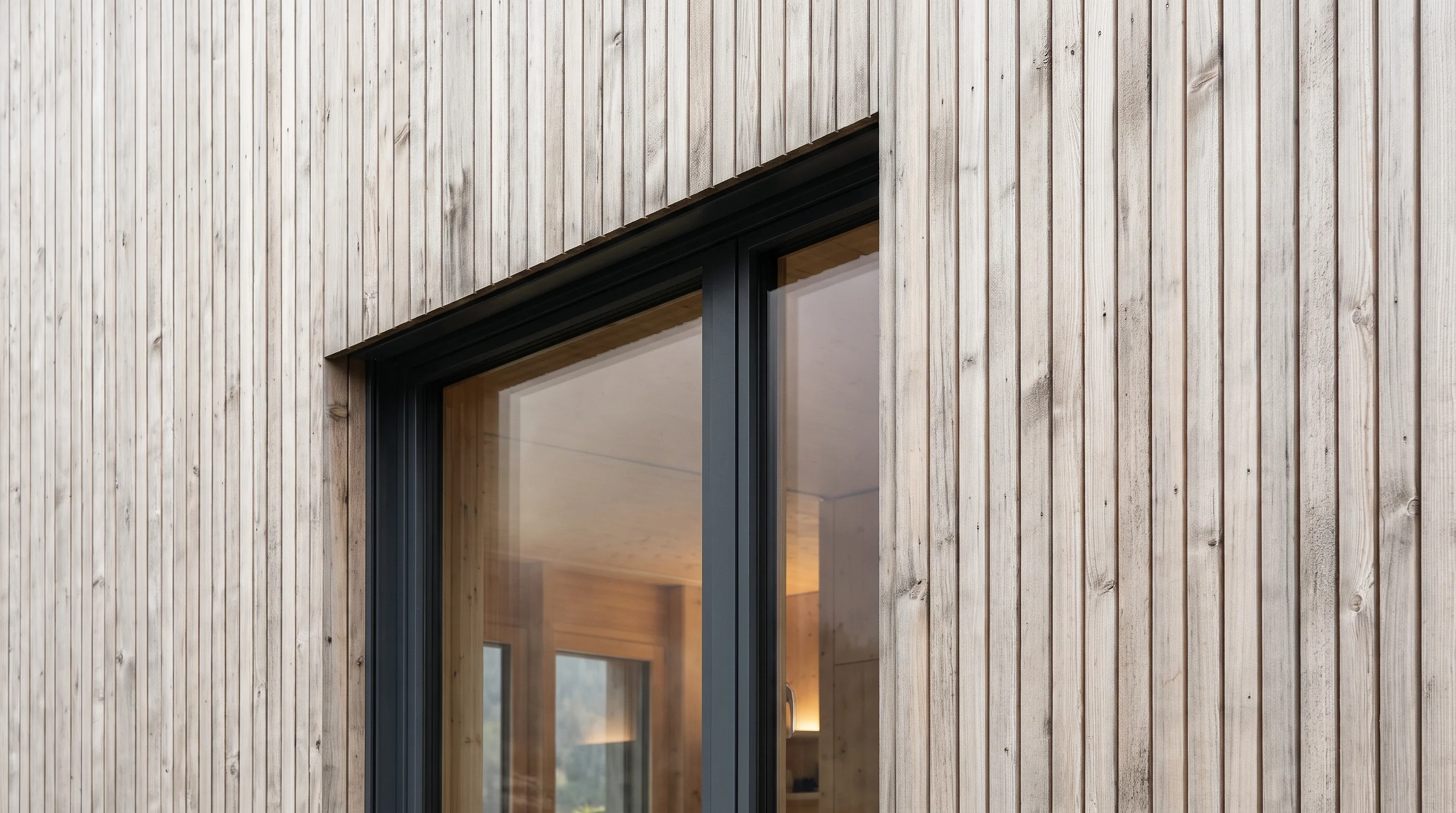
The line drawing sets the form, perspective and architecture; the reference image sets the facade material. A short description is enough: the Prompt Agent works it out when you generate. You get two photos to choose from.
Sketch with reference in 9 steps.
This is how it goes in the video – in the same order in your account.
Input, reference and result.
Input, reference and result in full resolution. Click an image to open it full size.
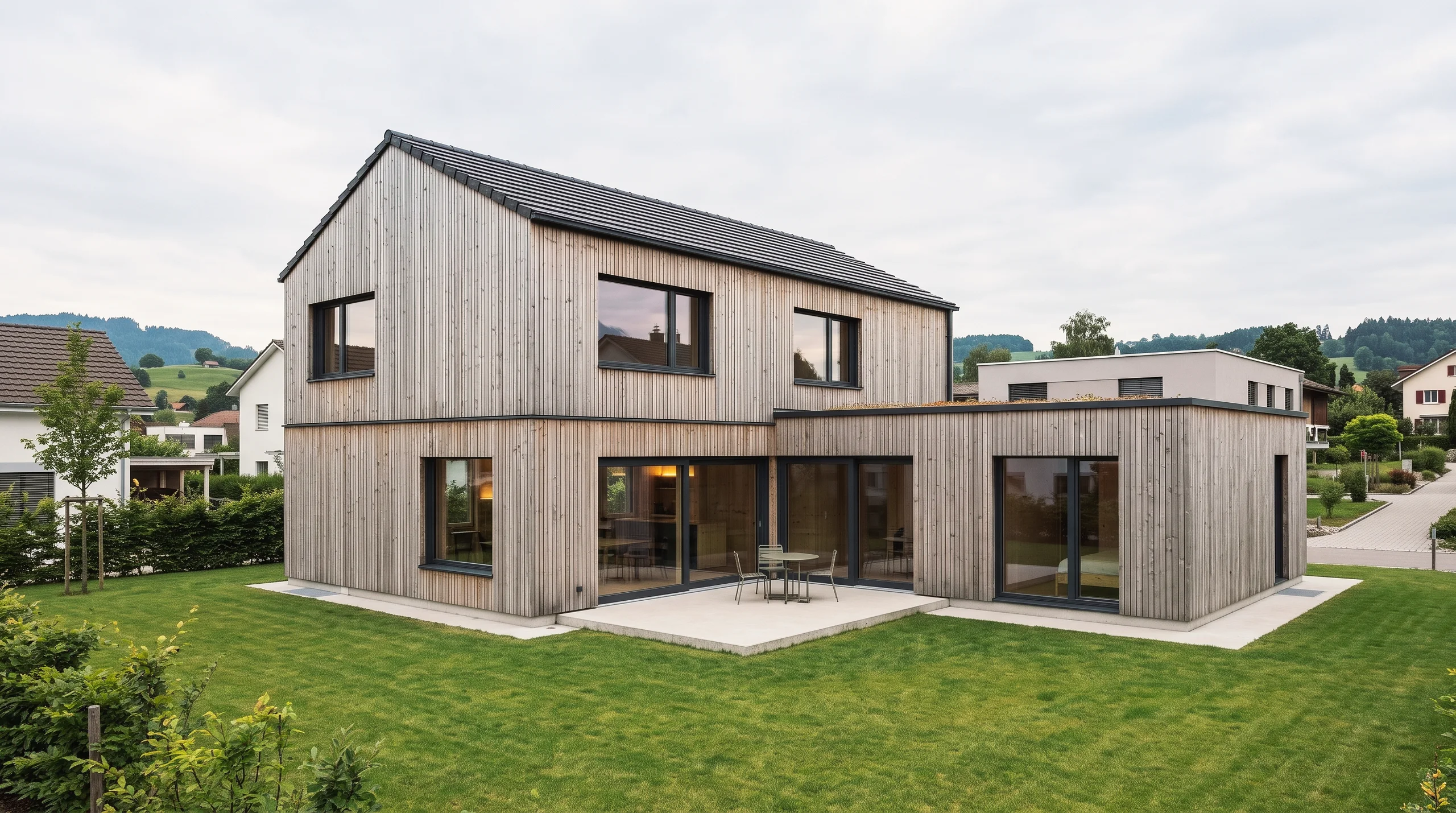
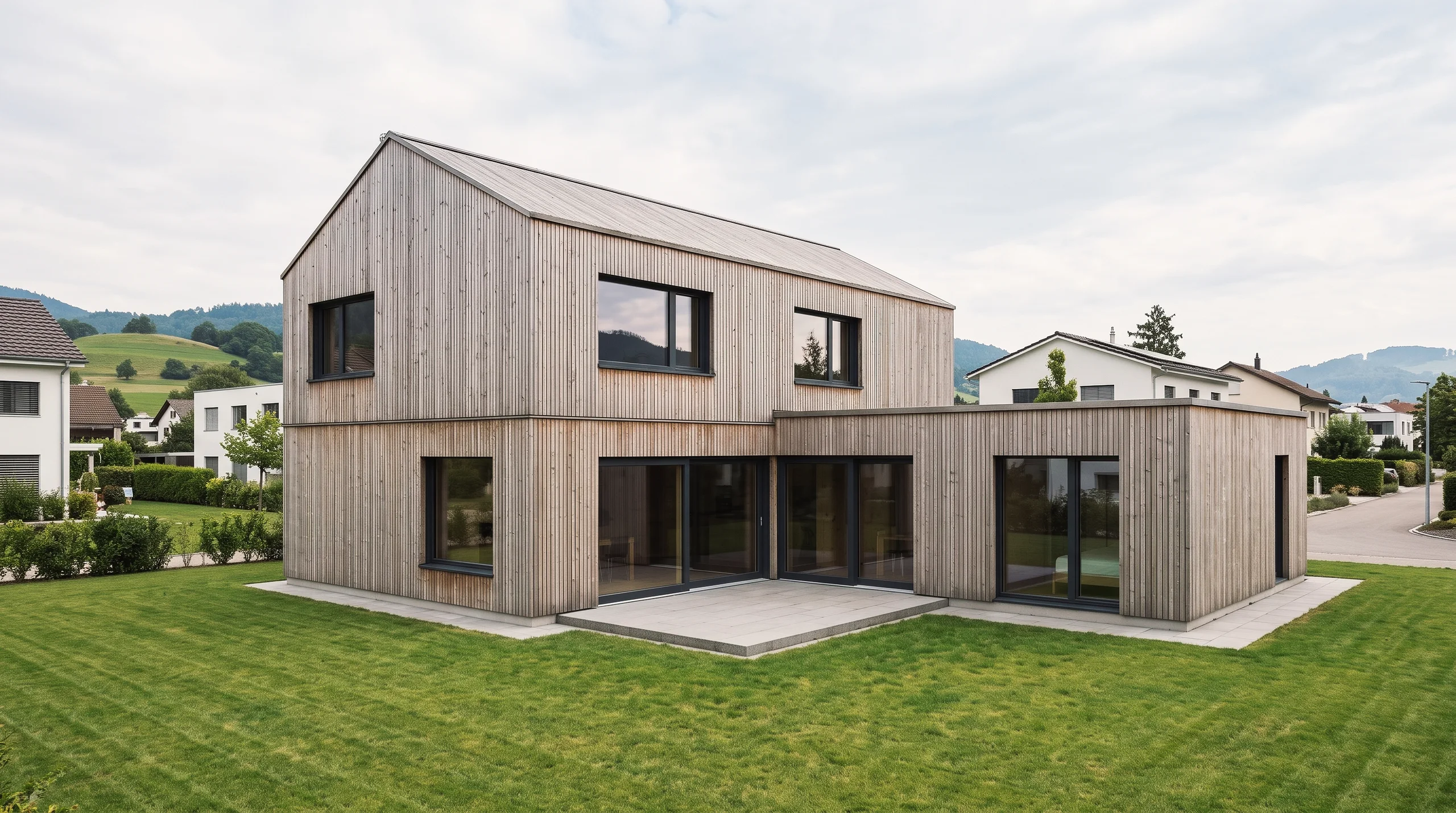
Prompt for sketch with reference.
Entered exactly like this. Copy it and adjust the location, house and material.
Modern house with a timber facade as in the reference, quiet village. Do not change the perspective or the architecture.
The Prompt Agent is set to Automatic. When you click Generate, it works this short text into a detailed prompt in the background.
Tips for better results.
Your text does not have to be perfect: when the Prompt Agent is set to Automatic, it works out your short description when you generate.
If you want to develop the prompt yourself, open the Prompt Agent with one click. There is a separate video on this.
Set the number to two images. This gives you a choice right away and shows whether the description was understood correctly.
Reach your goal in a few steps. Each further edit builds on the last image, and with each step the quality can drop slightly.
TranscriptTranslated from the German voiceover. click a timestamp to start the video there
Questions about sketch with reference.
You upload the line drawing as the source image, add a reference image for the facade material and briefly describe what you have in mind. After you click Generate, a photo of the house is created in the perspective of the drawing.
Related videos and features.
The feature in detail and the next videos.
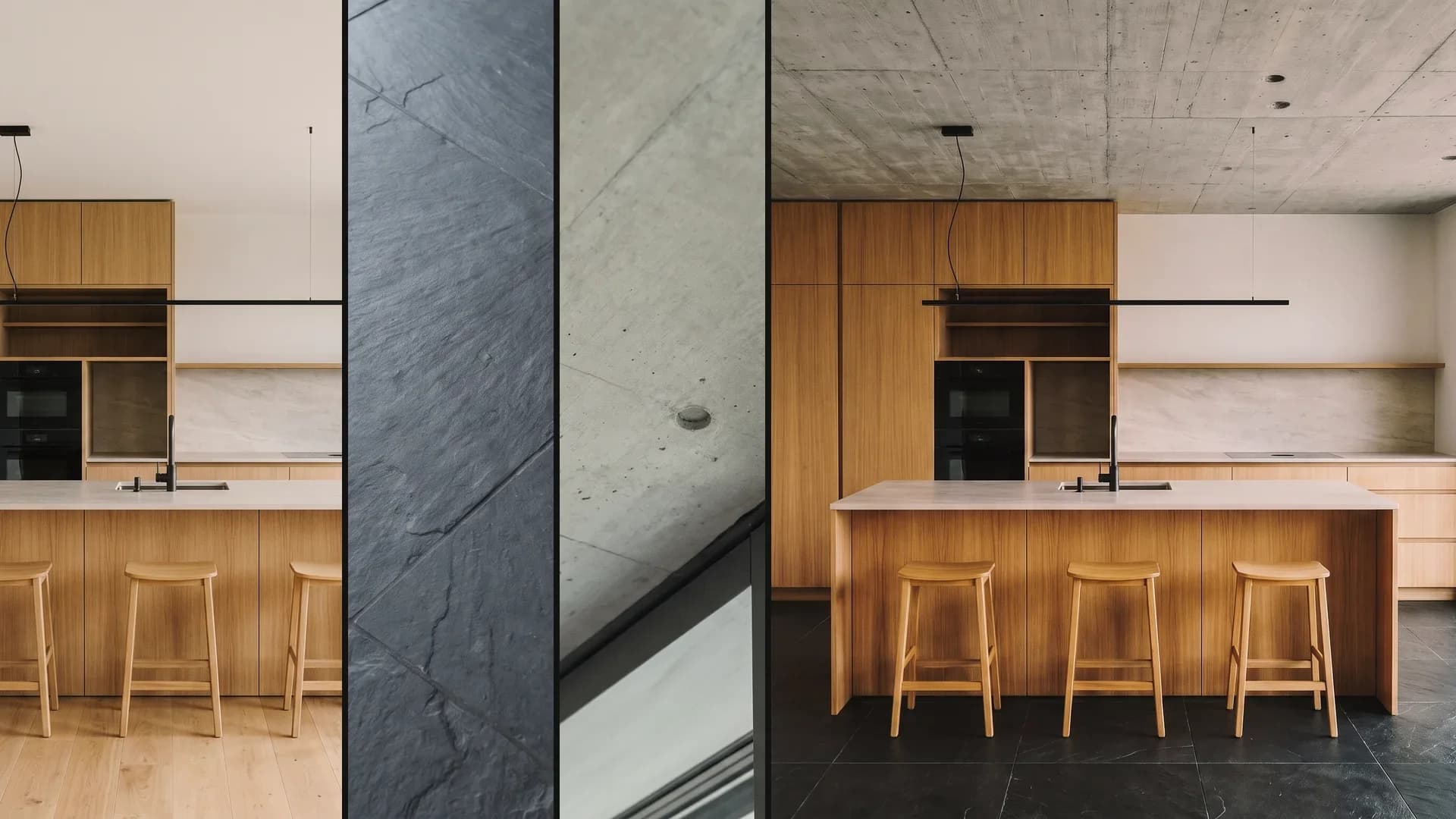
Sketch with reference: interior visualization
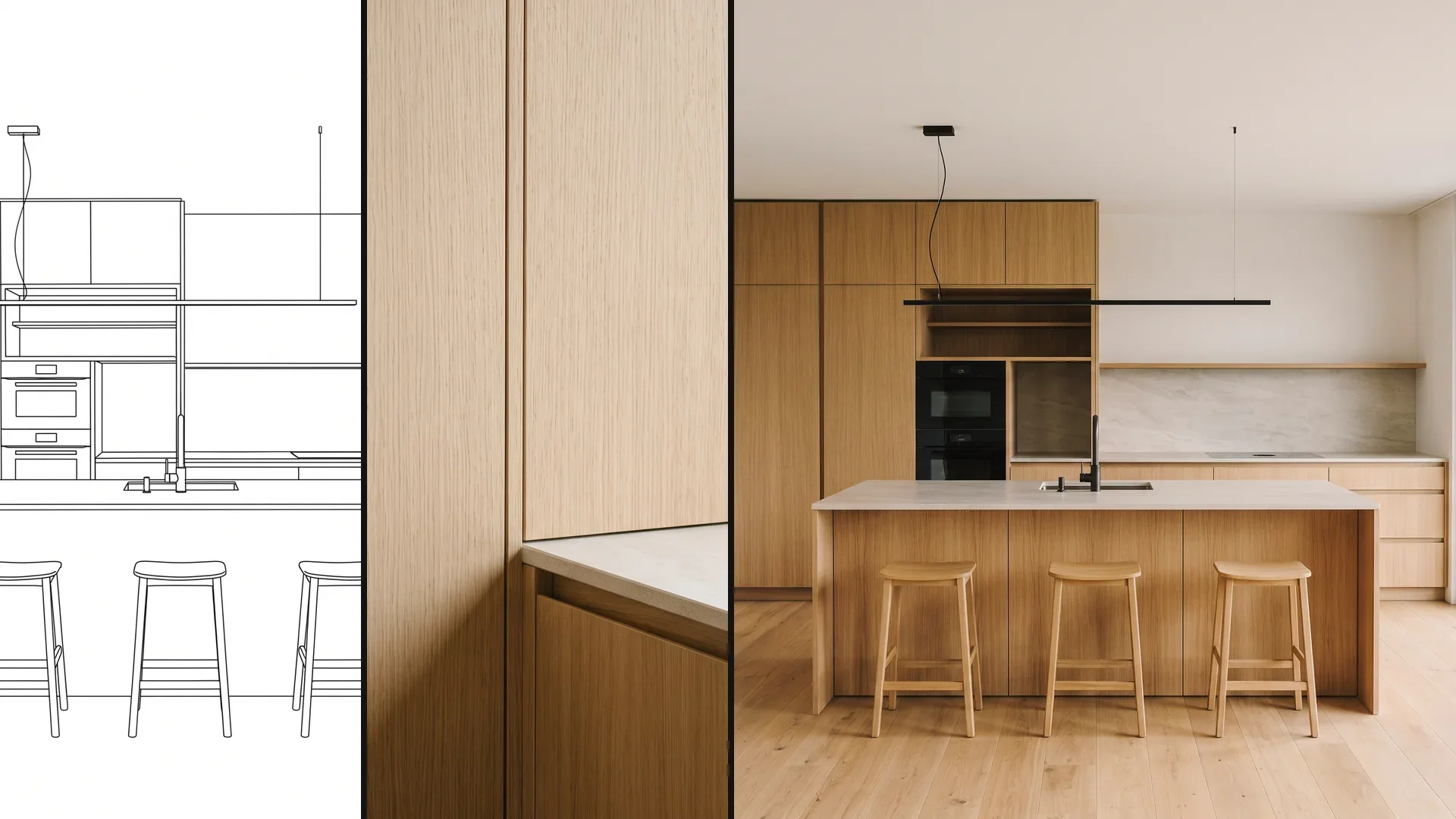
Create a photo of the finished room from a sketch of a kitchen-living room and a reference image for oak and stone.
Material study: exterior visualization
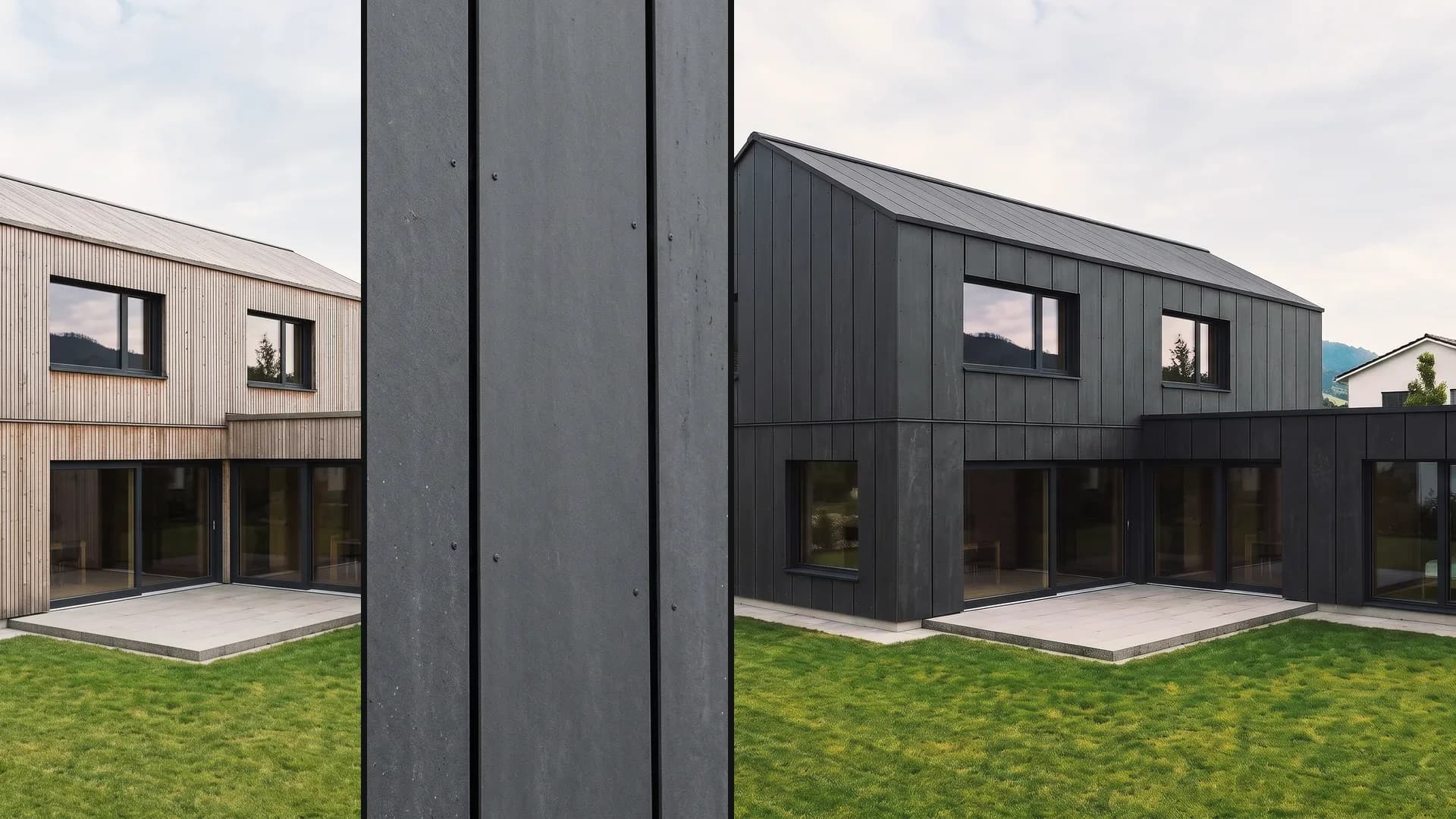
Change the facade of a house in a photo to a new material using a reference image, while the building and perspective stay the same.
Material study: interior visualization
Change the floor and ceiling of a room in a photo in one step using two reference images, while the room stays the same.