The brief decides
Whether and how AI-assisted visualizations are allowed is set by the competition brief. Some procedures require a declaration. Check the requirements before submitting.
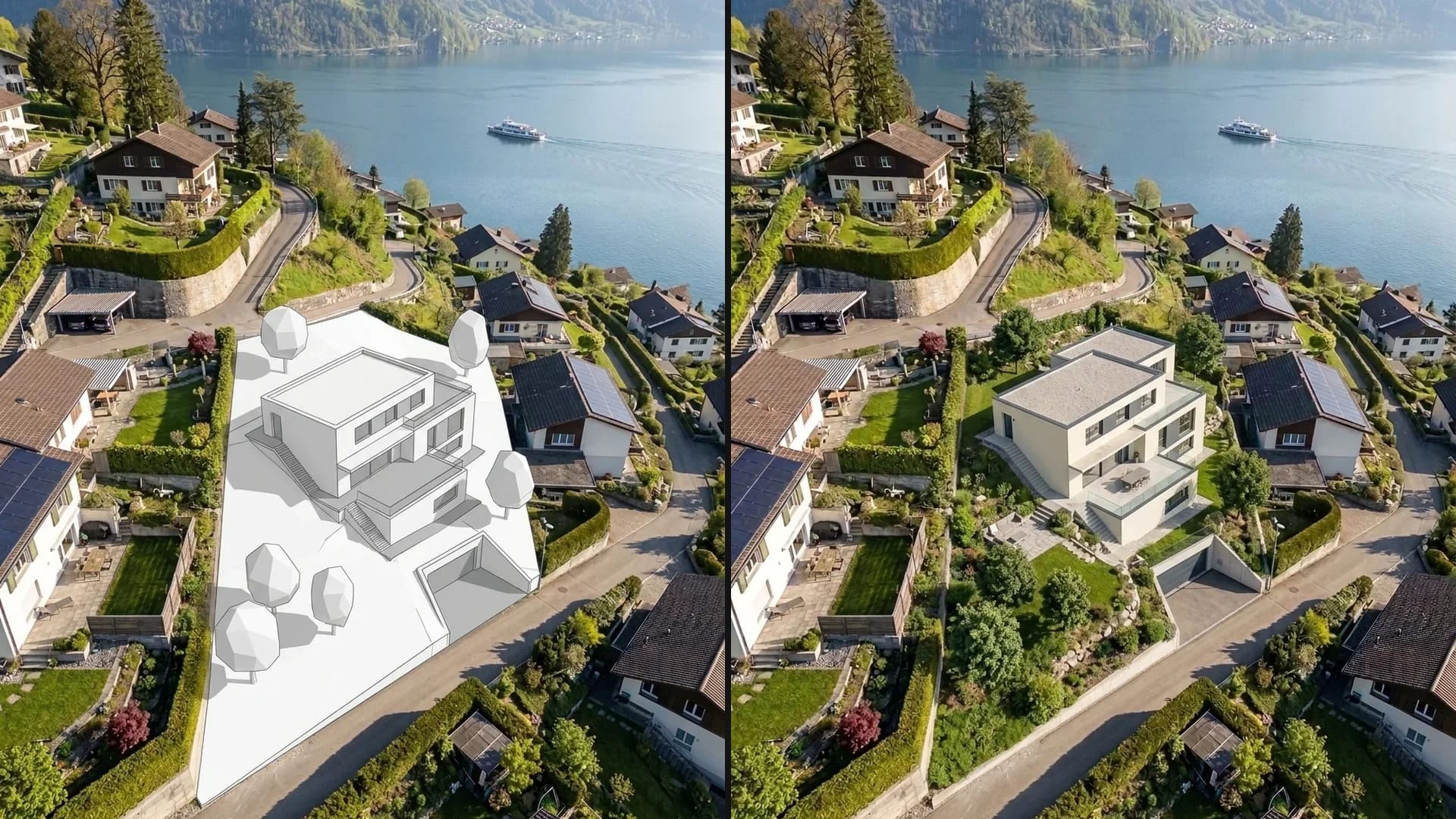
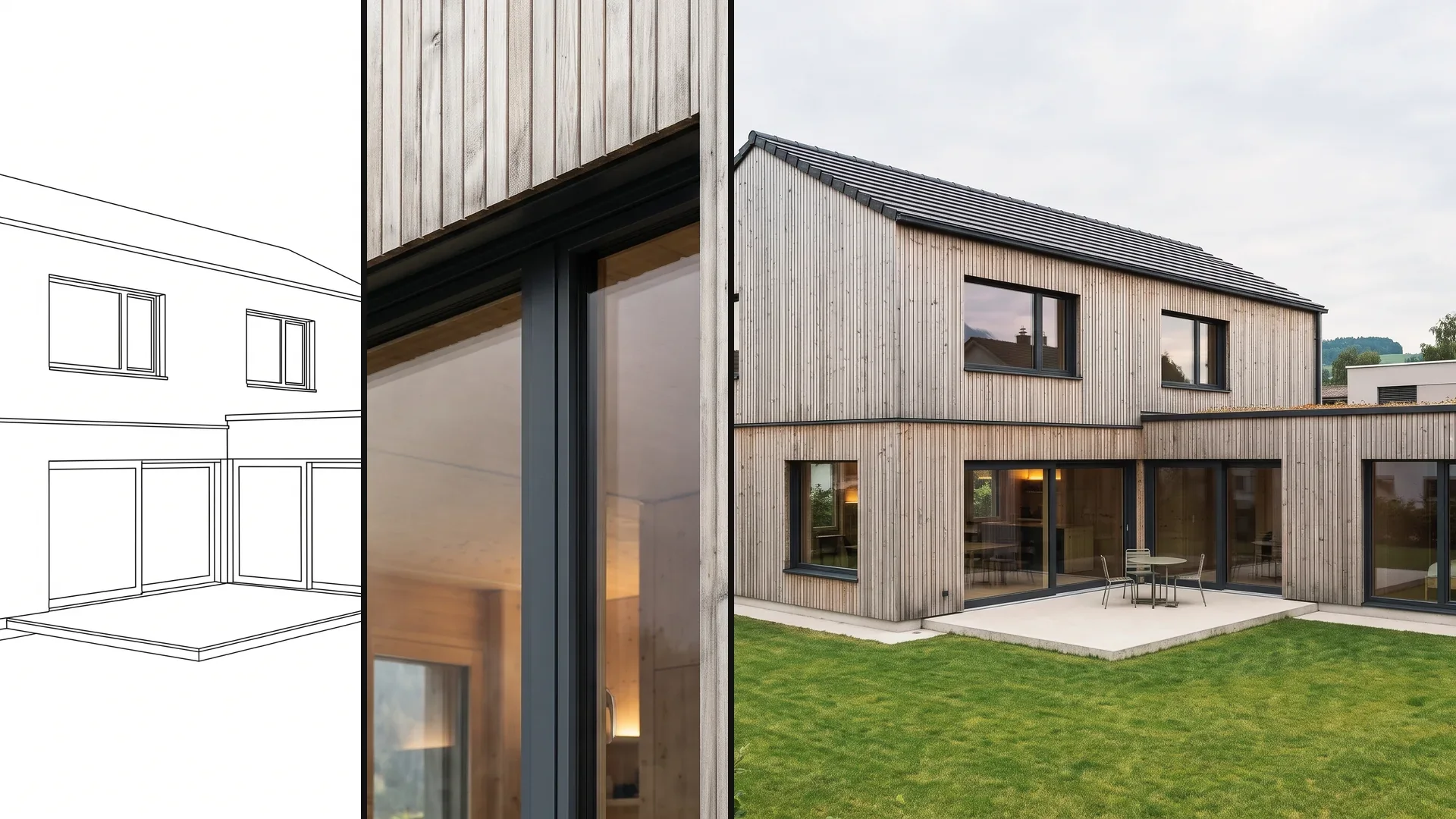
Show your entry from the sketch, the 3D model or the CAD export – in fog, at blue hour or in the interior. You decide which images carry the stance of the design.
6,500+ registered users in CH, DE and AT.Over 100,000 visualizations in the first year.


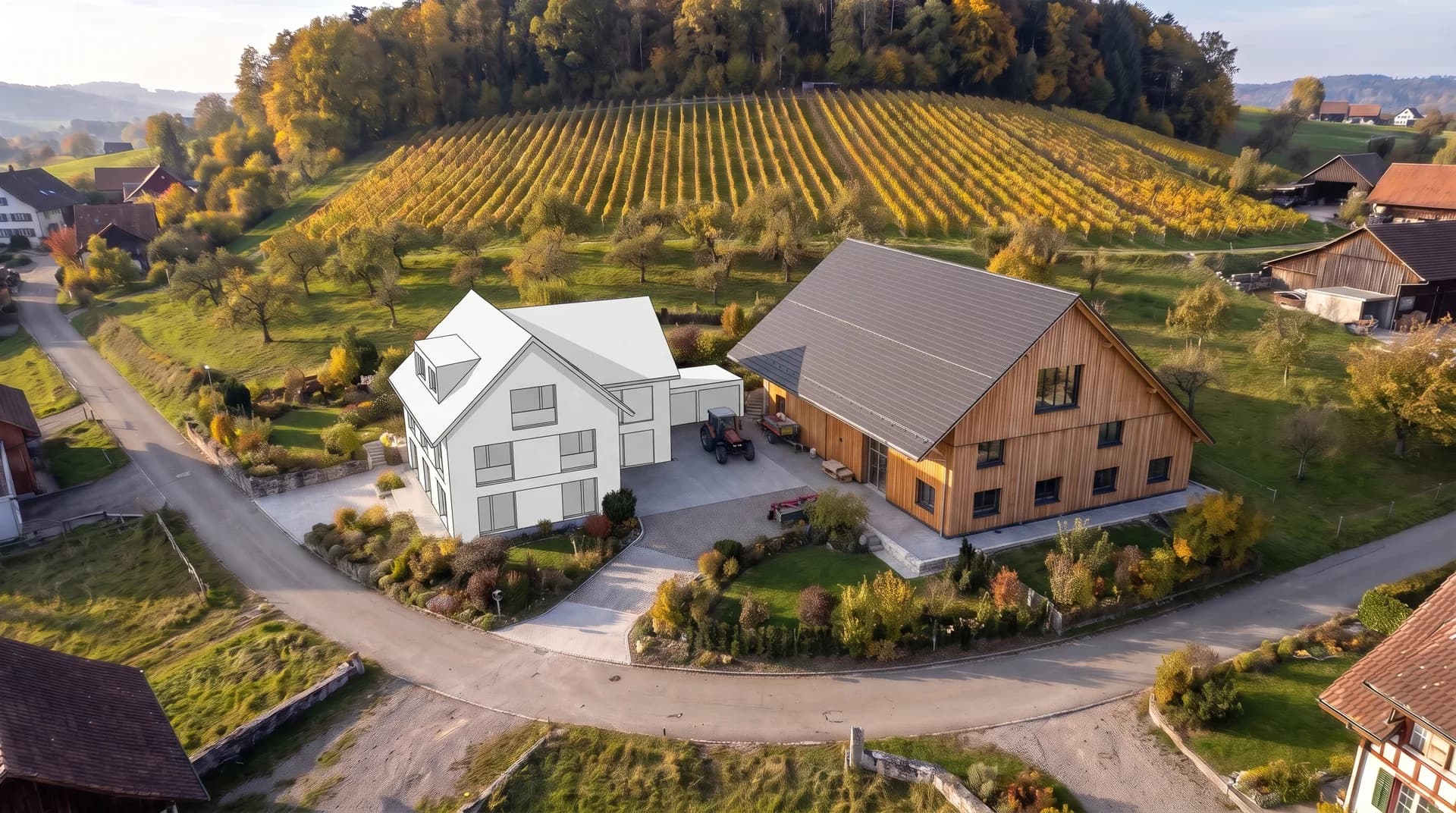
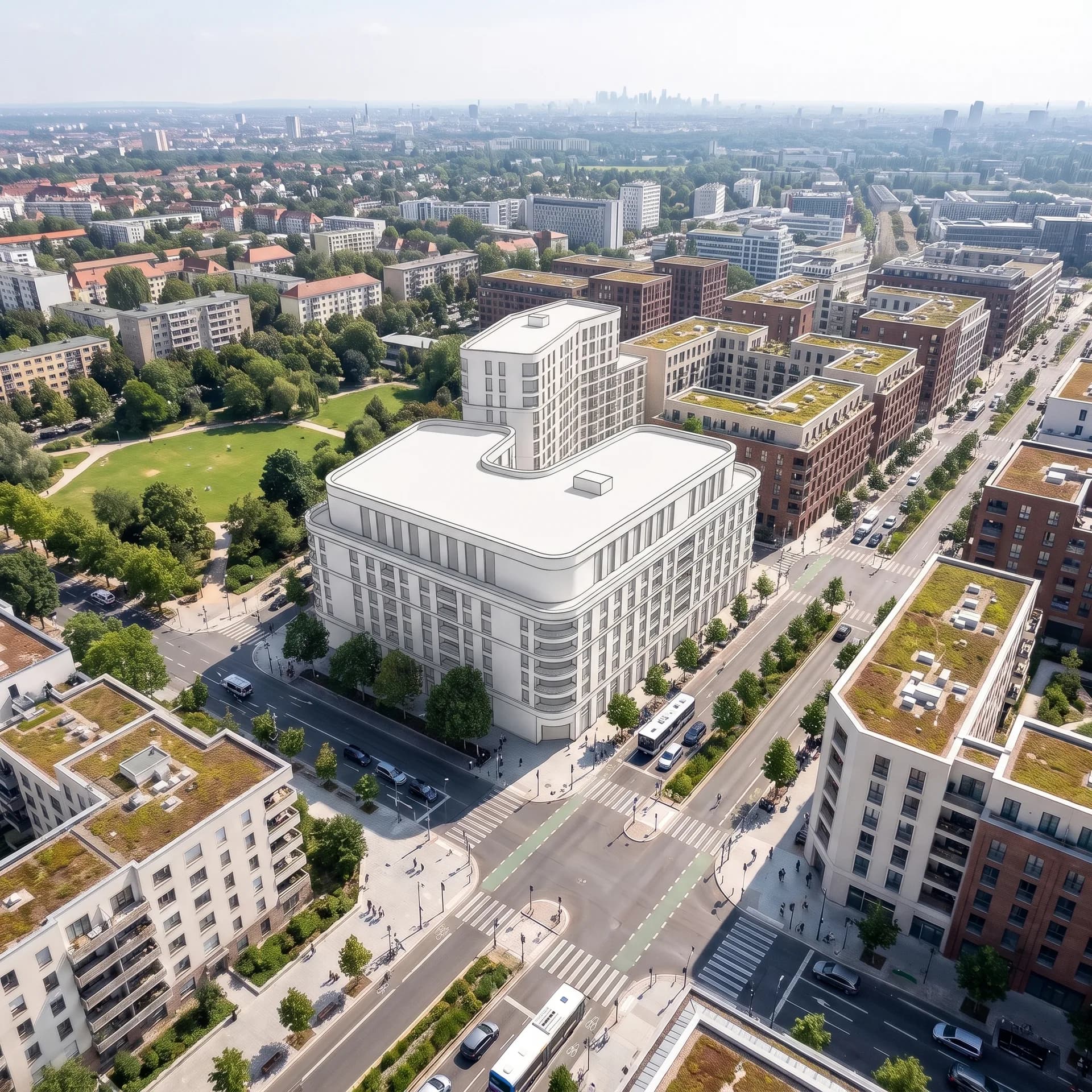
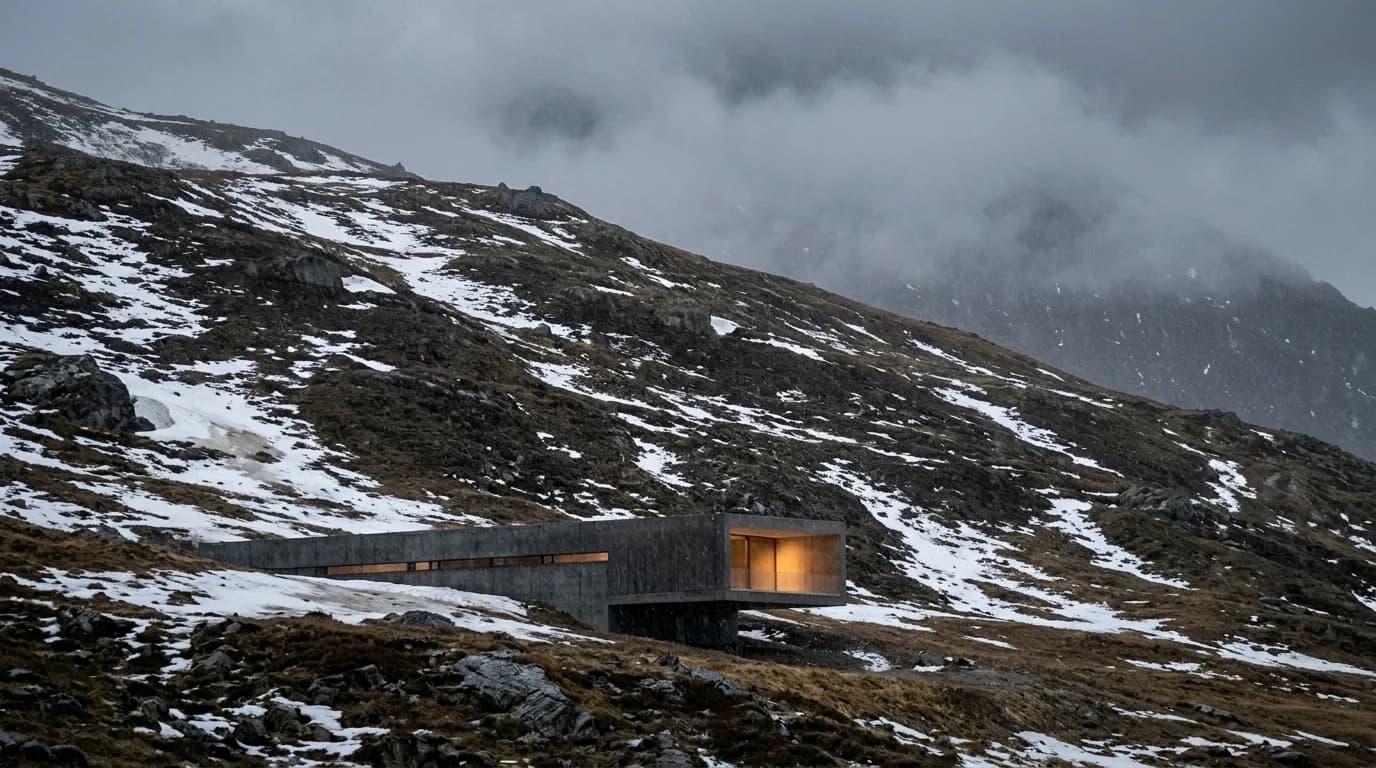
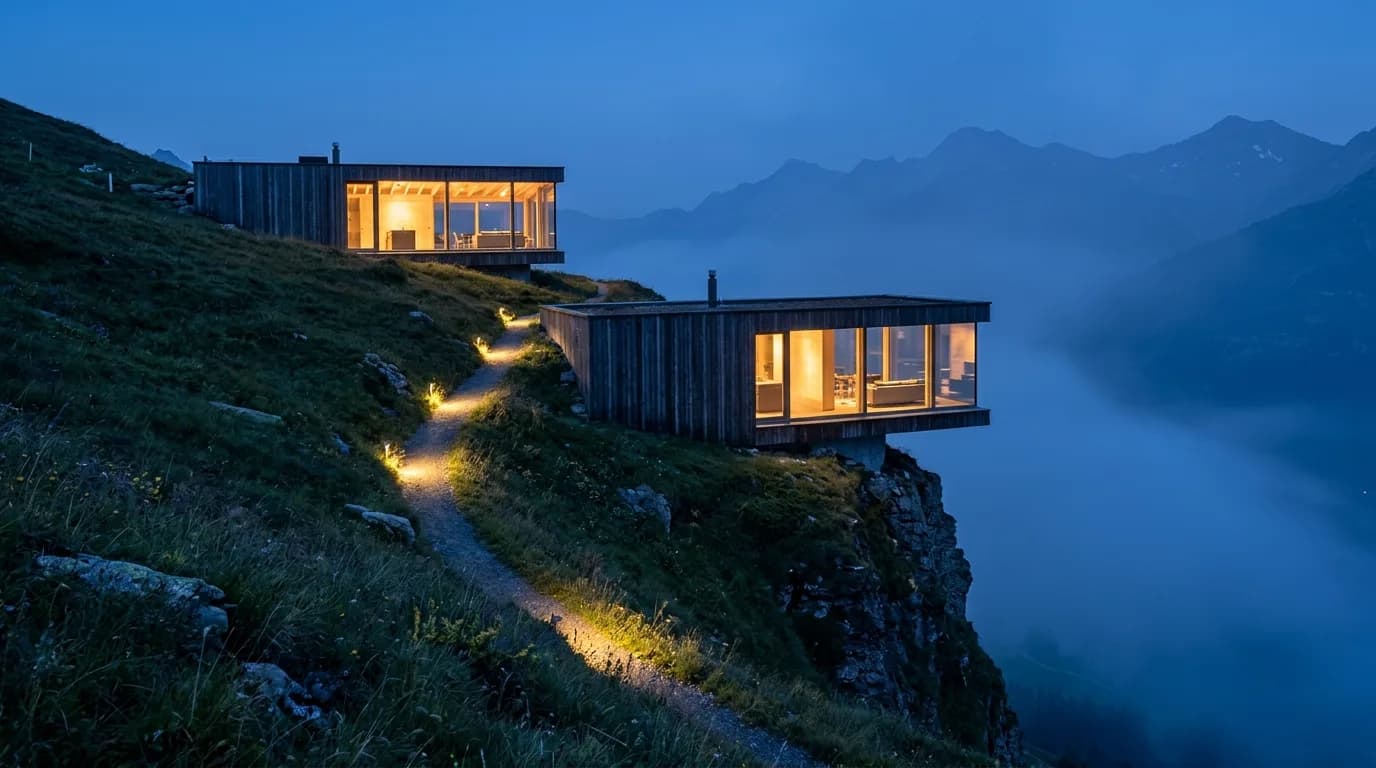
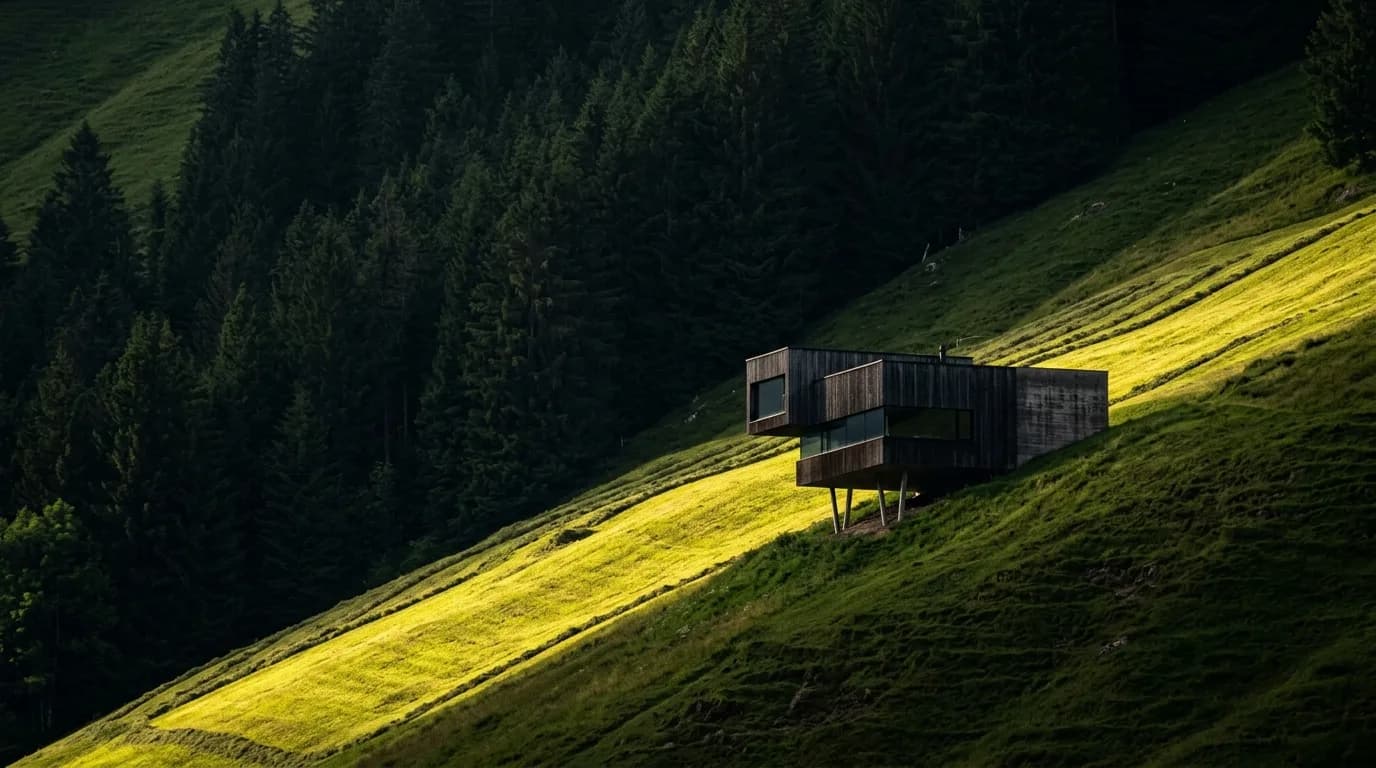
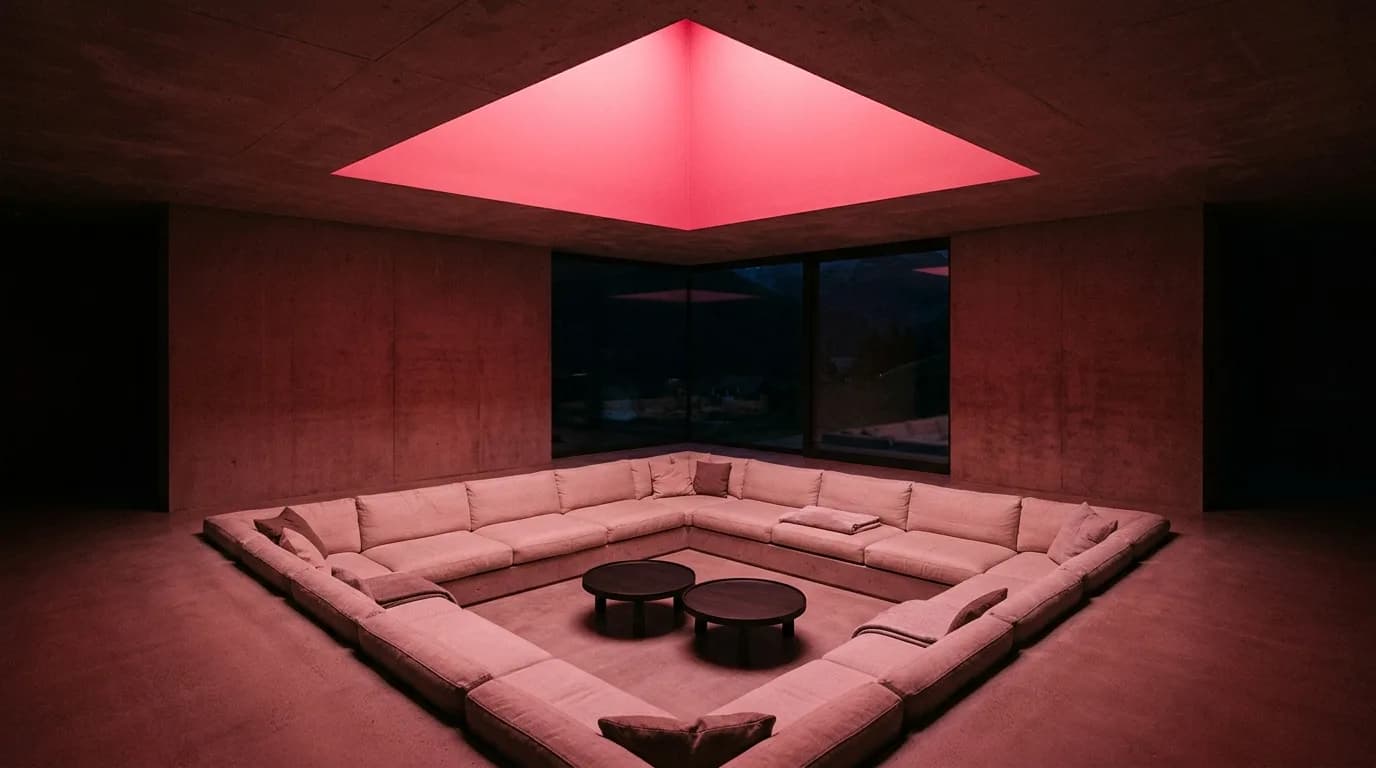
From the first line to the atmosphere for the jury: click an example to see it in its variants.
01
A white volume between vineyard and barn, alongside the visualized house with larch and lime plaster. That way you show the entry at the scale of the place.
02
The rounded corner building as CAD massing, visualized and at night: that way you show how the entry shapes street and square.
03
Fine fog, muted colors and the architecture clearly in the foreground. Alongside, the same villa in sleet and as a white model.
04
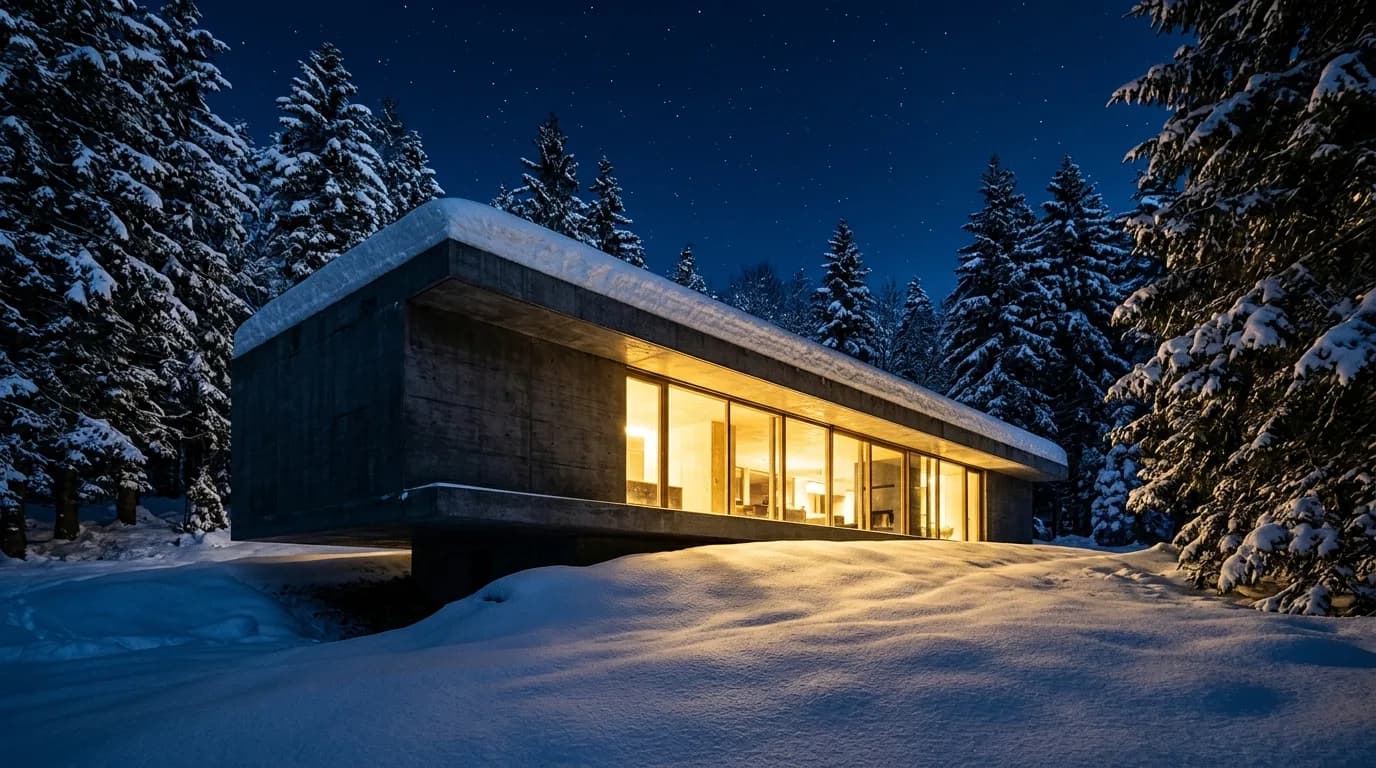
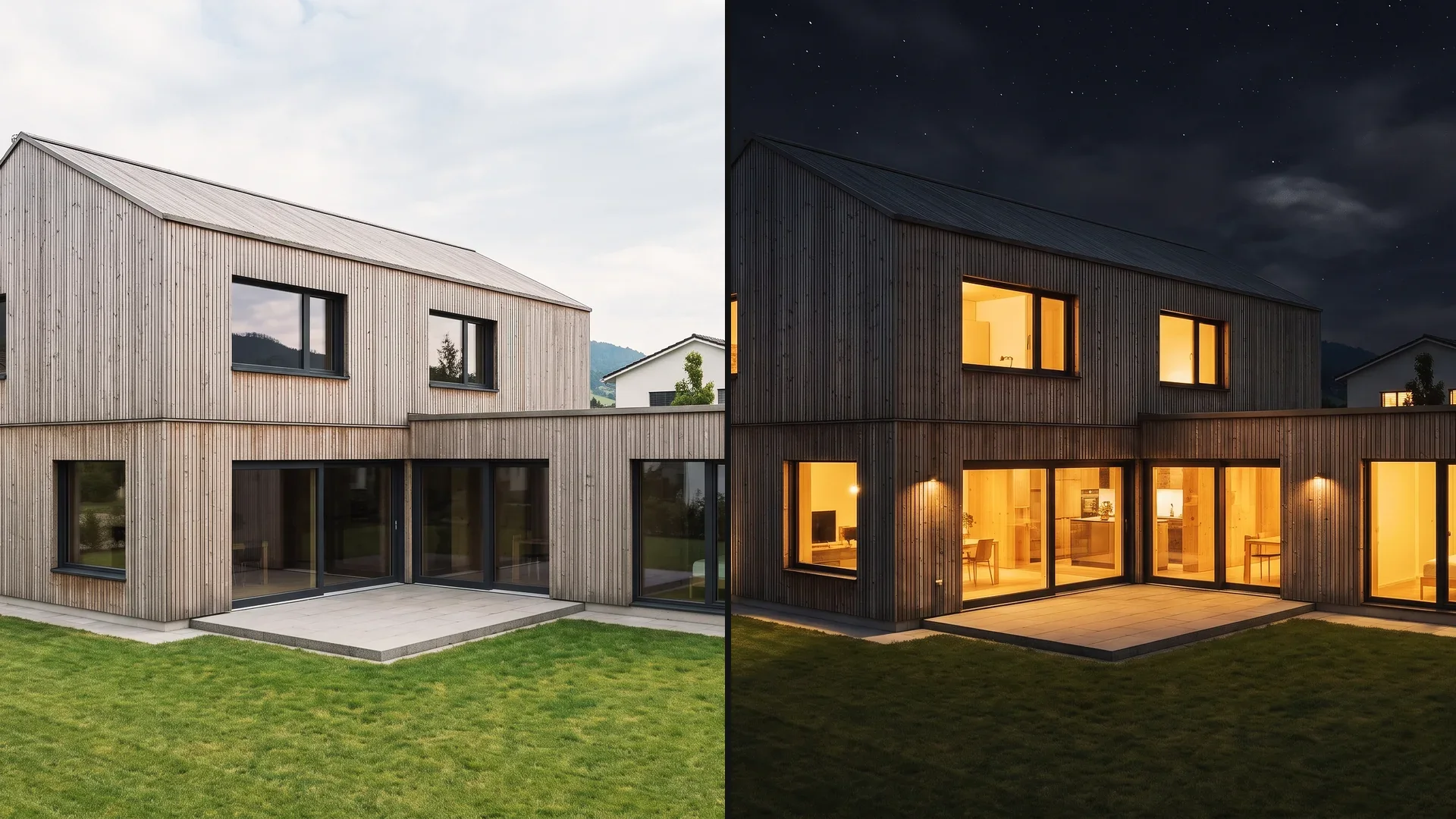
At blue hour, windows and path glow; in the morning the terrain shows. Choose the time of day that best explains your entry.
05
A strip of evening sun guides the eye to the house on the slope. In early winter and as a white model, you see how volume and topography work together.
06
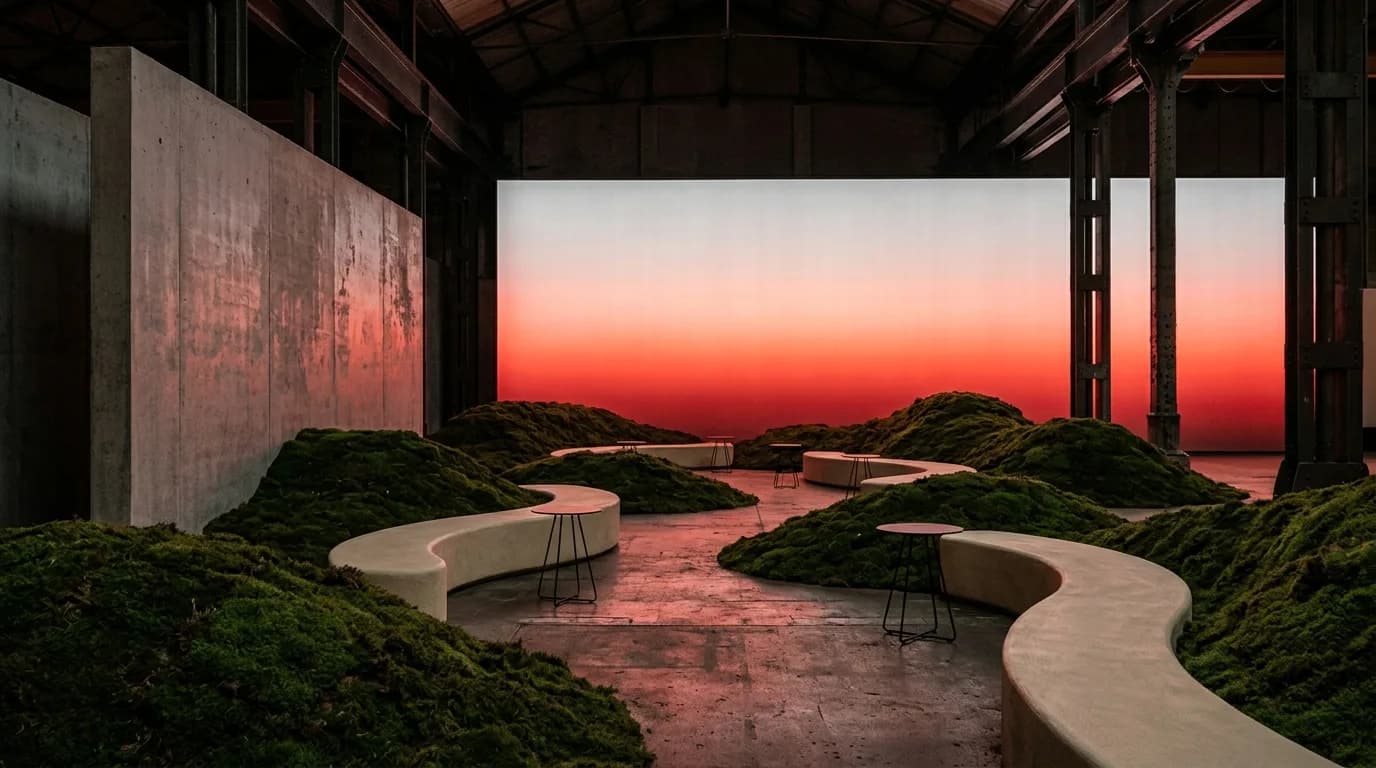
Many briefs require an interior alongside the exterior view. Show the mood of the space in colored light, in daylight or as a white model.
Each image in its variants: weather and season, fog, other colors and materials, white model. Click an image to see the variants.
How Vizera accompanies a competition entry – from the first volumes to the images on the boards.
Concept
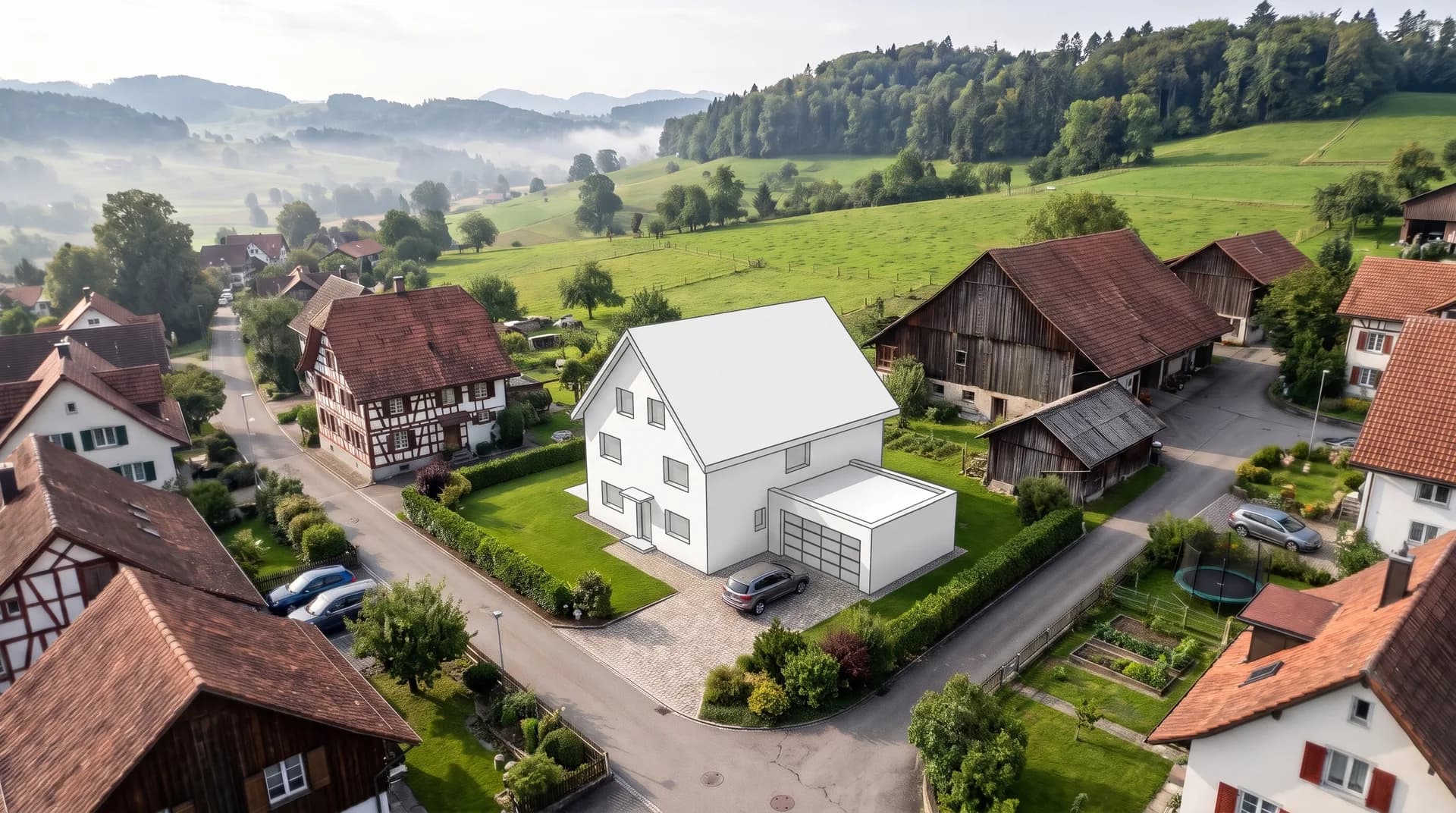
Show the first volumes from a sketch or model on the site. The team discusses the siting on the image before the floor plans are worked out.
Variants
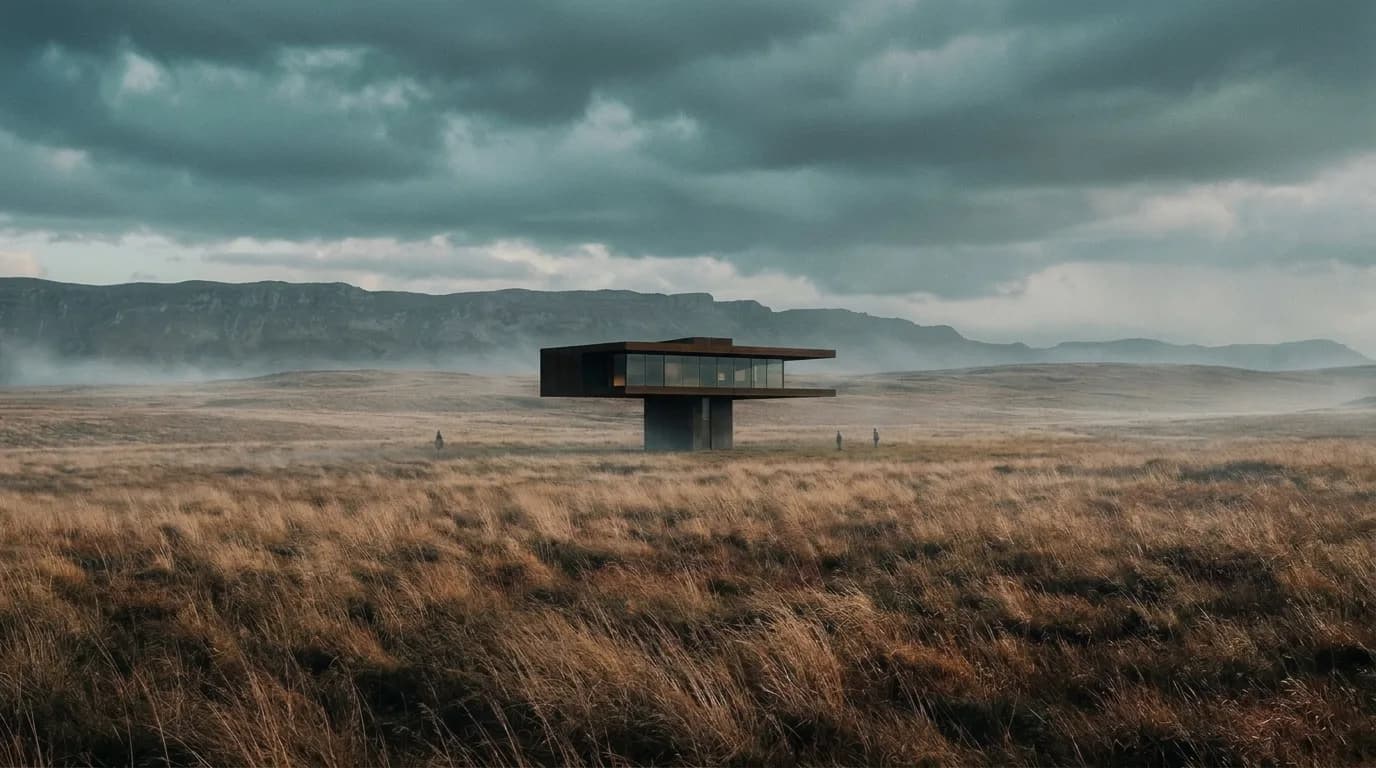
Dusk or morning light, fog or clear view: you compare moods on the same image and choose the presentation that suits the stance of the design.
Submission
Keep light and color consistent across all images of the entry and increase the resolution with Upscale. You decide which images go on the boards.
Further development
If the entry moves on, you work the jury's recommendations into the same image – with Masking, precisely where the design changes.
Mark an area, show material or style with a reference image, and collect the variants in Boards. Here's how it looks in the app.
01
Mark the area that should change – such as the sky, the surroundings or a facade panel. The marked area is recalculated; outside the mask the image may lose a little sharpness.
02
Show material or style with a reference image. The result interprets the sample.
03
Place the images of an entry side by side in Boards – from the first study to the selection for the boards. That way the team decides together.
How design firms, students and developers create competition images with Vizera.
Visualize competition entries from the first volume to submission, in your own office.
Show student competitions and semester projects with images that suit their stance.
Show interiors for competitions and presentations in the right room mood.
Prepare entries from investor competitions and study commissions for marketing and decision-making.
Try the workflow with a project of your own first. Free is for non-commercial testing. For competition entries and client projects, choose a paid plan.
Annual payment: 12-month term.
For Testing
Free of charge
200 Credits
up to 40 images, depending on model and resolution
Costs less than one external visualization
CHF 1'440/ year
equivalent to CHF 120 / mo
With monthly billing: CHF 150/ mo
Save CHF 360 per year
4'000 Credits
160–800 images or 10–13 videos, depending on model and resolution
excl. VAT · Annual payment: 12-month term
Native 4K and enough credits to never count
CHF 3'168/ year
equivalent to CHF 264 / mo
With monthly billing: CHF 330/ mo
Save CHF 792 per year
10'000 Credits
400–2'000 images or 25–33 videos, depending on model and resolution
excl. VAT · Annual payment: 12-month term
Depending on model and resolution. Subscription credits reset monthly and are used first; purchased credit packs are valid until the end of the third calendar year after purchase.
A convincing image also has to hold up in everyday design work. In Vizera Labs, we test AI models and editing methods on architecture and interior images – with documented comparisons, measurable criteria and human evaluation.
Are volumes, openings and proportions from the sketch or model preserved? We compare the images with the source and check which details are preserved or changed.
A new sky should not quietly change windows and roof. We measure what happens inside and outside the marked area during local edits.
How close does the result come to your material sample? We compare reference image and visualization and assess how color, surface and material character carry over.
First the facade, then the light, then the furnishings: we examine how image structure, sharpness and colors change across several editing steps.
More pixels don't automatically mean better detail. We compare upscaled images in close-up and check for convincing structures, smoothing and unwanted textures.
Which model suits which task? We compare models on shared test tasks and evaluate image quality, processing time and cost as the basis for our product choices.
Internal Vizera tests. Results apply to the documented tasks, models and settings. You'll find the test scope and limitations with each study.
The visualization supports the entry. Your plans and the brief remain authoritative for the jury.
Whether and how AI-assisted visualizations are allowed is set by the competition brief. Some procedures require a declaration. Check the requirements before submitting.
During generation, windows, edges and small details may change, even when the design is meant to stay the same. Correct such spots with Masking or start a new generation.
Vizera creates images, not plans: the image does not show binding dimensions and replaces neither floor plan nor section. Your plans remain authoritative for the assessment.
How the individual tools work and what firms and businesses use them for.
Short videos on this topic: follow along step by step in your account.
Answers on source images, competition rules, print, image series and collaboration.
Vizera works with your 3D model, uploaded or sent from Archicad, or with a hand sketch, a line drawing or an image export as JPG or PNG up to 5 MB. Export 2D plans such as DWG or DXF as an image first. What is already right in the model, the image does not have to invent.
200 Credits free, once on sign-up. No credit card, no installation.
