Cookie Settings

We use cookies to improve your experience, analyze traffic, and support our marketing activities. You can accept all, reject non-essential, or customize your choices. Cookie Policy and Privacy Policy.

All systems running well
Skip to main content

Stable Diffusion or Vizera?

Stable Diffusion is an open image model you run yourself: on your own graphics card, with ComfyUI or another interface, with ControlNet for geometry – as much control as someone in the office wants to build and maintain. Vizera is the ready-made workflow in the browser: your image, Masking, Boards, location and Archicad plugin. If you enjoy the setup, stay with your own pipeline.

6,500+ registered users in CH, DE and AT.Over 100,000 visualizations in the first year.

  • Google for Startups
  • NVIDIA Inception Program
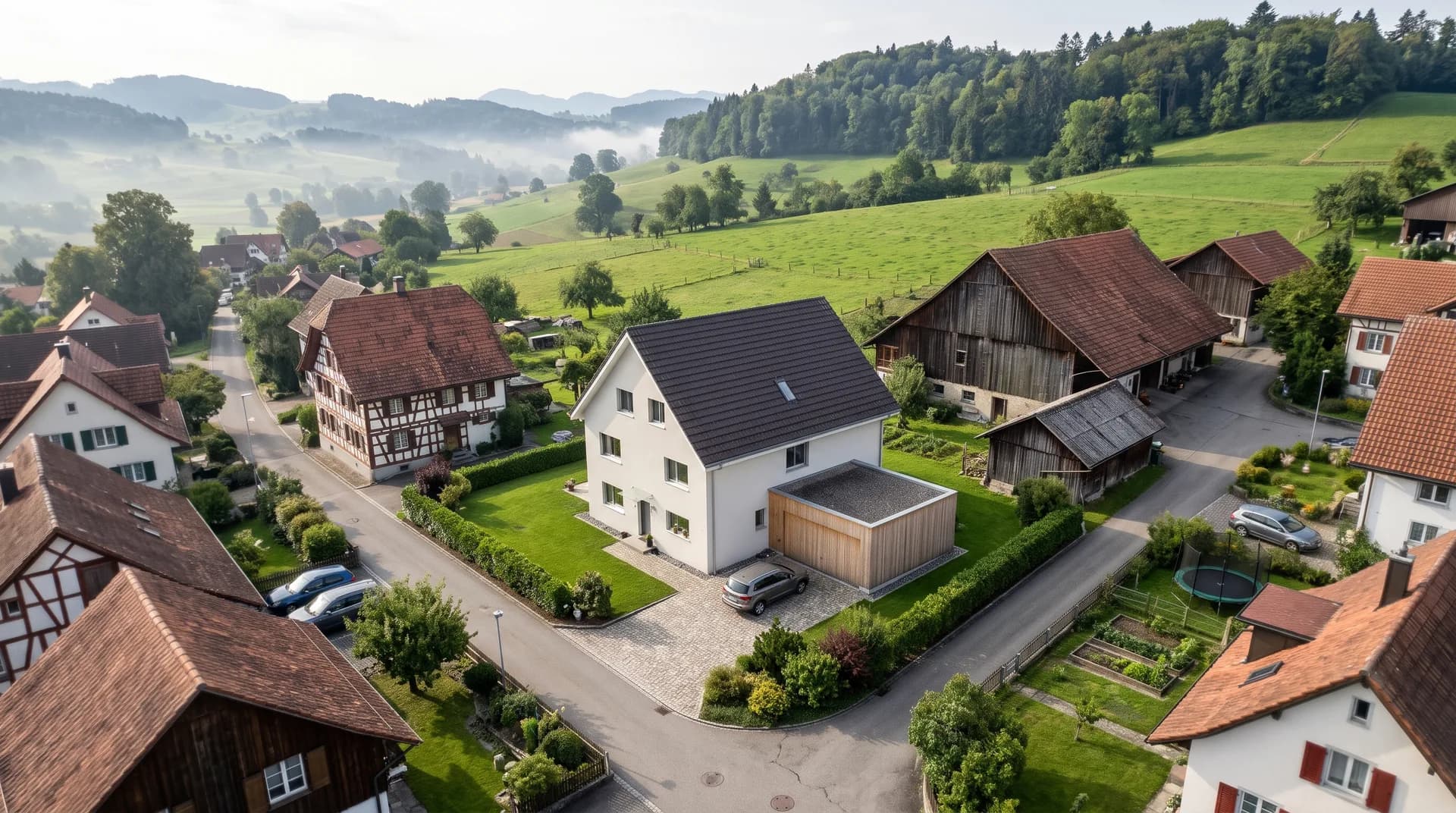
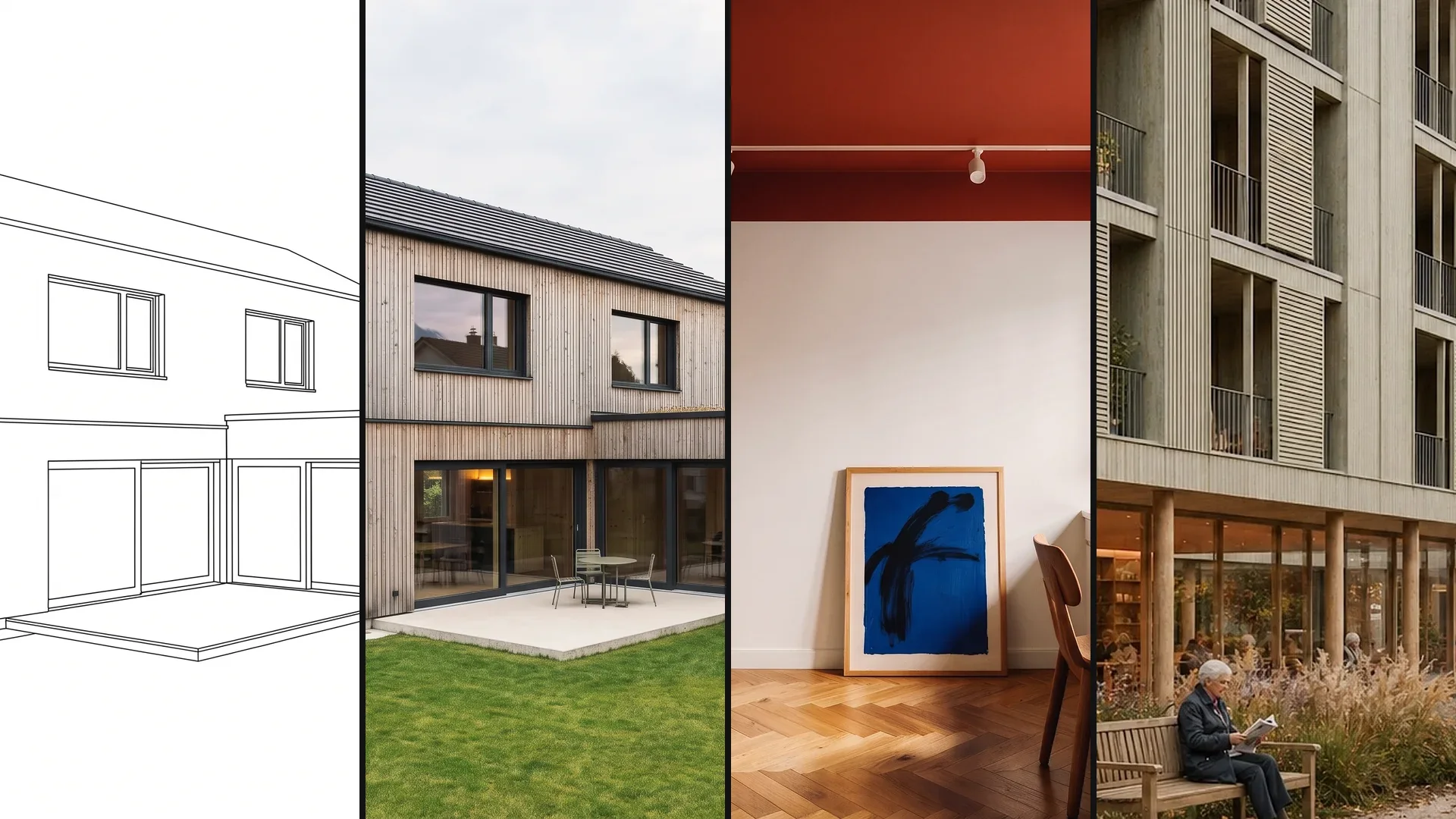
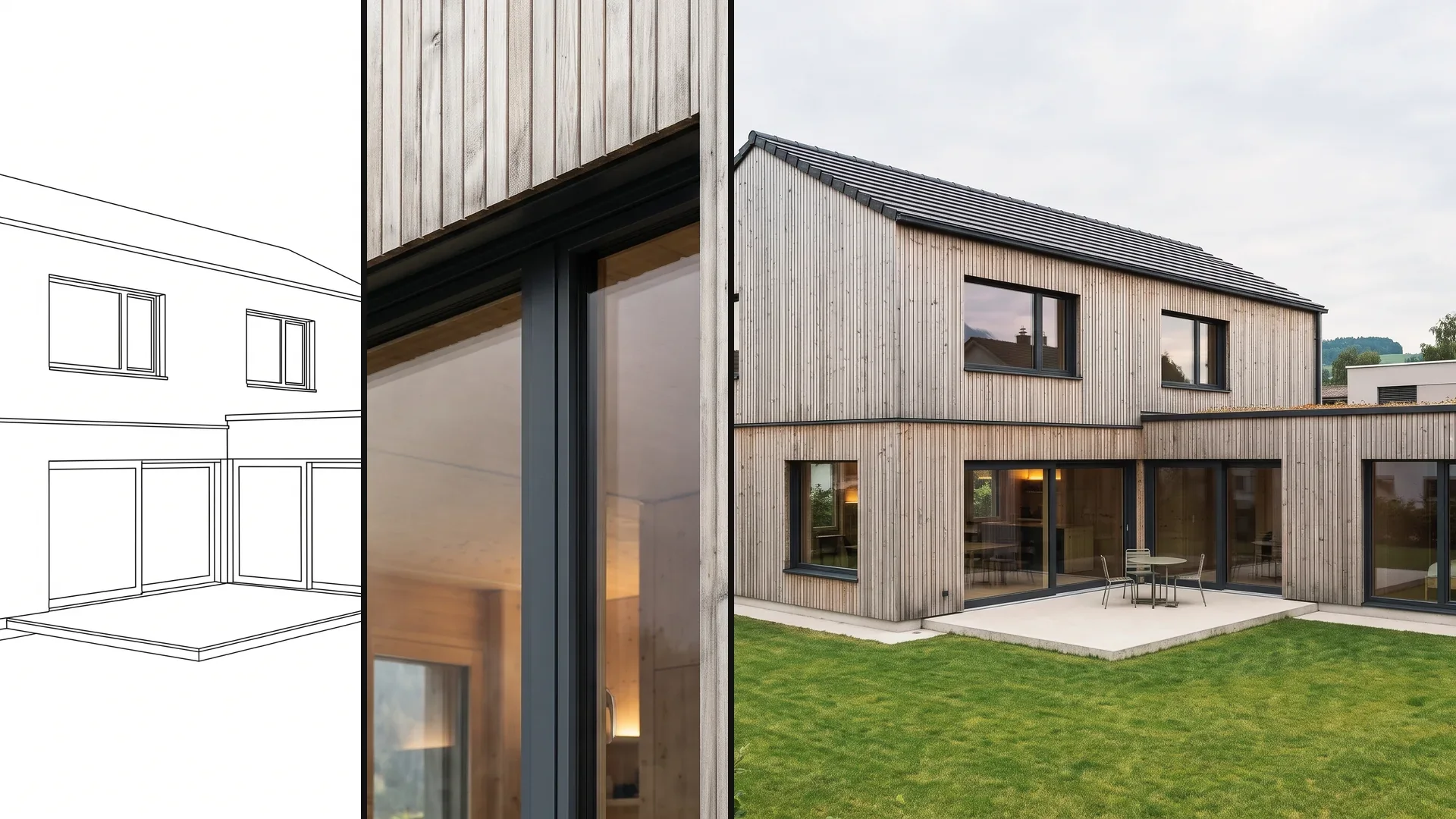
Single-family house between farmhouses at the edge of a village – visualized, as CAD massing and with larch and render.
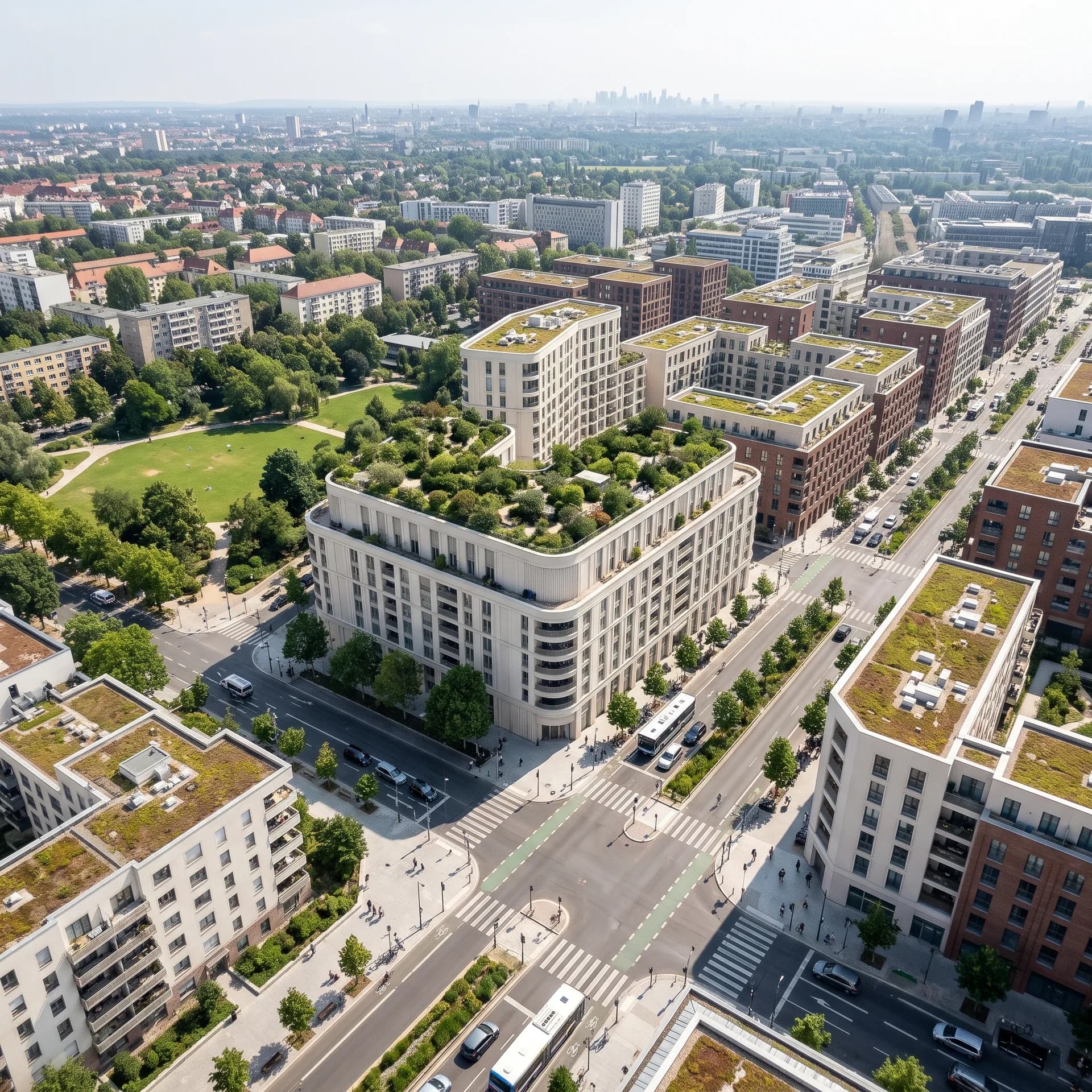
New urban district with a round corner building from high above – visualized, as CAD massing and at night.
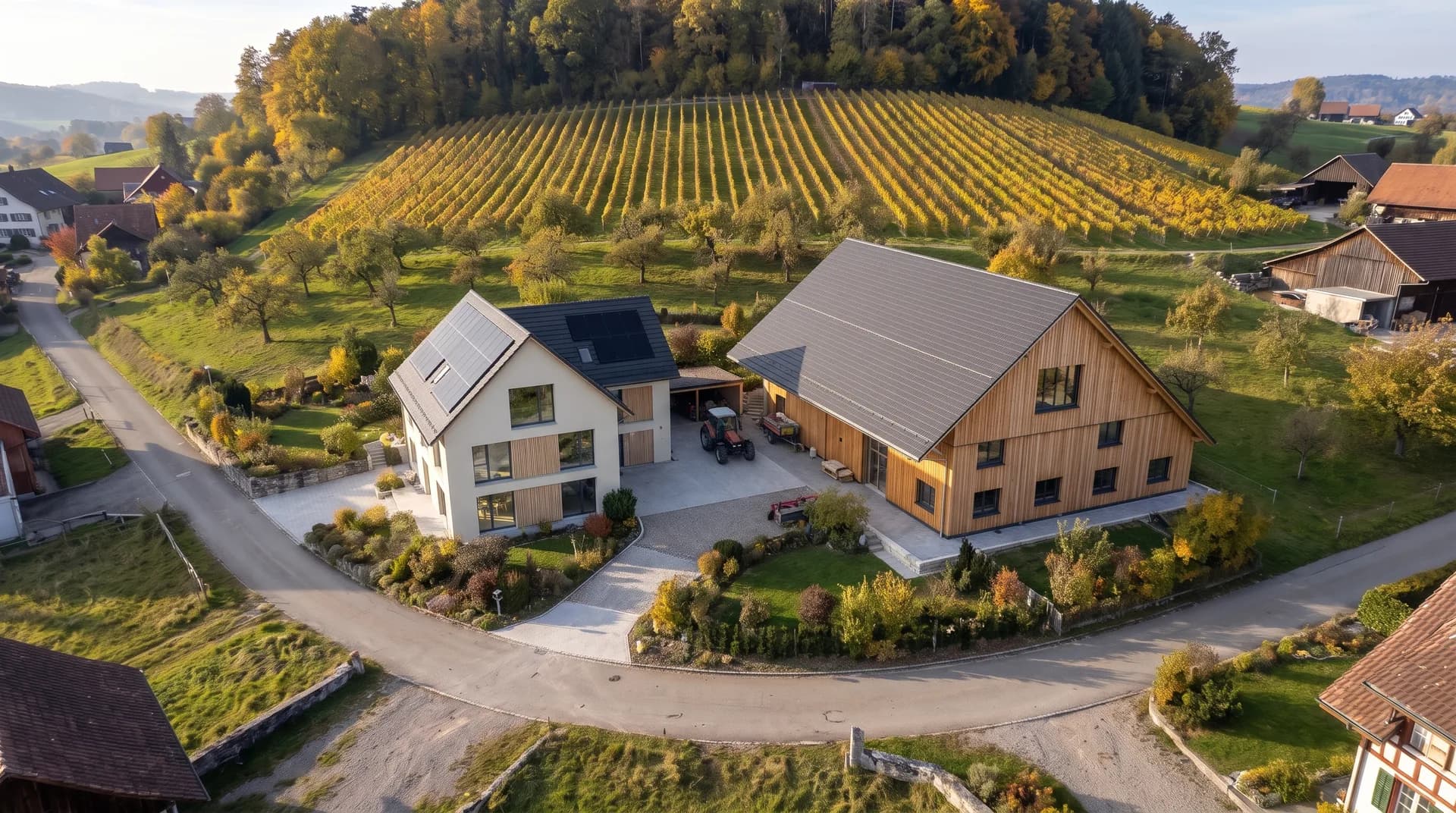
Single-family house next to a wooden barn in front of a vineyard – visualized, as CAD massing and in spring.
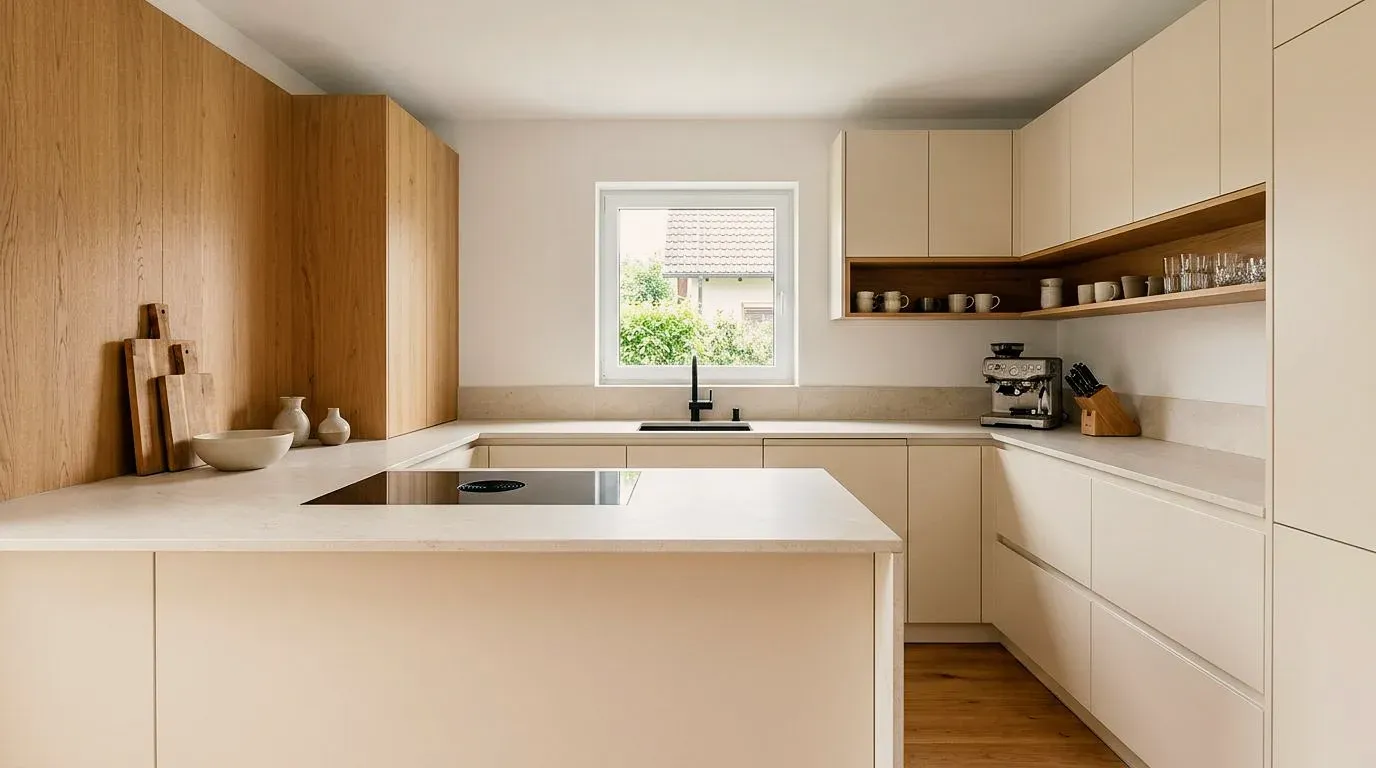
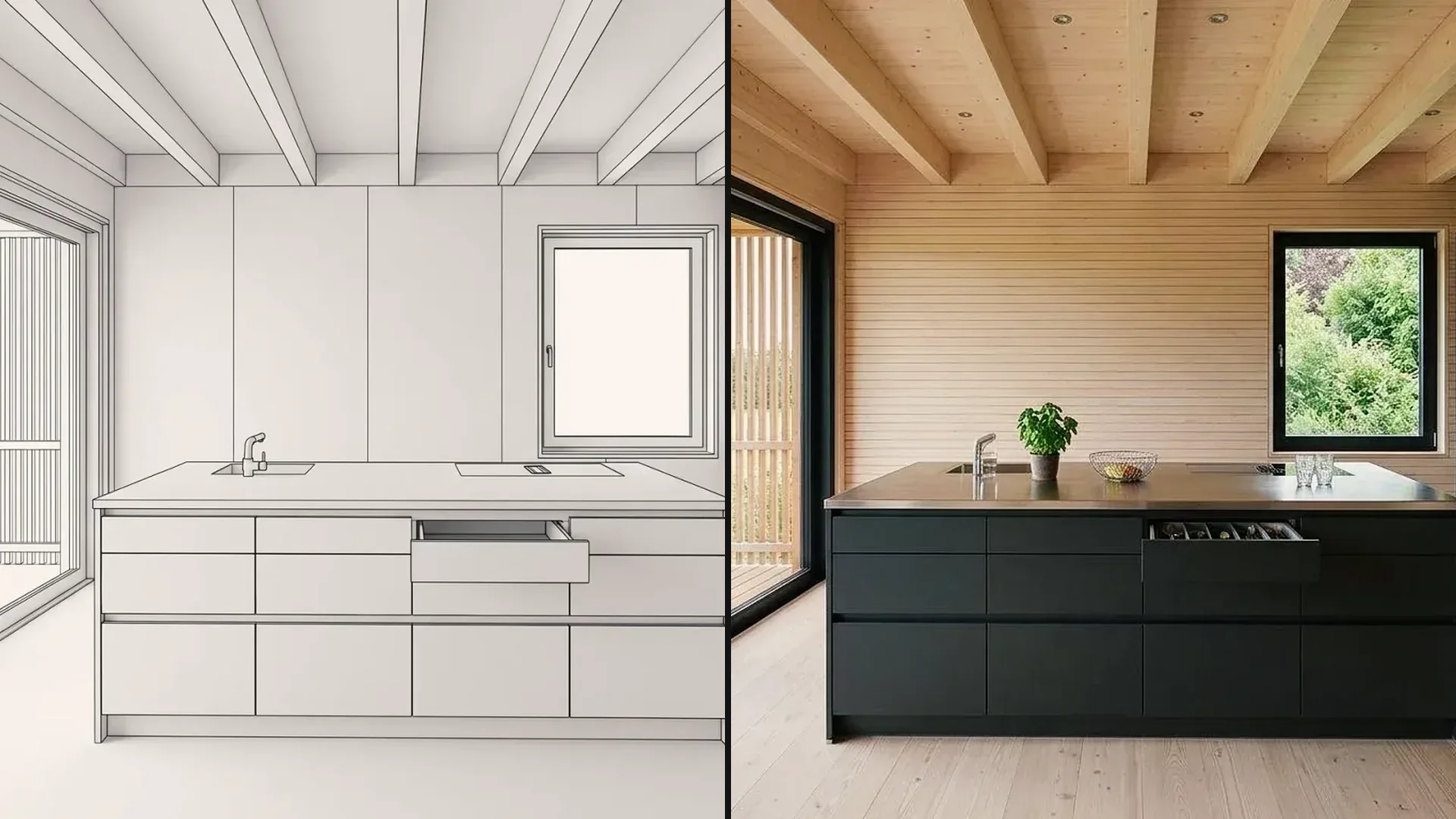
U-shaped kitchen with peninsula and a window above the sink – visualized, as a white model and in a material variant.
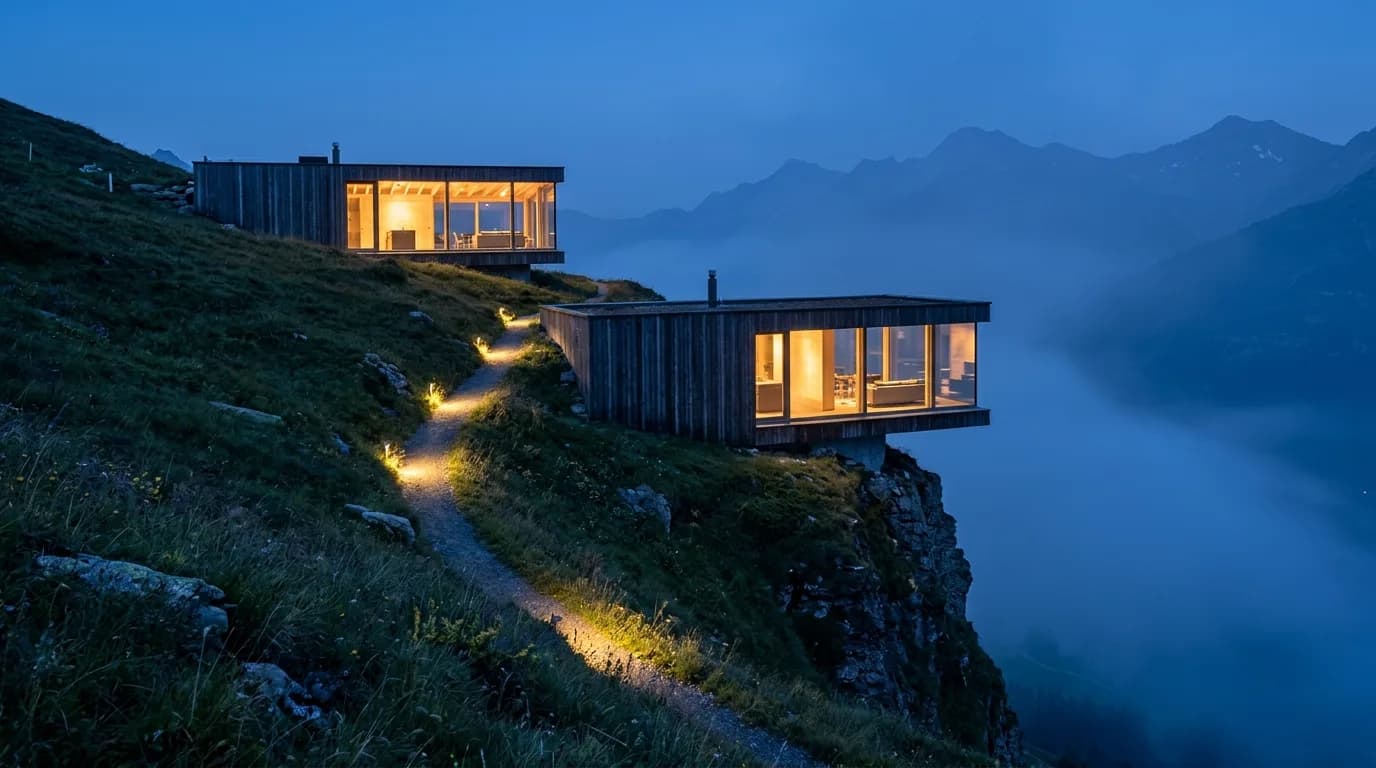
Two houses on a steep slope above the valley – at blue hour, as a white model and on a summer morning.

In short.

Which tool fits depends on whether someone in the office wants to run a pipeline – or whether the image should simply be there when the meeting starts.

Vizera, if nobody should maintain the pipeline

No model to download, no graphics card, no interface to set up: you upload your image and work – with Masking, reference images, Boards, location and Archicad plugin, on Mac or Windows. We test and switch models and providers for you.

Stable Diffusion, if you want full control

With ControlNet, custom workflows and locally trained adaptations, geometry can be guided more precisely than in any ready-made service – if someone masters it. The data stays on your own computer. In return you pay with hardware, time and a pipeline that has to be made to work again after every model change.

Both, if your practice has a technical person

Some practices run Stable Diffusion for special cases and use Vizera for everyday work, where clients, Boards and projects matter. Upload images from your own pipeline to Vizera and keep working on them.

Six criteria. No asterisks.

What you should check before building your own pipeline – with what we know about Stable Diffusion, and the date.

Input

Vizera: your image – photo, sketch, CAD or model export as JPG or PNG up to 5 MB, plus up to six reference images; from Archicad directly via the plugin. Stable Diffusion: text, images and control images (edges, depth, segments) via ControlNet – everything you prepare yourself.

Fidelity to the design

Stable Diffusion: very precise with ControlNet and suitable control images – that's the strength of your own pipeline. Vizera: with the 3D model in the viewer, geometry and details stay as modeled without control images; from a sketch or photo Vizera interprets, with Masking as a safeguard. How shape-accurate that is, we disclose in the Labs.

Setup and operation

Vizera: open an account, upload an image; runs in the browser on Mac, Windows and tablet, computing happens on our servers. Stable Diffusion: your own graphics card with enough memory or a rented machine, an interface such as ComfyUI, models, extensions and updates – looked after by someone in the office.

Editing

Vizera: Masking, reference images, material, time-of-day and season changes on the same image; versions in the project, Boards for the meeting. Stable Diffusion: inpainting, upscaling and every conceivable extension – as building blocks you connect into a workflow yourself.

Confidentiality

Stable Diffusion locally: your images never leave the computer – that's unbeatable if you run it. Vizera: projects private in your account, hosted in Europe; Vizera does not use your images to train its own generally offered models; what each model provider may do is set out per provider in the privacy policy – the default Google model excludes training use under its API terms.

Price and license

Vizera: 200 Credits free at sign-up, no credit card; Basic from CHF 120 per month on the annual plan with 4'000 Credits, Pro with 10'000 Credits. Stable Diffusion: models free under Stability AI's Community License, including commercially, up to USD 1 million in annual revenue; above that an Enterprise license (as of October 2026) – plus hardware and working time.

Information on Stable Diffusion based on Stability AI's website and license, as of October 2026; models, licenses and interfaces change frequently. Stable Diffusion is a trademark of Stability AI.


From the design. In Vizera.

Three designs as they come out of CAD, and what Vizera makes of them – no pipeline, no control images. Click an example to see the versions one after the other.

01

Massing in the village

The CAD massing between farmhouses, visualized with white render, then with larch and gray render – the neighborhood remains the photo.

Massing in the village – Visualization

02

District from the air

The urban district as CAD massing, visualized and at night – one export, three images for competition and public participation.

District from the air – Visualization

03

House by the vineyard

From CAD massing to visualization and into spring – showing how the design fits into its surroundings.

House by the vineyard – Visualization

Made with Vizera. From model to image.

White models and CAD massing and the visualizations created from them. Click an image to see the versions.

From Stable Diffusion to Vizera. In three steps.

Switching costs no data: your design stays in your CAD, your previous images are ordinary files.

Prepare the design as an image

Upload your 3D model or send it from Archicad with the plugin; otherwise photograph the sketch or export a view as JPG or PNG up to 5 MB. No control images needed.

Upload and describe

Describe the facade, time of day and environment in plain language or provide up to six reference images. If only one area should change, mark it with Masking.

Reuse previous images

Upload images from your own pipeline as a source image or reference and keep working in the project – change material, mask partial areas, compare in Boards.

What does Vizera cost by comparison?

Test the workflow first with one of your own projects. Free is for non-commercial testing. For use in client projects, choose a paid plan.

Annual payment: 12-month term.

Free

For Testing

Free of charge

200 Credits

up to 40 images, depending on model and resolution

Get Started
  • Non-Commercial Use

Basic

Costs less than one external visualization

CHF 120/ mo

With monthly billing: CHF 150/ mo

Save CHF 360 per year

4'000 Credits

160–800 images or 10–13 videos, depending on model and resolution

Get Started
  • 1 User Seat
  • Max. 4 parallel generations
  • 1–2K resolution (4K with upscale)
  • Unlimited projects
  • Commercial License

excl. VAT · Annual payment: 12-month term

ProMost popular

Native 4K and enough credits to never count

CHF 264/ mo

With monthly billing: CHF 330/ mo

Save CHF 792 per year

10'000 Credits

400–2'000 images or 25–33 videos, depending on model and resolution

Get Started
  • 1 User Seat
  • Max. 8 parallel generations
  • 4K native (8K with upscale)
  • Unlimited projects
  • Commercial License

excl. VAT · Annual payment: 12-month term

How Vizera counts

5–25
credits per image
300–400
credits per video
from CHF 0.15
per image on Basic, annual payment

Depending on model and resolution. Subscription credits reset monthly and are used first; purchased credit packs do not expire.

Questions about Stable Diffusion and Vizera.

Answers on replacement, ControlNet, costs, skills, confidentiality and price.

For everyday office work, yes: your image, Masking, Boards, location and Archicad plugin with no setup. For special cases where someone wants to guide geometry exactly with ControlNet or train their own model, your own pipeline remains more flexible – we train a customer-specific model only under a separate written order.

Test it on your own design.

200 Credits free, once at sign-up. No credit card, no installation.